https://github.com/fadumasaidcodes/faduma-portfolio-bootstrap
Portfolio Website
https://github.com/fadumasaidcodes/faduma-portfolio-bootstrap
bootstrap css html portfolio
Last synced: about 2 months ago
JSON representation
Portfolio Website
- Host: GitHub
- URL: https://github.com/fadumasaidcodes/faduma-portfolio-bootstrap
- Owner: fadumasaidcodes
- Created: 2022-12-16T18:30:14.000Z (over 3 years ago)
- Default Branch: main
- Last Pushed: 2024-03-01T12:05:01.000Z (over 2 years ago)
- Last Synced: 2025-03-21T22:11:22.564Z (over 1 year ago)
- Topics: bootstrap, css, html, portfolio
- Language: HTML
- Homepage: https://fadumasaidcodes.github.io/Faduma-Portfolio-bootstrap/
- Size: 27.4 MB
- Stars: 0
- Watchers: 1
- Forks: 0
- Open Issues: 0
-
Metadata Files:
- Readme: README.md
Awesome Lists containing this project
README
[Deployed website](https://fadumasaidcodes.github.io/Faduma-Portfolio-bootstrap/)
# UX and UI Bootstrap Portfolio
Welcome to my UX and UI Bootstrap Portfolio, a repository for a visually stunning and user-friendly website built using the Bootstrap framework. This website has been designed with the user in mind, ensuring that it is easy to navigate and provides a seamless experience across all devices.
## Table of Contents
* [Strategy](#Strategy)
* [Content](#Content)
* [UserStories](#UserStories)
* [Scope](#Scope)
* [Phases](#Phases)
* [Structure](#Structure)
* [Skeleton](#Skeleton)
* [UserDesign](#UserDesign)
* [Usage](#Usage)
* [Deployment](#Deployment)
* [Credits](#Credits)
* [License](#License)
## Goal
The goal of this project was to create a professional portfolio that showcases my skills and expertise in UX and UI design. The site should be easy to use, visually appealing, and provide a clear overview of my work and experience.
## Strategy
The strategy for this project was to create a site that is both visually appealing and user-friendly. To achieve this, I followed a user-centered design approach that focused on understanding the needs and expectations of my target audience. I conducted research on existing portfolios and analyzed user feedback to identify the key features and elements that would make my site stand out.
## Content
The content for this website is organized into several key sections, including:
* Navigation Bar: A clear and intuitive navigation menu that allows users to easily find the information they need.
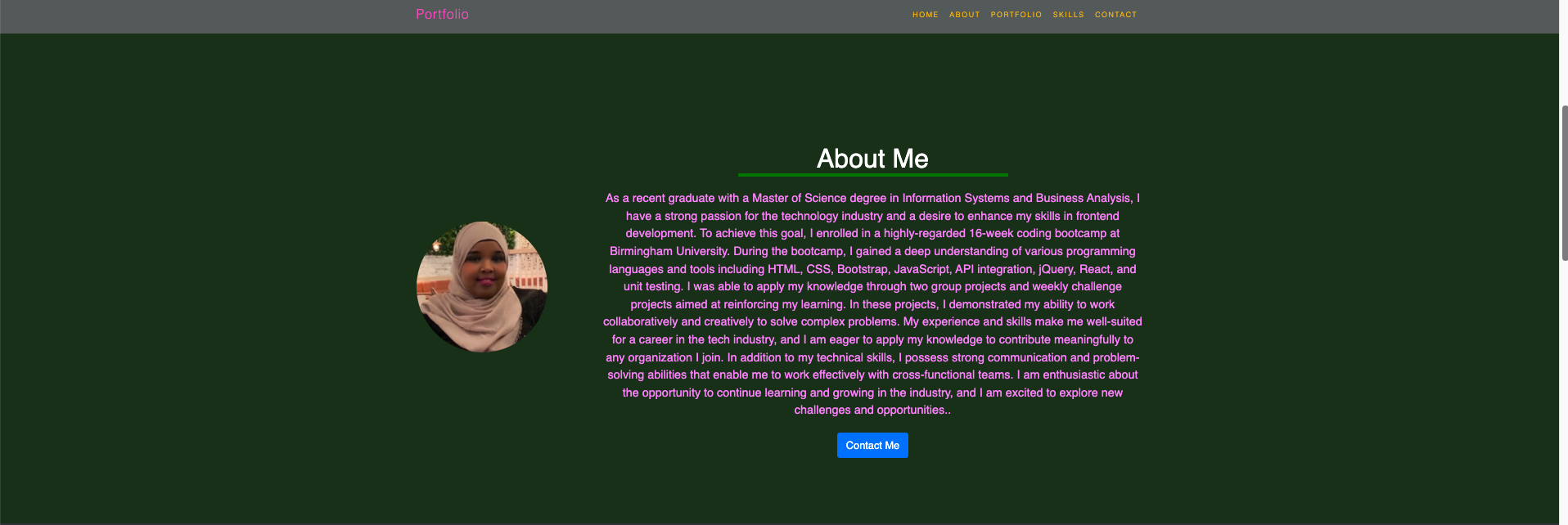
* About me Section: A visually appealing section that features my picture, name, and key skills.
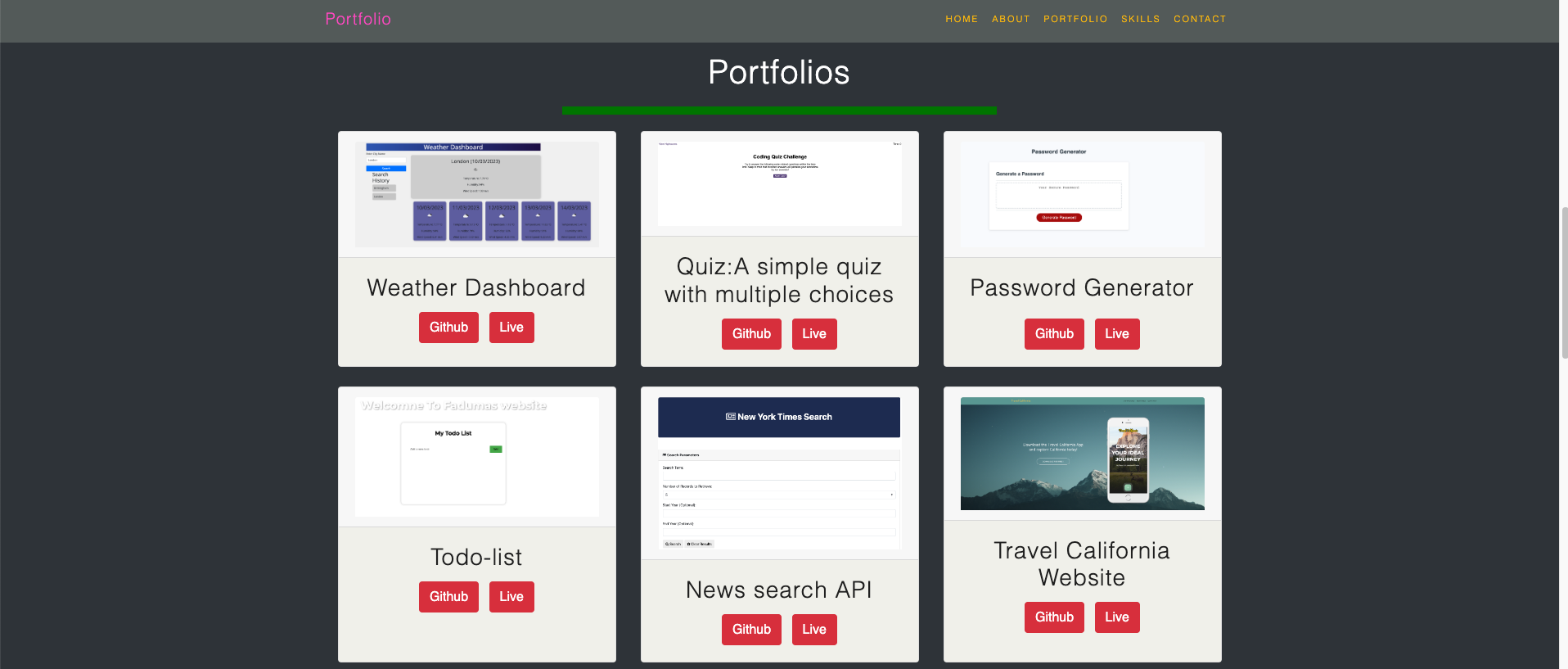
* Portfolio/Work Section: A grid-based section that showcases my work using Bootstrap cards. Each card includes a brief overview of the project and a link to my class project work.
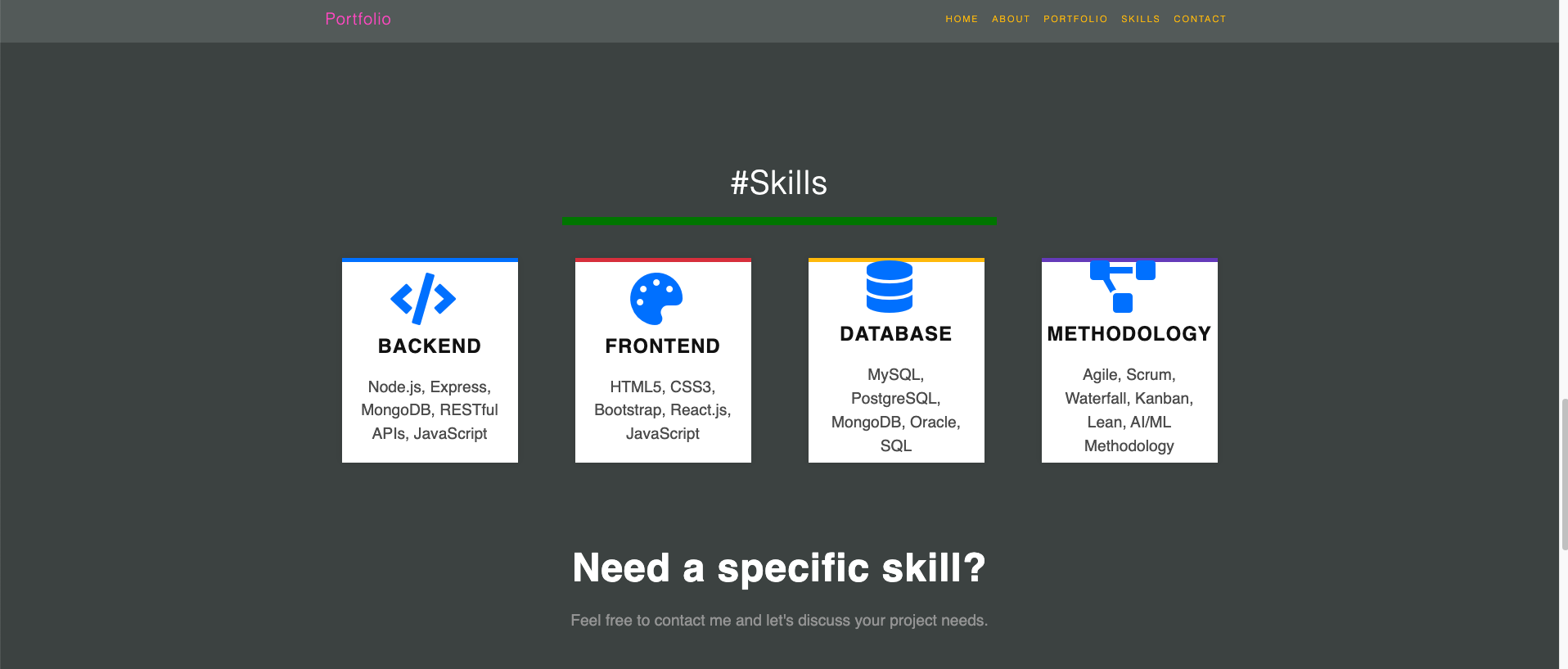
* Skills Section: A list of the skills that I have learned and expect to learn during the bootcamp.
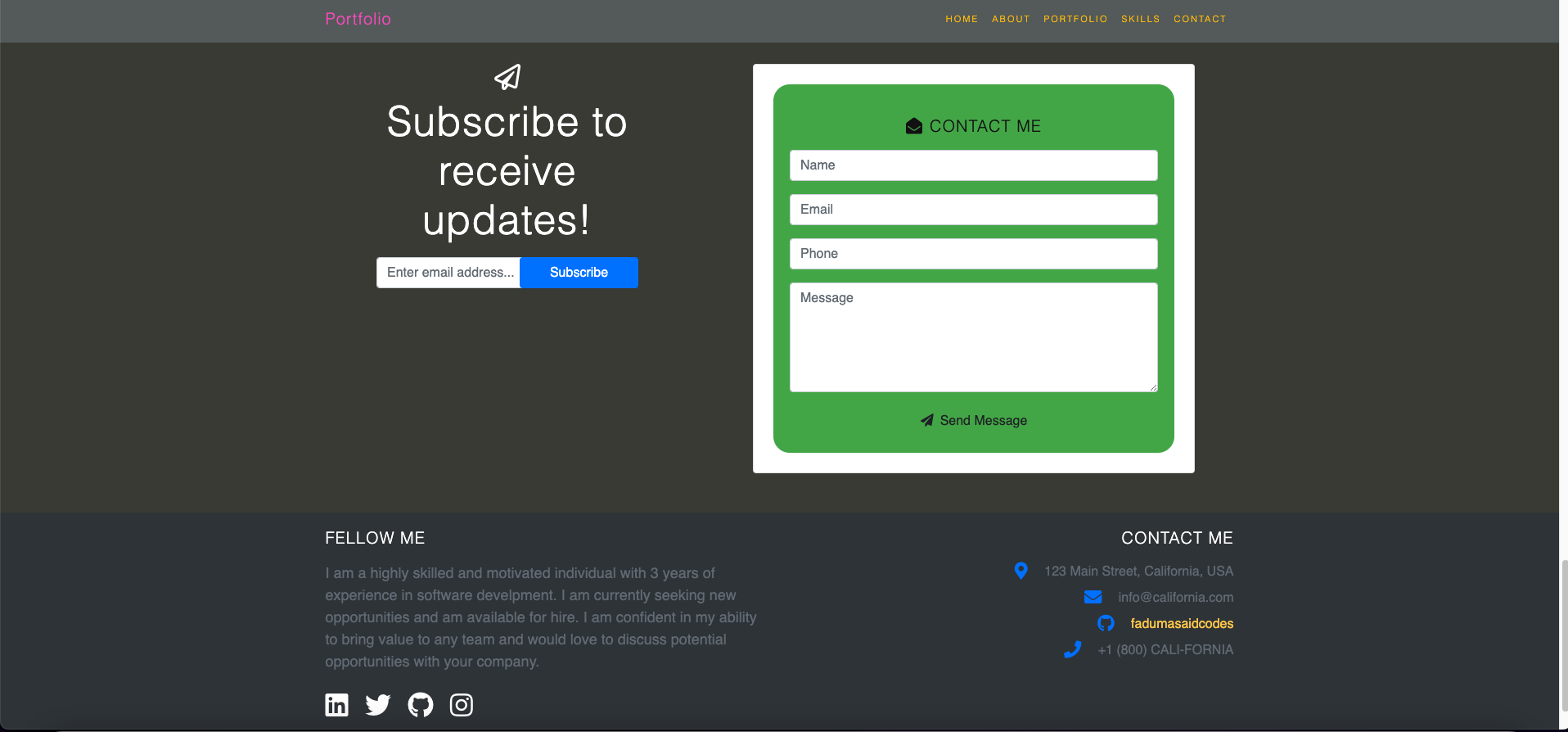
* About/Contact Section: An About Me section that provides more information about my professional experience and a contact form for users to get in touch.
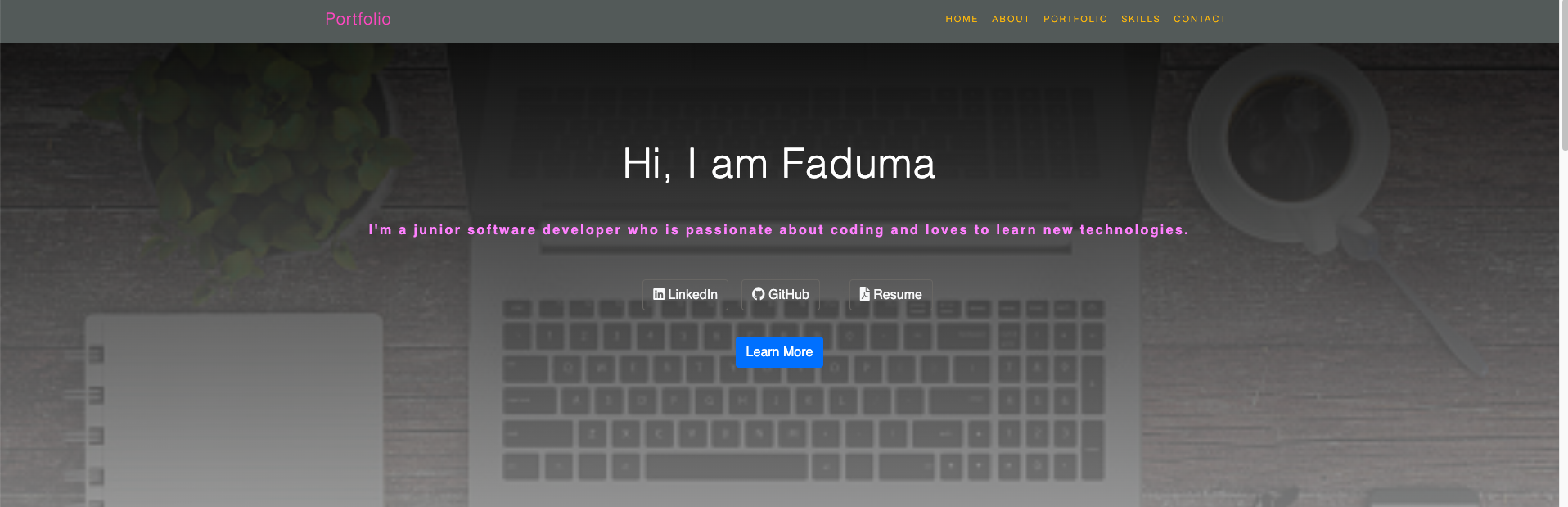
* Footer Section: A section that includes hyperlinks and buttons with hover effects.
## User Stories
```
As a user, I want to:
* Easily navigate the site and find the information I need.
* See a clear overview of the Web developer's skills and experience.
* View samples of the Web developer previous work.
* Easily contact the Web developer for more information.
```
## Scope
The scope of this project was to create a portfolio website that is both visually appealing and user-friendly. The site should be responsive and provide a seamless experience across all devices.
## Phases
The project was completed in several phases, including:
* Research: Conducting research on existing portfolios and analyzing user feedback.
* Design: Creating wireframes and mockups to visualize the layout and design of the site.
* Development: Building the site using the Bootstrap framework and optimizing for responsiveness.
* Testing: Conducting user testing to identify and fix any usability issues.
* Deployment: Deploying the site to GitHub Pages.
## Structure
The site has a clear and intuitive structure that is easy to navigate. The navigation bar is located at the top of the page and includes links to the different sections of the site. The sections are organized in a logical order, starting with the hero section and ending with the footer section.
## Screenshots
## Skeleton
The site was designed using wireframes and mockups to ensure that the layout and design were visually appealing and easy to use. The wireframes were created using Balsamiq, while the mockups were created using Adobe XD.
## User Design
The site was designed with the user in mind, ensuring that it is easy to use and provides a seamless experience across all devices. The site is fully responsive and optimized for mobile, tablet, and desktop devices.
## Usage
To use this repository, simply clone the repository to your local machine and open the index.html file in your web browser.
## Deployment
This portfolio website is deployed to GitHub Pages. To deploy your own Bootstrap-powered portfolio to GitHub Pages, follow these steps:
1. Create a new GitHub repository and name it Bootstrap-Portfolio.
2. Clone this repository to your computer.
3. Inside your Bootstrap-Portfolio repo, create the folder structure for the webpage.
4. Create a folder structure.
5. Create an index.html.
6. Create a css folder.
7. Inside create a style.css file.
8. Create an images folder.
9. Place all your images in this folder.
10. Using Bootstrap, recreate your portfolio site with the following items:
Your Bootstrap-powered portfolio should now be live on GitHub Pages!
## Credits
This repository was created by Faduma Ibrahim. The Bootstrap framework was created by Twitter.
## License
This project is licensed under the MIT license. See the [LICENSE](LICENSE) file for more details.