https://github.com/farseerdev/sheet-happens
Beautiful and fast spreadsheet component for React
https://github.com/farseerdev/sheet-happens
javascript react spreadsheet typescript
Last synced: over 1 year ago
JSON representation
Beautiful and fast spreadsheet component for React
- Host: GitHub
- URL: https://github.com/farseerdev/sheet-happens
- Owner: farseerdev
- Created: 2021-02-18T13:43:25.000Z (over 5 years ago)
- Default Branch: main
- Last Pushed: 2025-03-05T10:39:27.000Z (over 1 year ago)
- Last Synced: 2025-03-29T11:04:06.131Z (over 1 year ago)
- Topics: javascript, react, spreadsheet, typescript
- Language: TypeScript
- Homepage: https://farseerdev.github.io/sheet-happens/
- Size: 6.28 MB
- Stars: 68
- Watchers: 5
- Forks: 6
- Open Issues: 6
-
Metadata Files:
- Readme: README.md
Awesome Lists containing this project
README
# sheet-happens
> React Spreadsheet
[](https://www.npmjs.com/package/sheet-happens) [](https://standardjs.com)

## About
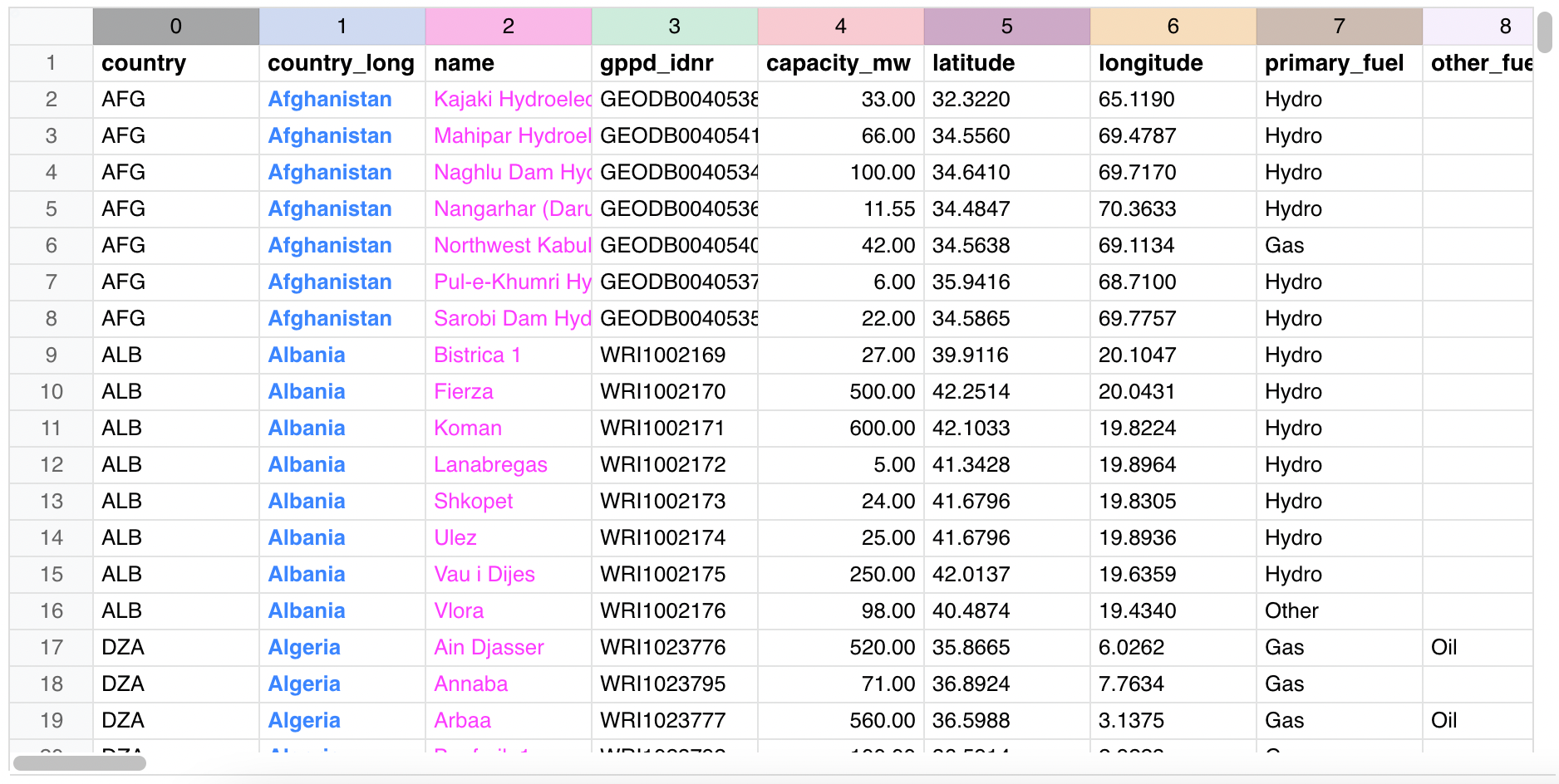
Canvas-based spreadsheet component for React.
Super fast and responsive regardless of the dataset size because it draws only the data user currently sees.
## Install
```bash
npm install --save sheet-happens
```
## Usage
To use our Sheet in your project, just import the component and its style and render it:
```jsx
import React, { Component } from 'react'
import Sheet from 'sheet-happens'
import 'sheet-happens/dist/index.css'
class Example extends Component {
render() {
return
}
}
```
Of course, you can also display some data in it:
```jsx
const [data, setData] = useState([[1,2,3], [10,20,30]]);
const displayData = (x, y) => {
return data?.[y]?.[x]?.toFixed?.(2);
};
return (
);
```
Go to our [example page](https://farseerdev.github.io/sheet-happens/) to learn more about [features](https://farseerdev.github.io/sheet-happens#features) it has and checkout [documentation](https://farseerdev.github.io/sheet-happens#documentation) for detailed list of props you can send to this component.
Along with descriptions, page also contains multiple Sheet components you can use to try out is it a good match for your needs. Edit some values, paste some data, drag columns and rows for resize, and so on.
## License
MIT © [Luka-M](https://github.com/Luka-M)