https://github.com/faustienf/request-stripe
🌈 A progress bar of your request
https://github.com/faustienf/request-stripe
loading loading-indicator progress progress-bar request-loading request-process stripe typescript vanilla-javascript youtube-like-loading-bar
Last synced: 11 months ago
JSON representation
🌈 A progress bar of your request
- Host: GitHub
- URL: https://github.com/faustienf/request-stripe
- Owner: faustienf
- License: mit
- Created: 2022-07-29T11:56:56.000Z (almost 4 years ago)
- Default Branch: main
- Last Pushed: 2022-08-06T21:53:53.000Z (almost 4 years ago)
- Last Synced: 2024-10-12T04:56:52.218Z (over 1 year ago)
- Topics: loading, loading-indicator, progress, progress-bar, request-loading, request-process, stripe, typescript, vanilla-javascript, youtube-like-loading-bar
- Language: TypeScript
- Homepage: https://request-stripe.vercel.app
- Size: 684 KB
- Stars: 3
- Watchers: 1
- Forks: 0
- Open Issues: 0
-
Metadata Files:
- Readme: README.md
- License: LICENSE
Awesome Lists containing this project
README
[](https://npmjs.org/package/request-stripe)
# request-stripe
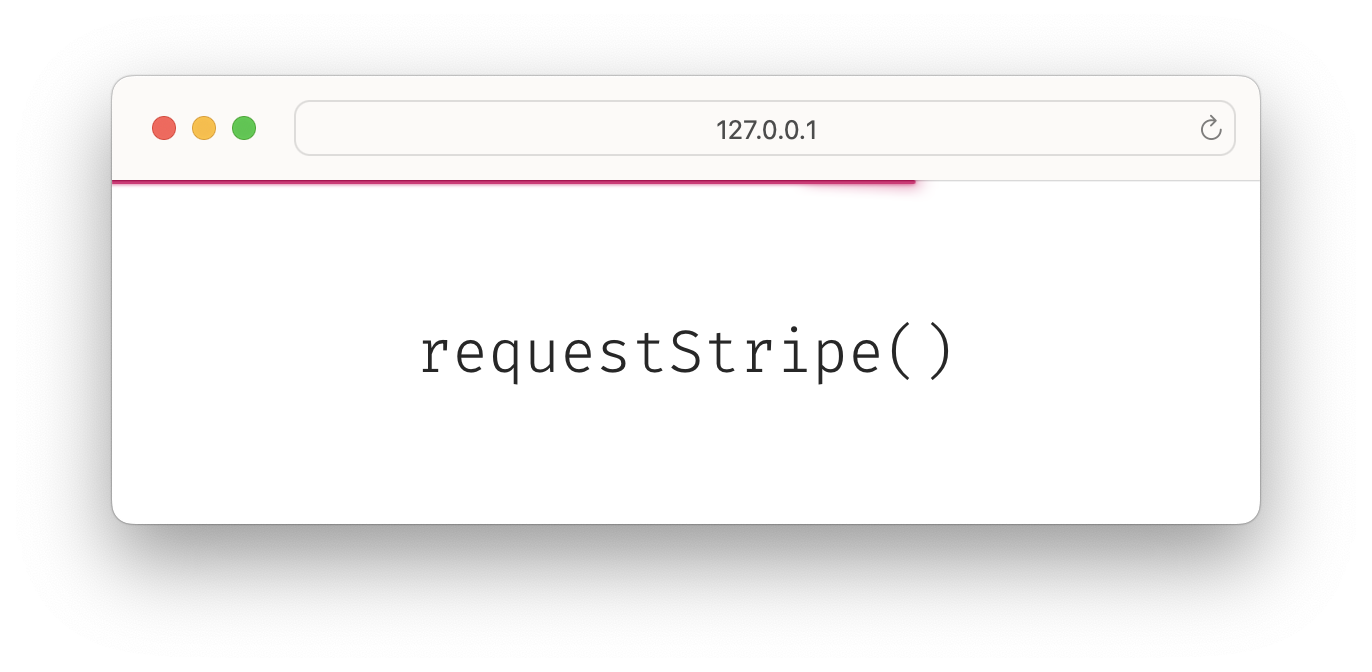
🌈 The tiny library for rendering a progress bar on top your screen.
## Features
- 📦 Zero dependencies
- 🕯 Framework agnostic, using vanila API
- 🗜 Less [3 KB](https://bundlephobia.com/package/request-stripe)
- 🔨 Tiny API
- ⚙️ Customize render and styles
- 🧲 Autocombine requests
## Getting Started
```sh
npm install request-stripe
```
```js
import { requestStripe } from 'request-stripe';
fetch().finally(requestStripe());
// or
const done = requestStripe();
fetch().finally(() => {
done();
});
```
## Customization
### Styles via `.request-stripe-custom`
```css
.request-stripe-custom {
color: #e11d48;
animation-name: custom-process, custom-finish;
animation-...
}
.request-stripe-custom[data-state='process'] {
animation-play-state: running, paused;
}
.request-stripe-custom[data-state='finish'] {
animation-play-state: paused, running;
}
@keyframes custom-process {
...
}
@keyframes custom-finish {
...
}
```
### Render
```ts
import { Render, requestStripe } from 'request-stripe';
// Write a render function
const customRender: Render = () => {
const customElement = document.createElement('div');
document.body.appendChild(customElement);
return () => {
document.body.removeChild(stripeElement);
};
};
// Pass the function
const done = requestStripe(customRender);
fetch().finally(done);
```