https://github.com/fawwaz37/todo-express-mongodb
Todo App With Login System, Built using MongoDB , Express.js , and Node.js
https://github.com/fawwaz37/todo-express-mongodb
crud-sample express express-handlebars expressjs login mongodb mongoose nodejs
Last synced: 11 months ago
JSON representation
Todo App With Login System, Built using MongoDB , Express.js , and Node.js
- Host: GitHub
- URL: https://github.com/fawwaz37/todo-express-mongodb
- Owner: fawwaz37
- Created: 2021-07-25T15:44:45.000Z (almost 5 years ago)
- Default Branch: main
- Last Pushed: 2021-08-05T14:49:03.000Z (almost 5 years ago)
- Last Synced: 2025-09-02T16:46:47.795Z (11 months ago)
- Topics: crud-sample, express, express-handlebars, expressjs, login, mongodb, mongoose, nodejs
- Language: JavaScript
- Homepage: https://zekais-todo.herokuapp.com/
- Size: 17.6 KB
- Stars: 9
- Watchers: 1
- Forks: 4
- Open Issues: 1
-
Metadata Files:
- Readme: README.md
Awesome Lists containing this project
README
# **ToDo List App**
Todo App With Login System, Built using MongoDB , Express.js , and Node.js
Demo App:
https://zekais-todo.herokuapp.com/
# Installation
## Cloning this repo
```cmd
> git clone https://github.com/fawwaz37/todo-express-mongodb.git
> cd todo-express-mongodb
```
## Editing the file
Edit the required value in folder `controllers` file `config.js`.
```js
module.exports = {
port: '3030', // http://localhost:3030
dbURI: 'mongodb+srv://xxx'
}
```
`port`: PORT localhost.
`dbURI`: your MongoDb URI.
## How to Get Mongodb URI
1. Sign In [Mongodb](https://www.mongodb.com/)
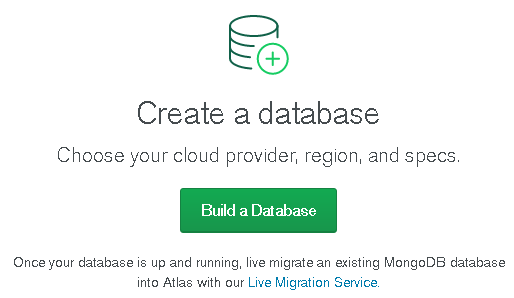
2. Create a Database.
3. Create Free Cluster.
4. Choose Cloud Provider & Region.
5. Select `Connect`.
6. Add a Connection IP Address.

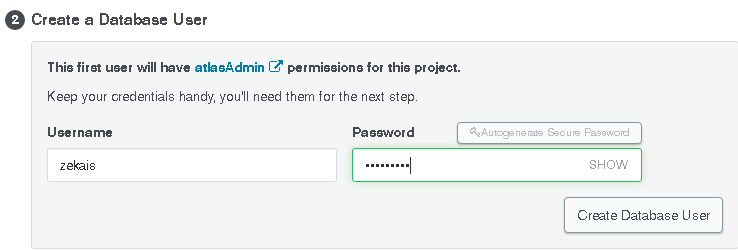
7. Create a Database User
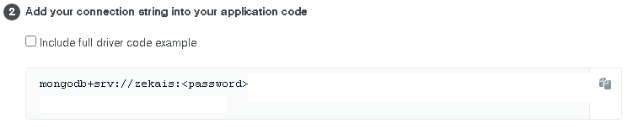
8. Choose Connect Your Application
9. Change `` with Your Password Database User `step 7`
## Installing the dependencies
```cmd
> npm install
```
## Running App
```cmd
> npm start
```
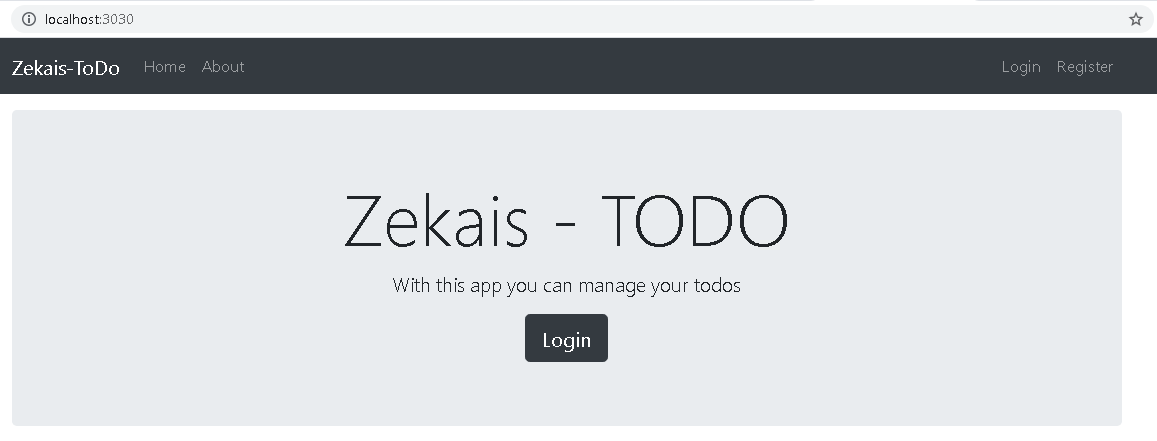
Then Browse http://localhost:3030 . You will see the Homepage.