https://github.com/fdb/frequensea
Visualizing the frequency spectrum.
https://github.com/fdb/frequensea
c fft hackrf lua rtl-sdr vr
Last synced: 6 months ago
JSON representation
Visualizing the frequency spectrum.
- Host: GitHub
- URL: https://github.com/fdb/frequensea
- Owner: fdb
- License: mit
- Created: 2014-12-15T14:54:48.000Z (over 11 years ago)
- Default Branch: master
- Last Pushed: 2025-03-24T09:40:35.000Z (over 1 year ago)
- Last Synced: 2025-03-29T06:42:38.481Z (over 1 year ago)
- Topics: c, fft, hackrf, lua, rtl-sdr, vr
- Language: C
- Size: 42.9 MB
- Stars: 170
- Watchers: 18
- Forks: 18
- Open Issues: 12
-
Metadata Files:
- Readme: README.md
- License: LICENSE
Awesome Lists containing this project
README
## Frequensea
Frequensea is an open-source toolkit for visualizing the electromagnetic spectrum.
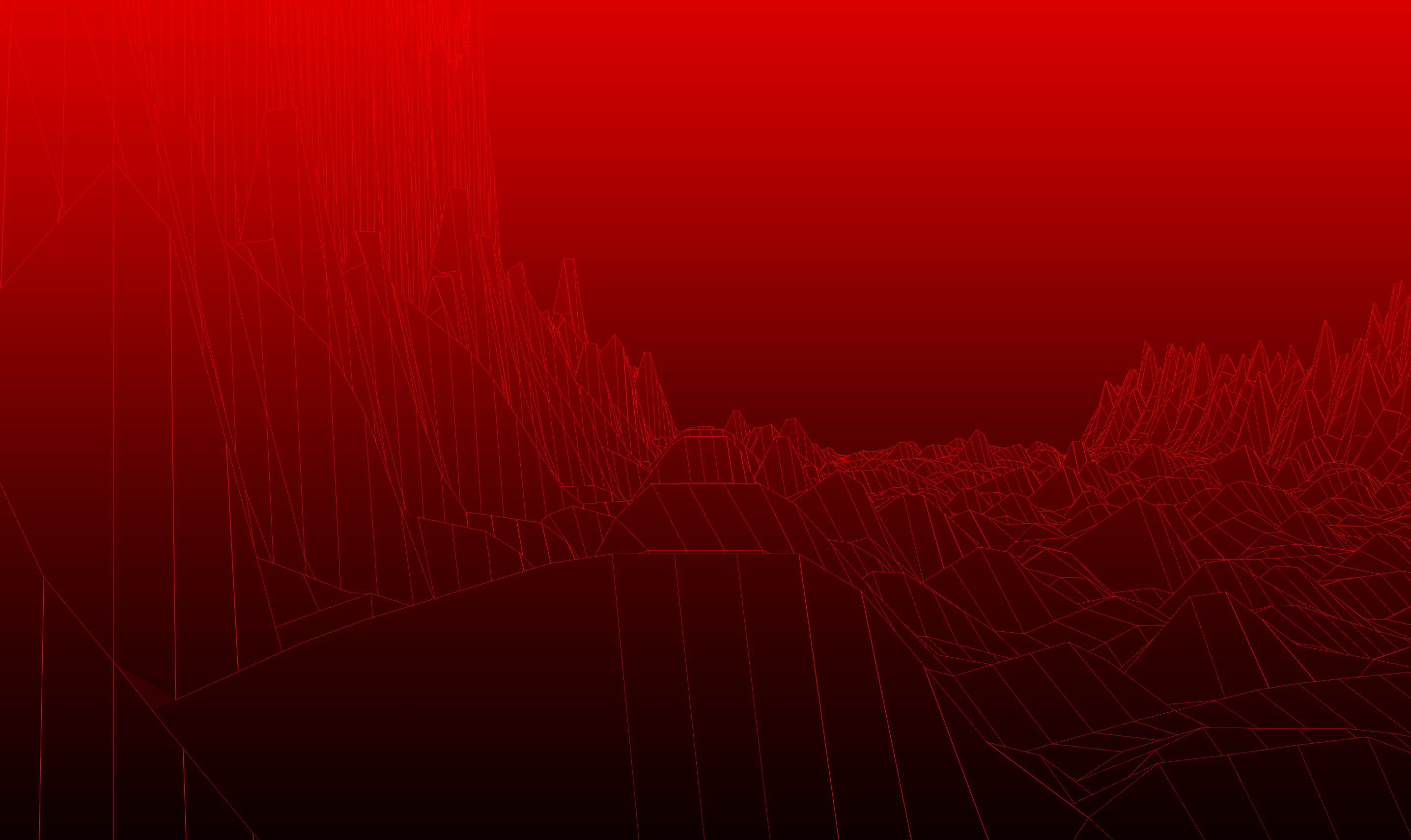
Watch the [Frequensea video introduction](https://youtu.be/u6H1DatxLAc).
## Features
- Fast core written in C, with Lua scripting on top.
- Support for RTL-SDR and HackRF devices.
- Support for Oculus Rift for viewing the spectrum in virtual reality.
- Support for OSC to communicate with other applications or devices.
- Basic building blocks for sampling, filtering and visualizing RF data.
## Installing dependencies (OS X)
brew update
brew install cmake glew fftw librtlsdr hackrf libpng libsndfile pkgconfig homebrew/versions/glfw3
## Installing dependencies (Ubuntu 14.04 LTS)
sudo apt-get install -y git cmake gcc g++ make libfftw3-dev libpng-dev libusb-1.0.0-dev pkg-config xorg-dev libglu1-mesa-dev libopenal-dev libglew-dev libhackrf-dev librtlsdr-dev pkg-config
# There is no GLFW3 package so install from source
wget https://github.com/glfw/glfw/releases/download/3.1.1/glfw-3.1.1.zip
unzip 3.1.1.zip
cd glfw-3.1.1
mkdir build
cd build
cmake ..
make
sudo make install
sudo ldconfig
## Installing dependencies (Raspberry Pi - Raspbian Jessie)
sudo apt-get install -y git cmake gcc g++ make libfftw3-dev libpng-dev libusb-1.0.0-dev pkg-config xorg-dev libglu1-mesa-dev libopenal-dev libglew-dev libhackrf-dev librtlsdr-dev libglfw3-dev
# Raspberry Pi doesn't support GLX, so until that's supported,
# we'll use the software rendering packages.
# Note that I found that installing mesa can *remove* libglfw3-dev,
# which we need, so if you get errors against that make sure
# it's installed.
sudo apt-get install -y libgl1-mesa-swx11 libglu1-mesa-dev libglew-dev
# Disable default kernel driver
sudo modprobe -r dvb_usb_rtl28xxu
Note that you might need to run as root to claim the graphics driver, especially if you don't use the default "pi" user.
## Building
mkdir build
cd build/
cmake ..
make
## Running
./frequensea ../lua/static.lua
With the Oculus:
./frequensea --vr ../lua/static.lua
Save the output to a PNG sequence:
./frequensea --capture ../lua/animate-camera.lua
## Build and Run
make && ./frequensea ../lua/static.lua
## Documentation
- API.md contains all available Frequensea calls.
- Examples are in the "lua" folder.