https://github.com/flexmonster/pivot-requirejs
RequireJS pivot grid example with Flexmonster
https://github.com/flexmonster/pivot-requirejs
javascript pivot-chart pivot-grid pivot-tables requirejs
Last synced: over 1 year ago
JSON representation
RequireJS pivot grid example with Flexmonster
- Host: GitHub
- URL: https://github.com/flexmonster/pivot-requirejs
- Owner: flexmonster
- Created: 2019-04-09T11:33:58.000Z (over 7 years ago)
- Default Branch: master
- Last Pushed: 2024-04-23T13:38:03.000Z (over 2 years ago)
- Last Synced: 2025-04-05T02:01:47.907Z (over 1 year ago)
- Topics: javascript, pivot-chart, pivot-grid, pivot-tables, requirejs
- Language: HTML
- Homepage: https://www.flexmonster.com
- Size: 25.4 KB
- Stars: 5
- Watchers: 2
- Forks: 1
- Open Issues: 0
-
Metadata Files:
- Readme: README.md
Awesome Lists containing this project
README
# RequireJS pivot table | Flexmonster Pivot Table & Charts sample project with RequireJS
[](https://www.flexmonster.com?r=sample_requirejs)
Website: [flexmonster.com](https://www.flexmonster.com?r=sample_requirejs)
[](https://github.com/flexmonster) [](https://twitter.com/Flexmonster)
## Flexmonster Pivot Table & Charts
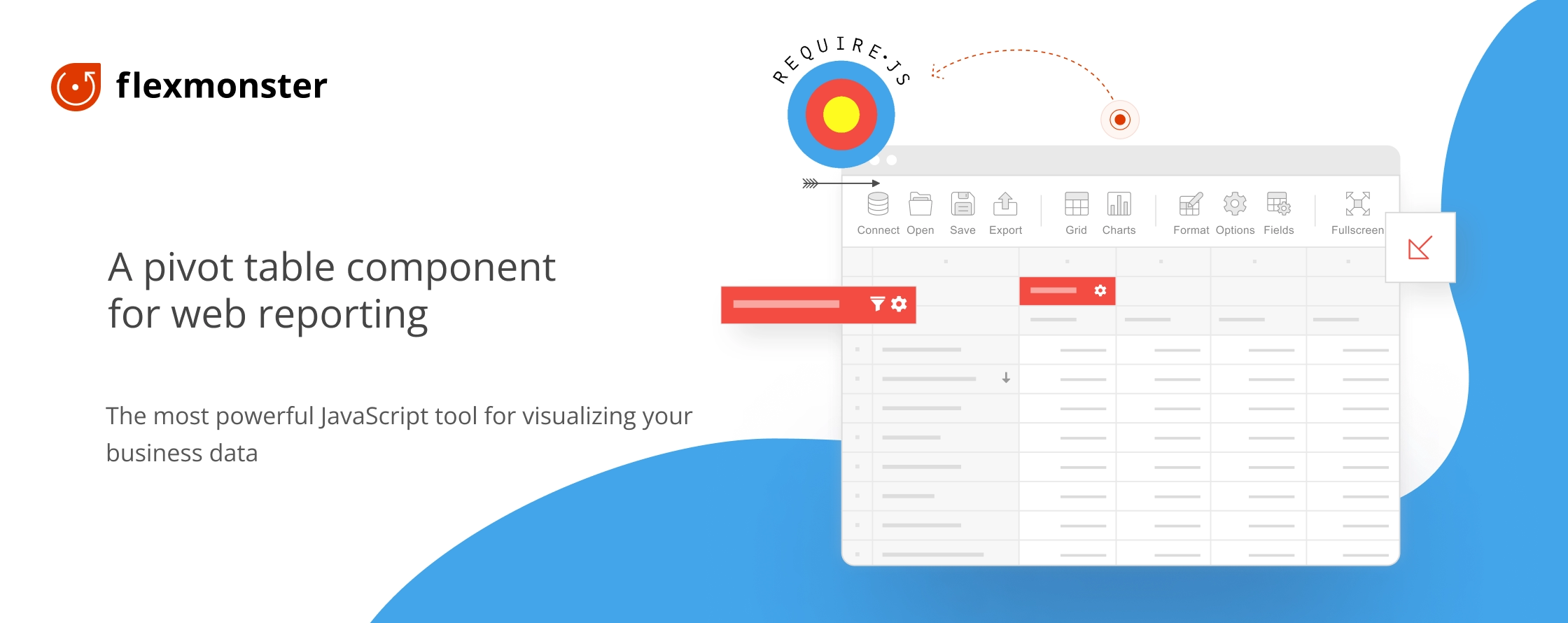
Flexmonster Pivot Table & Charts is a powerful and fully customizable JavaScript component for web reporting. It is packed with all core features for data analysis and can easily become a part of your RequireJS data visualization project. The tool supports popular frameworks like Angular, React, Vue, Blazor, and [more](https://www.flexmonster.com/doc/available-tutorials-integration?r=sample_requirejs). Also, Flexmonster connects to any data source, including SQL and NoSQL databases, JSON and CSV files, OLAP cubes, and Elasticsearch.
This repository contains a sample [RequireJS](https://requirejs.org/) project for Flexmonster Pivot Table & Charts.
Table of contents:
* [Prerequisites](#prerequisites)
* [Installation](#installation)
* [Related Flexmonster docs](#related-flexmonster-docs)
* [Support and feedback](#support-and-feedback)
* [Flexmonster licensing](#flexmonster-licensing)
* [Social media](#social-media)
## Prerequisites
- [Node.js](https://nodejs.org/en/)
## Installation
1. Download a `.zip` archive with the sample project or clone it from GitHub with the following command:
```bash
git clone https://github.com/flexmonster/pivot-requirejs.git && cd pivot-requirejs
```
2. Install the npm dependencies described in `package.json`:
```bash
npm install
```
3. Open the `index.html` file in the browser to see the result.
## Related Flexmonster docs
- [Integration with RequireJS](https://www.flexmonster.com/doc/integration-with-requirejs?sample_requirejs) — learn how to integrate Flexmonster into a RequireJS project.
## Support and feedback
In case of any issues, visit our [troubleshooting section](https://www.flexmonster.com/doc/typical-errors?r=sample_requirejs). You can also search among the [resolved cases](https://www.flexmonster.com/technical-support?r=sample_requirejs) for a solution to your problem.
To share your feedback or ask questions, contact our Tech team by raising a ticket on [Flexmonster Help Center](https://www.flexmonster.com/help-center?r=sample_requirejs). You can also find a list of samples, technical specifications, and a user interface guide there.
## Flexmonster licensing
To learn about Flexmonster Pivot licenses, visit the [Flexmonster licensing page](https://www.flexmonster.com/pivot-table-editions-and-pricing?r=sample_requirejs).
If you want to test our product, we provide a 30-day free trial.
If you need any help with your license — fill out our [Contact form](https://www.flexmonster.com/contact-our-team?r=sample_requirejs), and we will get in touch with you.
## Social media
Follow us on social media and stay updated on our development process!
[](https://linkedin.com/company/flexmonster) [](https://youtube.com/user/FlexMonsterPivot) [](https://twitter.com/flexmonster)