https://github.com/flowpack/flowpack.structuredediting
Structured Inline Editing for Neos CMS
https://github.com/flowpack/flowpack.structuredediting
inline-editing neoscms
Last synced: over 1 year ago
JSON representation
Structured Inline Editing for Neos CMS
- Host: GitHub
- URL: https://github.com/flowpack/flowpack.structuredediting
- Owner: Flowpack
- License: gpl-3.0
- Created: 2018-04-12T23:39:23.000Z (over 8 years ago)
- Default Branch: master
- Last Pushed: 2022-12-06T15:24:34.000Z (over 3 years ago)
- Last Synced: 2025-04-13T07:41:18.832Z (over 1 year ago)
- Topics: inline-editing, neoscms
- Language: JavaScript
- Homepage:
- Size: 6.74 MB
- Stars: 25
- Watchers: 13
- Forks: 6
- Open Issues: 25
-
Metadata Files:
- Readme: README.md
- License: LICENSE
Awesome Lists containing this project
README
# Structured Inline Editing for Neos CMS
Allows to reuse inspector editors inline. Hint: put all content-related properties inline and leave only metadata properties in the inspector.
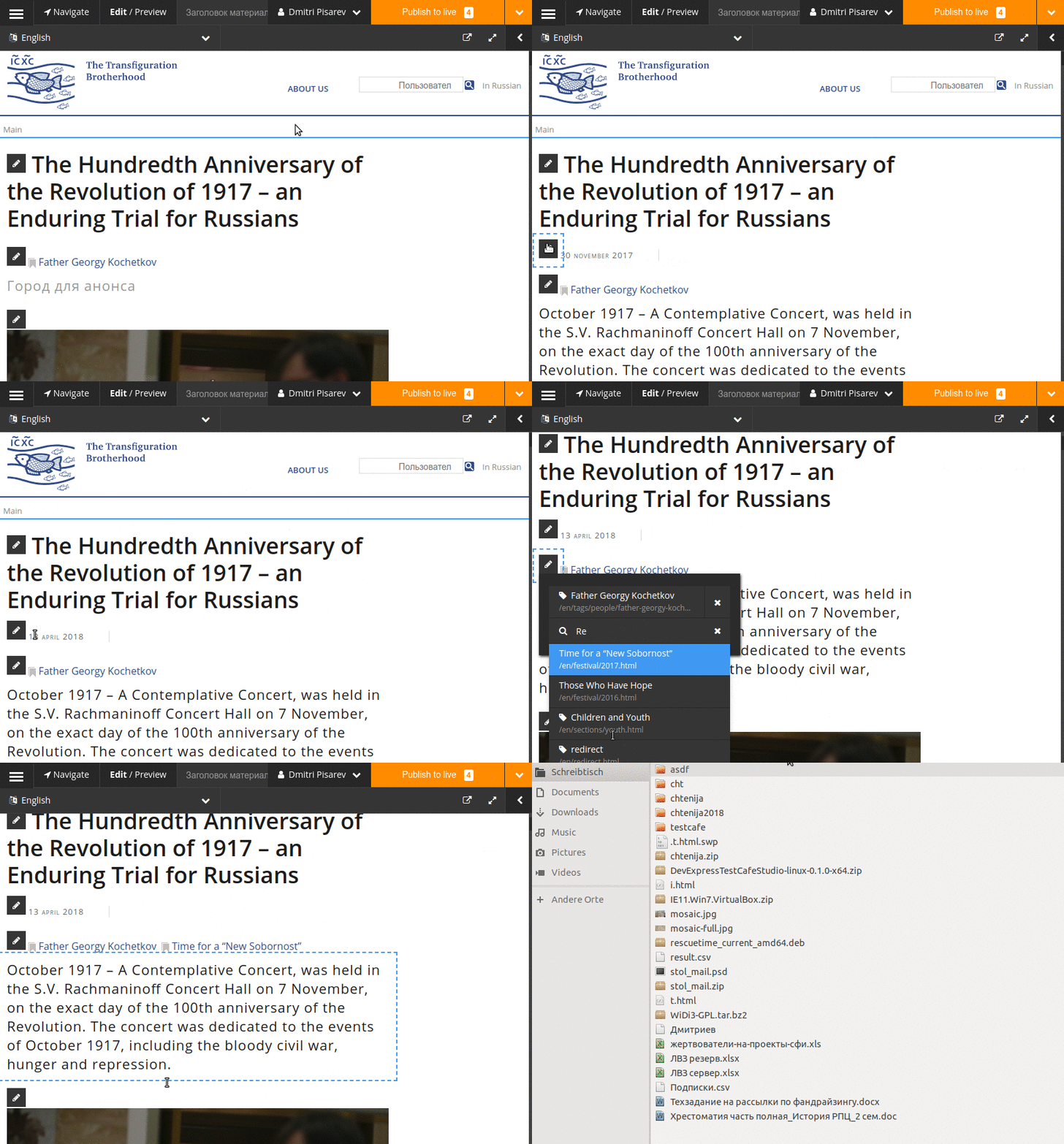
Getting started:
1. `composer require 'flowpack/structuredediting:@dev'`
2. Configure your nodetype properties to be inline editable like this:
```
'Some.Node:Type'
properties:
date:
type: DateTime
defaultValue: now
ui:
label: Date
reloadIfChanged: true
inline:
editor: 'Flowpack.StructuredEditing/EditorEnvelope'
editorOptions:
format: 'd-m-Y H:i'
editor: 'Neos.Neos/Inspector/Editors/DateTimeEditor'
```
3. Render an editable annotation for this field, using usual `ContentElementEditable` annotation, which will be turned into the pencil edit icon:
```
prototype(Some.Node:Type) < prototype(Neos.Fusion:Array) {
dateEditable = ContentElementEditable {
property = 'date'
}
date = ${Date.format(node.properties.date, 'd-m-Y')}
@process.contentElementWrapping = ContentElementWrapping
}
```
**The concept behind this package will be merged back into the core once it matures, for now let's try it out in practice!**