https://github.com/fluttercandies/stack_board
层叠控件摆放
https://github.com/fluttercandies/stack_board
Last synced: over 1 year ago
JSON representation
层叠控件摆放
- Host: GitHub
- URL: https://github.com/fluttercandies/stack_board
- Owner: fluttercandies
- License: mit
- Created: 2021-10-30T09:58:41.000Z (over 4 years ago)
- Default Branch: master
- Last Pushed: 2023-01-19T10:05:31.000Z (over 3 years ago)
- Last Synced: 2023-08-20T23:14:54.548Z (almost 3 years ago)
- Language: Dart
- Size: 5.99 MB
- Stars: 50
- Watchers: 3
- Forks: 13
- Open Issues: 4
-
Metadata Files:
- Readme: README.md
- Changelog: CHANGELOG.md
- License: LICENSE
Awesome Lists containing this project
README
# Stack Board
A Flutter package of custom stack board.
[](https://pub.dev/packages/stack_board)
[](https://github.com/fluttercandies/stack_board/stargazers)
[](https://github.com/fluttercandies/stack_board/network/members)
[](https://www.codefactor.io/repository/github/fluttercandies/stack_board)

Try it: [Demo](https://xsilencex.github.io/stack_board_demo/)
## 1.使用 StackBoardController
```dart
import 'package:stack_board/stack_board.dart';
StackBoard(
controller: _boardController,
///添加背景
background: const ColoredBox(color: Colors.grey),
),
```
### 添加自适应文本
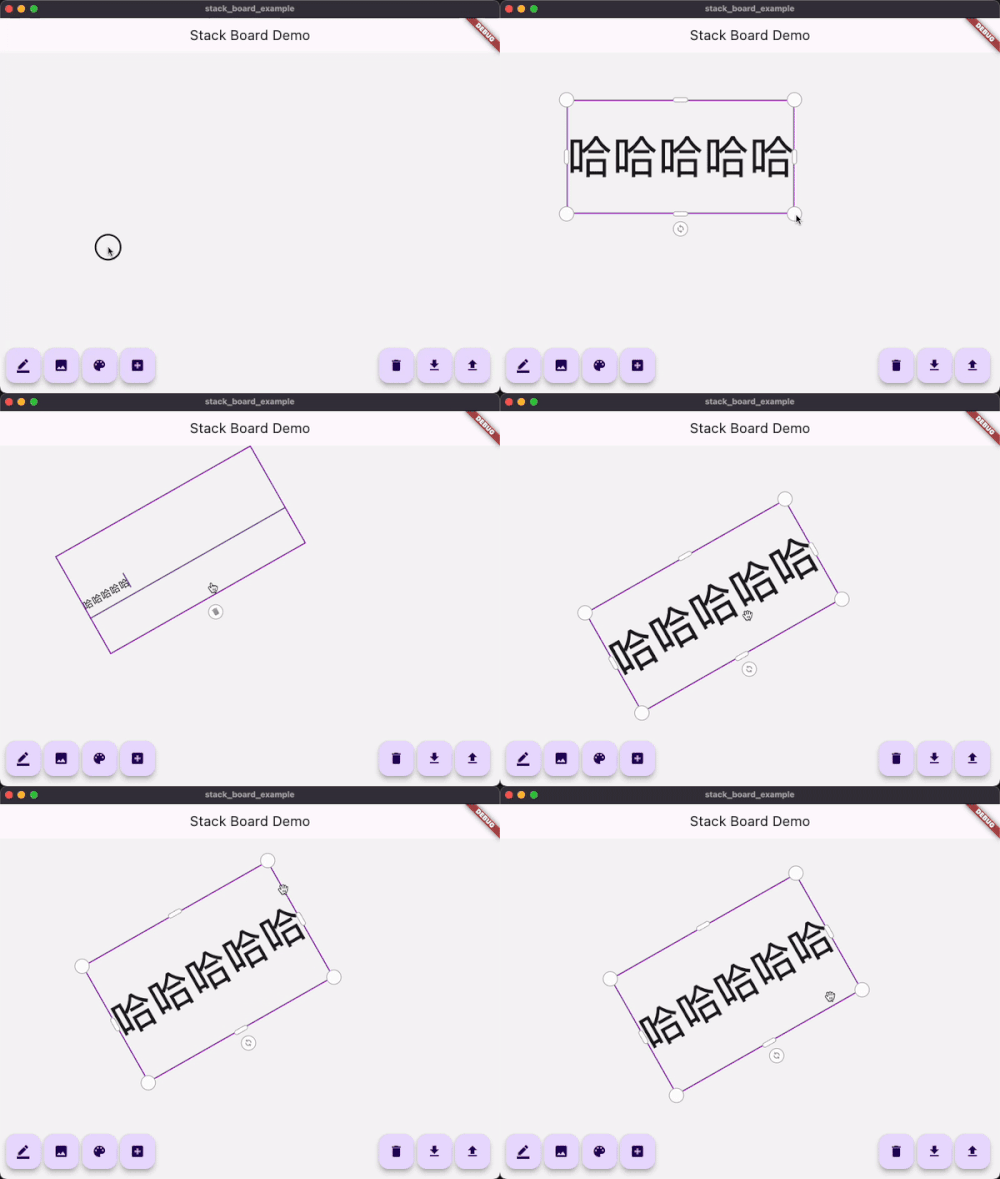
```dart
_boardController.add(
const AdaptiveText(
'Flutter Candies',
tapToEdit: true,
style: TextStyle(fontWeight: FontWeight.bold),
),
);
```
### 添加自适应图片
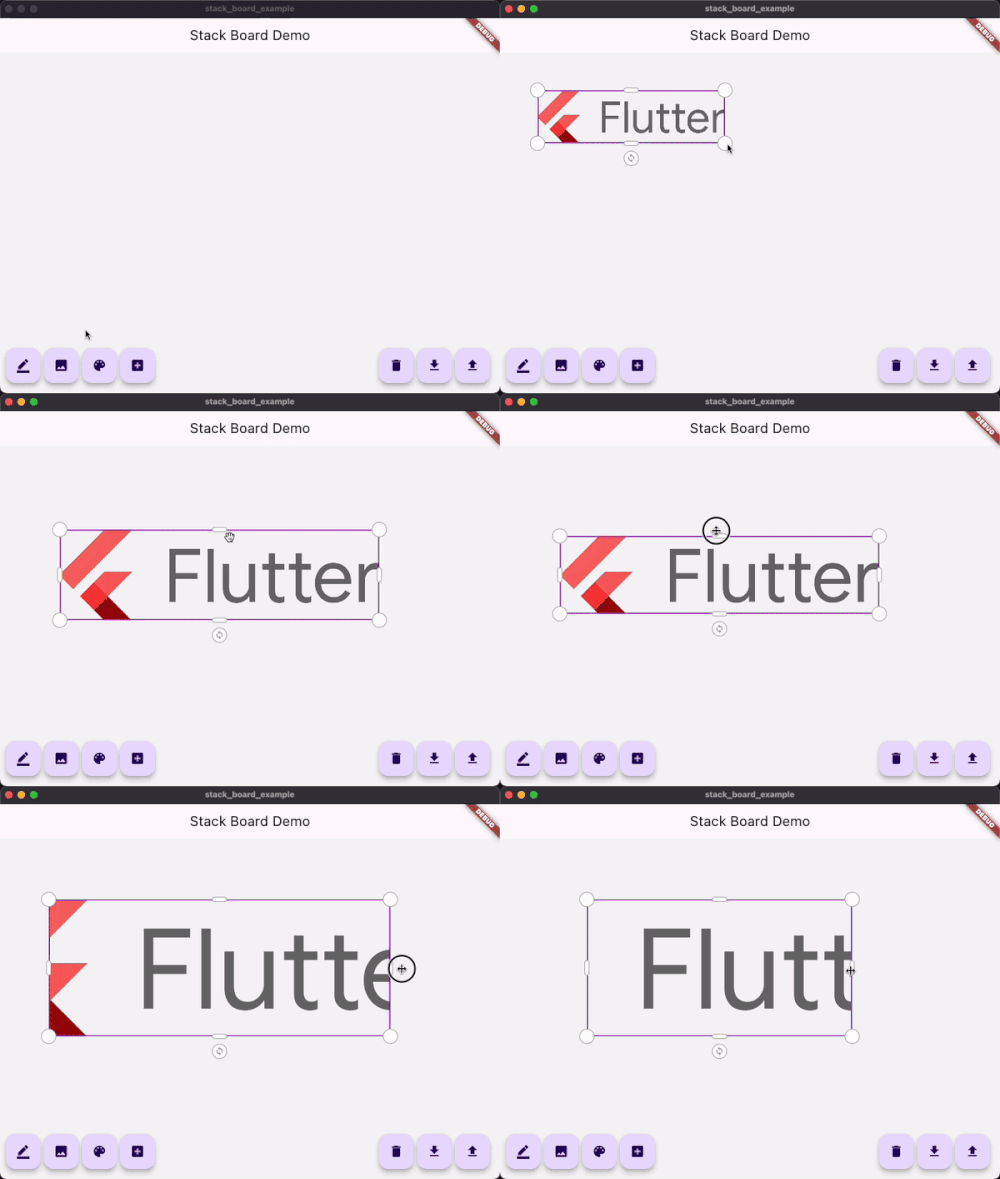
```dart
_boardController.add(
StackBoardItem(
child: Image.network('https://avatars.githubusercontent.com/u/47586449?s=200&v=4'),
),
);
```
### 添加画板
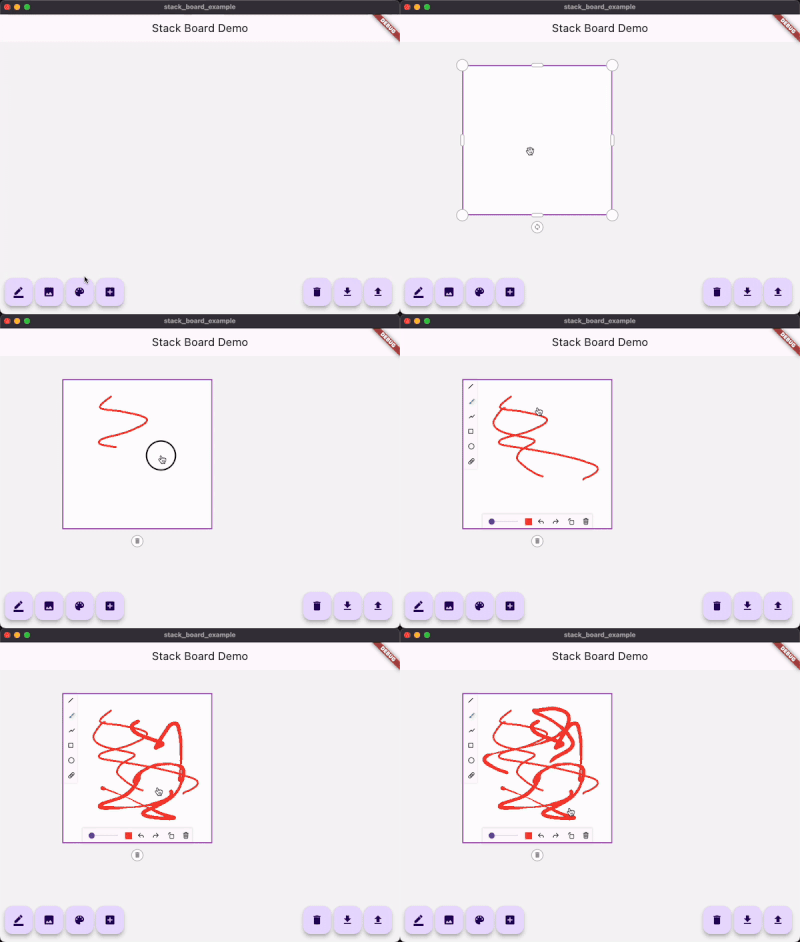
```dart
_boardController.add(
const StackDrawing(
caseStyle: CaseStyle(
borderColor: Colors.grey,
iconColor: Colors.white,
boxAspectRatio: 1,
),
),
);
```
### 添加自定义item
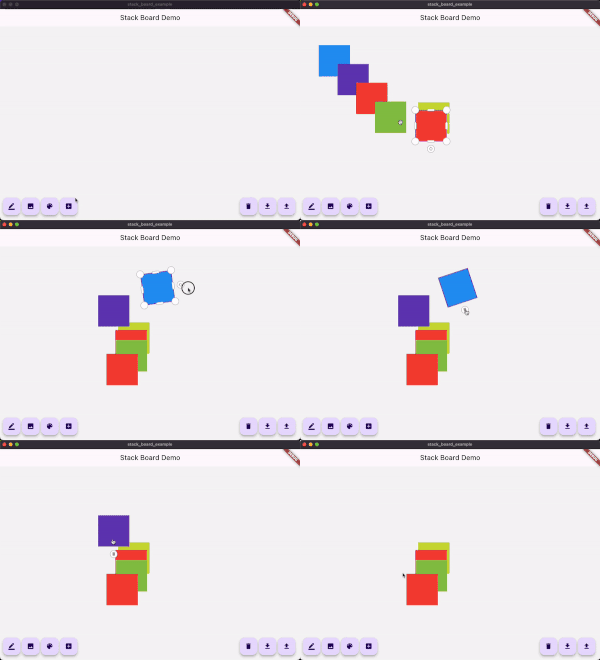
> 1.继承自 StackItemContent 和 StackItem
```dart
class ColorContent extends StackItemContent {
ColorContent({required this.color});
Color color;
@override
Map toJson() {
return {
'color': color.value,
};
}
}
class ColorStackItem extends StackItem {
ColorStackItem({
required Size size,
String? id,
Offset? offset,
double? angle,
StackItemStatus? status,
ColorContent? content,
}) : super(
id: id,
size: size,
offset: offset,
angle: angle,
status: status,
content: content,
);
@override
ColorStackItem copyWith({
Size? size,
Offset? offset,
double? angle,
StackItemStatus? status,
ColorContent? content,
}) {
return ColorStackItem(
id: id, // <= must !!
size: size ?? this.size,
offset: offset ?? this.offset,
angle: angle ?? this.angle,
status: status ?? this.status,
content: content ?? this.content,
);
}
}
```
> 2.使用controller添加
```dart
import 'dart:math' as math;
...
/// Add custom item
void _addCustomItem() {
final Color color = Colors.primaries[Random().nextInt(Colors.primaries.length)];
_boardController.addItem(
ColorStackItem(
size: const Size.square(100),
content: ColorContent(color: color),
),
);
}
```
> 3.使用customBuilder构建
```dart
StackBoard(
controller: _boardController,
/// 如果使用了继承于StackBoardItem的自定义item
/// 使用这个接口进行重构
customBuilder: (StackItem item) {
if (...) {
...
} else if (item is ColorStackItem) {
return Container(
width: item.size.width,
height: item.size.height,
color: item.content?.color,
);
}
...
},
)
```