https://github.com/fmaclen/vagrant-on-rails
A Vagrantfile + Provision script to install Rails 6 and common dependencies
https://github.com/fmaclen/vagrant-on-rails
provision-script rails vagrant
Last synced: about 2 months ago
JSON representation
A Vagrantfile + Provision script to install Rails 6 and common dependencies
- Host: GitHub
- URL: https://github.com/fmaclen/vagrant-on-rails
- Owner: fmaclen
- License: mit
- Created: 2019-11-11T00:16:59.000Z (over 6 years ago)
- Default Branch: master
- Last Pushed: 2021-03-13T15:13:07.000Z (over 5 years ago)
- Last Synced: 2025-03-27T14:50:07.795Z (about 1 year ago)
- Topics: provision-script, rails, vagrant
- Language: Shell
- Size: 14.6 KB
- Stars: 1
- Watchers: 2
- Forks: 0
- Open Issues: 0
-
Metadata Files:
- Readme: README.md
- License: LICENSE
Awesome Lists containing this project
README
# vagrant-on-rails
A Vagrantfile + Provision script to install Rails 6 and common dependencies.
# What's Included
- Ubuntu 20.04 (Focal)
- NodeJS 14.16.0
- Yarn 1.22.5
- rbenv 1.1.2
- Ruby 3.0.0
- Rails 6.1.3
- PostgreSQL 12.6
- Redis 6.0.6
# Creating Rails app
During provision, a PostgreSQL user `vagrant` with `superuser` role will be created for the databases: `vagrant_test` and `vagrant_development`.
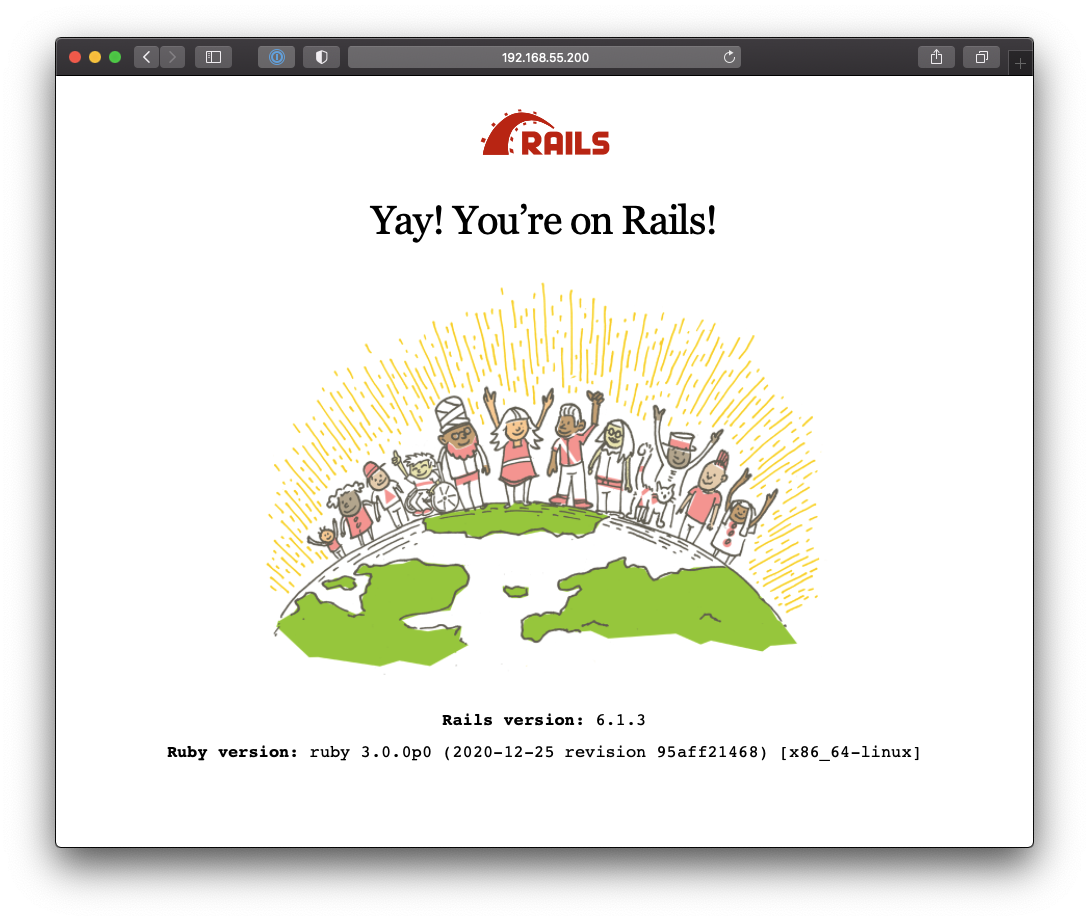
After provision is finished, enter the VM with `vagrant ssh`, it should automatically put you in the `/vagrant` directory. At this point simply run `rails new . --database=postgresql`.
To reach the Rails server from your host machine simply run `rails s -b 0.0.0.0` and point your browser to `http://192.168.55.200:3000`
# Things to consider
I put together the provision script based on a few others I found on GitHub and [elsewhere](https://gorails.com/setup/ubuntu/18.04).
Since I'm not super "fluent" in `bash` and `vagrant` I'm pretty sure this script can be optimized a significant amount, **if you feel like giving it a shot just do a pull request and I'll be happy to take a look at it.**
Needless to say, feel free to also remove things you don't want installed. I separated the provision script with comments so it shouldn't be hard to figure out.