https://github.com/fmstrat/agriget-docker
Docker container for Agriget, a Feedly styled RSS reader with TT-RSS functionality.
https://github.com/fmstrat/agriget-docker
Last synced: 4 months ago
JSON representation
Docker container for Agriget, a Feedly styled RSS reader with TT-RSS functionality.
- Host: GitHub
- URL: https://github.com/fmstrat/agriget-docker
- Owner: Fmstrat
- Created: 2019-03-22T13:33:16.000Z (about 7 years ago)
- Default Branch: master
- Last Pushed: 2019-03-22T13:57:32.000Z (about 7 years ago)
- Last Synced: 2025-02-27T20:00:17.184Z (over 1 year ago)
- Language: Dockerfile
- Size: 7.81 KB
- Stars: 3
- Watchers: 4
- Forks: 0
- Open Issues: 0
-
Metadata Files:
- Readme: README.md
Awesome Lists containing this project
README
Agriget for Docker
=======
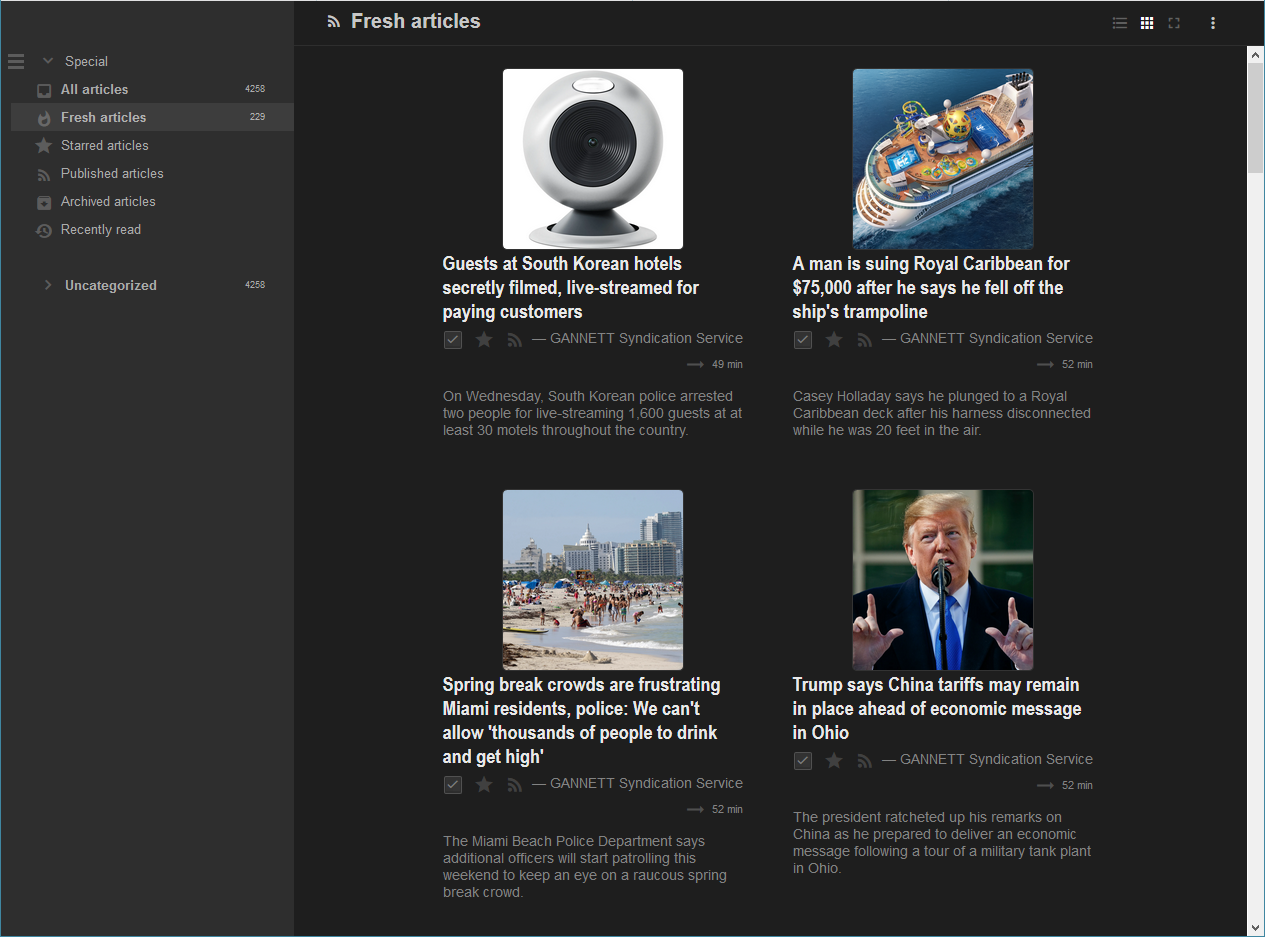
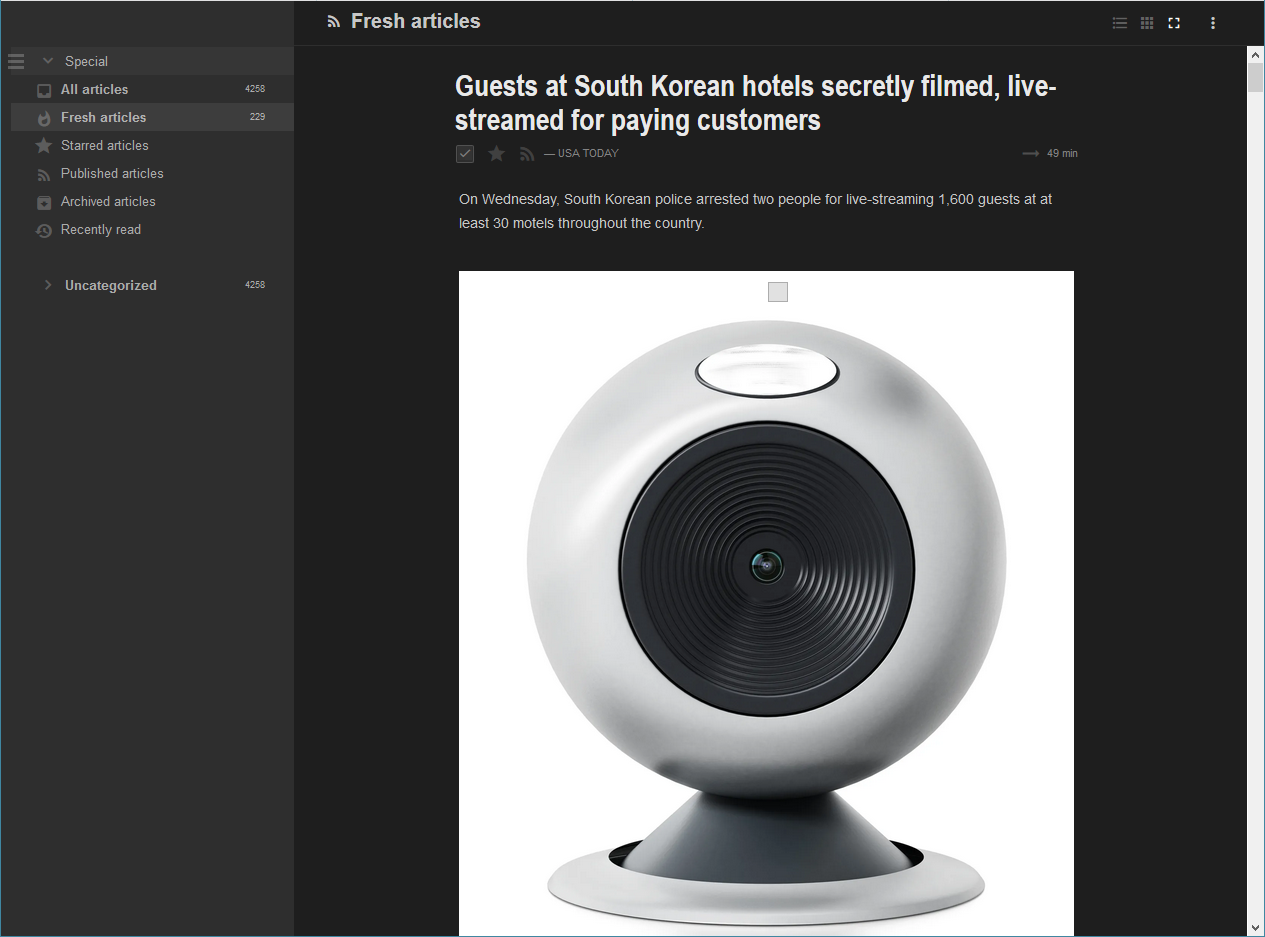
Agriget is a fork of Tiny Tiny RSS (TT-RSS) that focuses on a more modern "Feedly styled" UI while retaining all compatibility and updates with and from the TT-RSS backend and mobile applications. While the original features of Agriget were started as a PR to TT-RSS, due to development differences Agriget was instead created to foster an open environment for developers to contribute.
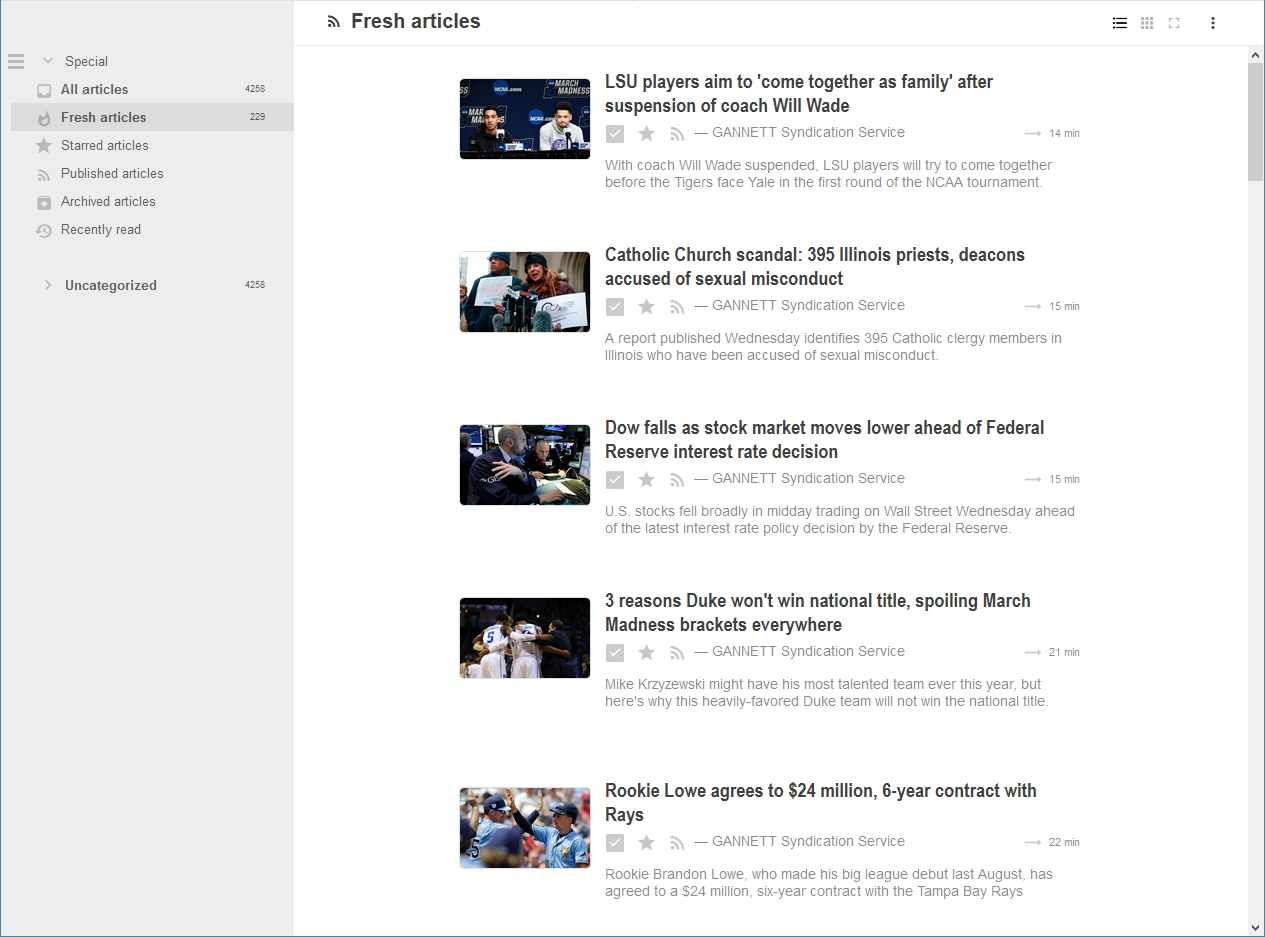
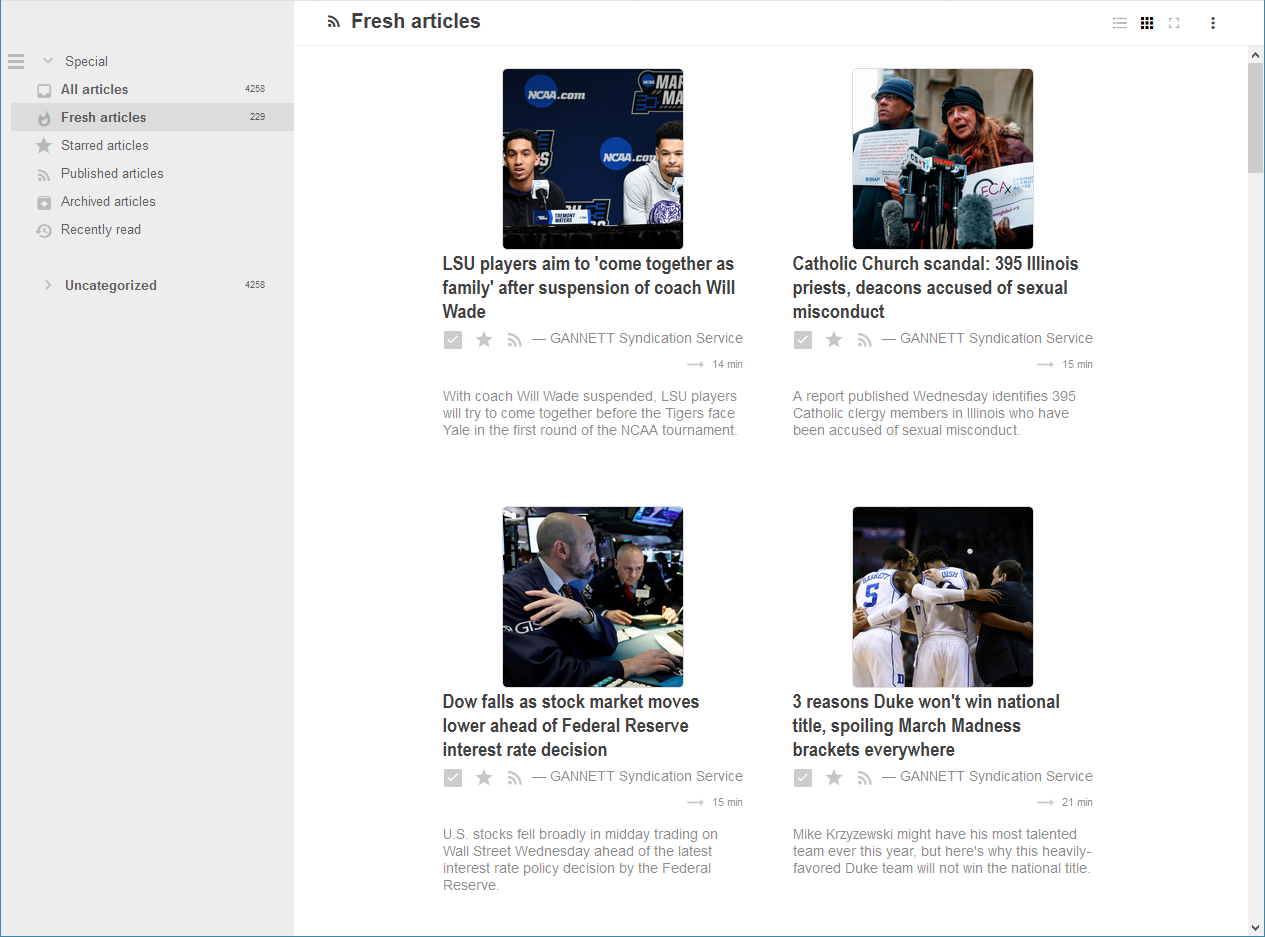
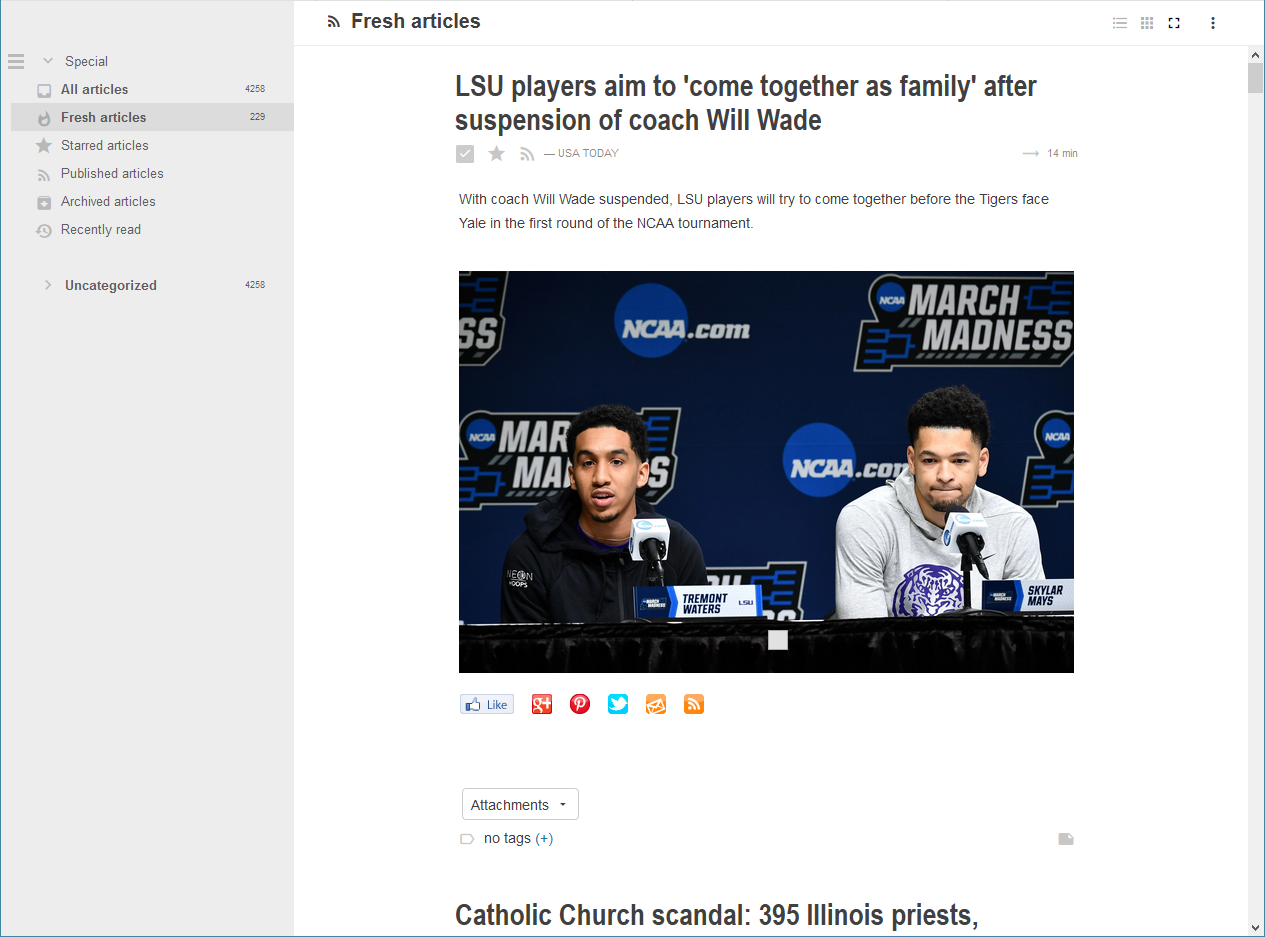
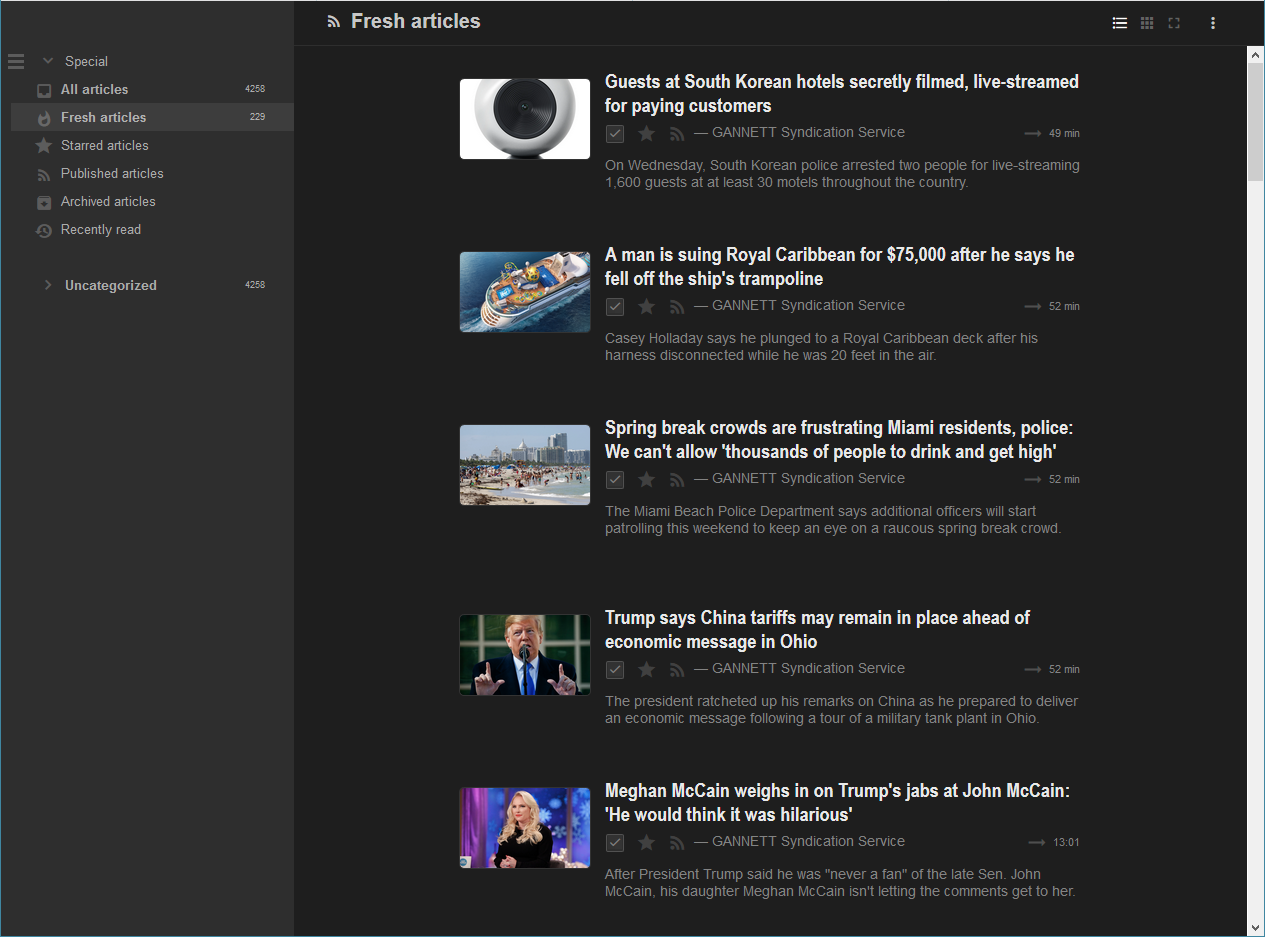
**Core differences from TT-RSS include:**
- UI enhancements to include visuals and make view changes and night mode more seamless
- Greater 12h time support in UI
- Consolidated data directory for easier deployment in container infrastructures such as Docker
**Todo:**
- Refactor full UI including settings screens in CSS Grid
- Remove requirement for popout top menu
- Cross platform mobile implementation leveraging new UI
Install
-------
The easiest installation method is to use the prebuilt Docker image located at: https://hub.docker.com/r/nowsci/agriget. The below will set up the containers required for Agriget. You should seperatly set up an nginx instance proxying to `agriget:80`, or you could open ports to the host.
In your `docker-compose.yml`:
```
version: '2.1'
services:
agriget-mariadb:
image: mariadb
container_name: agriget-mariadb
environment:
- MYSQL_ROOT_PASSWORD=agriget
- MYSQL_PASSWORD=agriget
- MYSQL_DATABASE=agriget
- MYSQL_USER=agriget
volumes:
- /etc/localtime:/etc/localtime:ro
- ./agriget/mariadb/data/:/var/lib/mysql
restart: always
agriget:
image: nowsci/agriget
container_name: agriget
volumes:
- /etc/localtime:/etc/localtime:ro
- ./agriget/apache/data:/data
depends_on:
- agriget-mariadb
restart: always
```
**If you do not wish to use Docker**, you can follow the standard TT-RSS instructions from https://git.tt-rss.org/fox/tt-rss/wiki/InstallationNotes while substituting the https://github.com/Fmstrat/agriget repo for Tiny Tiny RSS.
Migrating from TT-RSS
---------------------
Migration from TT-RSS is a fairly straight forward process unless you are running some really custom plugins.
- Copy your `config.php` file to Agriget's `/data` directory.
- Make the following changes to `config.php`:
- Add `define('DATA_DIR', 'data');`
- Change `define('LOCK_DIRECTORY', 'lock');` to `define('LOCK_DIRECTORY', 'data/lock');`
- Change `define('CACHE_DIR', 'cache');` to `define('CACHE_DIR', 'data/cache');`
- Change `define('ICONS_DIR', "feed-icons");` to `define('ICONS_DIR', "data/feed-icons");`
- Change `define('ICONS_URL', "feed-icons");` to `define('ICONS_URL', "data/feed-icons");`
- Ensure `define('PLUGINS', ...)` includes `toggle_sidebar, bookmarklets, close_button` as these are required by Agriget
Now Agriget will be pointed at your existing TT-RSS database and function as TT-RSS did before. Please be sure TT-RSS is not running before you start Agriget, and it is highly recommended you run a backup before beginning this process.
Plugins
-------
Looking to develop TT-RSS style plugins? See the [Hook Documentation](https://github.com/Fmstrat/agriget/blob/master/PLUGINHOOKS.md) for information on which hooks are available.
Disclaimer
----------
This program is distributed in the hope that it will be useful, but WITHOUT ANY WARRANTY; without even the implied warranty of MERCHANTABILITY or FITNESS FOR A PARTICULAR PURPOSE. See the GNU General Public License for more details.
You should have received a copy of the GNU General Public License along with this program. If not, see .
- Uses Silk icons by Mark James: http://www.famfamfam.com/lab/icons/silk/
- Originally forked from TT-RSS: http://tt-rss.org
- Base Feedly theme from: https://github.com/levito/tt-rss-feedly-theme