https://github.com/foliant-docs/foliantcontrib.mkdocs
MkDocs backend for Foliant
https://github.com/foliant-docs/foliantcontrib.mkdocs
Last synced: 5 months ago
JSON representation
MkDocs backend for Foliant
- Host: GitHub
- URL: https://github.com/foliant-docs/foliantcontrib.mkdocs
- Owner: foliant-docs
- License: mit
- Created: 2017-12-14T04:55:02.000Z (over 8 years ago)
- Default Branch: master
- Last Pushed: 2022-12-12T07:42:43.000Z (over 3 years ago)
- Last Synced: 2025-09-28T00:23:07.090Z (9 months ago)
- Language: Python
- Size: 372 KB
- Stars: 3
- Watchers: 3
- Forks: 3
- Open Issues: 0
-
Metadata Files:
- Readme: README.md
- Changelog: changelog.md
- License: LICENSE
Awesome Lists containing this project
README
[](https://pypi.org/project/foliantcontrib.mkdocs/) [](https://github.com/foliant-docs/foliantcontrib.mkdocs)
# MkDocs Backend for Foliant
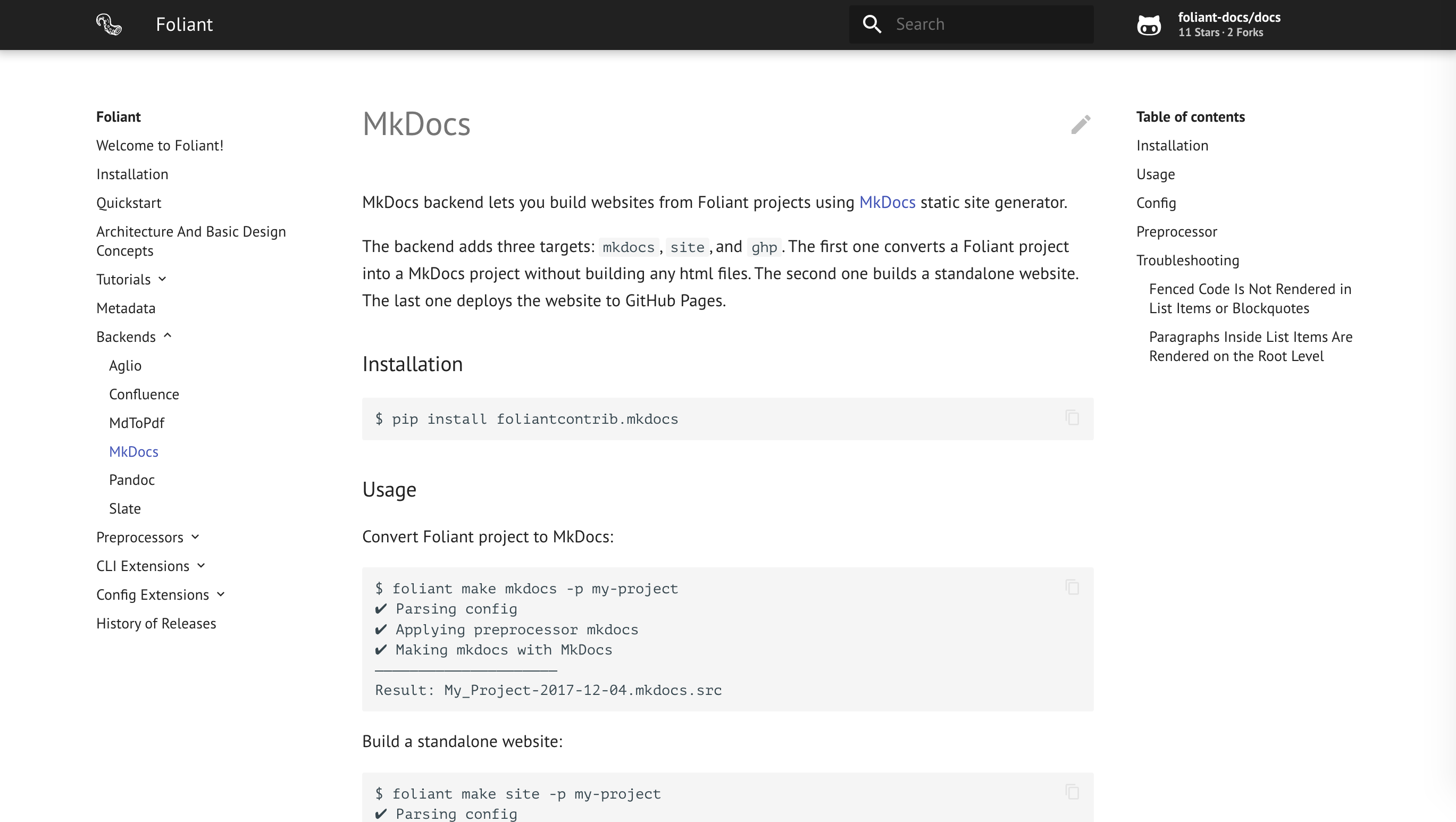
MkDocs backend lets you build websites from Foliant projects using [MkDocs](https://www.mkdocs.org/) static site generator.
The backend adds three targets: `mkdocs`, `site`, and `ghp`. The first one converts a Foliant project into a MkDocs project without building any html files. The second one builds a standalone website. The last one deploys the website to GitHub Pages.
## Installation
```bash
$ pip install foliantcontrib.mkdocs
```
## Usage
Convert Foliant project to MkDocs:
```bash
$ foliant make mkdocs -p my-project
✔ Parsing config
✔ Applying preprocessor mkdocs
✔ Making mkdocs with MkDocs
─────────────────────
Result: My_Project-2017-12-04.mkdocs.src
```
Build a standalone website:
```bash
$ foliant make site -p my-project
✔ Parsing config
✔ Applying preprocessor mkdocs
✔ Making site with MkDocs
─────────────────────
Result: My_Project-2017-12-04.mkdocs
```
Deploy to GitHub Pages:
```bash
$ foliant make ghp -p my-project
✔ Parsing config
✔ Applying preprocessor mkdocs
✔ Making ghp with MkDocs
─────────────────────
Result: https://account-name.github.io/my-project/
```
## Config
You don't have to put anything in the config to use MkDocs backend. If it's installed, Foliant detects it.
To customize the output, use options in `backend_config.mkdocs` section:
```yaml
backend_config:
mkdocs:
mkdocs_path: mkdocs
slug: my_awesome_project
use_title: true
use_chapters: true
use_headings: true
default_subsection_title: Expand
mkdocs.yml:
site_name: Custom Title
site_url: http://example.com
site_author: John Smith
```
`mkdocs_path`
: Path to the MkDocs executable. By default, `mkdocs` command is run, which implies it's somewhere in your `PATH`.
`slug`
: Result directory name without suffix (e.g. `.mkdocs`). Overrides top-level config option `slug`.
`use_title`
: If `true`, use `title` value from `foliant.yml` as `site_name` in `mkdocs.yml`. It this case, you don't have to specify `site_name` in `mkdocs.yml` section. If you do, the value from `mkdocs.yml` section has higher priority.
If `false`, you *must* specify `site_name` manually, otherwise MkDocs will not be able to build the site.
Default is `true`.
`use_chapters`
: Similar to `use_title`, but for `pages`. If `true`, `chapters` value from `foliant.yml` is used as `pages` in `mkdocs.yml`.
`use_headings`
: If `true`, the resulting data of `pages` section in `mkdocs.yml` will be updated with the content of top-level headings of source Markdown files.
`default_subsection_title`
: Default title of a subsection, i.e. a group of nested chapters, in case the title is specified as an empty string. If `default_subsection_title` is not set in the config, **…** will be used.
`mkdocs.yml`
: Params to be copied into `mkdocs.yml` file. The params are passed “as is,” so you should consult with the [MkDocs configuration docs](http://www.mkdocs.org/user-guide/configuration/).
## Preprocessor
MkDocs backend ships with a preprocessor that transforms a Foliant project into a MkDocs one. Basically, `foliant make mkdocs` just applies the preprocessor.
The preprocessor is invoked automatically when you run MkDocs backend, so you don't have to add it in `preprocessors` section manually.
However, it's just a regular preprocessor like any other, so you can call it manually if necessary:
```yaml
preprocessors:
- mkdocs:
mkdocs_project_dir_name: mkdocs
```
`mkdocs_project_dir_name`
: Name of the directory for the generated MkDocs project within the tmp directory.
## Troubleshooting
### Fenced Code Is Not Rendered in List Items or Blockquotes
MkDocs can't handle fenced code blocks in blockquotes or list items due to an [issue in Python Markdown](https://github.com/Python-Markdown/markdown/issues/53).
Unfortunately, nothing can be done about it, either on MkDocs's or Foliant's part. As a workaround, use [indented code blocks](https://daringfireball.net/projects/markdown/syntax#precode).
### Paragraphs Inside List Items Are Rendered on the Root Level
Check if you use **four-space indentation**. [Python Markdown is stern about this point](https://python-markdown.github.io/#differences).