https://github.com/for-community/weatherman
A small app for getting weather information around the world
https://github.com/for-community/weatherman
css css3 hacktoberfest hacktoberfest2020 html html5 javascript react
Last synced: 3 months ago
JSON representation
A small app for getting weather information around the world
- Host: GitHub
- URL: https://github.com/for-community/weatherman
- Owner: For-Community
- Created: 2020-06-19T19:59:04.000Z (almost 6 years ago)
- Default Branch: master
- Last Pushed: 2021-01-06T05:13:52.000Z (over 5 years ago)
- Last Synced: 2025-04-15T18:59:09.848Z (about 1 year ago)
- Topics: css, css3, hacktoberfest, hacktoberfest2020, html, html5, javascript, react
- Language: JavaScript
- Homepage: https://weatherman.stephinreji.me/
- Size: 615 KB
- Stars: 2
- Watchers: 1
- Forks: 3
- Open Issues: 1
-
Metadata Files:
- Readme: README.md
Awesome Lists containing this project
README
[](https://github.com/stephin007/WeatherMan/issues)
[](https://github.com/stephin007/WeatherMan/network)
[](https://github.com/stephin007/WeatherMan/stargazers)
[](https://github.com/stephin007/WeatherMan)
# Weather Man
> It uses openweather map api to fetch weather
## Installation
1. > Clone or [download](https://github.com/stephin007/WeatherMan/archive/master.zip) the zip file of the Repo

---
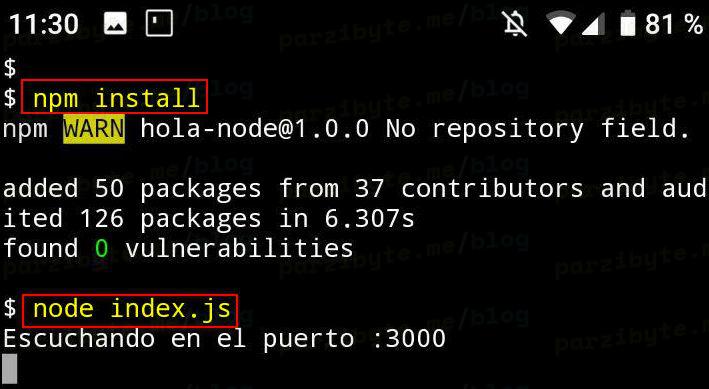
3. Enter `npm i` in the terminal
## Usage
> Open the terminal cd into the right directory
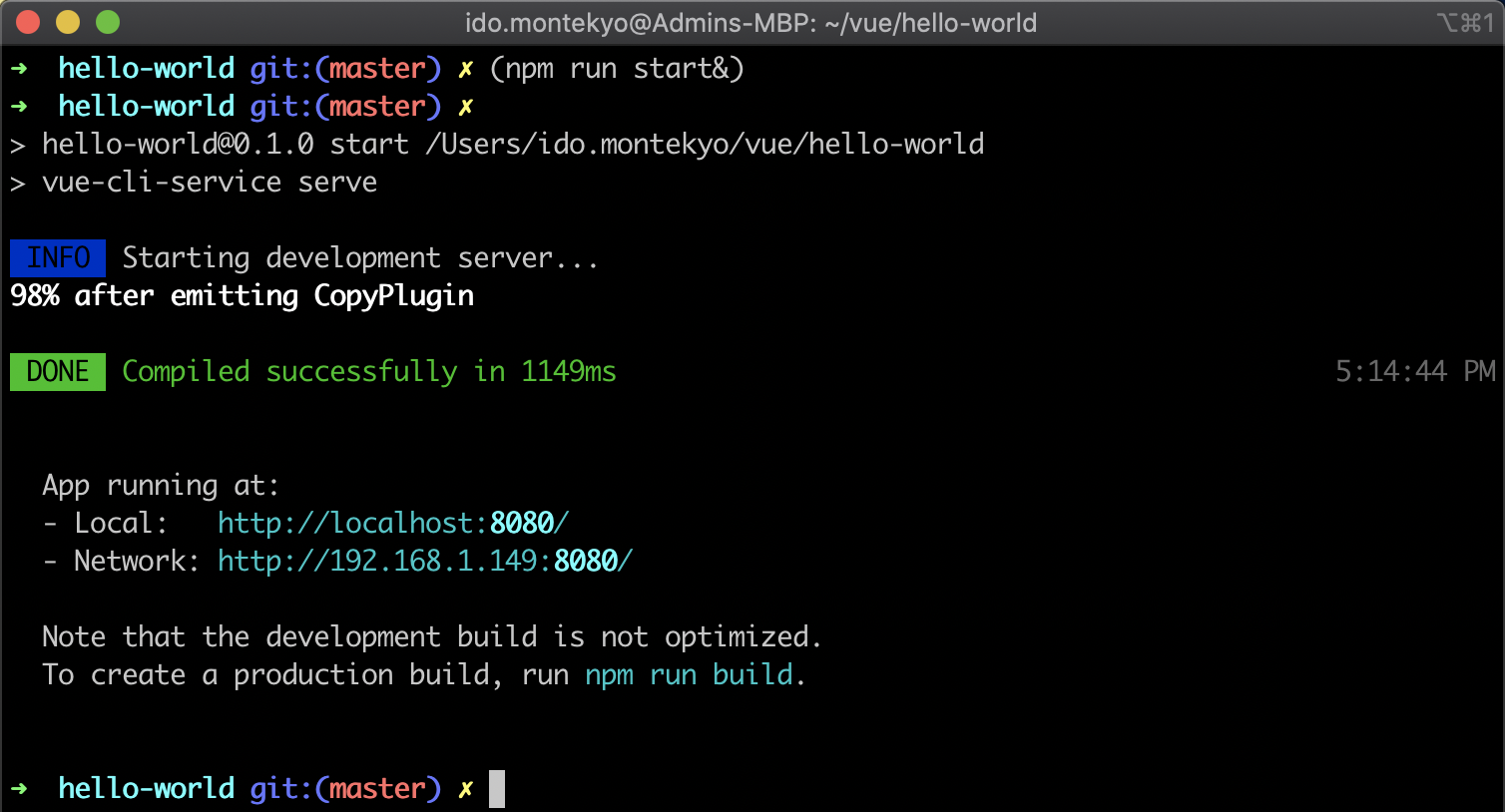
> Type `npm start` in the terminal
> It will automatically open a server where you will be previewing the project
# Screenshots

## Deployment
1. [Firebase](https://console.firebase.google.com)
> - Install the firebase cli using `npm i -g firebase-tools` in the terminal
> - Open the terminal and type `firebase init`
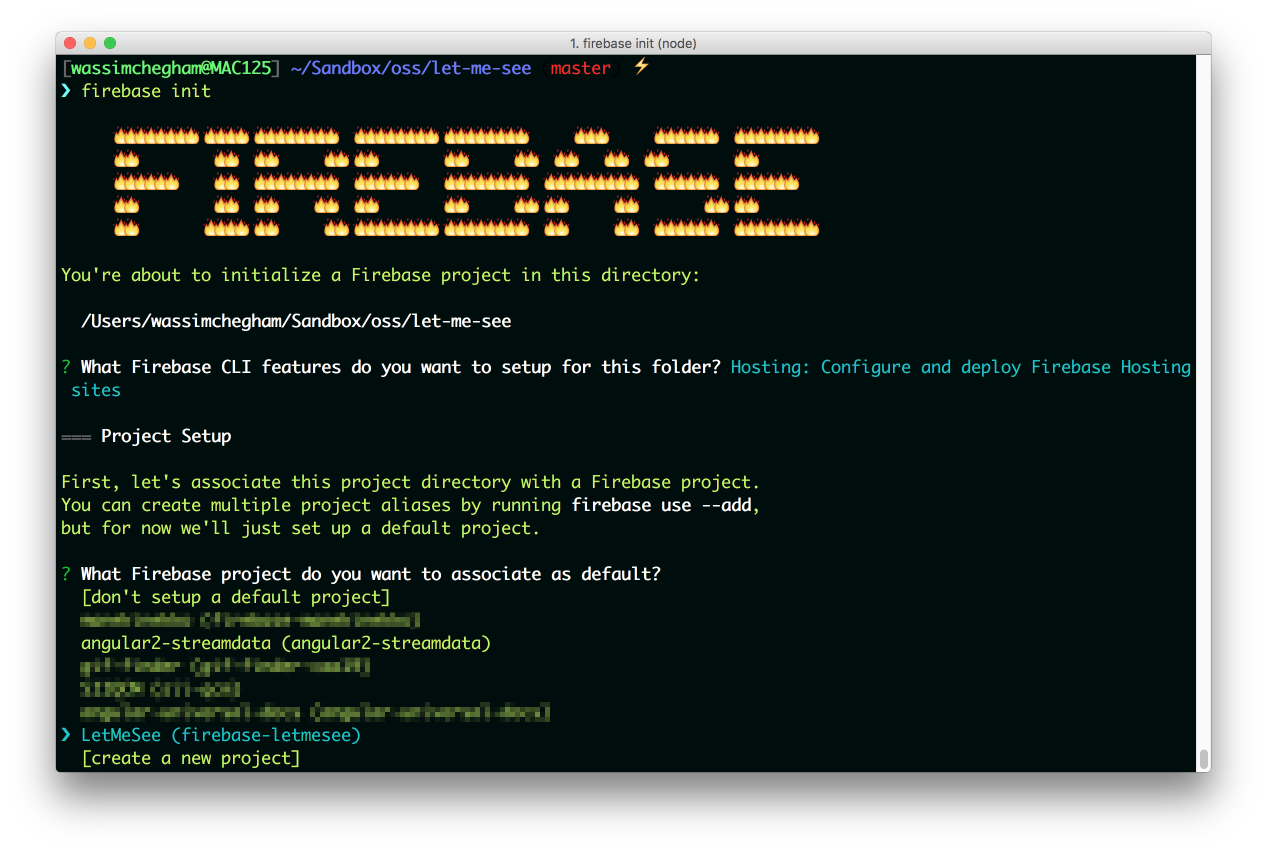
> - Select `hosting from the drop down`

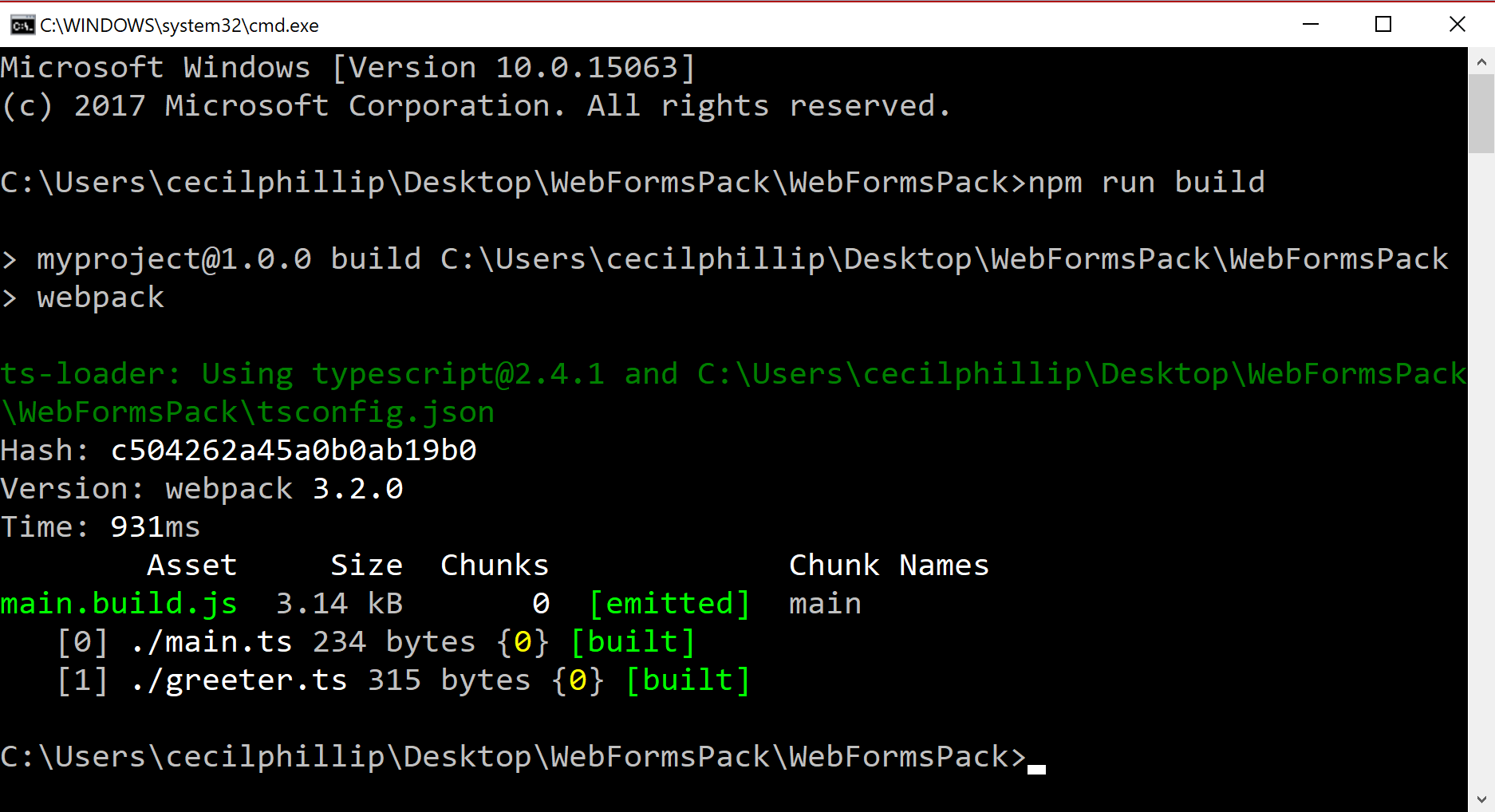
> - Type `npm run build` in your terminal
> - Lastly Type `firebase deploy` in the terminal

- Your Project will be deployed
2.[Netlify](https://app.netlify.com/)
> - Open the Terminal and type `npm run build`
> - Head to [Netlify](https://app.netlify.com/)
> - Drag and drop your build folder here

- Your project will be deployed