https://github.com/fraction12/microcanvas
A lightweight, reliable canvas tool for AI coding tools.
https://github.com/fraction12/microcanvas
Last synced: 3 months ago
JSON representation
A lightweight, reliable canvas tool for AI coding tools.
- Host: GitHub
- URL: https://github.com/fraction12/microcanvas
- Owner: fraction12
- Created: 2026-04-21T05:19:27.000Z (3 months ago)
- Default Branch: main
- Last Pushed: 2026-04-21T07:12:29.000Z (3 months ago)
- Last Synced: 2026-04-21T07:36:19.063Z (3 months ago)
- Language: TypeScript
- Size: 36.9 MB
- Stars: 0
- Watchers: 0
- Forks: 0
- Open Issues: 0
-
Metadata Files:
- Readme: README.md
Awesome Lists containing this project
README
# microcanvas




Microcanvas is a tiny stagehand for AI tools: it renders supported files, opens them in a viewer, keeps track of the active surface, and helps agents verify what they are showing.
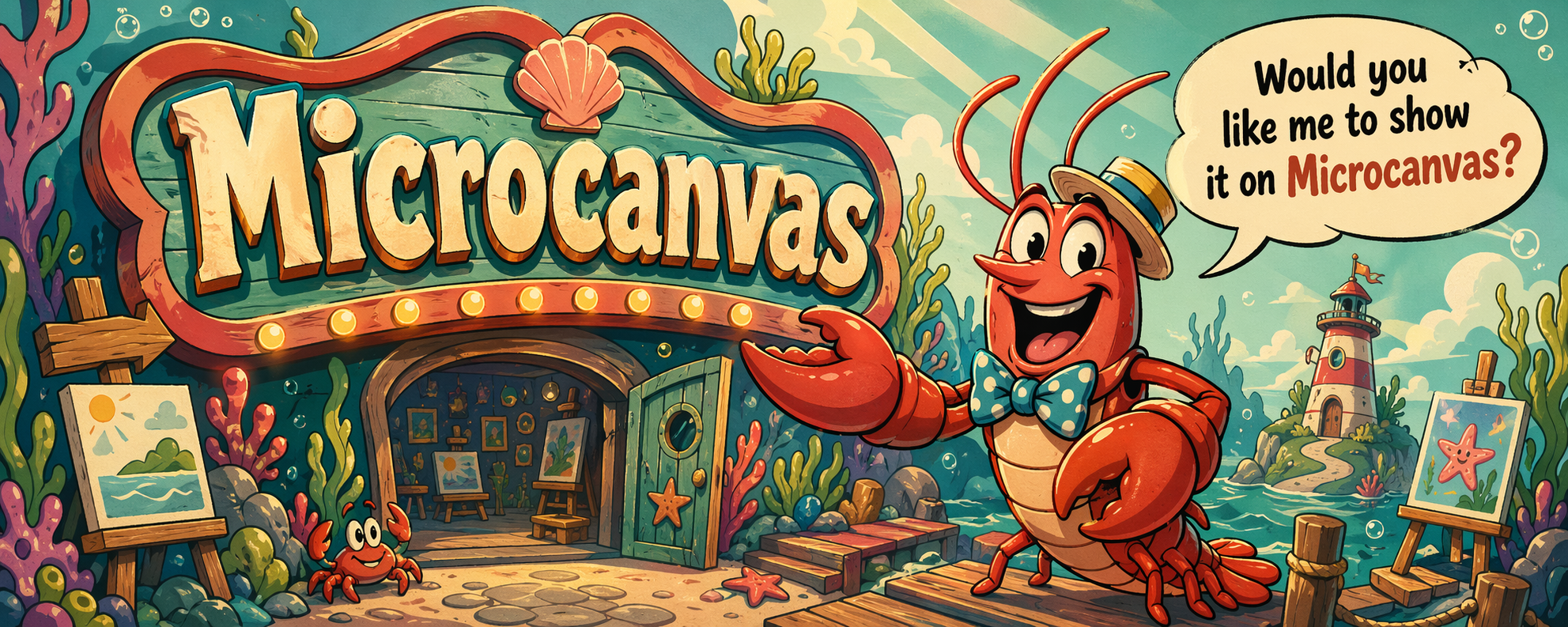
It is usable today, still early-stage, and very happy to hold the curtain open while your tool says, "Would you like me to show it on Microcanvas?"
## Why Microcanvas Exists
Most coding agents eventually need the same thing: a predictable place to render a file, open it, update it, inspect runtime state, and grab evidence that the right thing is on screen.
Microcanvas exists to do that job cleanly.
- Render a source file into a surface
- Show the active surface in a native viewer when available
- Update the active surface without losing identity
- Report runtime and viewer state in a tool-friendly way
- Verify or snapshot the active surface when native viewer capability is present
This repo is intentionally focused. It is not trying to be a full document suite, a browser automation framework, or a giant cross-platform GUI toolkit.
## What The Claws Can Do Today
- `render` stages a supported source into a Microcanvas surface
- `show` activates a surface and opens it, preferring the native Microcanvas viewer
- `update` refreshes the active surface while keeping surface identity intact
- `status` reports runtime state, active artifact, lock state, and viewer capability
- `verify` checks active files plus native-viewer-backed confirmation for the active surface
- `snapshot` captures a real PNG from the native viewer when snapshot capability is available
## Take It For A Spin
Microcanvas accepts supported local source files from anywhere on disk, then ingests them into Microcanvas-owned runtime paths before presentation. Clone it, build it locally, and run the CLI from source:
```bash
npm install
npm run build
node dist/cli/index.js show README.md
node dist/cli/index.js status --json
```
That gives you the happy-path tour:
- `npm install` pulls the local repo dependencies
- `npm run build` compiles the CLI into `dist/`
- `show README.md` opens this README as the active surface
- `status --json` reports the runtime and viewer state in a tool-friendly format
Once a surface is active, the next useful moves are:
```bash
node dist/cli/index.js update README.md
node dist/cli/index.js verify --json
node dist/cli/index.js snapshot --json
```
## Quick Command Tour
### Show Something Off
```bash
microcanvas show path/to/file.md
microcanvas show /tmp/exported-note.md
microcanvas show path/to/file.png
microcanvas show path/to/file.csv --json
microcanvas show path/to/diagram.mmd
```
Use `show` when you want Microcanvas to render if needed, activate the result, and open it.
### Stage Without Opening
```bash
microcanvas render path/to/file.md --json
```
Use `render` when you want a staged surface artifact without activating it yet.
### Refresh The Active Surface
```bash
microcanvas update path/to/file.md --json
```
Use `update` when a surface is already active and you want to refresh it in place.
### Ask What Is Going On
```bash
microcanvas status --json
microcanvas verify --json
```
Use `status` for inspection. Use `verify` when you need strict confirmation that the active surface and viewer state line up.
### Grab A Snapshot
```bash
microcanvas snapshot --json
```
When native snapshot capability is available, Microcanvas writes a real PNG snapshot and reports its path in the command result.
## Supported Content
Microcanvas is deliberately honest about what it can display today.
Supported now:
- `.html`, `.htm` rendered as real local browser-style surfaces with JS/CSS/layout preserved
- `.md`, `.markdown` rendered to sanitized HTML
- `.mmd`, `.mermaid` rendered into Mermaid diagram surfaces automatically
- `.pdf`
- `.csv` rendered into a deterministic HTML table surface
- `.png`, `.jpg`, `.jpeg`, `.gif`, `.webp`
- `.txt`, `.json`, `.js`, `.ts` wrapped into a sanitized HTML code-view surface
Not supported yet:
- arbitrary binary artifacts
- archives like `.zip`
- `.svg` and other image-like formats without an explicit display path
- office docs and other formats without an explicit render/display path
If a file type is not supported, Microcanvas returns `UNSUPPORTED_CONTENT` instead of pretending everything is fine.
## Viewer Modes
Microcanvas separates "something opened" from "the native viewer is fully available."
- `native`: the Microcanvas viewer heartbeat is fresh and can satisfy `verify` and `snapshot`
- `degraded`: the active artifact opened through an external fallback path, but native verification and snapshot flows are unavailable
- `closed`: there is no confirmed viewer session
This matters in practice:
- `show` and `update` prefer the packaged `MicrocanvasViewer.app` on macOS, then fall back to development launch paths when needed
- `show` and `update` only report `native` after the viewer heartbeat confirms readiness, and the native app brings its window to the front when new content is presented when macOS allows it
- `show --native` and `update --native` require native verification and return `VIEWER_LAUNCH_FAILED` instead of using degraded fallback
- raw `.html` and `.htm` surfaces are presented as real local browser-style content by default, with JavaScript enabled and local asset access scoped to the ingested surface copy
- Markdown/code/table/Mermaid surfaces still render through Microcanvas-owned HTML presentation output
- if an older native viewer session is still hanging around, Microcanvas clears that stale session before trusting a new launch attempt
- `show` and `update` can still succeed in degraded mode
- `status` tells you what kind of runtime/viewer state you currently have
- `verify` stays strict and requires native viewer-backed confirmation
- `snapshot` is strongest when native capture capability is available
## JSON Contract
Microcanvas treats AgentTK as the canonical CLI/result layer.
Success responses return:
- `ok: true`
- `record`: Microcanvas runtime data such as `surfaceId`, artifact paths, lock state, and viewer mode
- `warnings`: optional warnings, especially for degraded-mode success
- `verificationStatus`: whether the result is verified, unverified, or not applicable
- `nextAction`: optional follow-up guidance when the result is useful but not fully verifiable
Failure responses return:
- `ok: false`
- `error.code`: stable domain codes such as `INVALID_INPUT`, `UNSUPPORTED_CONTENT`, `LOCKED_TRY_LATER`, `SURFACE_NOT_FOUND`, `UPDATE_NOT_SUPPORTED`, `VIEWER_LAUNCH_FAILED`, or `VERIFY_FAILED`
- `error.message`: human-readable failure detail
Example degraded `show` response:
```json
{
"ok": true,
"record": {
"surfaceId": "surface-123",
"artifacts": {
"primary": "/path/to/runtime/active/index.html"
},
"viewer": {
"mode": "degraded",
"open": true,
"canVerify": false
},
"lock": {
"held": false
}
},
"warnings": [
"Native viewer is unavailable; opened the active artifact through the degraded external display path."
],
"verificationStatus": "unverified",
"nextAction": "verify_state"
}
```
Example degraded `verify` failure:
```json
{
"ok": false,
"error": {
"code": "VERIFY_FAILED",
"message": "Native viewer confirmation is unavailable while the runtime is in degraded display mode"
}
}
```
## Runtime Shape
Microcanvas keeps a canonical runtime root with:
- `runtime/active/`
- `runtime/staging/`
- `runtime/snapshots/`
- `runtime/state.json`
- `runtime/viewer-state.json`
- request/response files used for viewer snapshot handoff
Each surface is ingested through a source-versus-presentation boundary:
- the caller can point at a supported local file from inside or outside the repo
- Microcanvas copies that source into a surface-owned `source/` directory under staging/active
- the viewer presents only the staged artifact under `runtime/staging` or `runtime/active`
- the original source path is recorded in manifest/result metadata for operator and tool inspection, but the viewer does not read from it directly
That gives tools a stable place to inspect:
- which surface is active
- which artifact is the active entry
- whether the runtime is `native`, `degraded`, or `closed`
- whether native verification is currently possible
- whether a write lock is held
## Local Surface Security Defaults
Microcanvas is file-first, not a general-purpose hostile-content sandbox.
Current defaults are intentionally narrow and honest:
- source files may come from anywhere on the local filesystem, but must be direct readable local file paths and may not use unsupported schemes
- symlinked source paths and symlinked ancestor directories are rejected by default during ingest
- Microcanvas ingests caller-provided sources into runtime-owned `source/` paths before rendering or presentation
- Markdown and wrapped code/text surfaces are sanitized before staging
- raw HTML surfaces keep their original JS/CSS/layout behavior inside the ingested local surface copy
- local web content can read only from the current ingested surface copy, so sibling assets must live alongside the source HTML to come through
That reduces obvious local-surface risk, but it does not claim to safely execute arbitrary untrusted web apps.
## Known Barnacles
Microcanvas is usable early-stage software, so a few edges are still showing:
- the native viewer path is currently macOS-first
- only one active window and one active surface are supported at a time
- `verify` and `snapshot` are intentionally strict about native viewer capability
- unsupported formats fail clearly instead of being guessed into submission
- the project is repo-first for now, while native viewer capability remains macOS-first
## Agent Skill
Microcanvas ships with a tracked agent skill at `skills/microcanvas-present/` so agents use the CLI the way it is actually meant to be used.
Install local copies for common agent folders:
```bash
npm run install:skills
```
Use the repo-local wrapper directly when you want deterministic behavior:
```bash
skills/microcanvas-present/scripts/run-microcanvas.sh show README.md --json
```
For concrete agent flows, see `skills/microcanvas-present/references/cookbook.md`.
## Development
```bash
npm install
npm run build:viewer-app
npm run check
npm test
npm run pack:dry-run
```
The current implementation is small on purpose. Surface detection and materialization run through the adapter registry in [`src/core/surface.ts`](src/core/surface.ts), which keeps format support explicit and easier to extend without turning the content model into soup.
`npm run build:viewer-app` builds the SwiftPM viewer product and materializes `apps/macos-viewer/build/MicrocanvasViewer.app`. Generated app output is ignored; rebuild it locally when you need to test native launch behavior.
When macOS viewer changes are involved and your environment supports it, run `cd apps/macos-viewer/MicrocanvasViewer && swift test`.
## Contributing
Contributions are welcome. Start with [`CONTRIBUTING.md`](CONTRIBUTING.md) for the OpenSpec workflow, validation commands, and PR expectations.
## Security
If you believe you found a security issue, please use the process in [`SECURITY.md`](SECURITY.md).
## License
Microcanvas is available under the [MIT License](LICENSE).