https://github.com/franck1333/fr_template
My own template_FR folder
https://github.com/franck1333/fr_template
python python-3
Last synced: 4 months ago
JSON representation
My own template_FR folder
- Host: GitHub
- URL: https://github.com/franck1333/fr_template
- Owner: Franck1333
- License: gpl-3.0
- Created: 2019-12-18T15:06:41.000Z (over 6 years ago)
- Default Branch: master
- Last Pushed: 2025-08-11T19:28:25.000Z (10 months ago)
- Last Synced: 2025-08-11T21:16:13.116Z (10 months ago)
- Topics: python, python-3
- Language: Python
- Homepage: https://www.linkedin.com/in/franckrochat/
- Size: 37 MB
- Stars: 1
- Watchers: 1
- Forks: 0
- Open Issues: 0
-
Metadata Files:
- Readme: README.md
- Contributing: CONTRIBUTING.md
- Funding: .github/FUNDING.yml
- License: LICENSE
- Code of conduct: CODE_OF_CONDUCT.md
- Security: SECURITY.md
Awesome Lists containing this project
README
# FR_Template
This Software allow you to get financials informations about cryptocurrencies by using Python3 and the UI that will let you interact to the software with a modern graphic user interface.
[](https://alternative.me/crypto/fear-and-greed-index.png)
## Getting Started
To get a copy of the project, you can go on the GitHub's webpage of the project and click on the green button to download as a .ZIP file. However, if you're using a prompt console on an Unix machine use this line :
```
git clone https://github.com/Franck1333/FR_Template.git
```
### Prerequisites
To use the project, you will need some Hardware :
```
A Raspberry Pi (Last Version is better) or any Linux computer compatible,
An Internet Connection,
A Micro S.D card (8 Gb Minimum),
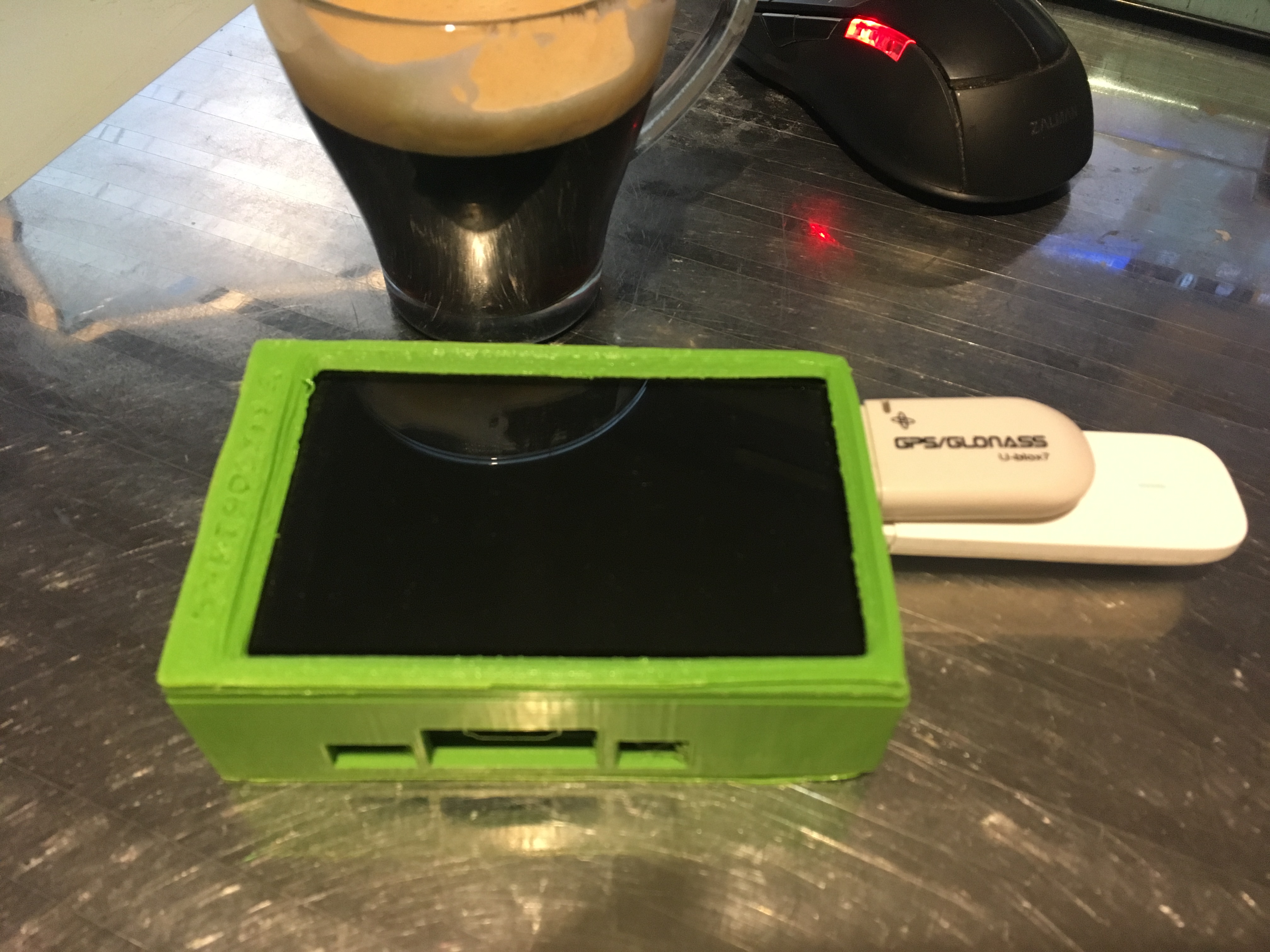
A Display (like the Pimoroni 4inch HyperPixel Display --> https://bit.ly/2FVOy5j).
```
And you will also need some libraries and softwares :
```
- Python version 3
- An OS up to date
```
Be sure to be Up to date with your OS and Python3 environement with this command line:
```
- sudo apt update -y && sudo apt-get update && sudo apt-get upgrade && sudo pip3 install --upgrade pip
```
You can install the *Pimoroni HyperPixel 4* like this :
```
- The Github page : https://github.com/pimoroni/hyperpixel4
- The command line Setup (need to be install) : https://get.pimoroni.com/hyperpixel4 | bash
```
### Downloading/Installing
To get and downloaded the files, use this line :
```
git clone https://github.com/Franck1333/FR_Template.git
```
When the project is Downloaded, check your `pi` folder, and you will see the folder `FR_Template` .
When you did it, you will have to launch the file called `setup.py` to install the dependencies neccessary for the project with this command line :
```
sudo python3 setup.py install
```
There is another way to install all the dependencies needed:
sudo pip3 install -r requirements.txt
If some problem during the installation occured, please execute this command :
```
sudo pip3 install cbpro cmc pandas numpy matplotlib pydub kivy cython
sudo apt-get install idle3
```
## Run
#### The Way to run the project :
To run the project; if you want to see the console activities, you can launch the file called `Main.py` into the Command Line Prompt with `python3 Main.py` in the main folder.
## Running the tests
That's how to test features:
python3 .py
## The Folders and Files
In this project we've got some folders
#### Folders
```
Example : Any help or example that I used for the project
Services: Main features
```
#### Files in "/CryptoWatch-Tkinter/Services/"
Main features of the program
```
- Info_Hardware.py: This feature allow to the Main program to get informations about the status of processors(Usage,Temp),RAM(Usage).
- nettoyage_du_cache.py: Ancient program that allow all the program which using to delete all the Python2 Cache Files.
```
Folders inside
```
- Sounds: Sound Pack use by the Main Program
- Téléchargements: This folder is use by the Main Program to download in this folder all the ressources which come from Internet
```
## Authors
- **Franck ROCHAT** - _Initial work_ - [Franck ROCHAT](https://github.com/Franck1333) Thank You ! :heart:
[](https://goopics.net/i/51JA2)