https://github.com/frankwiles/hello-docker
Simple way to test in a classroom setting if Docker is setup and working correctly
https://github.com/frankwiles/hello-docker
docker parceljs tailwindcss
Last synced: about 2 months ago
JSON representation
Simple way to test in a classroom setting if Docker is setup and working correctly
- Host: GitHub
- URL: https://github.com/frankwiles/hello-docker
- Owner: frankwiles
- License: bsd-3-clause
- Created: 2019-09-29T20:45:02.000Z (over 6 years ago)
- Default Branch: master
- Last Pushed: 2023-01-07T10:13:04.000Z (over 3 years ago)
- Last Synced: 2025-09-28T03:38:43.835Z (9 months ago)
- Topics: docker, parceljs, tailwindcss
- Language: CSS
- Size: 558 KB
- Stars: 1
- Watchers: 1
- Forks: 1
- Open Issues: 9
-
Metadata Files:
- Readme: README.md
- License: LICENSE
Awesome Lists containing this project
README
# Hello Docker
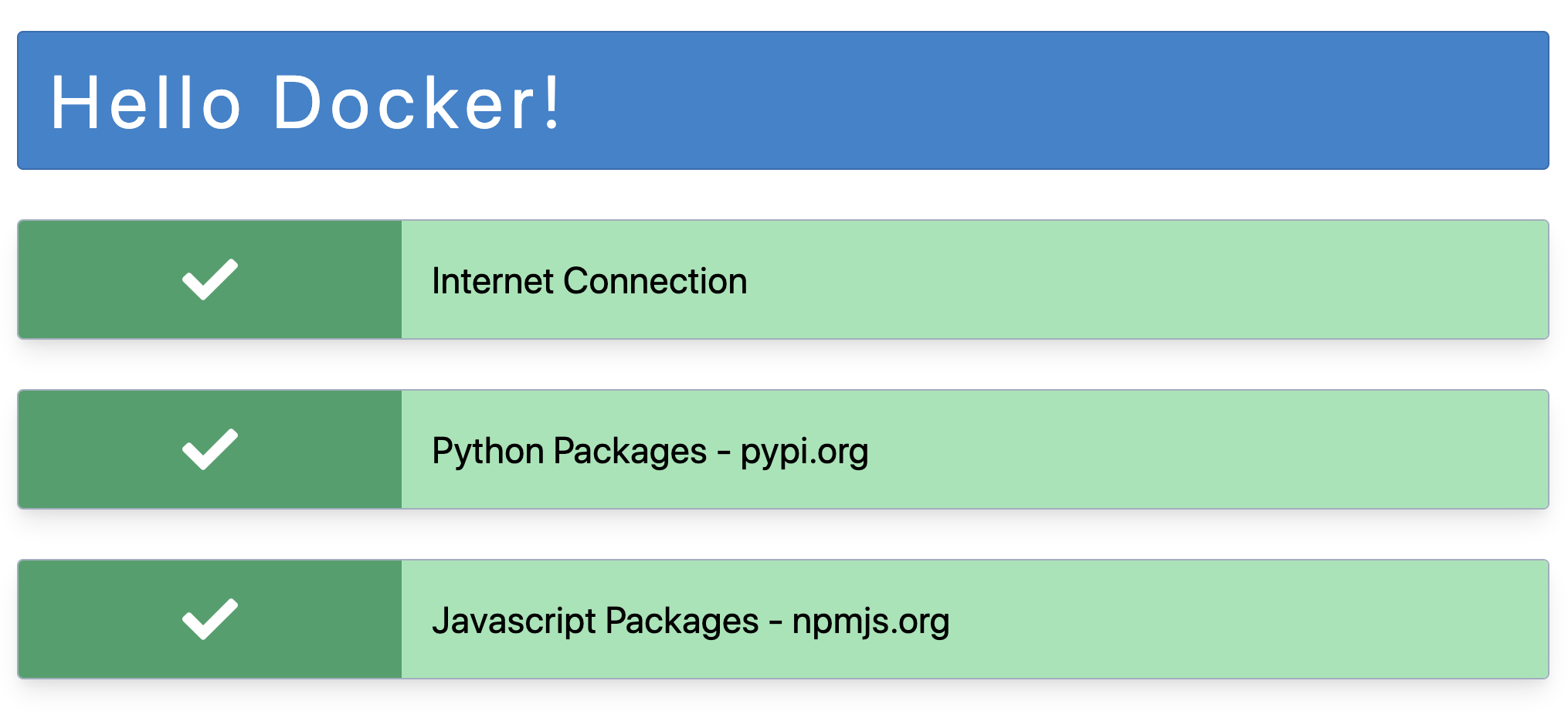
Simple way to test if a student's local Docker setup is working correctly.
It's a docker container you can have them quickly launch and verify their
local laptops can access PyPI and NPM.
## Screenshot
## Usage
The simplest way to use this is to have the user grab the docker-compose file
in this repository and run `docker-compose up` and then browse to `http://localhost/`.
Or you can run it more manually with:
```shell
$ docker run -p "80:80" frankwiles/hello-docker:latest
```
And then browse to `http://localhost/`. To use a different port just change the
first "80" to whichever port you want to use.
## Local Development
You will need to install the Javascript dependencies with:
```shell
$ npm install
```
You can then start the local development server with:
```shell
$ npm run dev
```
Then you need to build the Tailwind CSS with:
```shell
$ npm run build:css
```