https://github.com/frederiktobner/yate
A simple text editor for the terminal.
https://github.com/frederiktobner/yate
editor terminal text-editor unix
Last synced: about 2 months ago
JSON representation
A simple text editor for the terminal.
- Host: GitHub
- URL: https://github.com/frederiktobner/yate
- Owner: FrederikTobner
- License: gpl-3.0
- Created: 2022-12-17T09:05:01.000Z (over 3 years ago)
- Default Branch: master
- Last Pushed: 2023-04-13T11:55:36.000Z (about 3 years ago)
- Last Synced: 2025-03-31T12:24:03.158Z (about 1 year ago)
- Topics: editor, terminal, text-editor, unix
- Language: C
- Homepage: https://frederiktobner.github.io/YATE/
- Size: 505 KB
- Stars: 2
- Watchers: 1
- Forks: 0
- Open Issues: 0
-
Metadata Files:
- Readme: Readme.md
- Changelog: CHANGELOG.md
- License: LICENSE
Awesome Lists containing this project
README
# YATE
[](https://github.com/FrederikTobner/YATE/actions/workflows/build.yml)
[](https://github.com/FrederikTobner/YATE/actions/workflows/codeql.yml)
YATE (Yet another text editor) is a extremely simple text editor for the terminal.
Runs on Linux, Windows (using Cygwin or the WSL), FreeBSD, macOS, and more.
Yate is based on [Kilo](https://github.com/antirez/kilo) - a small text editor that is written in less than 1K lines of code, by [antirez](https://github.com/antirez).
## Table of Contents
* [Overview](#overview)
* [Syntax Highlighting](#syntax-highlighting)
* [Settings](#settings)
* [Building](#building)
* [License](#license)
## Overview
[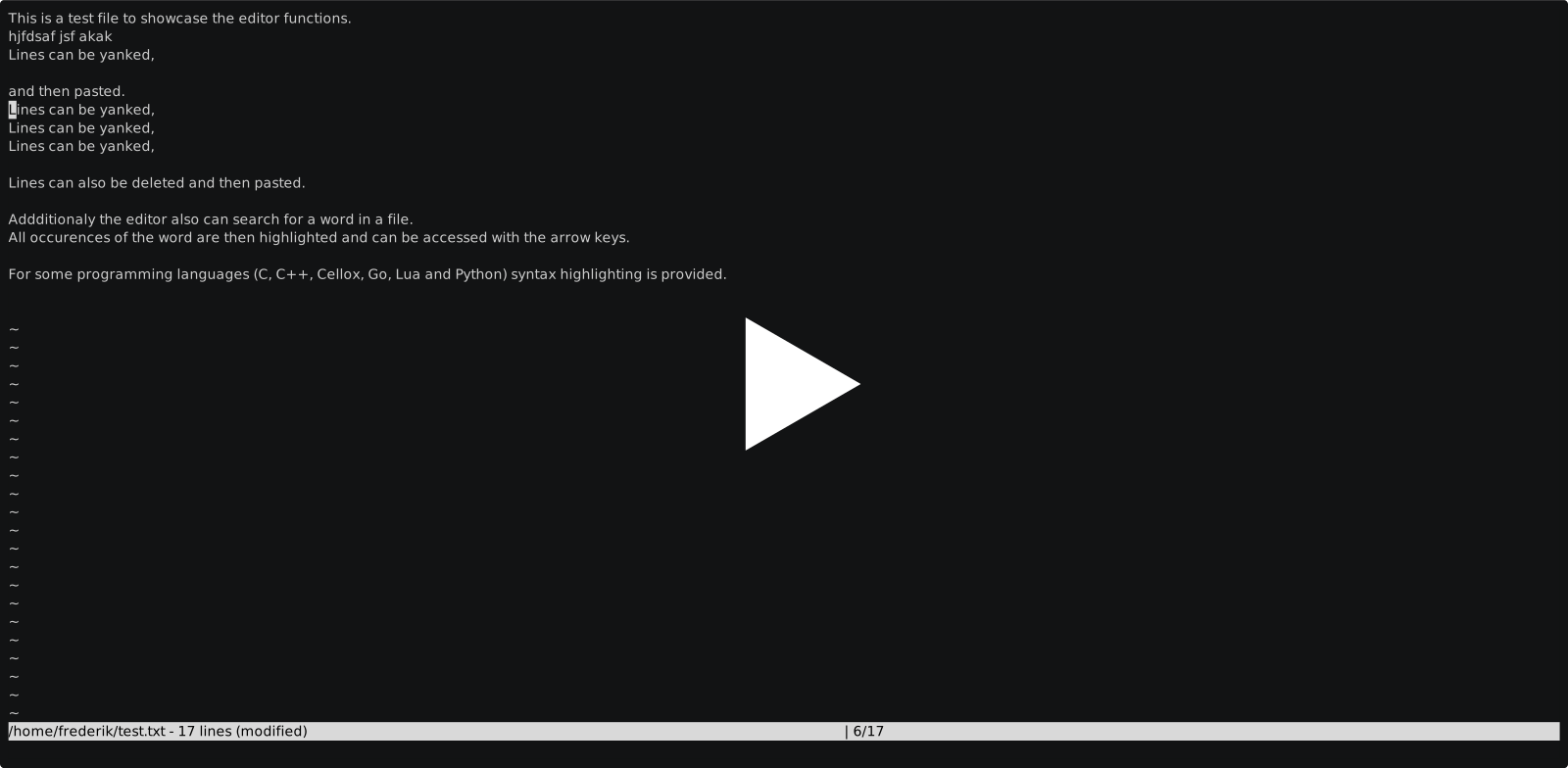](https://asciinema.org/a/546304)
Usage:
yate
Hot-Keys:
|Hot-Key | Description |
|---------|---------------------------------------------------------------------|
|ctrl-d | Yanks and deletes the current line |
|ctrl-f | Find occurences in file |
|ctrl-h | Shows help |
|ctrl-o | Opens file |
|ctrl-p | Paste last yanked content |
|ctrl-q | Exit the editor |
|ctrl-s | Saves the currently opened file |
|ctrl-x | Execute the currently opened file (Cellox, JBASIC, lua or python) |
|ctrl-y | Yank the current line |
## Syntax Highlighting
Rudimentary syntax highlighting for the following languages is provided:
* C
* C++
* [Cellox](https://github.com/FrederikTobner/Cellox)
* [CHIP-8](https://github.com/FrederikTobner/CHIP-8)
* Go
* [JBASIC](https://github.com/FrederikTobner/JBASIC)
* Lua
* Python
## Settings
The settings of the editor can be configured with a file named '.yaterc', that has to be located at the users home directory.
The available settings are:
STATUS_MESSAGE_DURATION = Duration in seconds for how long a status message will be displayed
TAB_STOP_SIZE = Size of a tabstop converted to white space's
## Building
Dependecies:
* A C compiler that is compatible with the C99 standard
* [CMake](https://cmake.org/)
There is a prewritten scripts provided to build and install the editor in the scripts folder called 'install.sh'. The specified compiler and generator should probably be altered to fit your environment.
## License
This project is licensed under the [GNU General Public License](LICENSE)