https://github.com/frontify/typeform-block
This is a the source-code of the Typeform Block.
https://github.com/frontify/typeform-block
brandsdk typeform
Last synced: 11 months ago
JSON representation
This is a the source-code of the Typeform Block.
- Host: GitHub
- URL: https://github.com/frontify/typeform-block
- Owner: Frontify
- Created: 2022-01-19T09:56:48.000Z (over 4 years ago)
- Default Branch: main
- Last Pushed: 2025-07-02T10:30:05.000Z (12 months ago)
- Last Synced: 2025-07-02T11:38:50.129Z (12 months ago)
- Topics: brandsdk, typeform
- Language: TypeScript
- Homepage: https://developer.frontify.com/
- Size: 4.94 MB
- Stars: 1
- Watchers: 23
- Forks: 0
- Open Issues: 5
-
Metadata Files:
- Readme: readme.md
Awesome Lists containing this project
README

# Typeform block
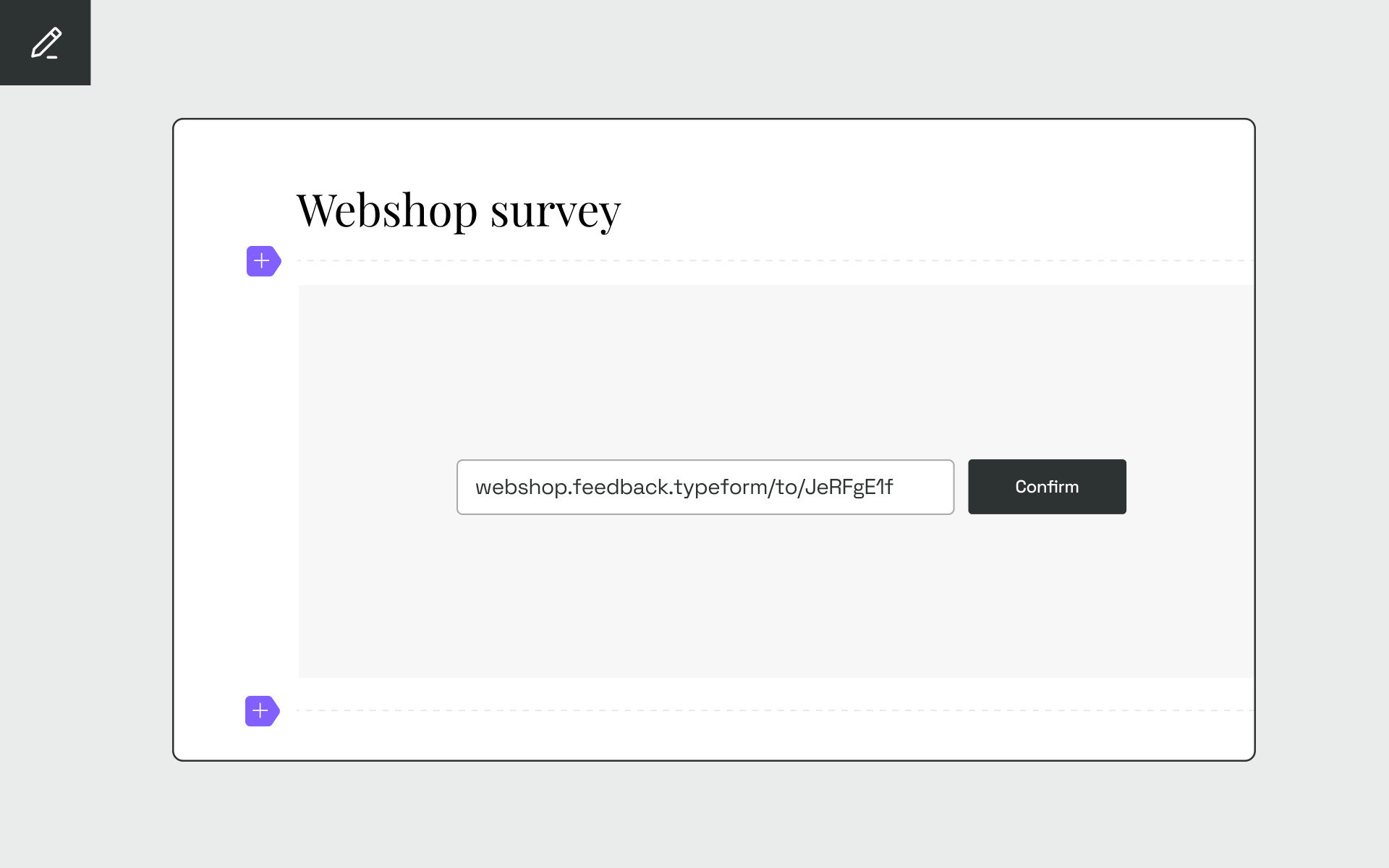
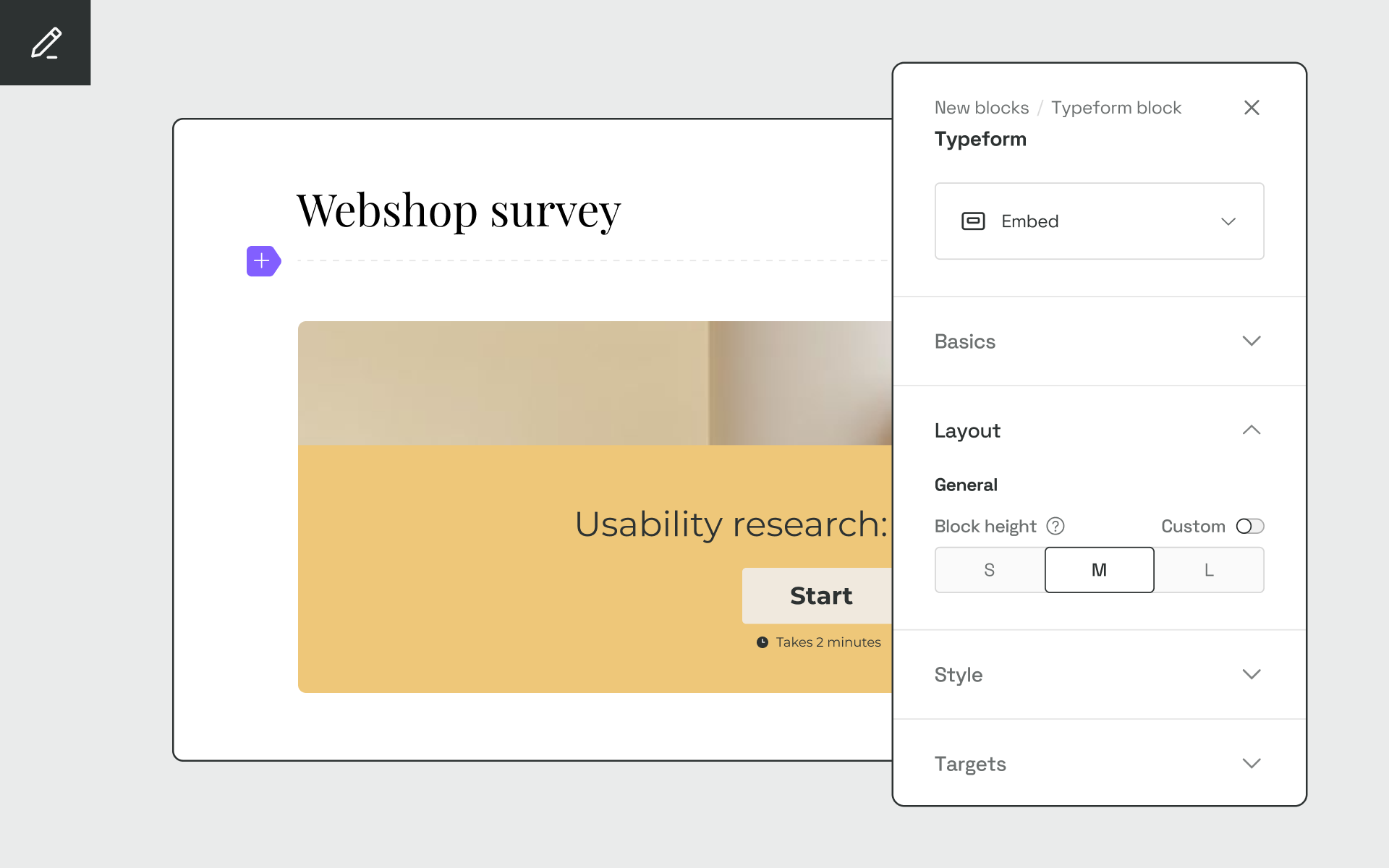
The Typeform block allows you to effortlessly add any Typeform form directly to your Guidelines, without the need for a tedious embed code. All you have to do is supply the form id, and you’re ready to go.
## Who this project is for
This repository contains the source-code for the Typeform block. It's meant as an example for how to build custom content blocks with the [Frontify Brand SDK](https://www.frontify.com/en/blog/brand-sdk-for-developers-by-developers/). This is an extended version of the block you're building if you follow the [tutorial](https://developer.frontify.com/d/XFPCrGNrXQQM/content-blocks#/use-cases-1/building-a-typeform-block-1) in the [Brand SDK documentation](https://developer.frontify.com/d/XFPCrGNrXQQM/content-blocks). The actual source-code for the block you're building in the tutorial can be found [here](https://github.com/Frontify/typeform-block-tutorial).
## Project dependencies
Before you can build the Typeform block, ensure you have:
* Node.js version 16 (or newer) installed
* made yourself familiar with the [Frontify CLI](https://developer.frontify.com/d/XFPCrGNrXQQM/content-blocks#/details-concepts-1/frontify-cli)
* the [React Developer Tools](https://react.dev/learn/react-developer-tools) installed
* a [Frontify account](https://www.frontify.com/en/signup/?plan=STARTER&interval=YEARLY) to preview the block
You can find a comprehensive guide on all the prerequisites [here](https://developer.frontify.com/d/XFPCrGNrXQQM/content-blocks#/getting-started-1/prerequisites).
## Instructions for using the Typeform block
Get started with the Typeform block by cloning the repository, installing its dependencies, and running the `serve` task.
1. Clone the repository
`git clone git@github.com:Frontify/typeform-block.git`
2. Install the project dependencies
`npm ci`
3. Run the `serve` task
`npm run serve`
4. In your Frontify Guidelines switch to the edit mode (pencil icon in the sidebar)
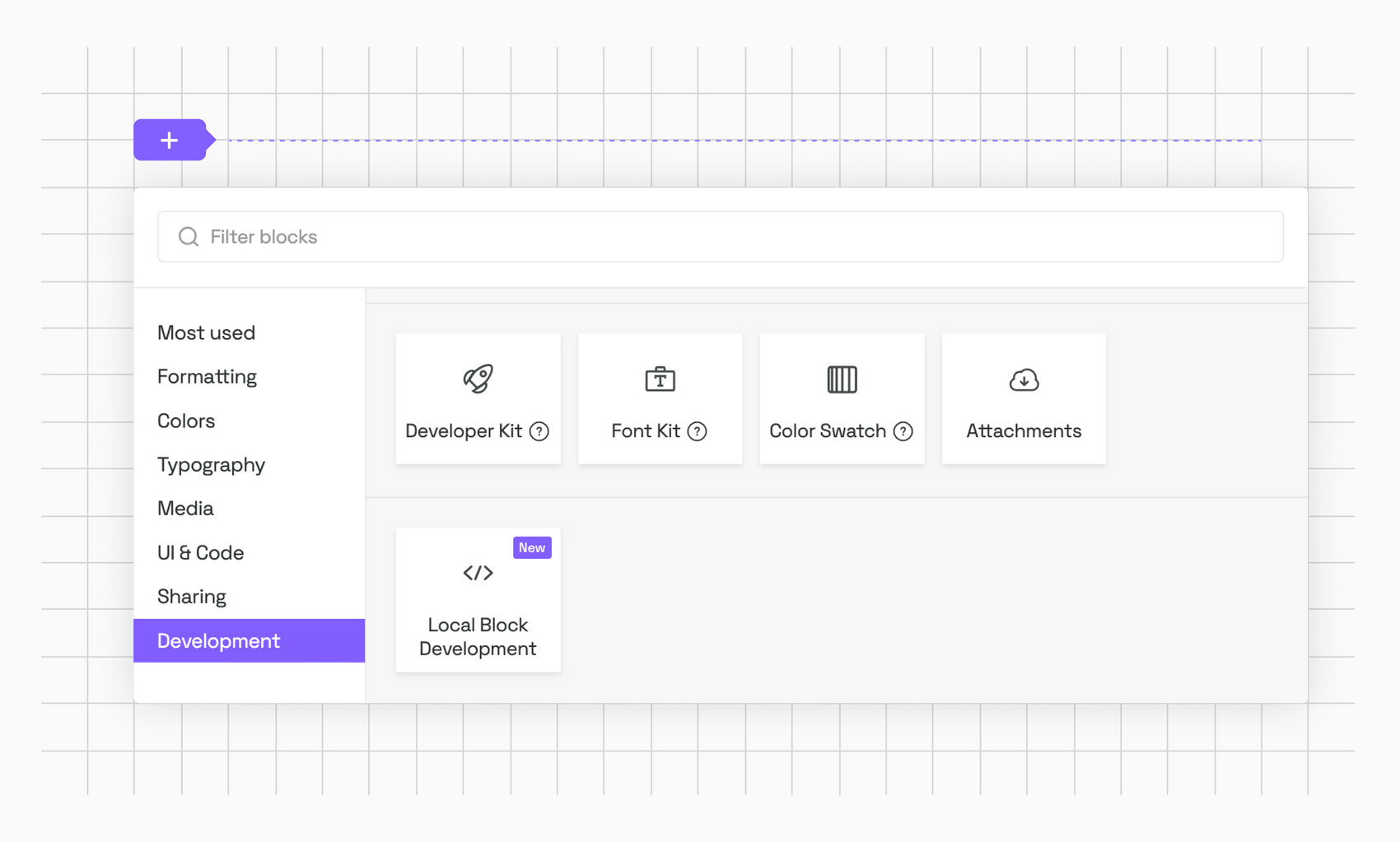
5. Click on the plus icon and add a "Local Block Development" block
> **Note**
> If you can't find the "Local Block Development" block, you probably don't have access to the Brand SDK and Marketplace yet. Please reach out to use on [Slack](https://join.slack.com/t/frontify-friends/shared_invite/zt-1lhu6lump-s18oTGI4EhHt8BKWfBAN_A) so we can activate it for you.
7. Choose port (default is 5600) and click OK
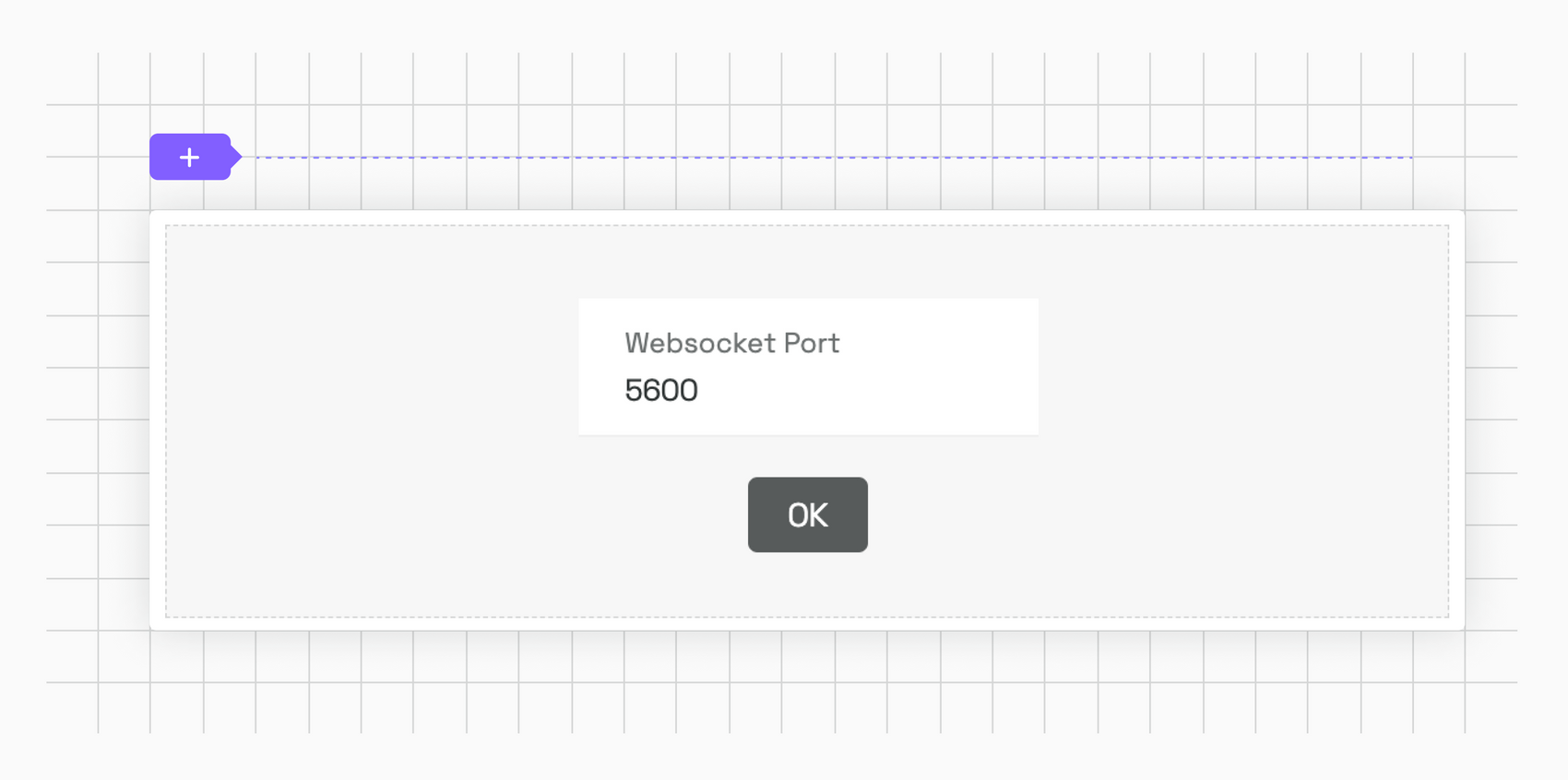
The Guidelines should now show the Typeform block. If you don't see it, try refreshing the page.
## Additional documentation
For more information check out the [Frontify Brand SDK documentation](https://developer.frontify.com/d/XFPCrGNrXQQM/content-blocks).