https://github.com/fullstacksjs/vscode-theme
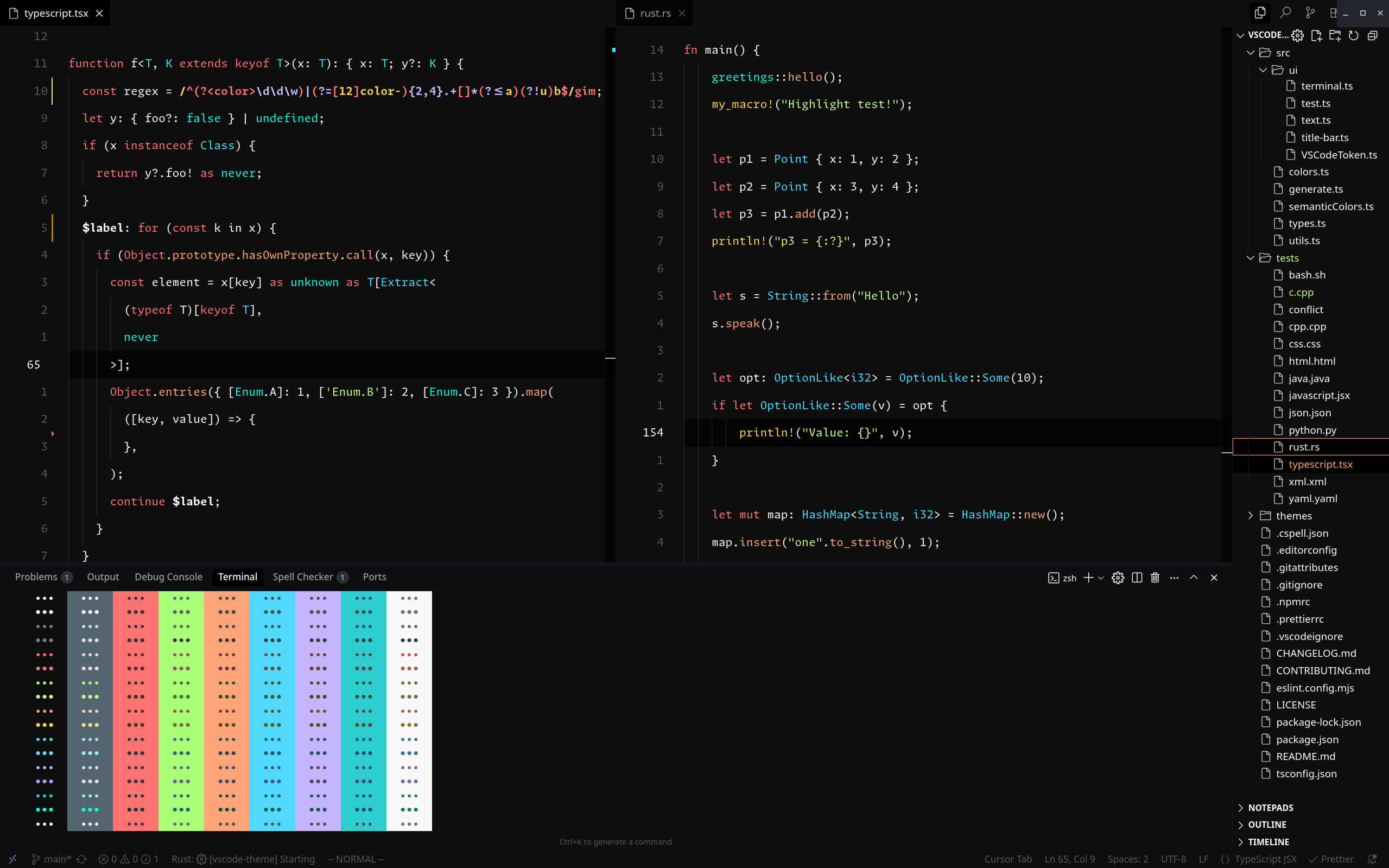
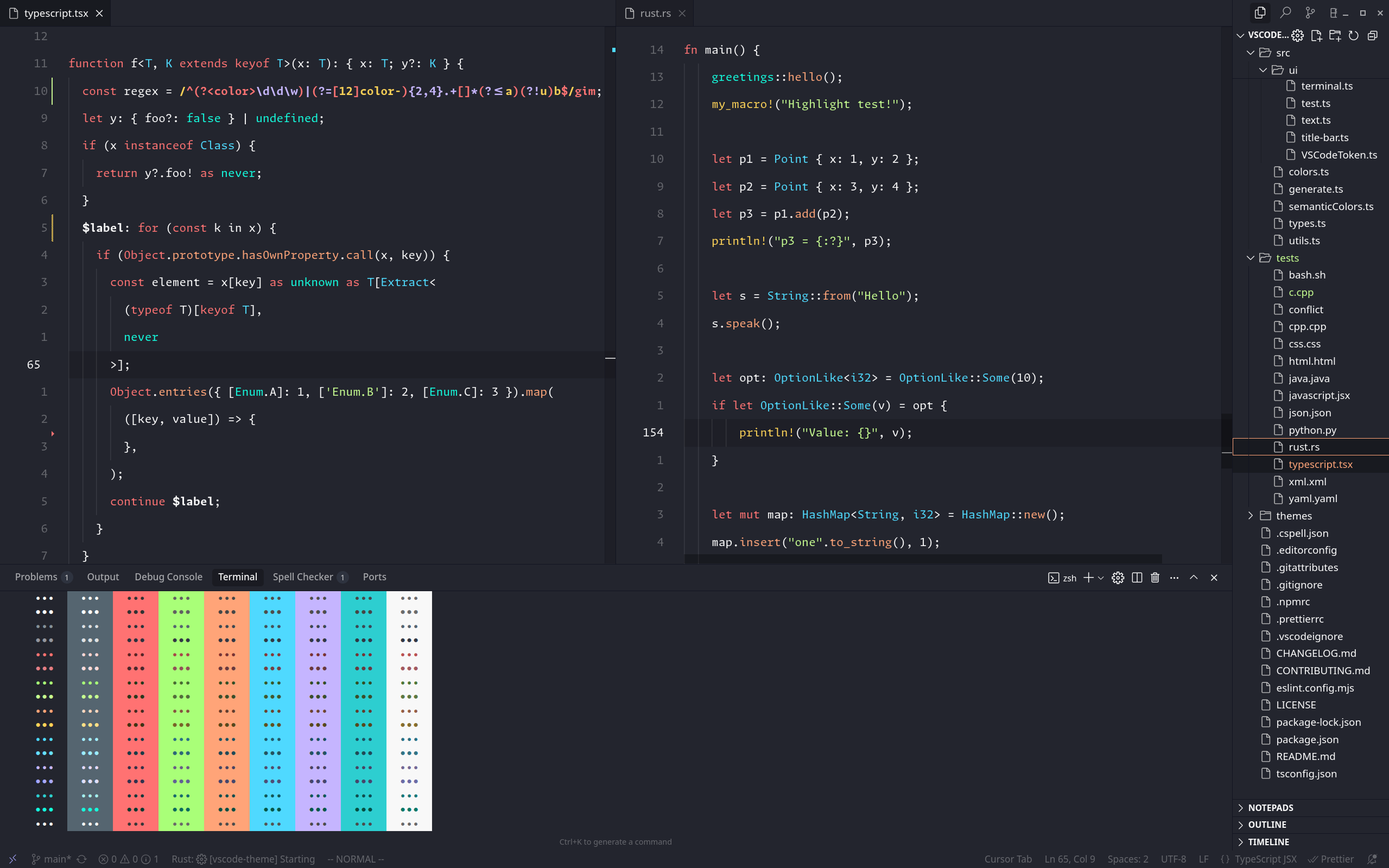
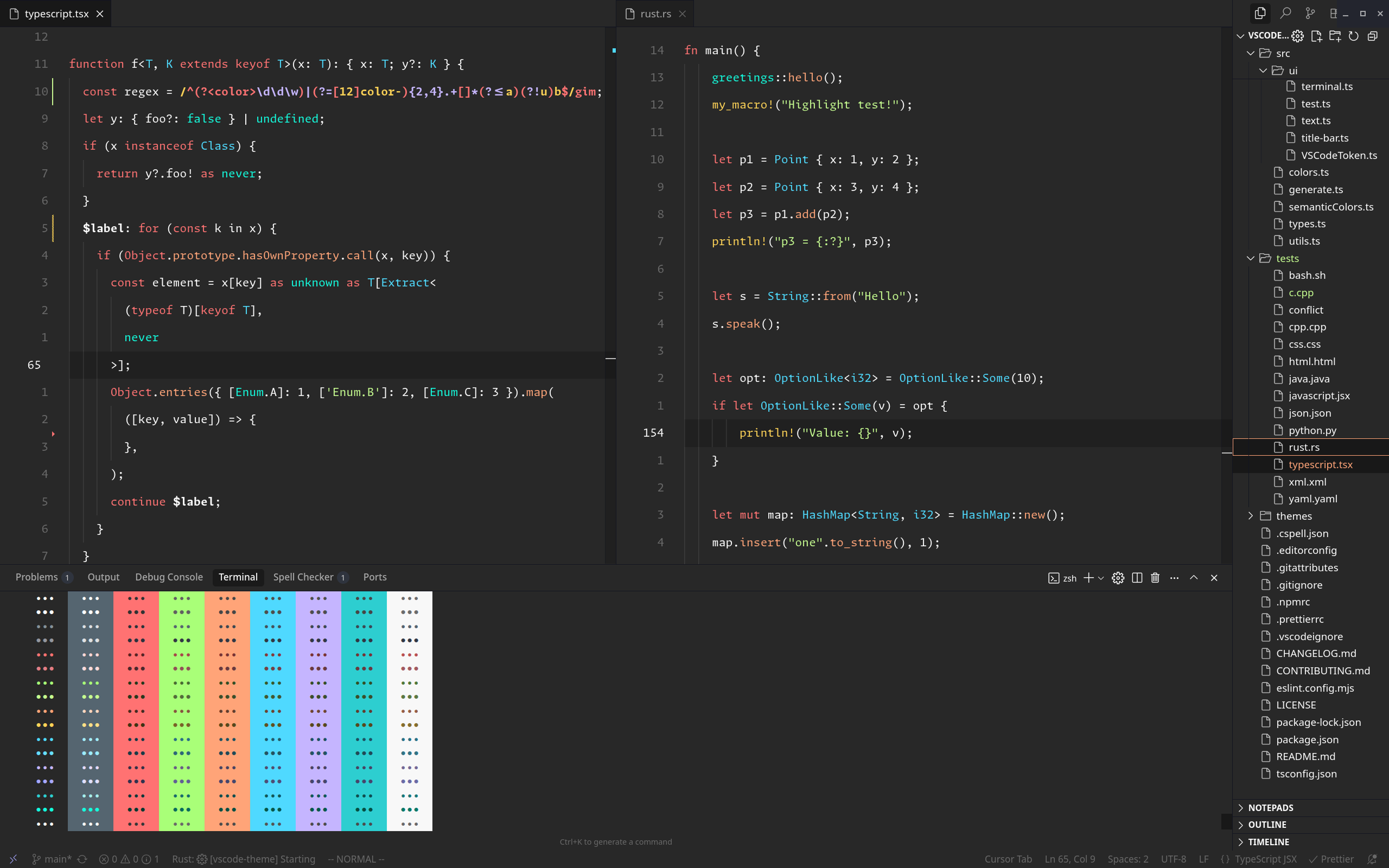
A minimal, comprehensive dark theme for Visual Studio Code and Cursor based on FlatRemix design principles.
https://github.com/fullstacksjs/vscode-theme
fullstacksjs vscode vscode-extension vscode-theme
Last synced: 4 months ago
JSON representation
A minimal, comprehensive dark theme for Visual Studio Code and Cursor based on FlatRemix design principles.
- Host: GitHub
- URL: https://github.com/fullstacksjs/vscode-theme
- Owner: fullstacksjs
- License: mit
- Created: 2022-05-21T10:28:06.000Z (about 4 years ago)
- Default Branch: main
- Last Pushed: 2025-09-13T15:31:35.000Z (9 months ago)
- Last Synced: 2025-10-21T00:24:25.818Z (8 months ago)
- Topics: fullstacksjs, vscode, vscode-extension, vscode-theme
- Language: TypeScript
- Homepage: https://marketplace.visualstudio.com/items?itemName=FullstacksJS.fullstacksjs-vscode
- Size: 2.35 MB
- Stars: 21
- Watchers: 1
- Forks: 1
- Open Issues: 1
-
Metadata Files:
- Readme: README.md
- Changelog: CHANGELOG.md
- Contributing: CONTRIBUTING.md
- License: LICENSE
Awesome Lists containing this project
README
# FullstacksJS VSCode Theme
A minimal, comprehensive dark theme for Visual Studio Code and Cursor based on FlatRemix design principles.
## Screenshots
### Dark
### Main
### Warm
## Install
### From VS Code Marketplace
1. Open VS Code
2. Go to Extensions (Ctrl+Shift+X)
3. Search for "FullstacksJS Theme"
4. Click Install
### From VSIX File
1. Download the `.vsix` file from releases
2. In VS Code, go to Extensions
3. Click the "..." menu and select "Install from VSIX..."
4. Select the downloaded file
## Contributing
We welcome contributions! Please see our [Contributing Guide](CONTRIBUTING.md) for details.
## Support
- **Issues**: [GitHub Issues](https://github.com/fullstacksjs/vscode-theme/issues)
- **Discussions**: [Telegram Goup](https://t.me/fullstacksjs)
---
Made with ❤️ by the FullstacksJS community