https://github.com/furrukht10/blog-app
A full stack blog application in Node.js, Express.js, MongoDB, Handlebars.js where users can sign up and post public or private stories for other users to see.
https://github.com/furrukht10/blog-app
expressjs handlebarsjs mongodb nodejs
Last synced: 5 months ago
JSON representation
A full stack blog application in Node.js, Express.js, MongoDB, Handlebars.js where users can sign up and post public or private stories for other users to see.
- Host: GitHub
- URL: https://github.com/furrukht10/blog-app
- Owner: furrukht10
- Created: 2022-01-10T18:56:52.000Z (over 4 years ago)
- Default Branch: main
- Last Pushed: 2022-03-06T02:24:16.000Z (over 4 years ago)
- Last Synced: 2025-03-11T22:32:10.193Z (over 1 year ago)
- Topics: expressjs, handlebarsjs, mongodb, nodejs
- Language: JavaScript
- Homepage: https://ft-blog-application-v1.herokuapp.com/
- Size: 85.9 KB
- Stars: 0
- Watchers: 1
- Forks: 0
- Open Issues: 0
-
Metadata Files:
- Readme: readme.md
Awesome Lists containing this project
README
Blog Application
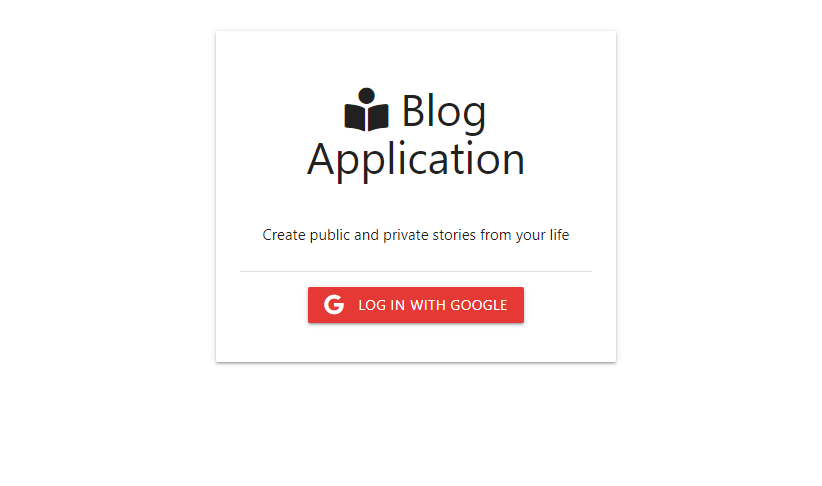
A Full Stack Blog Application where users can sign in with Google to create public or private posts
- Utilized Node.js, Express.js, and MongoDB to develop a RESTful API and run the back-end
- Utilized Google OAuth and Passport.js for secure login using Google
- Developed the front-end using Handlebars.js and vanilla JS
- Deployed on Heroku
## To Use
### Deployed Version: https://ft-blog-application-v1.herokuapp.com
Login using Google Authentication
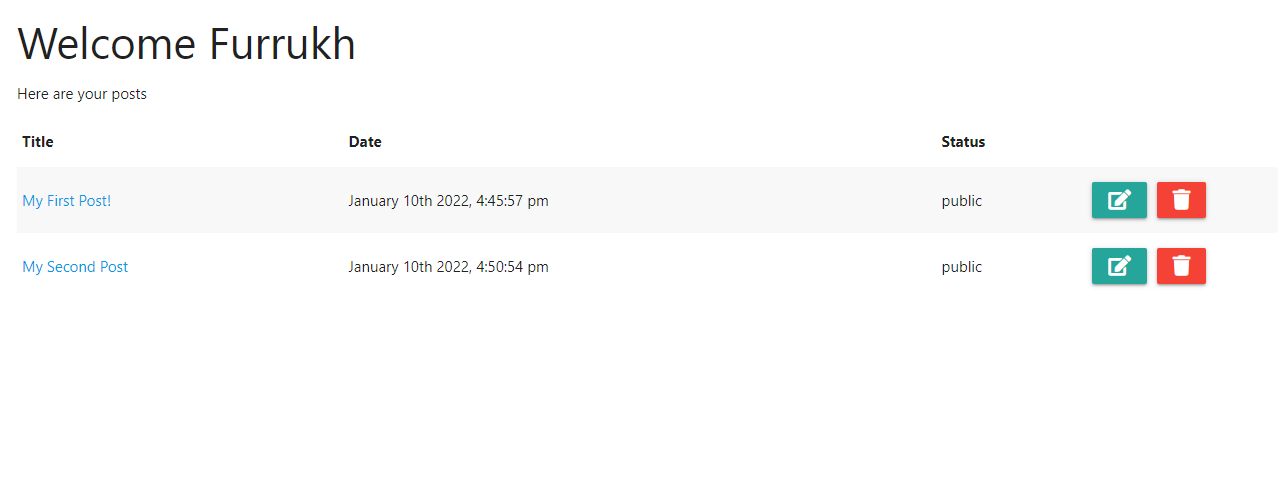
Head to the Dashboard and click the + icon to write your first post
Choose to make it public or private
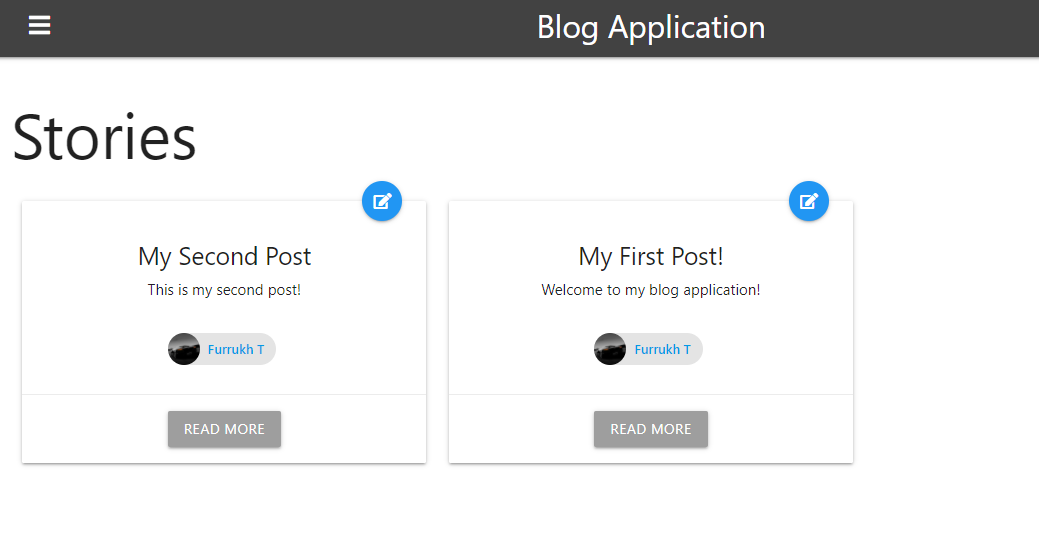
View your post and other users post in the Public Posts section
## Demo
- Log in using Google Authentication
-Create and edit new public or private posts
-View your posts and other users posts
## For Development
Add your mongoDB URI and Google OAuth credentials to the config.env file
```
# Install dependencies
npm install
# Run in development
npm run dev
# Run in production
npm start
```