https://github.com/gabrielroot/vim
Just a backup of my vim setup
https://github.com/gabrielroot/vim
vim
Last synced: 2 months ago
JSON representation
Just a backup of my vim setup
- Host: GitHub
- URL: https://github.com/gabrielroot/vim
- Owner: gabrielroot
- License: mit
- Created: 2023-04-28T21:33:38.000Z (about 3 years ago)
- Default Branch: main
- Last Pushed: 2023-05-10T00:01:53.000Z (about 3 years ago)
- Last Synced: 2025-03-23T16:25:11.303Z (over 1 year ago)
- Topics: vim
- Language: Vim Script
- Homepage:
- Size: 1.26 MB
- Stars: 0
- Watchers: 1
- Forks: 0
- Open Issues: 0
-
Metadata Files:
- Readme: README.md
- License: LICENSE
Awesome Lists containing this project
README

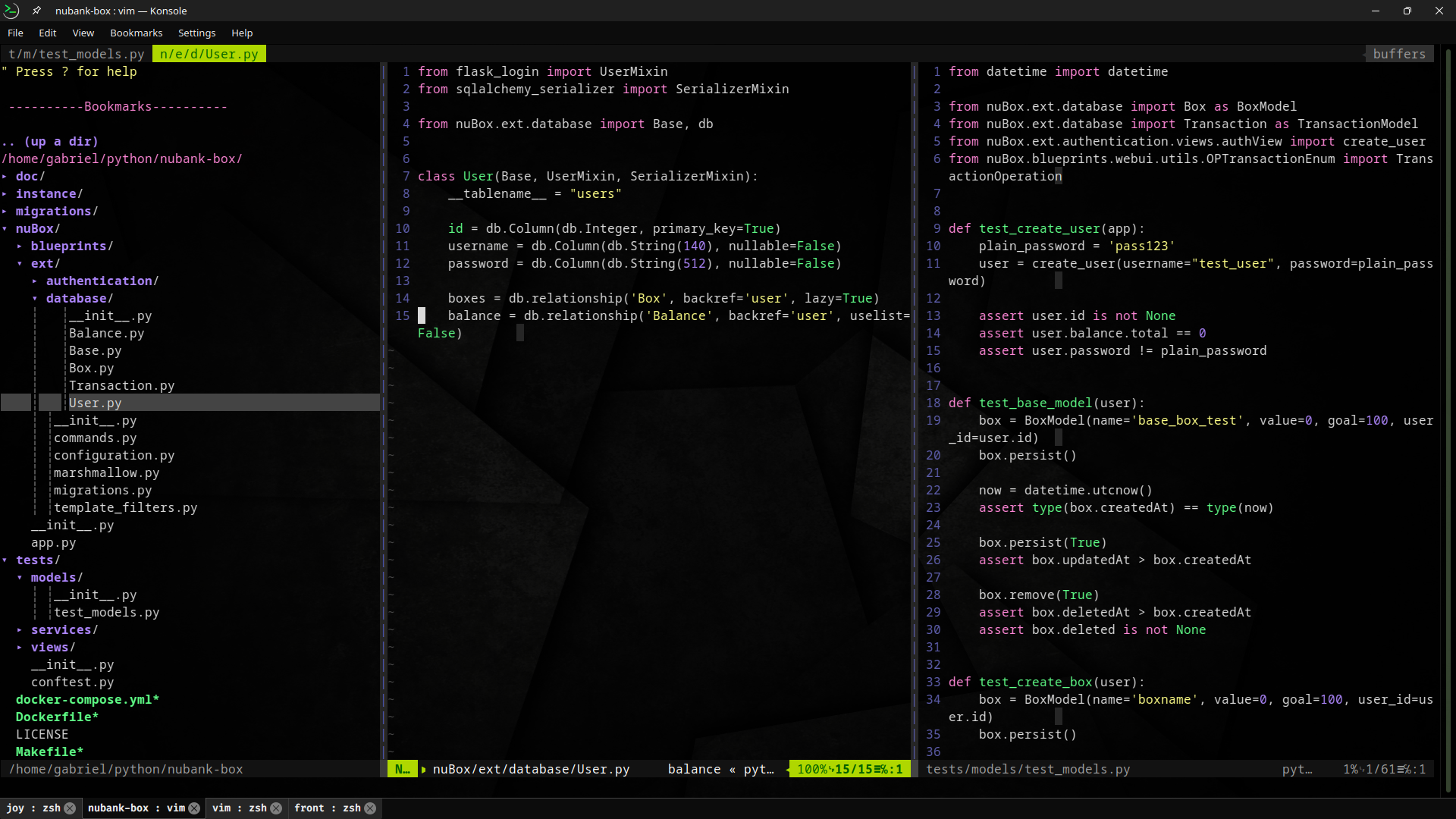
gabrielroot's vim
### I've used [vim-bootstrap](https://github.com/editor-bootstrap/vim-bootstrap) to start my config set.
If you decide to clone this project, recommend to put it inside a preferred path, then create symbolic link for that, like:
```
ln -s /preferred_path/vim/.vim ~/.vim
ln -s /preferred_path/vim/.vimrc ~/.vimrc
```
So you can keep all settings isolated and "commitable"
```
/my_preferred_path:
|── .git
├── assets
│ ├── bgDark.jpg
│ └── screenShot.png
├── .gitignore
├── LICENSE
├── README.md
├── .vim
| |── plugged
│ ├── autoload
│ │ └── plug.vim
│ └── session
└── .vimrc
/my_home_path:
├── .vim -> /my_preferred_path/vim/.vim
└── .vimrc -> /my_preferred_path/vim/.vimrc
```
## OR
Just install by the common way:
> Overriding or merging existent config
- Create the file ~/.vim/autoload/plug.vim OR follow the instructins from the official repo to install the latest version: [vim-plug](https://github.com/junegunn/vim-plug)
- Move .vimrc to your $HOME path
###
###