https://github.com/gaplo917/tdesktop-night-dev-theme
Tuning based on default telegram desktop night mode theme
https://github.com/gaplo917/tdesktop-night-dev-theme
night-mode telegram theme
Last synced: 3 months ago
JSON representation
Tuning based on default telegram desktop night mode theme
- Host: GitHub
- URL: https://github.com/gaplo917/tdesktop-night-dev-theme
- Owner: gaplo917
- Created: 2018-01-19T17:46:07.000Z (over 8 years ago)
- Default Branch: master
- Last Pushed: 2020-04-12T08:02:23.000Z (about 6 years ago)
- Last Synced: 2026-01-29T10:59:39.091Z (5 months ago)
- Topics: night-mode, telegram, theme
- Size: 144 KB
- Stars: 3
- Watchers: 1
- Forks: 1
- Open Issues: 0
-
Metadata Files:
- Readme: README.md
Awesome Lists containing this project
README
# NightDev Theme Introduction
Telegram Desktop provides a well-tuned night mode color, but I faced some problems when switching from light mode to night mode:
* No default background image when using night mode
* No image in default gallery looks good in night mode
* Contact list is too bright
* Message box background color is too dim
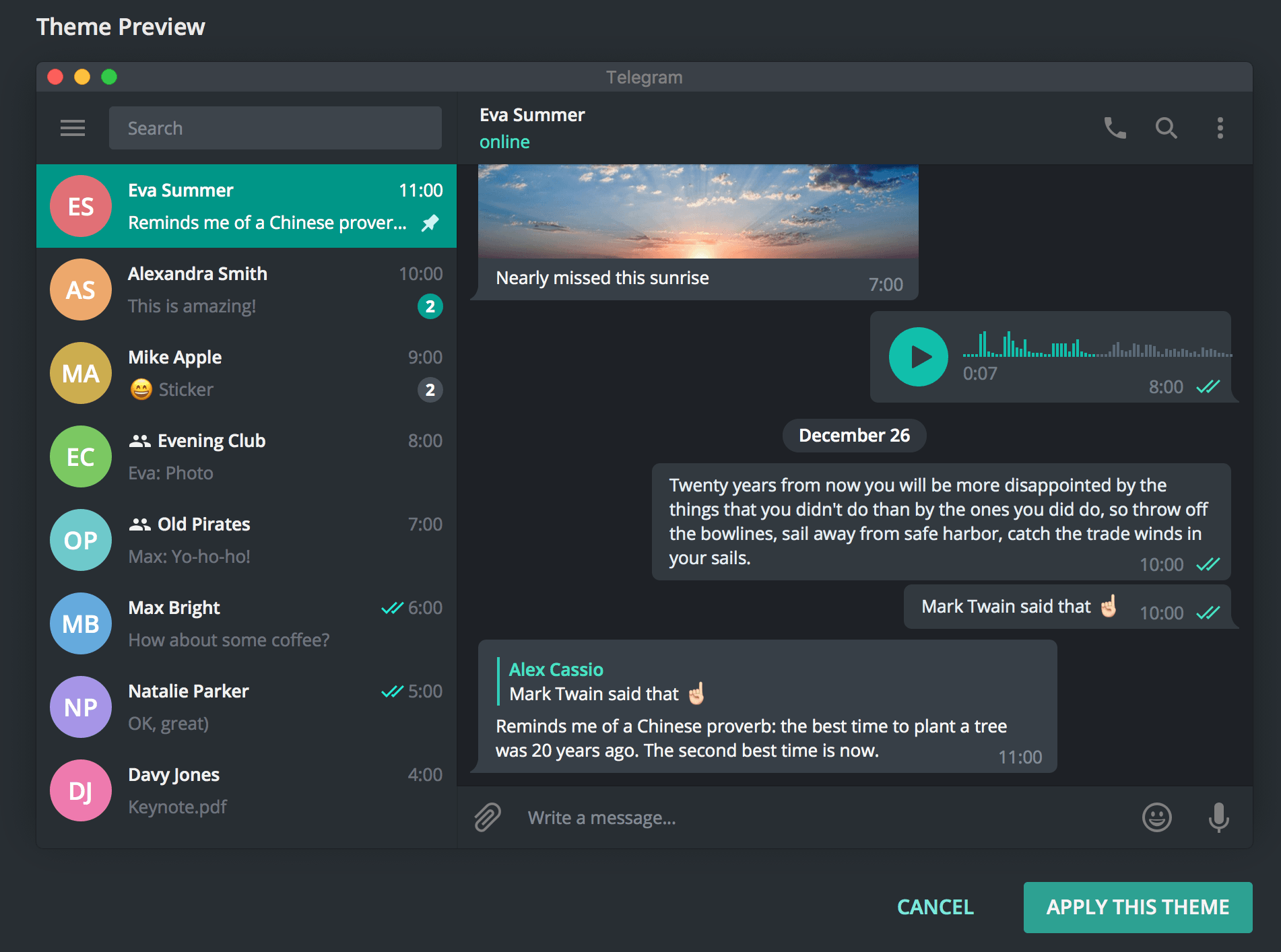
NightDev theme is a one click solution. 'Apply Themes' and done!
## NightDev Theme Preivew
## Installation
* Open [Releases section](https://github.com/gaplo917/tdesktop-night-dev-theme/releases)
* Download file with tdesktop-theme extension, e.g. `NightDev.tdesktop-theme`
* Send it to yourself in Telegram
* Click on file icon to preview the theme
* Click "Apply Theme"
Telegram MacOS and Android are NOT supported.
# FAQ
### What parameters did NightDev Theme change?
https://github.com/gaplo917/tdesktop-night-dev-theme/commit/f3a9f1c2dad4b19a9acd5af84f8a33269a93d0cc
### Where can I find the background Image?
https://cdn.rawgit.com/gaplo917/tdesktop-night-dev-theme/6cc95aff/tiledBg.png