https://github.com/gardner/locallanguagetool
Self-hosted LanguageTool private instance is an offline alternative to Grammarly
https://github.com/gardner/locallanguagetool
docker grammar languagetool privacy
Last synced: 2 months ago
JSON representation
Self-hosted LanguageTool private instance is an offline alternative to Grammarly
- Host: GitHub
- URL: https://github.com/gardner/locallanguagetool
- Owner: gardner
- License: mit
- Created: 2025-05-10T22:38:22.000Z (about 1 year ago)
- Default Branch: master
- Last Pushed: 2025-05-10T22:57:00.000Z (about 1 year ago)
- Last Synced: 2025-05-13T00:55:10.746Z (about 1 year ago)
- Topics: docker, grammar, languagetool, privacy
- Language: Shell
- Homepage: https://dev.to/gardner/self-hosted-languagetool-private-instance-is-an-offline-alternative-to-grammarly-56nh
- Size: 1.95 KB
- Stars: 17
- Watchers: 1
- Forks: 0
- Open Issues: 0
-
Metadata Files:
- Readme: README.md
- License: LICENSE
Awesome Lists containing this project
README
# LocalLanguageTool
Self-hosted LanguageTool private instance is an offline alternative to Grammarly
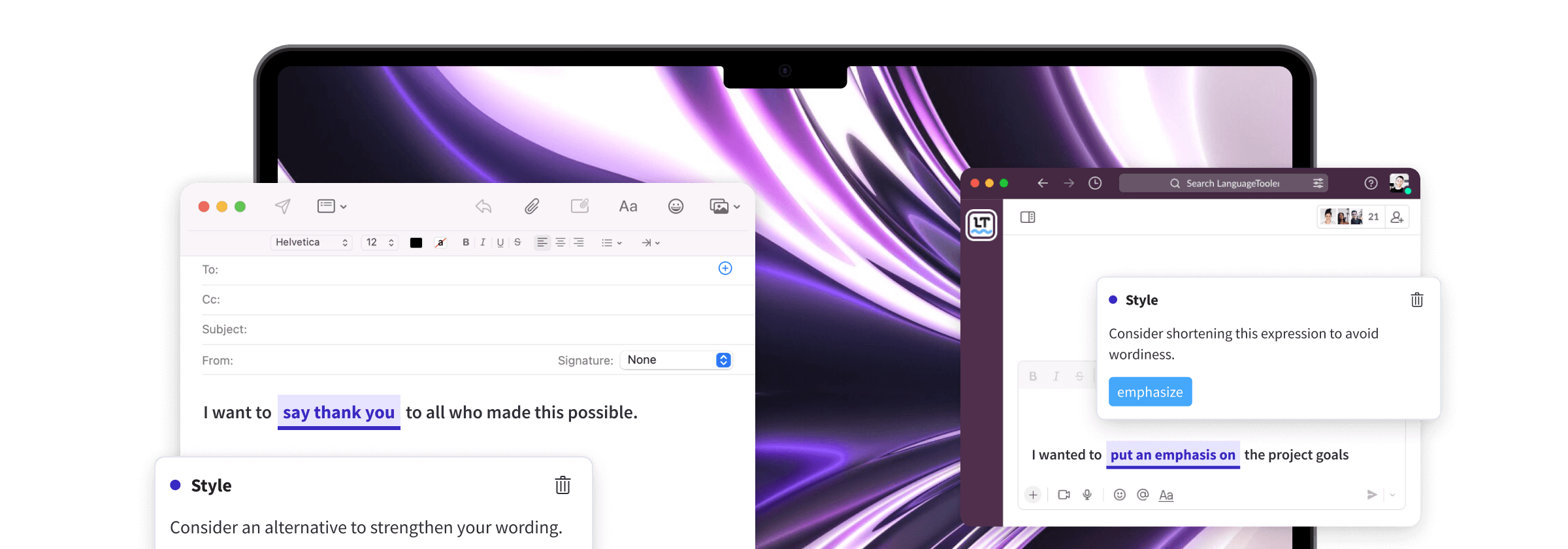
Setting up LanguageTool is easy. If you have DNS ad blocking enabled then you will want to disable abTesting as described in this post.
## docker-compose.yml
```yaml
services:
languagetool:
image: silviof/docker-languagetool:latest
restart: unless-stopped
command: java -cp languagetool-server.jar org.languagetool.server.HTTPServer --port 8010 --public --allow-origin '*' --config /etc/http_server.cfg
ports:
- 127.0.0.1:8010:8010
volumes:
- ./ngrams:/ngrams
- ./http_server.cfg:/etc/http_server.cfg
```
# Download ngrams
These weigh about `8.3`GB
```bash
mkdir ngrams
wget https://languagetool.org/download/ngram-data/ngrams-en-20150817.zip
(cd ngrams && unzip ../ngrams-en-20150817.zip)
rm -f ngrams-en-20150817.zip
```
# Disable AB Testing
To prevent outgoing network requests to fetch said tests:
```
cat < http_server.cfg
languageModel=/ngrams
abTest=null
abTestClients=null
EOF
```
## Start Server
```bash
docker compose up -d
```
## Install Browser Extension
* From Chrome [Web Store](https://chromewebstore.google.com/detail/grammar-checker-paraphras/oldceeleldhonbafppcapldpdifcinji
)
* From [Mozilla](https://addons.mozilla.org/en-US/firefox/addon/languagetool/)
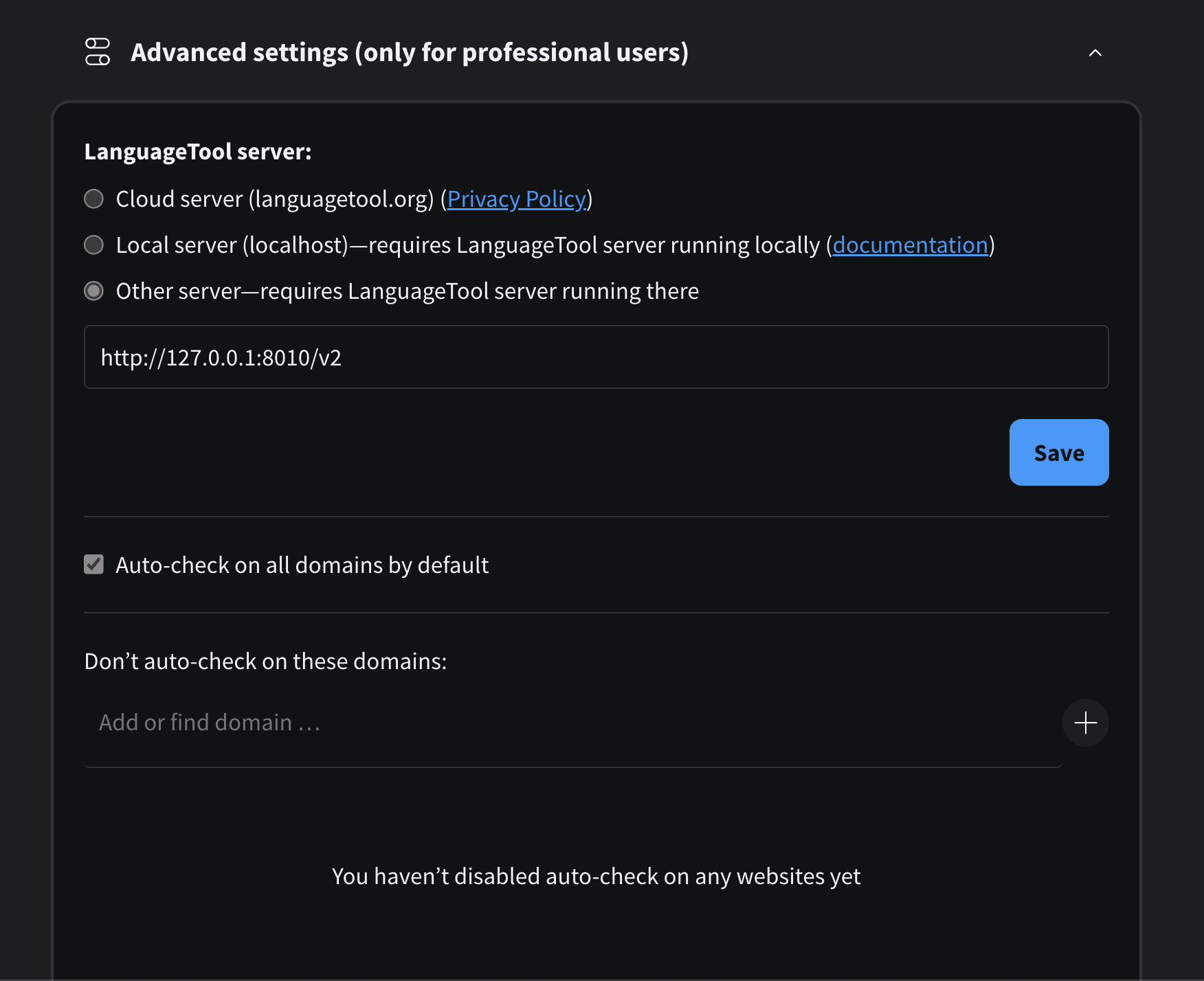
## Configure Browser Extension
In advanced config set API server to `http://127.0.0.1:8010/v2`