https://github.com/geminate/frame-animate-js
A javascript lib to create frame-by-frame animation.
https://github.com/geminate/frame-animate-js
animation framebyframe javascript javascript-library
Last synced: about 1 month ago
JSON representation
A javascript lib to create frame-by-frame animation.
- Host: GitHub
- URL: https://github.com/geminate/frame-animate-js
- Owner: geminate
- License: mit
- Created: 2018-09-14T08:47:52.000Z (almost 8 years ago)
- Default Branch: master
- Last Pushed: 2018-12-27T06:06:22.000Z (over 7 years ago)
- Last Synced: 2025-09-20T22:35:55.486Z (9 months ago)
- Topics: animation, framebyframe, javascript, javascript-library
- Language: HTML
- Homepage:
- Size: 153 KB
- Stars: 1
- Watchers: 1
- Forks: 1
- Open Issues: 0
-
Metadata Files:
- Readme: README.md
- License: LICENSE
Awesome Lists containing this project
README
## Introduction
A javascript lib to create frame-by-frame animation.
## Install
You can install frame-animate by npm.
```javascript
$ npm install frame-animate-js
```
or use script label
```html
```
## Config
| config | instruction | example
| -------- | ----- | -----
| dom | animate container | document.querySelector("#test")
| frameNumber | total number of frames | 16
| delay | interval between two frames | 70
| imgPath | source image path | './app-download.png'
| imgWidth | source image width | 1280
## Api
#### 1. playForward(start, end)
Start animate and play forward from one frame to another.
#### 2. playBack(start, end)
Start animate and play back from one frame to another.
#### 3. reset()
Reset animate, stop animate and move to first frame.
#### 4. pause()
Pause animate.
#### 5. addFrameCallBack(frameNumber, func)
Call the function when the animation is playing to the specified frame.
#### 6. removeFrameCallBack(callback)
Remove a callback.
#### 7. getCurrentFrame()
Return current frame number.
## Example
All the following examples use this picture as material.(from bilibili.com)

### Basic
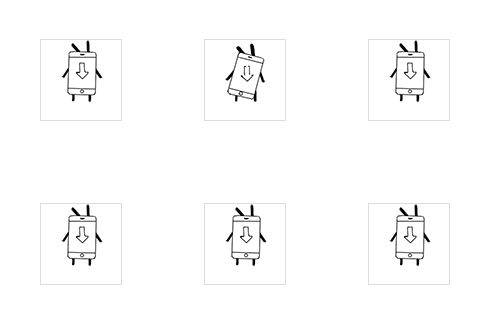
```javascript
import FrameAnimate from 'frame-animate-js';
const config = {
dom: document.querySelector("#test"),
frameNumber: 16,
delay: 70,
imgPath: './app-download.png',
imgWidth: 1280
};
const frame = new FrameAnimate(config);
frame.playForward();
```
### Loop playback
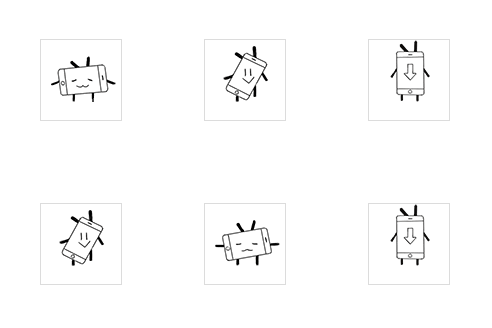
```javascript
import FrameAnimate from 'frame-animate-js';
const config = {
dom: document.querySelector("#test"),
frameNumber: 16,
delay: 70,
imgPath: './app-download.png',
imgWidth: 1280
};
const frame = new FrameAnimate(config);
frame.playForward();
frame.addFrameCallBack(0, function () {
frame.pause();
frame.playForward();
});
frame.addFrameCallBack(15, function () {
frame.pause();
frame.playBack();
});
```
### Complex
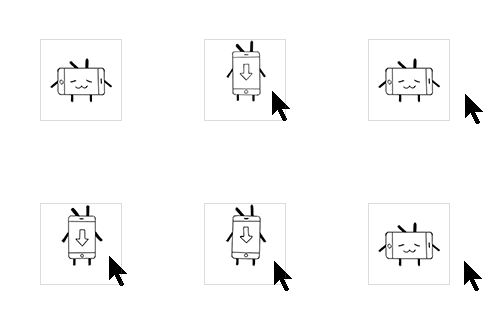
```javascript
import FrameAnimate from 'frame-animate-js';
const config = {
dom: document.querySelector("#test"),
frameNumber: 16,
delay: 70,
imgPath: './app-download.png',
imgWidth: 1280
};
const frame = new FrameAnimate(config);
let callback15, callback9;
document.querySelector("#test").addEventListener("mouseenter", function () {
callback9 = frame.addFrameCallBack(9, function () {
frame.pause();
frame.playForward(9, 15);
});
callback15 = frame.addFrameCallBack(15, function () {
frame.pause();
frame.playBack(15, 0);
});
frame.pause();
frame.playForward(frame.getCurrentFrame());
});
document.querySelector("#test").addEventListener("mouseleave", function () {
frame.removeFrameCallBack(callback9);
frame.removeFrameCallBack(callback15);
frame.pause();
frame.playBack(frame.getCurrentFrame(), 0);
});
```
### Use in vue
```html
```
```javascript
import FrameAnimate from 'frame-animate-js';
import Img from './app-download.png';
export default {
mounted() {
const config = {
dom: this.$refs.imgContainer,
frameNumber: 16,
delay: 70,d
imgPath: Img,
imgWidth: 1280
};
const frame = new FrameAnimate(config);
frame.playForward()
}
}
```