https://github.com/gerhynes/countdown-timer
A countdown timer using vanilla JavaScript. Built for Wes Bos' JavaScript 30 course.
https://github.com/gerhynes/countdown-timer
javascript javascript30 pomodoro
Last synced: 2 months ago
JSON representation
A countdown timer using vanilla JavaScript. Built for Wes Bos' JavaScript 30 course.
- Host: GitHub
- URL: https://github.com/gerhynes/countdown-timer
- Owner: gerhynes
- Created: 2017-11-07T17:49:17.000Z (over 8 years ago)
- Default Branch: master
- Last Pushed: 2018-05-12T19:59:42.000Z (about 8 years ago)
- Last Synced: 2025-03-26T10:23:53.607Z (over 1 year ago)
- Topics: javascript, javascript30, pomodoro
- Language: JavaScript
- Homepage: https://gk-hynes.github.io/countdown-timer/
- Size: 5.86 KB
- Stars: 0
- Watchers: 0
- Forks: 0
- Open Issues: 0
-
Metadata Files:
- Readme: README.md
Awesome Lists containing this project
README
# Countdown Timer
A countdown timer using vanilla JavaScript. Built for Wes Bos' [JavaScript 30](https://javascript30.com/) course.
[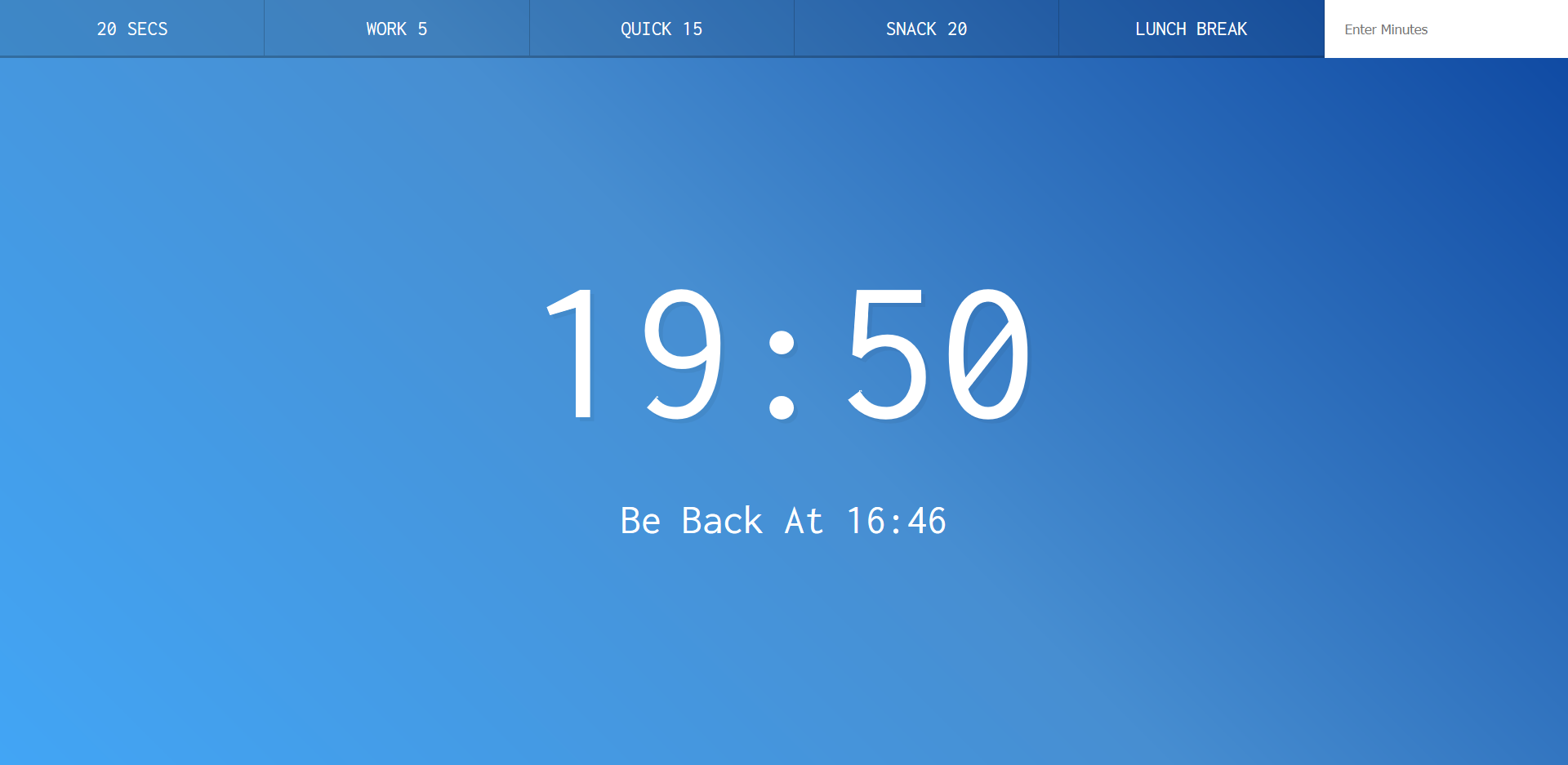](https://gk-hynes.github.io/countdown-timer/)
## Notes
The goal is to create a countdown timer where you can set how long each session is.
First, make a function, `timer`, which takes in the number of seconds left.
One way of handling this would be with `setInterval`, but that can stop running if you tab away or scroll.
Instead, use `Date.now()` to figure out when the timer started.
Create a variable, `then`, equal to `now` (counted in milliseconds) and `seconds * 1000`.
Now you can use `setInterval`, since it doesn't matter if there is a delay and the clock takes a second to show the updated time.
Inside `setInterval` set `secondsLeft` to `then - Date.now()`. Wrap everything in `Math.round()` and divide by 1000 to get the time in seconds.
Store the interval in a `let` variable, `countdown`.
Use an if statment to check if `secondsLeft < 0`. If so, call `clearInterval` and pass it `countdown`.
But `setInterval` doesn't run immediately. It has to wait for the first second to elapse.
To deal with this, create another function, `displayTimeLeft`, which takes in seconds. Run this as soon as `timer` is invoked and then call it again within the `setInterval`.
Inside `displayTimeLeft` convert `seconds` to minutes and seconds.
```js
const minutes = Math.floor(seconds / 60);
const remainderSeconds = seconds % 60;
```
Now you can start to update the HTML.
### Display timer
Select the `display__time-left` div and assign it to the variable `timerDisplay`.
```js
const display = `${minutes}:${remainderSeconds};
timerDisplay.textContent = display;
```
Here there is the problem that if there are fewer than 10 seconds left it will display 9 not 09.
Use a ternary operator to get around this.
```js
const display = `${minutes}:${
remainderSeconds < 10 ? "0" : ""
}${remainderSeconds}`;
```
You can also update the browser tab: `document.title = display;`
### Display Ending Time
Make a function, `displayEndTime`, which takes in a timestamp of when you want to finish.
Inside the function turn the timestamp into a date.
```js
const end = new Date(timestamp);
const hour = end.getHours();
const minutes = end.getMinutes();
```
Select the `display__end-time` p tag and assign it to the variable `endTime`.
Use another ternary operator to ensure it says 09 when there are fewer than 10 minutes on the clock.
```js
endTime.textContent = `Be Back At ${hour}:${minutes < 10 ? "0" : ""}${minutes}`;
```
Call `displayEndTime(then)` inside `timer`.
This retuns the time using the 24 hour clock. To display 3pm instead of 15:00, check if the hour is greater than 12 and return `hour - 12`.
### Connect the Timer to the Buttons
Each button has a `data-time` attribute with the number of seconds you want to run.
There is also a form with a custom number of minutes.
Select all the buttons and add event listeners. Listen for a click and run a function, `startTimer`.
Inside `startTimer` convert the buttons' time into a real number using `parseInt()` and then call `timer(seconds)`.
```js
function startTimer() {
const seconds = parseInt(this.dataset.time);
timer(seconds);
}
```
One problem now is that you can start multiple timers, e.g. by clicking the wrong button, and they'll all run at once.
So, whenever you start `timer` use `clearInterval(countdown)`.
Select the custom form and listen for a submit action. Run a function against it, calling `e.preventDefault``so it doesn't refresh the page and send the data over a GET request.
Finally, create a variable `mins` equal to `this.minutes.value`. Call `this.reset()` to clear the input.
Pass `mins * 60` to `timer`.
Now you have a functioning adjustable countdown timer.