https://github.com/gerhynes/geolocation
A page built to practice using geolocation data. Built for Wes Bos' JavaScript 30 course.
https://github.com/gerhynes/geolocation
geolocation javascript javascript30
Last synced: 3 months ago
JSON representation
A page built to practice using geolocation data. Built for Wes Bos' JavaScript 30 course.
- Host: GitHub
- URL: https://github.com/gerhynes/geolocation
- Owner: gerhynes
- Created: 2017-10-28T09:47:34.000Z (over 8 years ago)
- Default Branch: master
- Last Pushed: 2018-02-02T21:31:07.000Z (over 8 years ago)
- Last Synced: 2025-06-26T22:51:34.195Z (about 1 year ago)
- Topics: geolocation, javascript, javascript30
- Language: HTML
- Size: 4.88 KB
- Stars: 0
- Watchers: 0
- Forks: 0
- Open Issues: 0
-
Metadata Files:
- Readme: README.md
Awesome Lists containing this project
README
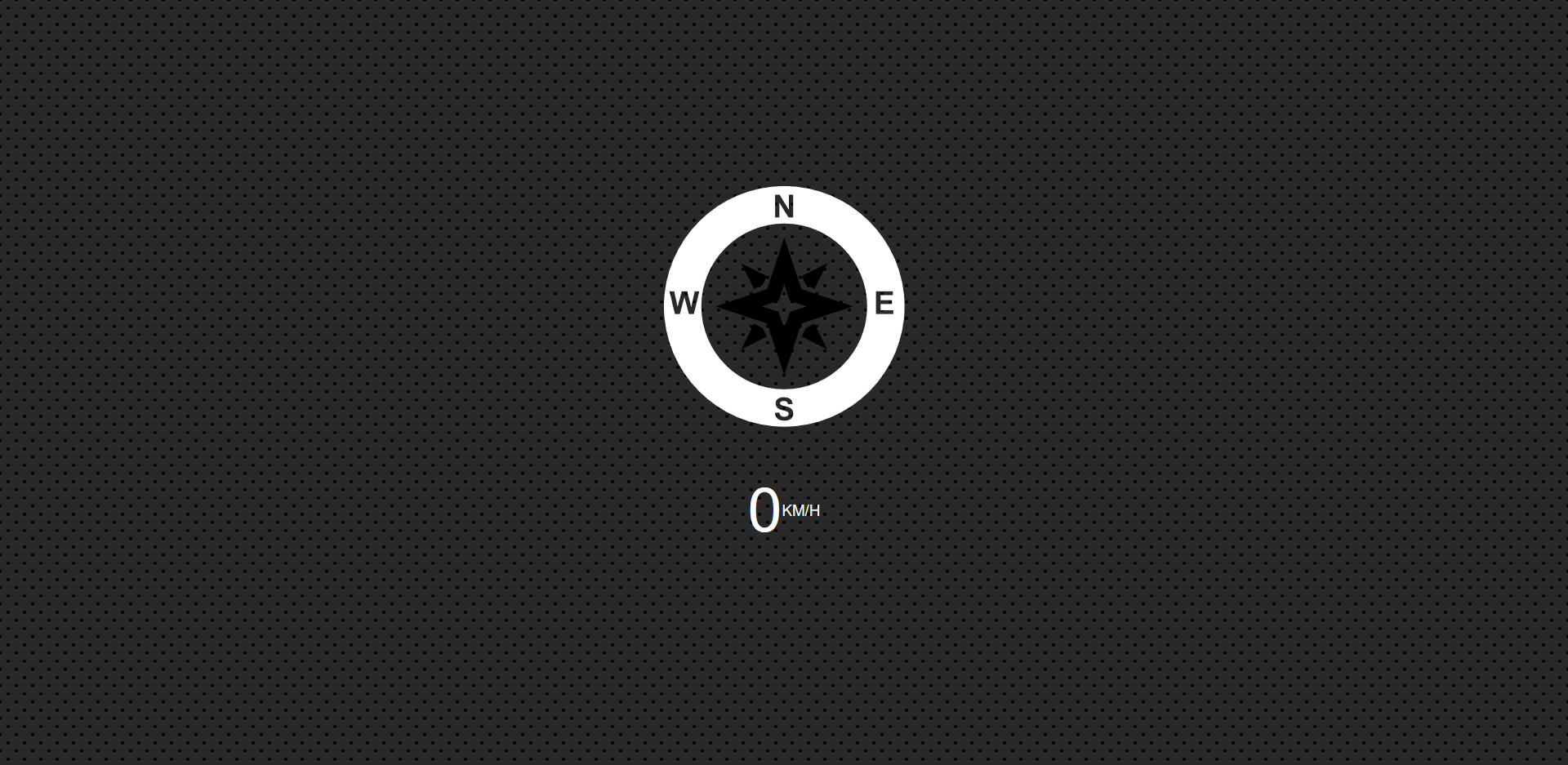
# Geolocation, Speedometer, and Compass
A page built to practice using geolocation data. Built for Wes Bos' [JavaScript 30](https://javascript30.com/) course.
## Notes
Geolocation provides more than just latitude and longitude. Heading, for example, tells you how many degrees off north you are, as well as your speed.
You cannot access gelocation unless you are on a secure origin.
Xcode can simulate heading, whereas Chrome, Firefox etc. cannot, so this project doesn't have full functionality.
So in theory:
Select the compass arrow and the speed value.
Listen for the user's position using `navigator.geolocation.watchPosition`.
`getCurrentPosition` will give you your current position at time of asking. `watchPosition` will observe your position and update the geolocation data.
Update the speed value. `speed.textContent = data.coords.speed;`
Rotate the compass depending on the heading.
```js
arrow.style.transform = `rotate(${data.coords.heading}deg)`;
```
Add an error callback and alert the user if they haven't allowed acces to their location.