https://github.com/gerhynes/javascript-drum-kit
A JavaScript drum kit to practice my vanilla JavaScript. Made for Wes Bos' JavaScript 30 course.
https://github.com/gerhynes/javascript-drum-kit
javascript javascript30 vanilla-javascript
Last synced: about 1 month ago
JSON representation
A JavaScript drum kit to practice my vanilla JavaScript. Made for Wes Bos' JavaScript 30 course.
- Host: GitHub
- URL: https://github.com/gerhynes/javascript-drum-kit
- Owner: gerhynes
- Created: 2017-10-02T19:32:56.000Z (almost 9 years ago)
- Default Branch: master
- Last Pushed: 2018-01-23T21:59:39.000Z (over 8 years ago)
- Last Synced: 2025-08-30T17:43:00.496Z (11 months ago)
- Topics: javascript, javascript30, vanilla-javascript
- Language: HTML
- Homepage: https://gk-hynes.github.io/javascript-drum-kit/
- Size: 894 KB
- Stars: 0
- Watchers: 0
- Forks: 0
- Open Issues: 0
-
Metadata Files:
- Readme: README.md
Awesome Lists containing this project
README
# [JavaScript Drum Kit](https://gk-hynes.github.io/javascript-drum-kit/)
A drum kit built using vanilla JavaScript. Built for Wes Bos' [JavaScript 30](https://javascript30.com/) course.
[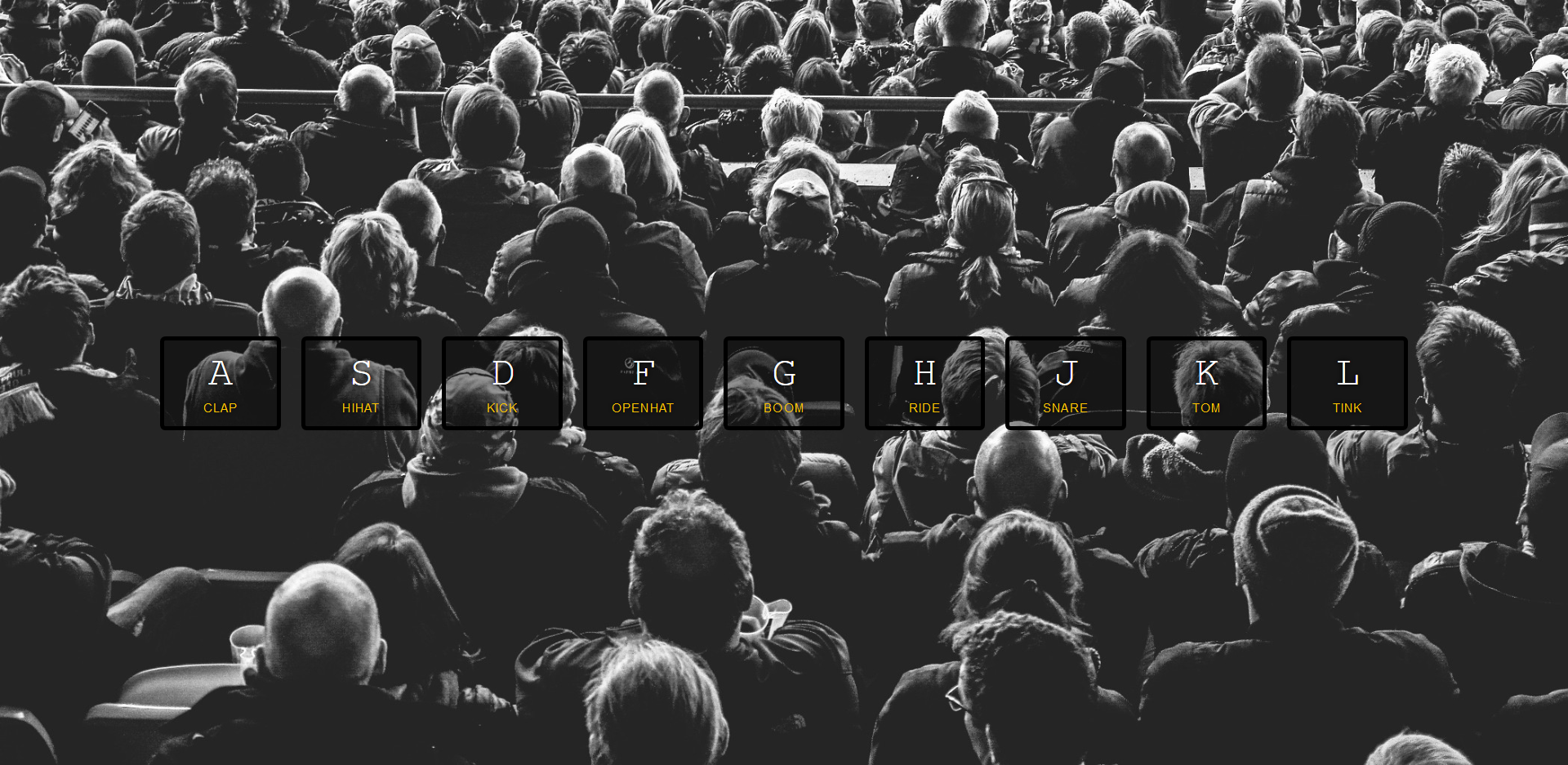](https://gk-hynes.github.io/javascript-drum-kit/)
## Notes
Each key has a unique keycode.
Data attributes let you add new non-standard attributes, such as `data-key`.
Add an event listener to the keys to listen for keydown.
Use `audio[data-key="${e.keyCode}"]` and `audio.play()` to play each key's specific audio.
If you call `.play()` on an element that is already playing, it won't play again. So use `audio.currentTime = 0` to rewind it to the start.
When a key is clicked on a `playing` class is added using `key.classList.add('playing')`. This scales up the key and adds a border and box shadow.
Instead of using `SetTimeout()` to remove the class, use a transitionend event. You cannot listen on all the elements in a NodeList so use `forEach()` to add an eventListener to each of them.
Instead of attaching a function directly to the key, use a separate function `playSound()` which you call upon keydown.