https://github.com/gerhynes/localstorage
A page built to practice working with localStorage and event delegation. Built for Wes Bos' JavaScript 30 course.
https://github.com/gerhynes/localstorage
event-delegation javascript javascript30 localstorage
Last synced: 11 months ago
JSON representation
A page built to practice working with localStorage and event delegation. Built for Wes Bos' JavaScript 30 course.
- Host: GitHub
- URL: https://github.com/gerhynes/localstorage
- Owner: gerhynes
- Created: 2017-10-15T22:03:48.000Z (over 8 years ago)
- Default Branch: master
- Last Pushed: 2018-01-21T11:32:18.000Z (over 8 years ago)
- Last Synced: 2025-07-11T20:43:47.832Z (12 months ago)
- Topics: event-delegation, javascript, javascript30, localstorage
- Language: HTML
- Homepage: https://gk-hynes.github.io/localstorage/
- Size: 6.84 KB
- Stars: 0
- Watchers: 0
- Forks: 0
- Open Issues: 0
-
Metadata Files:
- Readme: README.md
Awesome Lists containing this project
README
# [LocalStorage and Event Delegation](https://gk-hynes.github.io/localstorage/)
A page built to practice working with localStorage and event delegation. Built for Wes Bos' [JavaScript 30](https://javascript30.com/) course.
[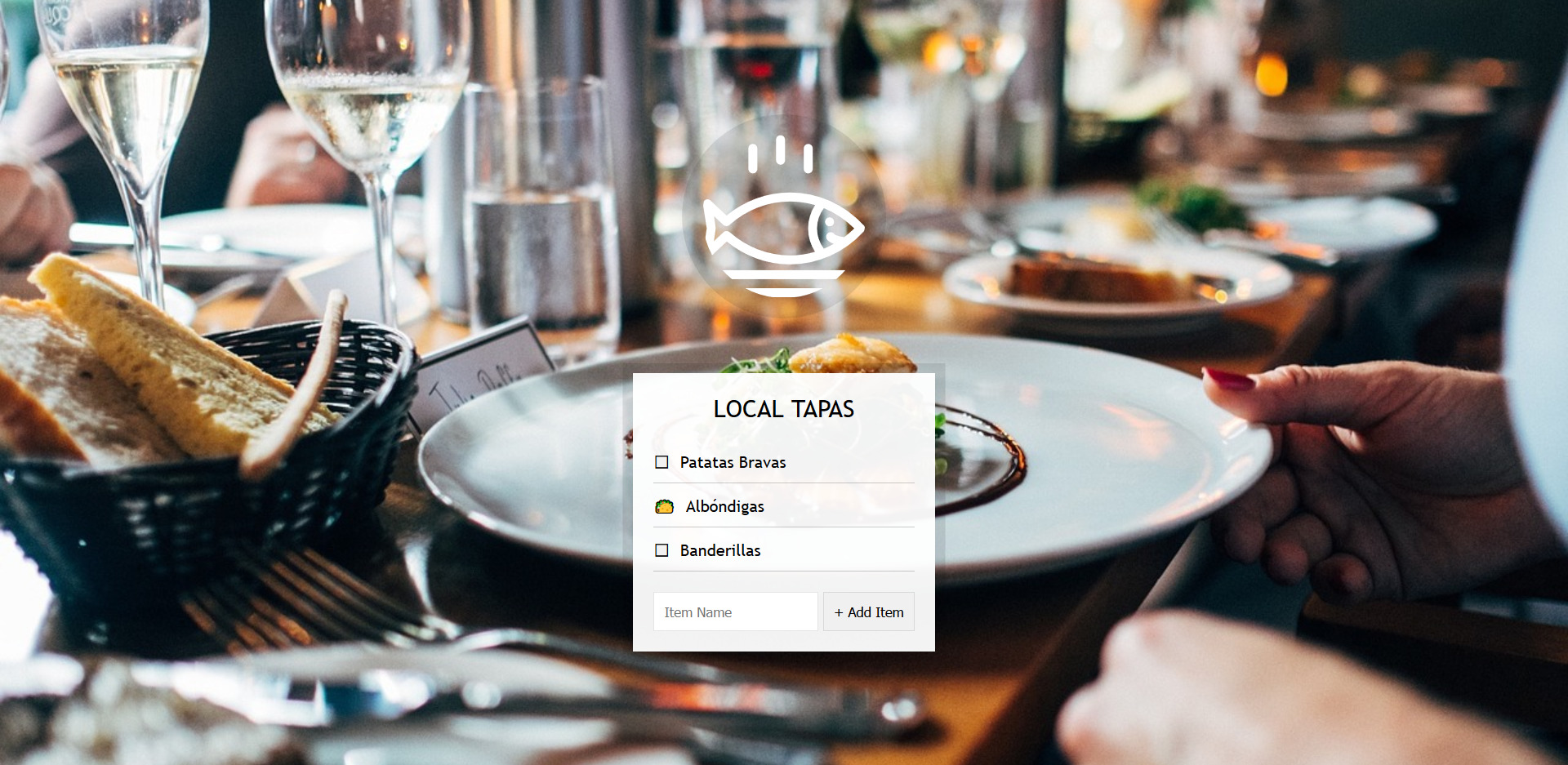](https://gk-hynes.github.io/localstorage/)
## Notes
Select the form and the unordered list and create an array to store the data.
Listen for the submit event on the form and run a function, `addItem`. Use `e.preventDefault()` to prevent the page from reloading.
Make a variable, `item`, with `text` and a `done` status of `false` (so by default it is not checked).
Use `(this.querySelector("[name=item]")).value` to get the `text`.
Use `this.reset()` to clear the input form.
Push `item` into the `items` array.
Make a second function, `populateList`. Pass in the items, with the default set to an empty array (so things don't crash if you submit without typing anything).
You also need a place to put the HTML so pass in the list of items as a destination.
Map over the plates array and use `platesList.innerHTML` to put it into the HTML.
Return a list item with a label and call `.join("")` on it (`map()` returns an array and you want a string).
Include `populateList` in `addItem` and pass it `items` and `itemsList`.
One downside to this is that it rerenders the entire list every time you update an item. Angular or React could get around this by only changing the minimum amount of HTML necessary.
Above each list item add an input with a type `checkbox`, a `data-index` set to the index, and an id set to `item${i}`.
Set the label to `for="item${i}"` so when you click on the label, the id will check itself.
Use a ternary operator to check the checkbox as necessary: `${plate.done ? "checked" : ""}`
### localStorage
At this stage, if you refresh the page the list won't persist.
LocalStorage allows you to save text to the browser and access it when you reload the page.
If you try to just use `localStorage.setItem("items", items)` you'll get `{object Object}`.
LocalStorage is only a key value store. You can only use strings there. If you try to save something else there it will be converted to a string.
You need to stringify the array you are passing to localStorage.
`localStorage.setItem("items", JSON.stringify(items));`
When extracting the data from localStorage, you can use `JSON.parse()` to take it from the string and return it to what it originally was.
On page load run `populateList` with `items` and `itemsList` passed as parameters.
Get `items` from localStorage at page load by setting `items` to `JSON.parse(localStorage.getItem("items")) || [];`. If there's nothing in localStorage an empty array will be created instead.
### Event Delegation
At this stage, the toggled state of the items does not persist.
Make a function, `toggleDone`.
If you just listen for a click on all inputs, it won't recognize any checkboxes created _after_ the event listeners were added.
Don't listen for the checkboxes directly, listen for the unordered list and tell it to pass the clicks onto its child elements, the checkboxes:
```js
itemsList.addEventListener("click", toggleDone);
```
Event delegation is like telling a responsible parent to keep an eye on their irresponsible children.
Now, if you click on the list item it will register a click on the label and on the checkbox.
You need to check if the target of `toggleDone` matches the thing you are looking for.
```js
if (!e.target.matches("input")) return; // skip this target unless it's an input
```
Go to the `items` array, find the one that was checked, and set its `done` status to `true`.
```js
const el = e.target;
const index = el.dataset.index;
items[index].done = !items[index].done;
```
Using `JSON.stringify()` again, pass the updated data to localStorage, and run `populateList` to update the visible information.
```js
localStorage.setItem("items", JSON.stringify(items));
populateList(items, itemsList);
```