https://github.com/gerhynes/mouse-shadow
A page created to practice manipulating styles using mouse position. Built for Wes Bos' JavaScript 30 course.
https://github.com/gerhynes/mouse-shadow
javascript javascript30 text-shadow
Last synced: over 1 year ago
JSON representation
A page created to practice manipulating styles using mouse position. Built for Wes Bos' JavaScript 30 course.
- Host: GitHub
- URL: https://github.com/gerhynes/mouse-shadow
- Owner: gerhynes
- Created: 2017-10-17T20:52:37.000Z (almost 9 years ago)
- Default Branch: master
- Last Pushed: 2018-01-21T12:44:33.000Z (over 8 years ago)
- Last Synced: 2025-01-31T11:49:37.599Z (over 1 year ago)
- Topics: javascript, javascript30, text-shadow
- Language: JavaScript
- Homepage: https://gk-hynes.github.io/mouse-shadow/
- Size: 2.93 KB
- Stars: 0
- Watchers: 0
- Forks: 0
- Open Issues: 0
-
Metadata Files:
- Readme: README.md
Awesome Lists containing this project
README
# Mousemove Text Shadow
A page created to practice manipulating styles using mouse position. Built for Wes Bos' [JavaScript 30](https://javascript30.com/) course.
[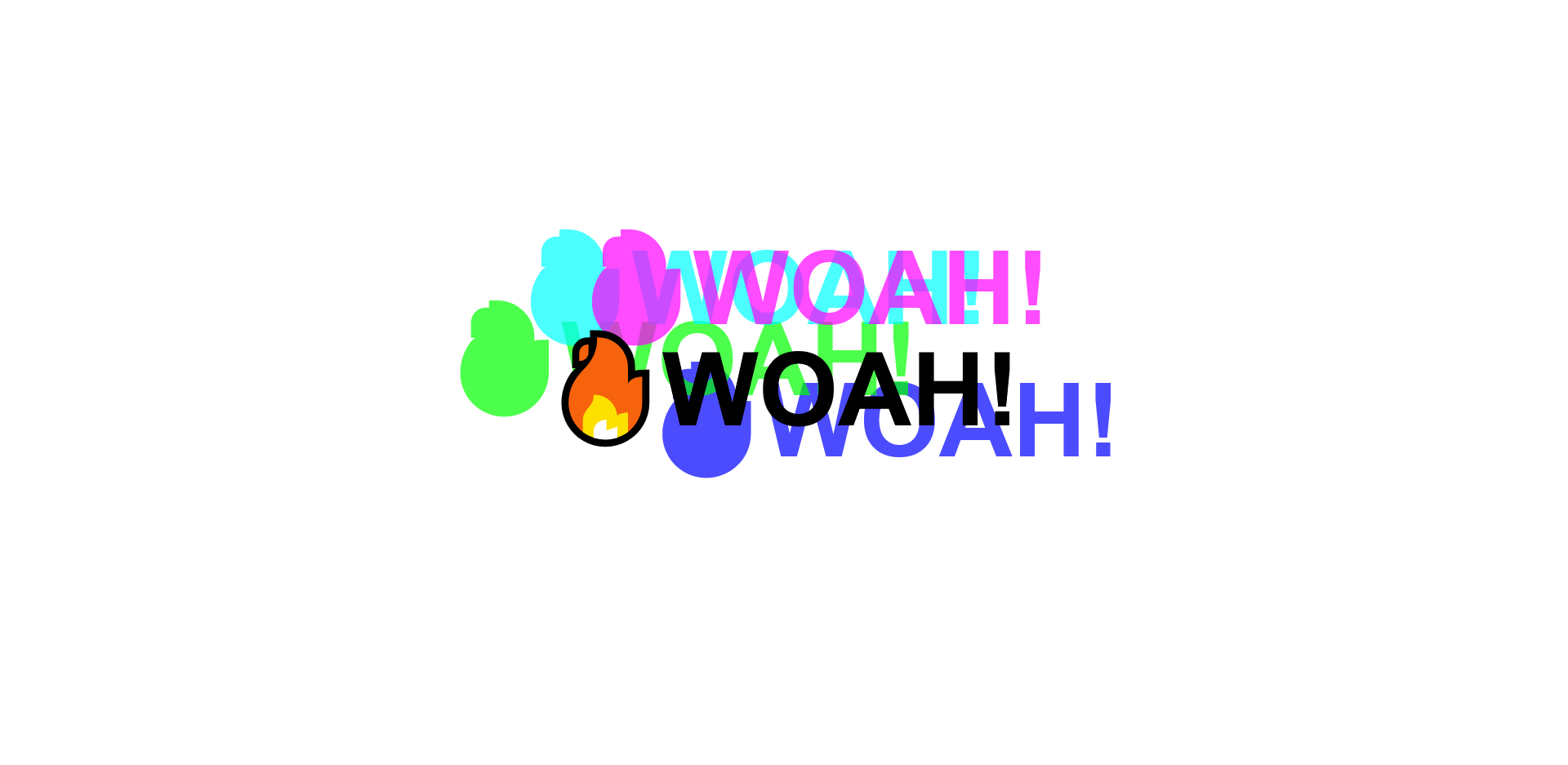](https://gk-hynes.github.io/mouse-shadow/)
## Notes
Listen for a mousemove event on the `hero` element and when that changes work out the location and size of the text shadow.
Select the `hero` and the `h1` inside it.
Make a function, `shadow`, and pass it the event.
Add a mousemove event listener to `hero` and set it to run `shadow`.
Inside `shadow`, get the width and height of `hero`, and the location of the cursor.
```js
const { offsetWidth: width, offsetHeight: height } = hero;
let { offsetX: x, offsetY: y } = e;
```
If you hover in the top left corner of the window you will get x and y values close to 0. But if you hover in the top left corner of the `h1` you also get values close to zero.
Although you are listening for the x and y values for `hero`, if there are children elements inside `hero` and you hover over them, you will get _their_ x and y values.
`e.target` will be the thing that the function triggered on, while `this` will be the thing that it listened on.
Use an if statement to compensate for this. If `this` and `e.target` are different things, add `e.target.offsetLeft` and `e.target.offsetTop` to the x an y values respectively.
```js
if (this !== e.target) {
x = x + e.target.offsetLeft;
y = y + e.target.offsetTop;
}
```
Now you need to figure out how far the textshadow should go, i.e the walk.
Create a `walk` variable and set it to 200px.
If the walk is 200px in total you want to offset the textshadow to 100 and -100.
All the way at the top left you should get -100, -100 and all the way to the bottom right should give 100, 100.
```js
const xWalk = Math.round(x / width * walk - walk / 2);
const yWalk = Math.round(y / height * walk - walk / 2);
```
Using the `style` attribute, set the `text`'s `textShadow` to `${xWalk}px ${yWalk}px 0 red`.
The text shadow values will be updated as you move the cursor around the element.
You can add in extra, contrasting, text shadows by multiplying the `xWalk` and `yWalk` by -1.
```js
text.style.textShadow = `
${xWalk}px ${yWalk}px 0 rgba(255,0,255,0.7),
${xWalk * -1}px ${yWalk}px 0 rgba(0,255,255,0.7),
${yWalk}px ${xWalk * -1}px 0 rgba(0,255,0,0.7),
${yWalk * -1}px ${xWalk}px 0 rgba(0,0,255,0.7)
`;
```
Remember, when dealing with events, you can use offsetX and offsetY to get the position where your cursor is. However if you have nested elements you will need to compensate for them.