https://github.com/getshifter/hl-sdk-node
npm install --save @shifter/headless-sdk
https://github.com/getshifter/hl-sdk-node
Last synced: about 1 year ago
JSON representation
npm install --save @shifter/headless-sdk
- Host: GitHub
- URL: https://github.com/getshifter/hl-sdk-node
- Owner: getshifter
- License: mit
- Created: 2020-06-16T11:08:15.000Z (about 6 years ago)
- Default Branch: master
- Last Pushed: 2024-04-23T04:17:49.000Z (about 2 years ago)
- Last Synced: 2024-04-23T07:09:34.091Z (about 2 years ago)
- Language: TypeScript
- Homepage: https://getshifter.github.io/hl-sdk-node/
- Size: 2.44 MB
- Stars: 0
- Watchers: 3
- Forks: 1
- Open Issues: 19
-
Metadata Files:
- Readme: README.md
- License: LICENSE
Awesome Lists containing this project
README
# Shifter Headless API SDK (beta)
```bash
npm install --save @shifter/headless-sdk
```
## Usage
### Directory set authorization token
If you integrated by OAuth2, we can use the authorization token.
#### TypeScript
```typescript
import {Shifter} from '@shifter/headless-sdk'
const shifter = new Shifter({
token: "SHIFTER_AUTH_TOKEN"
})
shifter.sites.lists()
.then(data => console.log(data))
```
#### JavaScript
```javascript
const {Shifter} = require('@shifter/headless-sdk')
const shifter = new Shifter({
token: "SHIFTER_AUTH_TOKEN"
})
shifter.sites.lists()
.then(data => console.log(data))
```
### Setup with username/password auth
We can directory setup the client with username and password.
#### TypeScript
```typescript
import {Shifter} from '@shifter/headless-sdk'
const shifter = await Shifter.setupWithLogin('USERNAME', 'PASSWORD')
shifter.sites.lists()
.then(data => console.log(data))
```
#### JavaScript
```javascript
const {Shifter} = require('@shifter/headless-sdk')
Shifter.setupWithLogin('USERNAME', 'PASSWORD')
.then(shifter => {
shifter.sites.list()
.then(data => {
console.log(data)
}).catch(e => {
console.log(e)
})
})
```
## Development
This project was bootstrapped with [TSDX](https://github.com/jaredpalmer/tsdx).
### Local Development
Below is a list of commands you will probably find useful.
#### `npm start` or `yarn start`
Runs the project in development/watch mode. Your project will be rebuilt upon changes. TSDX has a special logger for you convenience. Error messages are pretty printed and formatted for compatibility VS Code's Problems tab.

Your library will be rebuilt if you make edits.
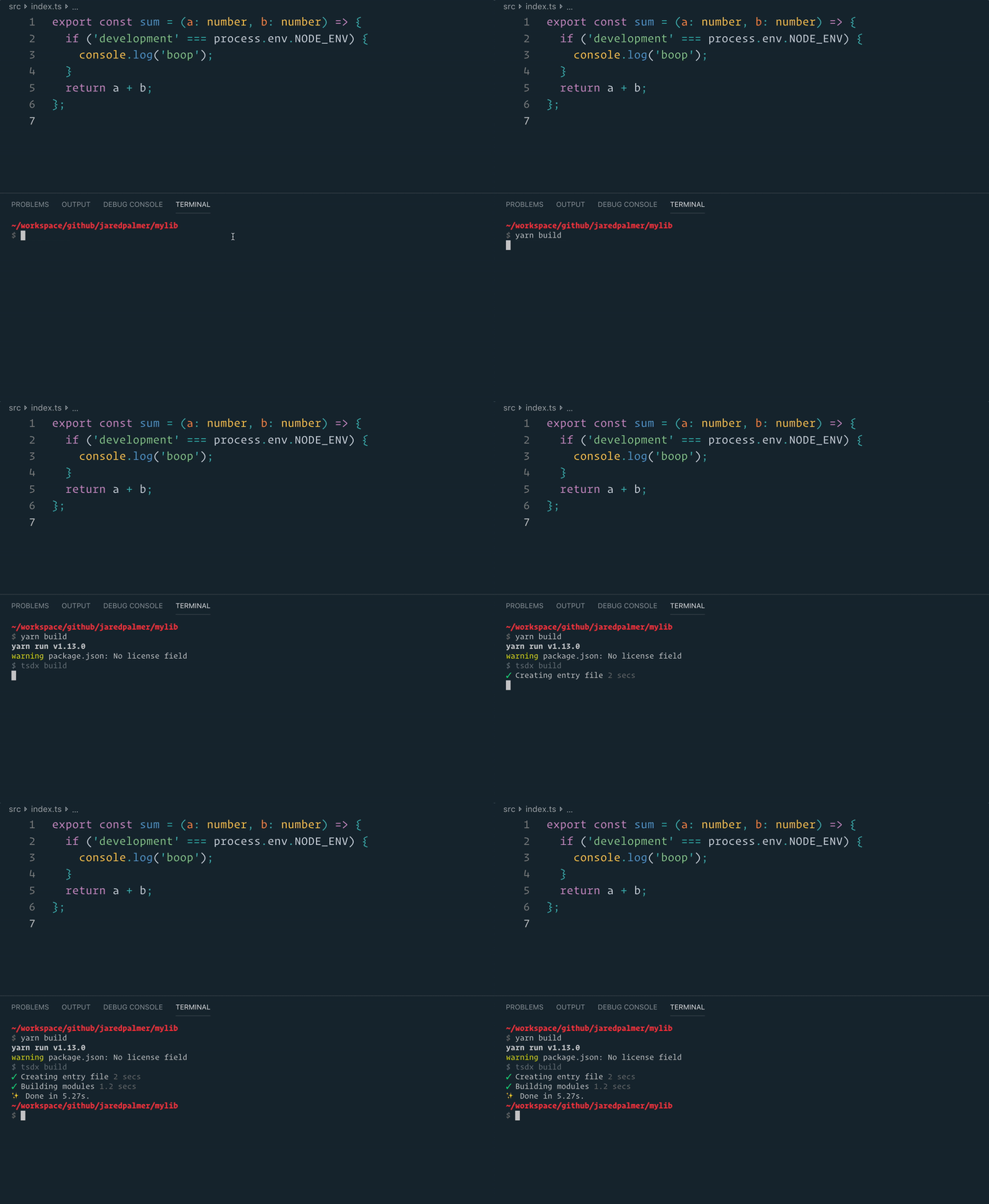
#### `npm run build` or `yarn build`
Bundles the package to the `dist` folder.
The package is optimized and bundled with Rollup into multiple formats (CommonJS, UMD, and ES Module).
#### `npm test` or `yarn test`
Runs the test watcher (Jest) in an interactive mode.
By default, runs tests related to files changed since the last commit.