https://github.com/glaukiol1/github-user-stats-website
:zap: Get detailed stats for anyone by username
https://github.com/glaukiol1/github-user-stats-website
github-stats stats website
Last synced: about 1 year ago
JSON representation
:zap: Get detailed stats for anyone by username
- Host: GitHub
- URL: https://github.com/glaukiol1/github-user-stats-website
- Owner: glaukiol1
- License: mit
- Created: 2021-05-15T13:05:22.000Z (about 5 years ago)
- Default Branch: master
- Last Pushed: 2021-05-16T19:12:26.000Z (about 5 years ago)
- Last Synced: 2025-01-23T16:45:10.299Z (over 1 year ago)
- Topics: github-stats, stats, website
- Language: JavaScript
- Homepage: https://github-user-stats-glaukiol1.vercel.app/
- Size: 863 KB
- Stars: 1
- Watchers: 1
- Forks: 1
- Open Issues: 0
-
Metadata Files:
- Readme: README.md
- Contributing: CONTRIBUTING.md
- License: LICENSE
- Code of conduct: CODE_OF_CONDUCT.md
Awesome Lists containing this project
README

GitHub Readme Stats (Score Finder)
Find the your score & see how close you are to the next rank!
github-readme-stats (Original) Owner: @anuraghazra
This project was made to find out what your current score is, and how close you are to your next rank! Also, you can search anyone by username and get detailed stats!
# Ranks
- S+ (Top 1%)
- S (Top 25%)
- A++ (Top 45%)
- A+ (Top 60%)
- B+ (everyone).
The values are calculated by using the _[cumulative distribution function](https://en.wikipedia.org/wiki/Cumulative_distribution_function)_ using _commits, contributions, issues, stars, pull requests, followers, and owned repositories_.
The implementation can be investigated at _[src/calculateRank.js](./src/calculateRank.js)_
## Deploy on your own Vercel instance
#### [Check Out Step By Step Video Tutorial By @codeSTACKr](https://youtu.be/n6d4KHSKqGk?t=107)
[](https://vercel.com/import/project?template=https://github.com/glaukiol1/github-readme-stats)
Guide on setting up Vercel 🔨
1. Go to [vercel.com](https://vercel.com/)
1. Click on `Log in`
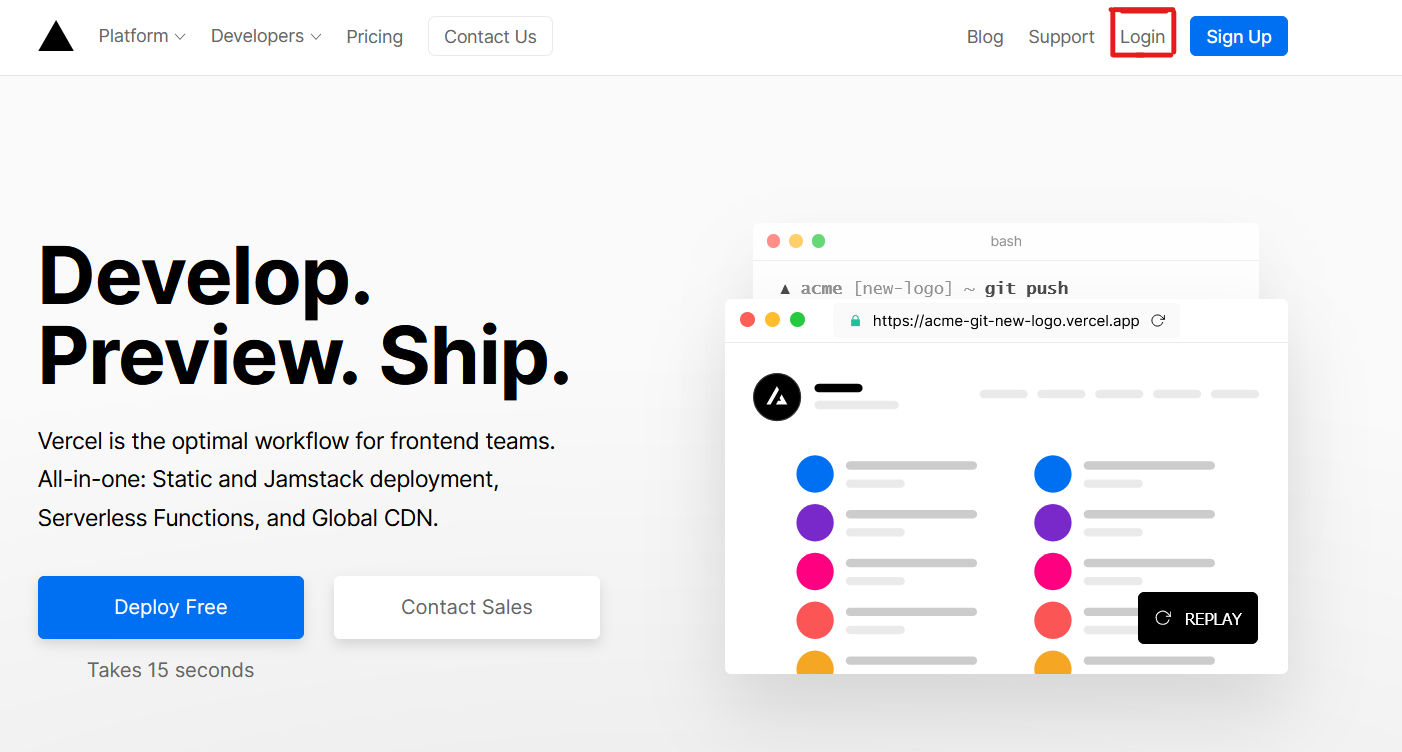
1. Sign in with GitHub by pressing `Continue with GitHub`
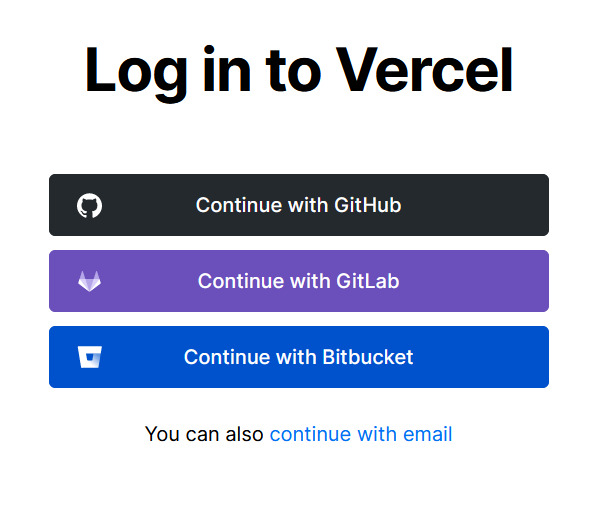
1. Sign into GitHub and allow access to all repositories, if prompted
1. Fork this repo
1. Go back to your [Vercel dashboard](https://vercel.com/dashboard)
1. Select `Import Project`

1. Select `Import Git Repository`
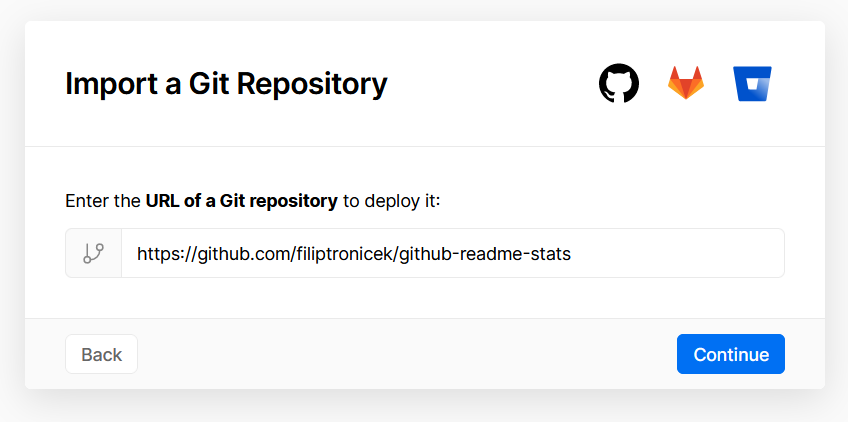
1. Select root and keep everything as is, just add your environment variable named PAT_1 (as shown), which will contain a personal access token (PAT), which you can easily create [here](https://github.com/settings/tokens/new) (leave everything as is, just name it something, it can be anything you want)

1. Click deploy, and you're good to go. See your domains to use the API!
Contributions are welcome! <3
Made with :heart: and JavaScript.
github-readme-stats: @anuraghazra
This api: @glaukiol1