https://github.com/gleapsdk/flutter-sdk
https://github.com/gleapsdk/flutter-sdk
Last synced: 11 months ago
JSON representation
- Host: GitHub
- URL: https://github.com/gleapsdk/flutter-sdk
- Owner: GleapSDK
- License: other
- Created: 2021-10-05T12:26:32.000Z (over 4 years ago)
- Default Branch: main
- Last Pushed: 2025-03-17T14:41:37.000Z (about 1 year ago)
- Last Synced: 2025-04-01T11:50:30.812Z (about 1 year ago)
- Language: Dart
- Size: 495 KB
- Stars: 4
- Watchers: 1
- Forks: 5
- Open Issues: 2
-
Metadata Files:
- Readme: README.md
- Changelog: CHANGELOG.md
- License: LICENSE
Awesome Lists containing this project
README
# Gleap SDK
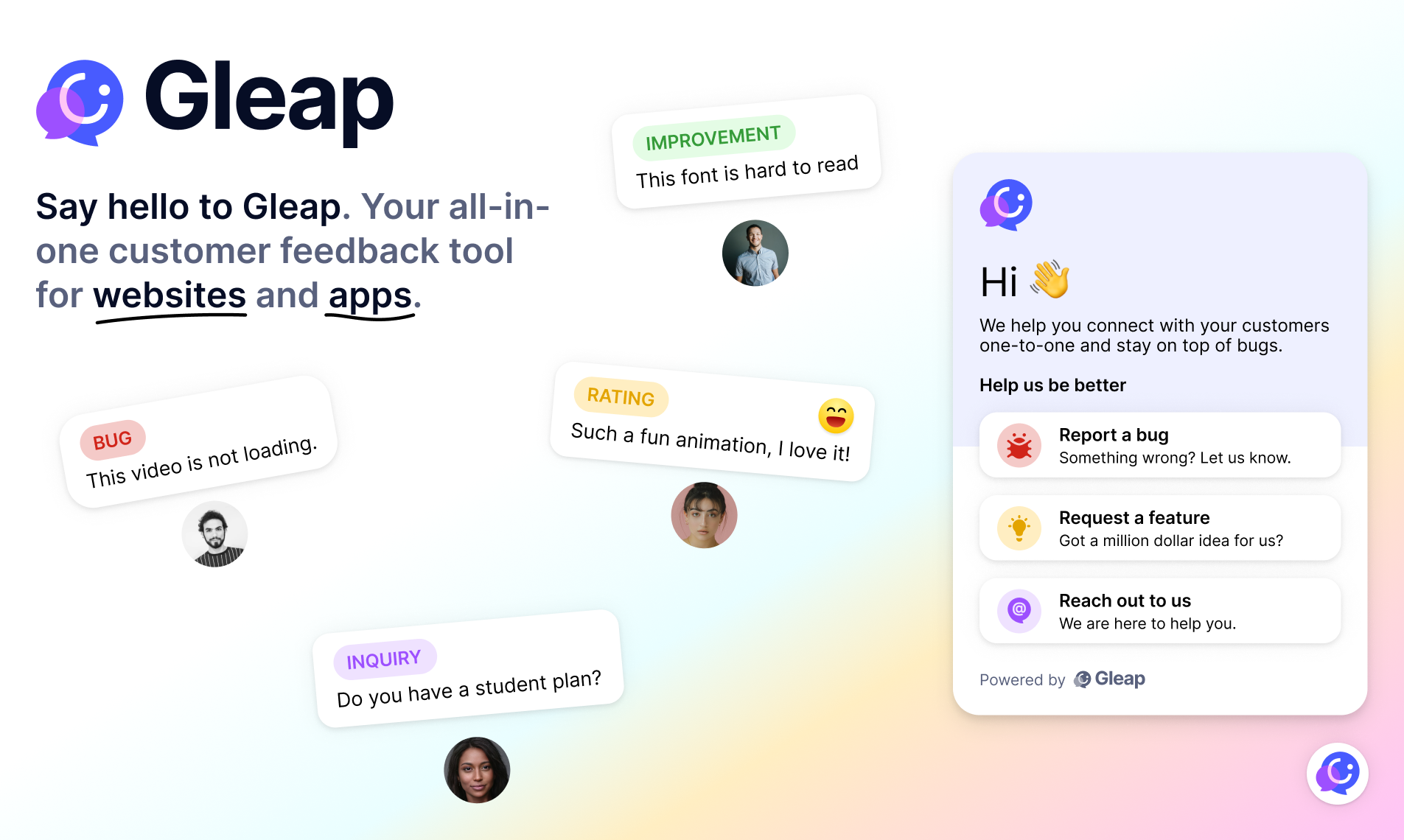
The Gleap SDK for Flutter is the easiest way to integrate Gleap into your apps!
# Report and fix bugs the easy way
Gleap helps developers build the best software faster. It is your affordable in-app bug reporting tool for apps, websites and industrial applications.
Checkout our [website](https://gleap.io) to learn more about gleap.
## Docs & examples
Checkout our [documentation](https://gleap.io/docs/flutter/) for full reference. Include the following dependency in your pubspec.yml:
```dart
dependencies:
gleap_sdk: "^14.6.5"
```
**Flutter v2 support**
If you are using Flutter < v3, please import the gleap_sdk as shown below:
```dart
dependencies:
gleap_sdk:
git:
url: https://github.com/GleapSDK/Flutter-SDK.git
ref: flutter-v2
```
**Flutter v2 Support**
If you are using Flutter < v3, please import the gleap_sdk as shown below:
```dart
dependencies:
gleap_sdk:
git:
url: git@github.com:GleapSDK/Flutter-SDK.git
ref: flutter-v2
```
**Android installation**
Android should be already good to go. If theres a version conflict pls add the following to your android manifest:
```
...
```
Important: Always have a look at your minSdkVersion on android and your minimum target version on iOS to keep them on the same minimum version gleap needs.
**iOS installation**
Navigate to your iOS project folder within the terminal and update the cocoapods by typing
```
pod install
```
**Web installation**
Navigate to your web project folder and insert the following snippet as first element within the head tag of your index.html
```
!function(Gleap,t,i){if(!(Gleap=window.Gleap=window.Gleap||[]).invoked){for(window.GleapActions=[],Gleap.invoked=!0,Gleap.methods=["identify","setEnvironment","setTags","attachCustomData","setCustomData","removeCustomData","clearCustomData","registerCustomAction","trackEvent","log","preFillForm","showSurvey","sendSilentCrashReport","startFeedbackFlow","startBot","setAppBuildNumber","setAppVersionCode","setApiUrl","setFrameUrl","isOpened","open","close","on","setLanguage","setOfflineMode","initialize","disableConsoleLogOverwrite","logEvent","hide","enableShortcuts","showFeedbackButton","destroy","getIdentity","isUserIdentified","clearIdentity","openConversations","openConversation","openHelpCenterCollection","openHelpCenterArticle","openHelpCenter","searchHelpCenter","openNewsArticle","openNews","openFeatureRequests","isLiveMode"],Gleap.f=function(e){return function(){var t=Array.prototype.slice.call(arguments);window.GleapActions.push({e:e,a:t})}},t=0;t<Gleap.methods.length;t++)Gleap[i=Gleap.methods[t]]=Gleap.f(i);Gleap.load=function(){var t=document.getElementsByTagName("head")[0],i=document.createElement("script");i.type="text/javascript",i.async=!0,i.src="https://sdk.gleap.io/latest/index.js",t.appendChild(i)},Gleap.load()}}();
```
**Initialize Gleap SDK**
Import the Gleap SDK by adding the following import inside one of your root components.
```dart
import 'package:gleap_sdk/gleap_sdk.dart';
```
```dart
Gleap.initialize(token: 'YOUR_API_KEY')
```
Your API key can be found in the project settings within Gleap.
**Network logging**
We support network logging for the packages [Http](https://pub.dev/packages/http) and [Dio](https://pub.dev/packages/dio). For details on how to enable network logging for these packages, check the [Gleap Http Interceptor](https://pub.dev/packages/gleap_http_interceptor) and the [Gleap Dio Interceptor](https://pub.dev/packages/gleap_dio_interceptor) packages.