https://github.com/gniquyij/huz
A tool for tracking listening habits
https://github.com/gniquyij/huz
database huz listening-habits music
Last synced: about 2 months ago
JSON representation
A tool for tracking listening habits
- Host: GitHub
- URL: https://github.com/gniquyij/huz
- Owner: gniquyij
- License: mpl-2.0
- Created: 2019-08-25T04:18:40.000Z (almost 7 years ago)
- Default Branch: master
- Last Pushed: 2022-12-08T06:50:35.000Z (over 3 years ago)
- Last Synced: 2023-03-05T12:16:06.815Z (over 3 years ago)
- Topics: database, huz, listening-habits, music
- Language: Python
- Homepage:
- Size: 755 KB
- Stars: 0
- Watchers: 1
- Forks: 0
- Open Issues: 3
-
Metadata Files:
- Readme: README.md
- License: LICENSE
Awesome Lists containing this project
README
# huz
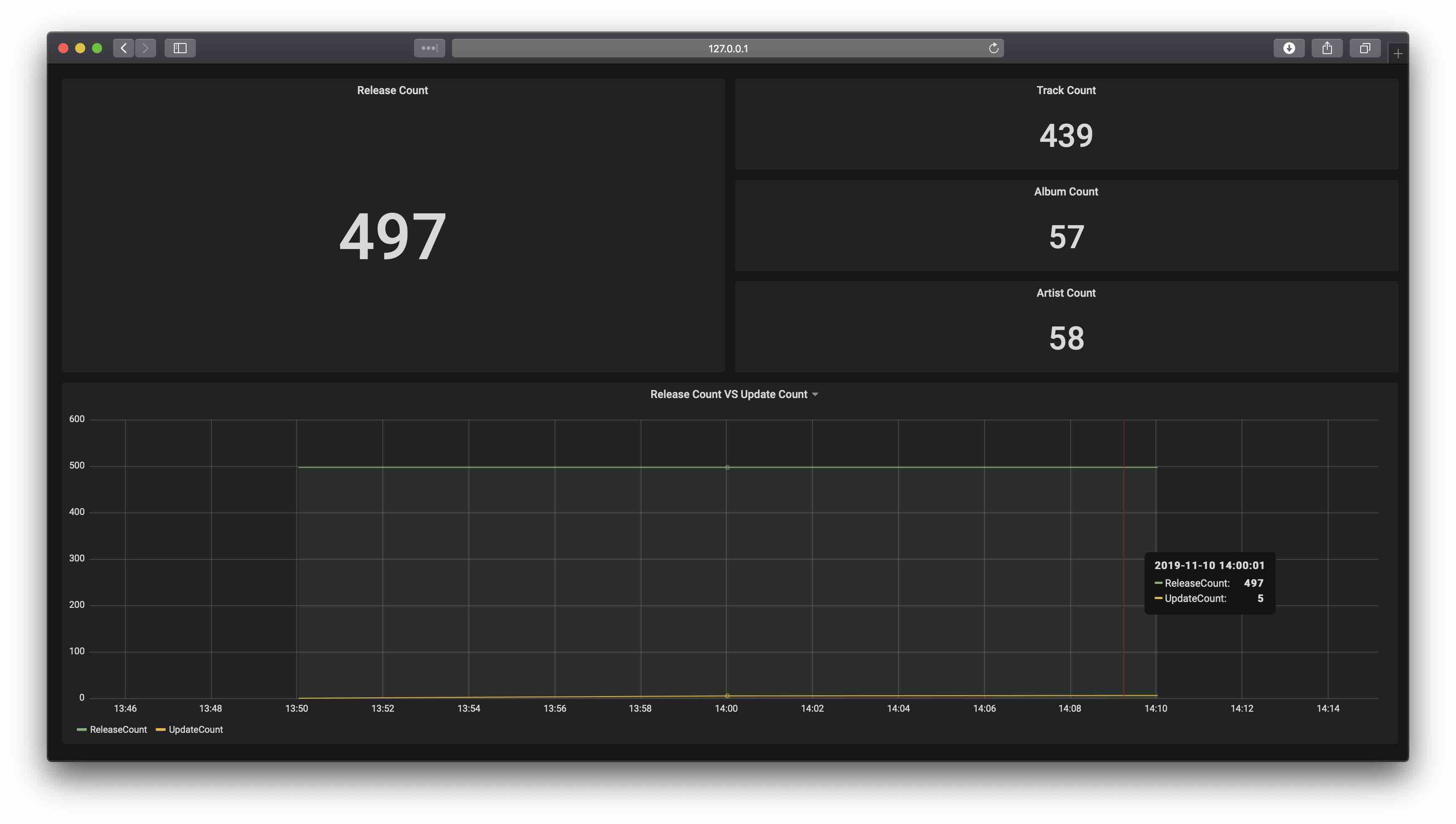
huz \[hʌts] is an open source listening habit tracking tool designed to record/track/analyze your listening.
## Installation
### 1. Get huz
```
git clone https://github.com/vjyq/huz.git
```
### 2. Config your info
- Put your collections in `./src`[^1], or your could update `HUZ_SRC_PATH` in `./settings.py` with your collection path.
[^1] Here i use a clip of 'A-1 \[Rei I]' by 鷺巣詩郎 as the sample track. If any copywriting issues, i would appreciate it if you could contact me at yuqing.ji@outlook.com.
### 3. Init
2 init ways: Docker (recommended) or venv. You could move on with either.
#### Docker
Dependencies: Docker 2.0.0.3+
```
# Config docker-compose
# In ./docker-compose.yml, update with the absolute path of huz in your local.
# Init
cd huz
bash docker-compose.sh
```
My audio files in the cloud?
If the audio files are stored in s3, you could follow the steps herein to mount your S3 bucket in huz:
export the following environment variables
```
export AWS_ACCESS_KEY_ID=
export AWS_SECRET_ACCESS_KEY=
```
then comment back the the following scripts:
in `./docker-compose.yml`
```
# cap_add:
# - SYS_ADMIN
# devices:
# - /dev/fuse
...
# environment:
# AWS_ACCESS_KEY_ID: ${AWS_ACCESS_KEY_ID}
# AWS_SECRET_ACCESS_KEY: ${AWS_SECRET_ACCESS_KEY}
```
in `./bin/init.sh`
```
#apt install -y s3fs
#echo ${AWS_ACCESS_KEY_ID}:${AWS_SECRET_ACCESS_KEY} > /etc/passwd-s3fs
#chmod 600 /etc/passwd-s3fs
#s3fs huz ${here}/../src -o passwd_file=/etc/passwd-s3fs -o nonempty -o url=https://s3-ap-northeast-1.amazonaws.com
```
#### venv
Dependencies: Python 3.7.1+
**Install python requirements**
```
cd huz
pip install -r requirements.txt
```
**Install database**
```
brew install postgresql # 11.3
createuser huzer with superuser
createdb huz
```
update db config `/settings.py` # \ is the absolute path of huz in your local
```
# HUZ_PSQL_HOST = '172.17.0.1'
HUZ_PSQL_HOST = '0.0.0.0'
```
**Install audio solution**
```
brew install ffmpeg
```
**Install frontend**
```
brew install grafana
```
update grafana ini `/usr/local/opt/grafana/share/grafana/conf/defaults.ini`:
```
# provisioning = conf/provisioning
provisioning = /grafana
```
update UI template `/grafana/dashboards/dashboard.yml`
```
# path: /etc/grafana/provisioning/dashboards
path: /grafana/dashboards
```
update data template `/grafana/dashboards/template.json`
```
# url: 172.17.0.1:5432
url: 0.0.0.0:5432
```
```
brew services start grafana
```
**Init**
```
cd ./bin
bash init.sh
```
## Getting started
http://127.0.0.1:3000
admin/admin is the default account/password
or just access the database:
```
psql -h 127.0.0.1 -p 5432 huz huzer # 'password' is the default db password
```
## huz in cloud (WIP)
https://github.com/vjyq/huz-cloud/
## Author
yuqing.ji@outlook.com