https://github.com/goadmingroup/example_with_vue
GoAdmin + Vue example
https://github.com/goadmingroup/example_with_vue
Last synced: 7 months ago
JSON representation
GoAdmin + Vue example
- Host: GitHub
- URL: https://github.com/goadmingroup/example_with_vue
- Owner: GoAdminGroup
- Created: 2020-04-02T09:00:38.000Z (about 6 years ago)
- Default Branch: master
- Last Pushed: 2024-05-23T02:29:22.000Z (about 2 years ago)
- Last Synced: 2025-05-25T04:59:15.393Z (about 1 year ago)
- Language: Vue
- Size: 6.93 MB
- Stars: 124
- Watchers: 10
- Forks: 46
- Open Issues: 44
-
Metadata Files:
- Readme: README.md
Awesome Lists containing this project
README
# GoAdmin+Vue Example
A example show how to develop GoAdmin with vue.
这是一个例子展示如何利用GoAdmin结合vue的前后端开发流程。
backend文件夹下是所有后端开发文件,frontend文件夹下是所有前端开发文件。
**注:本例子依赖sqlite,如果你使用windows,请先下载安装gcc。**
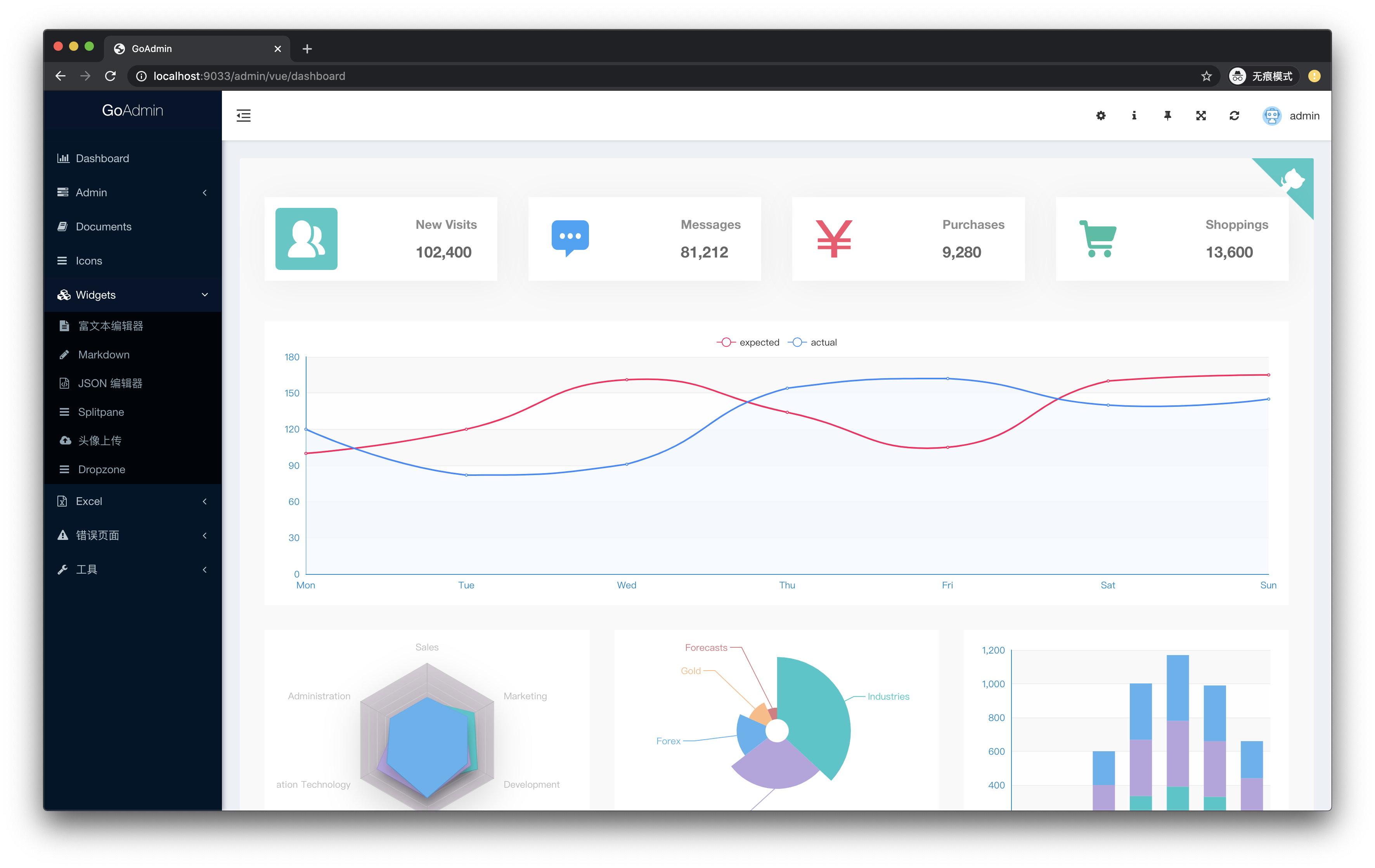
## 前端UI框架
选取目前主流的三个UI vue Admin框架作为例子:
- [adminlte](https://github.com/devjin0617/vue2-admin-lte)
- [element ui](https://github.com/PanJiaChen/vue-element-admin)
## 开发流程
### 步骤一
后端开发人员编译二进制执行文件给前端开发人员。前端开发人员将二进制可执行文件放置于前端文件夹下。
当前仓库代码依赖最新master分支的GoAdmin。使用go mod方式,执行以下命令:
```bash
git clone https://github.com/GoAdminGroup/goadmin-vue-example.git
cd goadmin-vue-example/backend
# build binary file
GO111MODULE=on go build -o ./backend .
# send the binary file to all frontend developers
cp backend ./../frontend
```
### 步骤二
前端在前端文件夹下执行:
```bash
cd frontend
# install dependencies
npm install --registry=https://registry.npmmirror.com --prefix ./src/element
# build vue project
NODE_ENV=production npm --prefix ./src/element run build
# use the backend binary file to serve instead of node
NODE_ENV=production ./backend --debug=true --theme=sword --ui_theme=element
```
更多命令,请看 Makefile。
打开:[http://localhost:9033/admin/login](http://localhost:9033/admin/login)
账号:admin 密码:admin,登录后可以看到对应vue页面。
程序会自动监听```./src/src```下文件变化,有变化则执行```npm --prefix ./src run build```命令进行编译。
执行:```./backend --help``` 可以看到对应帮助选项信息。
以上。