https://github.com/gocom/pinceau
Personal Firefox userChrome and preference customizations
https://github.com/gocom/pinceau
css firefox firefox-userchrome opensearch-plugins userchrome
Last synced: about 1 year ago
JSON representation
Personal Firefox userChrome and preference customizations
- Host: GitHub
- URL: https://github.com/gocom/pinceau
- Owner: gocom
- License: mit
- Created: 2014-04-29T08:39:40.000Z (about 12 years ago)
- Default Branch: master
- Last Pushed: 2025-02-06T14:05:06.000Z (over 1 year ago)
- Last Synced: 2025-03-28T00:04:47.601Z (over 1 year ago)
- Topics: css, firefox, firefox-userchrome, opensearch-plugins, userchrome
- Language: JavaScript
- Homepage:
- Size: 433 KB
- Stars: 9
- Watchers: 2
- Forks: 0
- Open Issues: 0
-
Metadata Files:
- Readme: README.md
- Changelog: CHANGELOG.md
- Contributing: CONTRIBUTING.md
- License: LICENSE
Awesome Lists containing this project
README
pinceau - Firefox userChrome
=====
[Download](https://github.com/gocom/pinceau/releases/latest/download/pinceau.zip) | [Changes](https://github.com/gocom/pinceau/releases)
Personal userChrome.css, userContent.css and user.js customization for
[Firefox](https://www.mozilla.org/en-US/firefox/new/) 135 and newer,
targeting more minimal user-interface and reduces on-boarding
messages and tweaks Firefox's scrolling behaviour.
[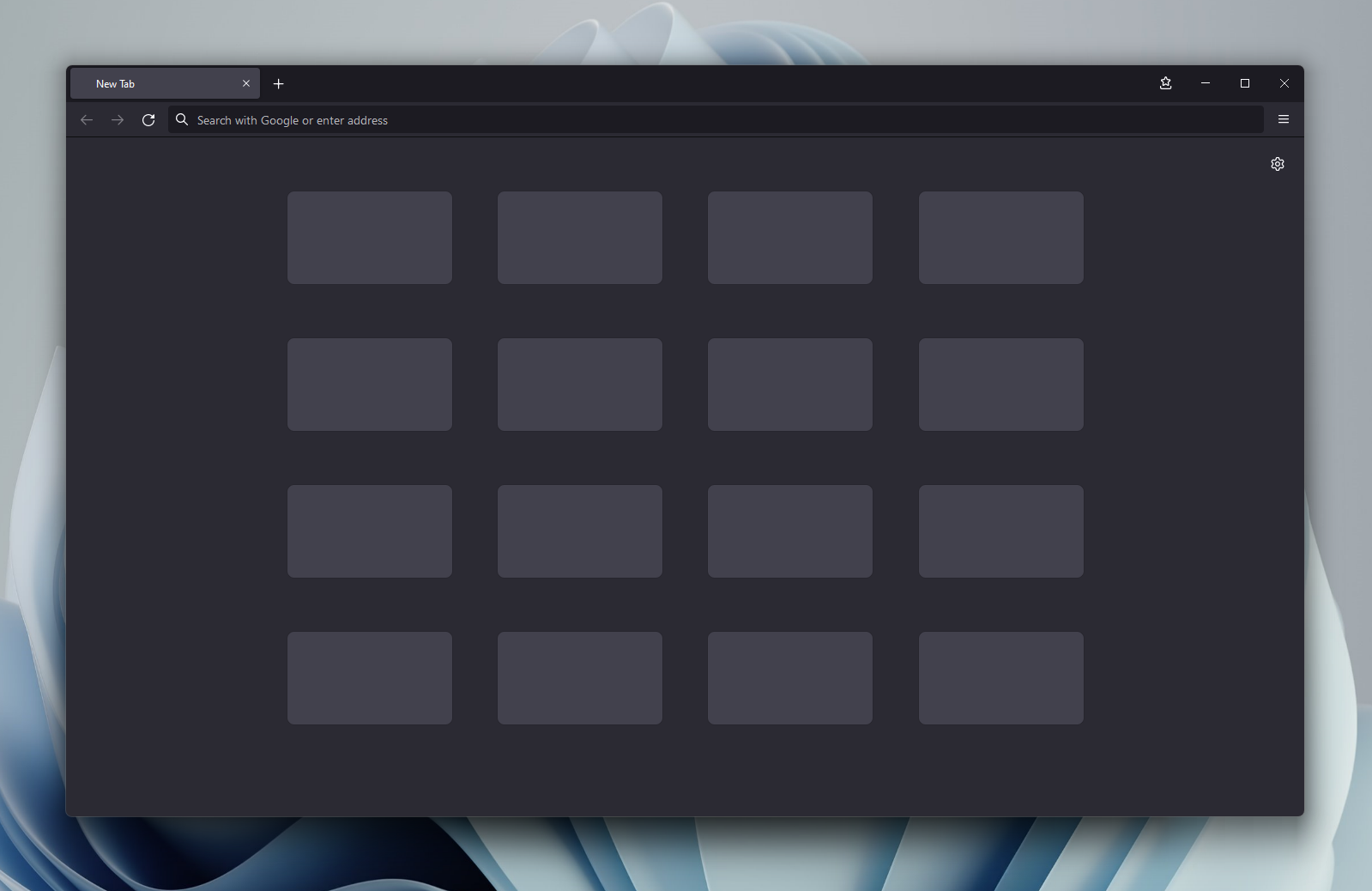](https://raw.githubusercontent.com/gocom/pinceau/screenshots/images/firefox-windows.png)
*Firefox on Windows with pinceau*
[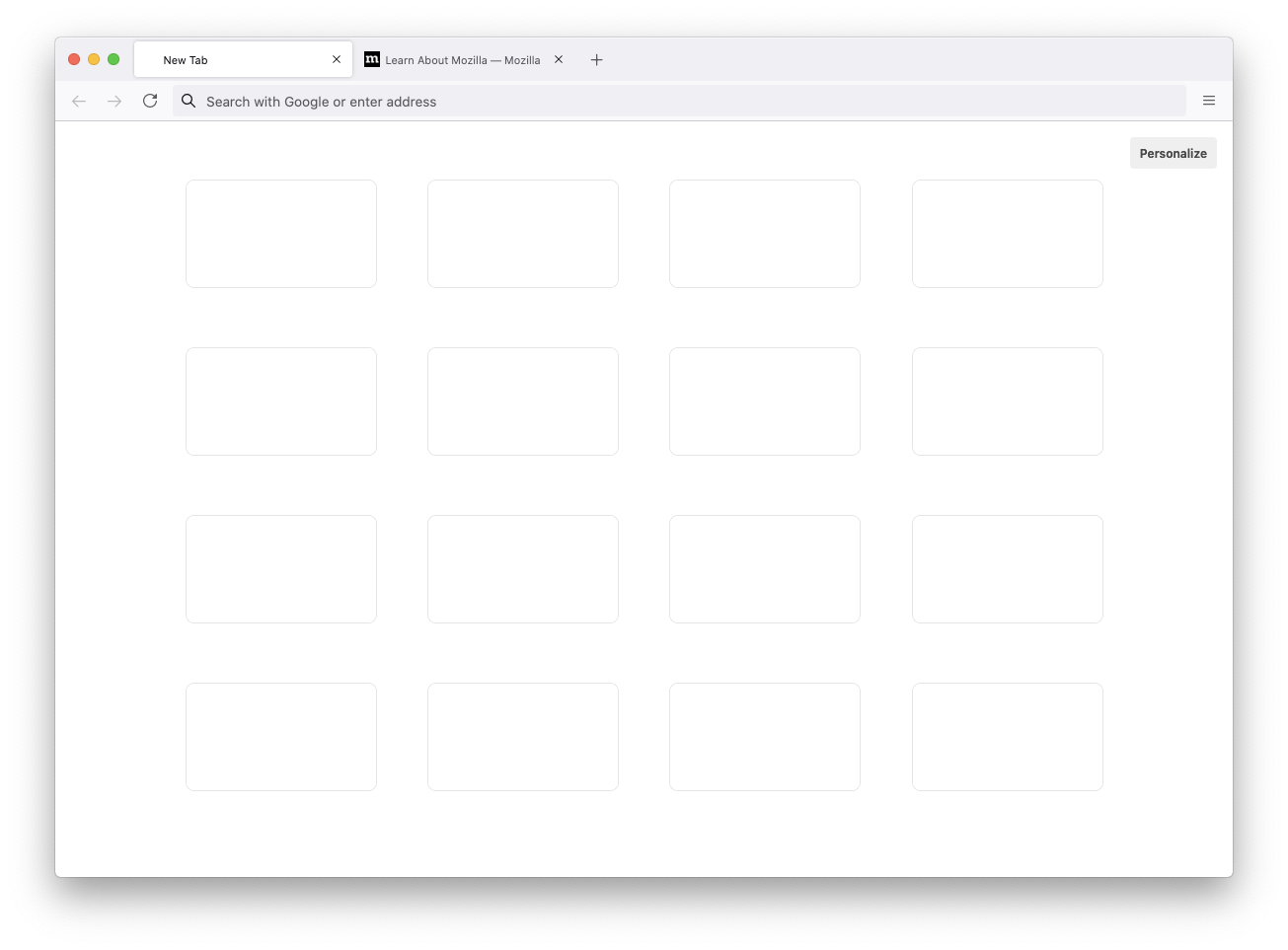](https://raw.githubusercontent.com/gocom/pinceau/screenshots/images/firefox.png)
*Firefox on macOS with pinceau*
Install
-----
[Download a pre-built pinceau.zip package](https://github.com/gocom/pinceau/releases/latest/download/pinceau.zip),
extract it and copy the contents to your Firefox profile's root directory.
Tip: You can open `about:profiles` page in Firefox to find
your profile root directory location.
Development
-----
For building, customization and development instructions, see [CONTRIBUTING.md](https://github.com/gocom/pinceau/blob/master/CONTRIBUTING.md).