https://github.com/goggle/plugin.video.srfplaytv
Kodi video plugin for the video library of Swiss Radio and Television (SRF).
https://github.com/goggle/plugin.video.srfplaytv
kodi kodi-addons kodi-plugin replay srf srgssr switzerland television tv
Last synced: about 1 year ago
JSON representation
Kodi video plugin for the video library of Swiss Radio and Television (SRF).
- Host: GitHub
- URL: https://github.com/goggle/plugin.video.srfplaytv
- Owner: goggle
- License: gpl-3.0
- Created: 2018-04-12T18:48:40.000Z (about 8 years ago)
- Default Branch: master
- Last Pushed: 2025-03-24T20:15:43.000Z (about 1 year ago)
- Last Synced: 2025-03-30T23:04:35.610Z (about 1 year ago)
- Topics: kodi, kodi-addons, kodi-plugin, replay, srf, srgssr, switzerland, television, tv
- Language: Python
- Size: 14.1 MB
- Stars: 8
- Watchers: 2
- Forks: 6
- Open Issues: 0
-
Metadata Files:
- Readme: README.md
- License: LICENSE
Awesome Lists containing this project
README
# SRF Play TV

**SRF Play TV** (plugin.video.srfplaytv) is a Kodi plugin to access the video library of the Swiss Radio and Television (SRF).
This repository is kept as minimal as possible. All the relevant code resides in [script.module.srgssr](https://github.com/goggle/script.module.srgssr).
## Goals of the plugin
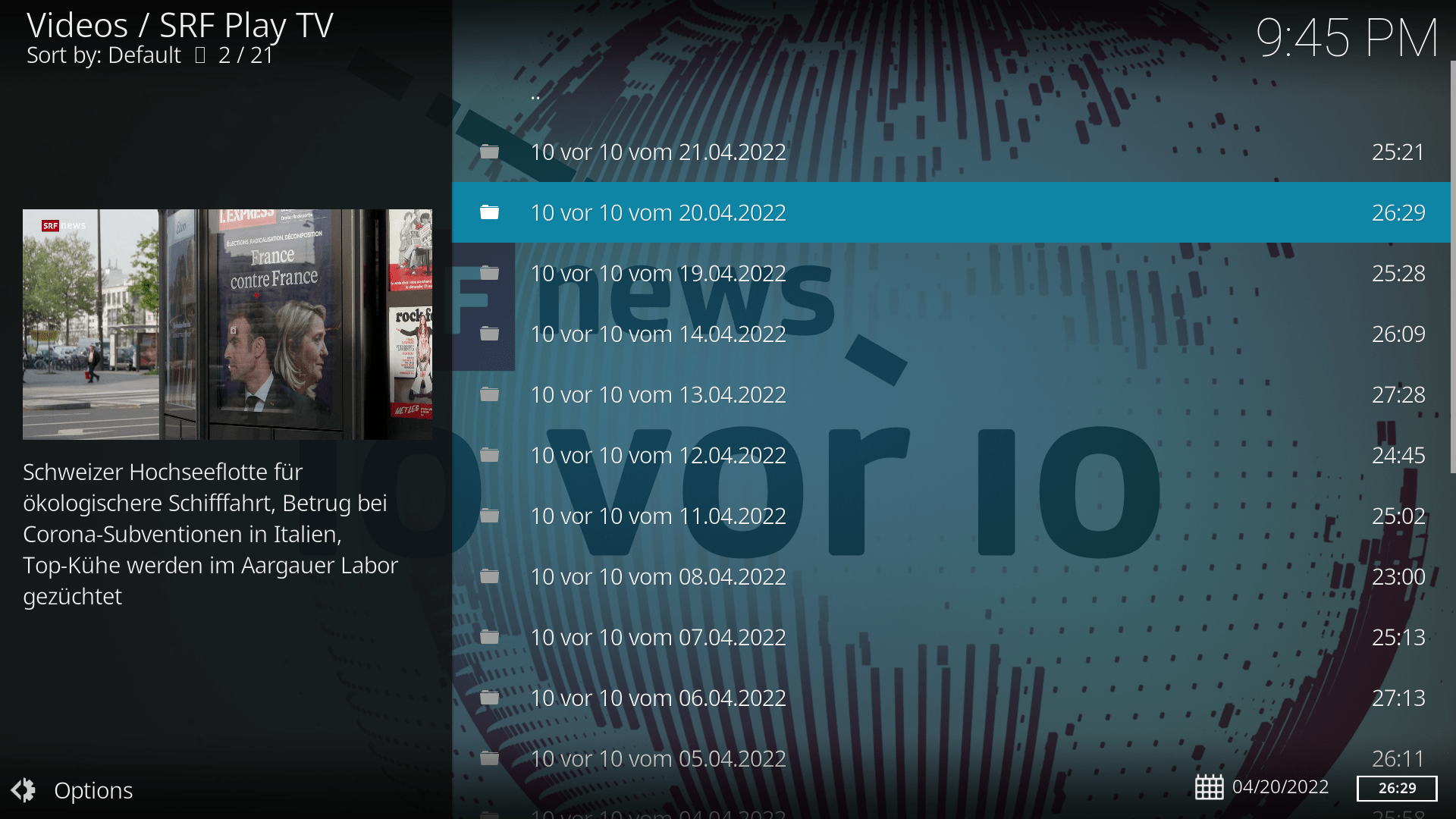
Get the [SRF Play TV media library](https://www.srf.ch/play/tv) on your TV (or another device) via [Kodi](https://kodi.tv/). The plugin aims to be close to the original media library, so that the experience of consuming media through the browser or through Kodi should be similar.
## Features
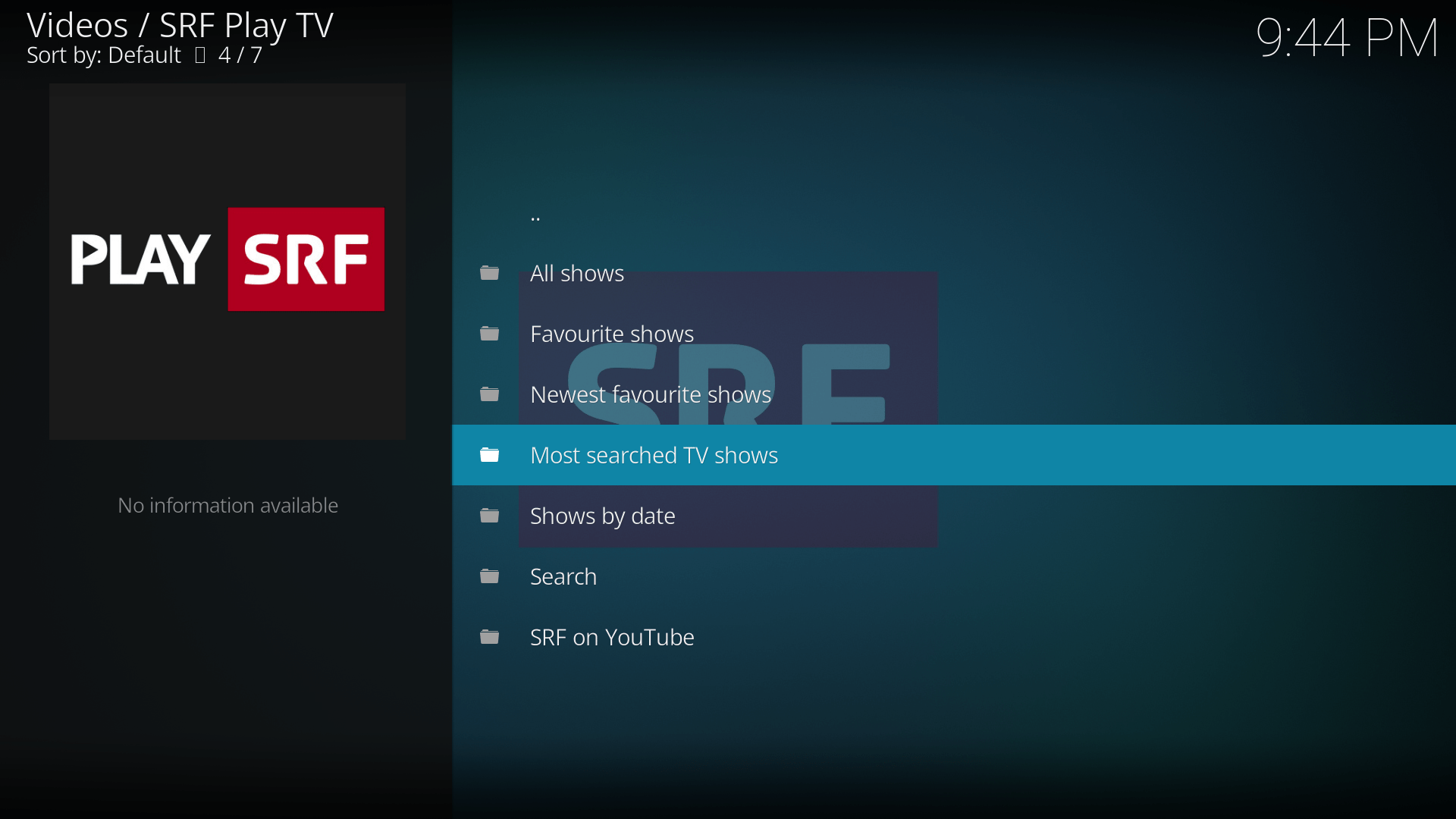
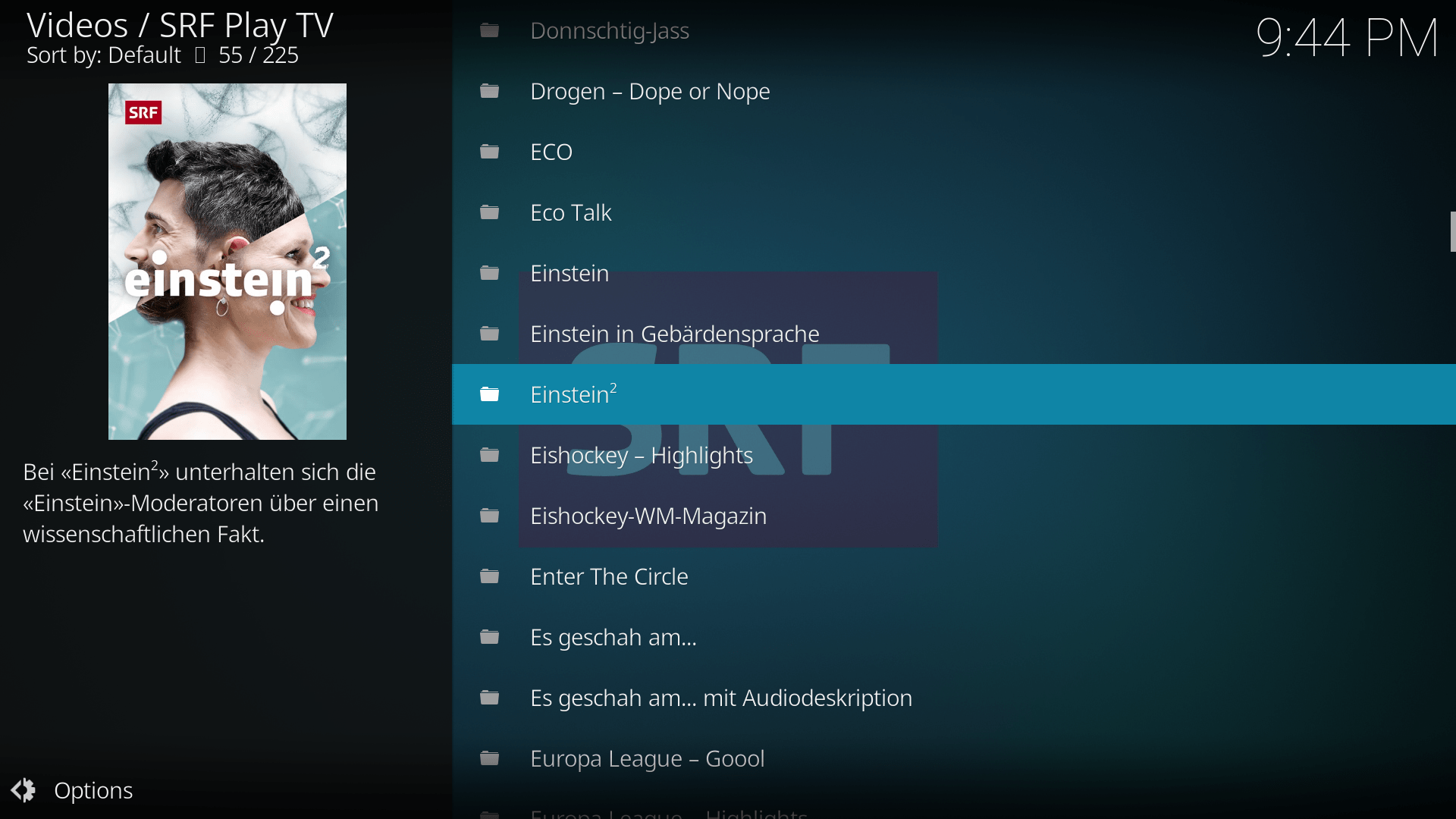
- [x] Overview over all the shows
- [x] Manage a list of your favourite SRF shows and get a list of your recently aired favourite shows
- [x] Videos presented on homepage
- [x] Topics
- [x] Shows by date
- [x] Search videos
- [x] Choose between SD and HD quality
- [x] Subtitle support
- [x] Livestreams
- [x] SRF on YouTube: Browse the official SRF channels on YouTube.
## Installation
- The plugin is available in the official "Kodi Add-on repository". This is the recommended way to get the plugin.
- You can download the newest release as a zip file from the [release section](https://github.com/goggle/plugin.video.srfplaytv/releases) on github and manually install the plugin from the zip file. If you choose this method, make sure to have all the dependencies installed, especially
- [script.module.srgssr](https://github.com/goggle/script.module.srgssr)
- [script.module.youtube_channels](https://github.com/goggle/script.module.youtube_channels)
Keep in mind that you won't get any automatic updates if you choose this method.
## Reporting issues
Please use [this](https://github.com/goggle/script.module.srgssr/issues) issue tracker to report issues.
## Support this plugin
How you can help improving this plugin:
- For bugs and feature requests use the [issue tracker](https://github.com/goggle/plugin.video.srfplaytv/issues) on the github page.
- Feel free to submit a pull request. Please style your code according to [PEP 8](https://www.python.org/dev/peps/pep-0008/).
If you like this plugin, consider to make a donation to the author:
| Method | Link / Address | QR code |
| --- | --- | --- |
| Paypal | [Donation link](https://www.paypal.com/cgi-bin/webscr?cmd=_s-xclick&hosted_button_id=ZXAFRHTZGRARS) | 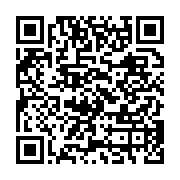 |
| Bitcoin | 14d2as82kQ3mRoCSyrnHNoDi8PkFvxMMgP | 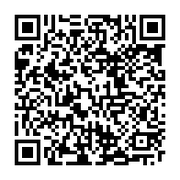 |
## Screenshots
## Thanks
- Thanks to @giovannipessiva for providing an Italian translation.
- Thanks @nmielec for providing a French translation.