https://github.com/googlechrome/lighthouse-ci
Automate running Lighthouse for every commit, viewing the changes, and preventing regressions
https://github.com/googlechrome/lighthouse-ci
lighthouse webperf
Last synced: about 1 year ago
JSON representation
Automate running Lighthouse for every commit, viewing the changes, and preventing regressions
- Host: GitHub
- URL: https://github.com/googlechrome/lighthouse-ci
- Owner: GoogleChrome
- License: apache-2.0
- Created: 2019-04-08T22:22:23.000Z (over 7 years ago)
- Default Branch: main
- Last Pushed: 2024-10-28T19:18:49.000Z (over 1 year ago)
- Last Synced: 2025-05-12T04:14:05.885Z (about 1 year ago)
- Topics: lighthouse, webperf
- Language: JavaScript
- Homepage:
- Size: 83 MB
- Stars: 6,600
- Watchers: 77
- Forks: 664
- Open Issues: 217
-
Metadata Files:
- Readme: README.md
- Contributing: CONTRIBUTING.md
- License: LICENSE
Awesome Lists containing this project
README
# Lighthouse CI
## Overview
Lighthouse CI is a suite of tools that make continuously running, saving, retrieving, and asserting against [Lighthouse](https://github.com/GoogleChrome/lighthouse) results as easy as possible.
### Quick Start
To get started with GitHub actions for common project configurations, add the following file to your GitHub repository. Follow [the Getting Started guide](./docs/getting-started.md) for a more complete walkthrough and instructions on other providers and setups.
**.github/workflows/ci.yml**
```yaml
name: CI
on: [push]
jobs:
lighthouseci:
runs-on: ubuntu-latest
steps:
- uses: actions/checkout@v3
- uses: actions/setup-node@v3
with:
node-version: 18
- run: npm install && npm install -g @lhci/cli@0.14.x
- run: npm run build
- run: lhci autorun
```
### Features
- Get a Lighthouse report alongside every PR.
- Prevent regressions in accessibility, SEO, offline support, and performance best practices.
- Track performance metrics and Lighthouse scores over time.
- Set and keep performance budgets on scripts and images.
- Run Lighthouse many times to reduce variance.
- Compare two versions of your site to find improvements and regressions of individual resources.


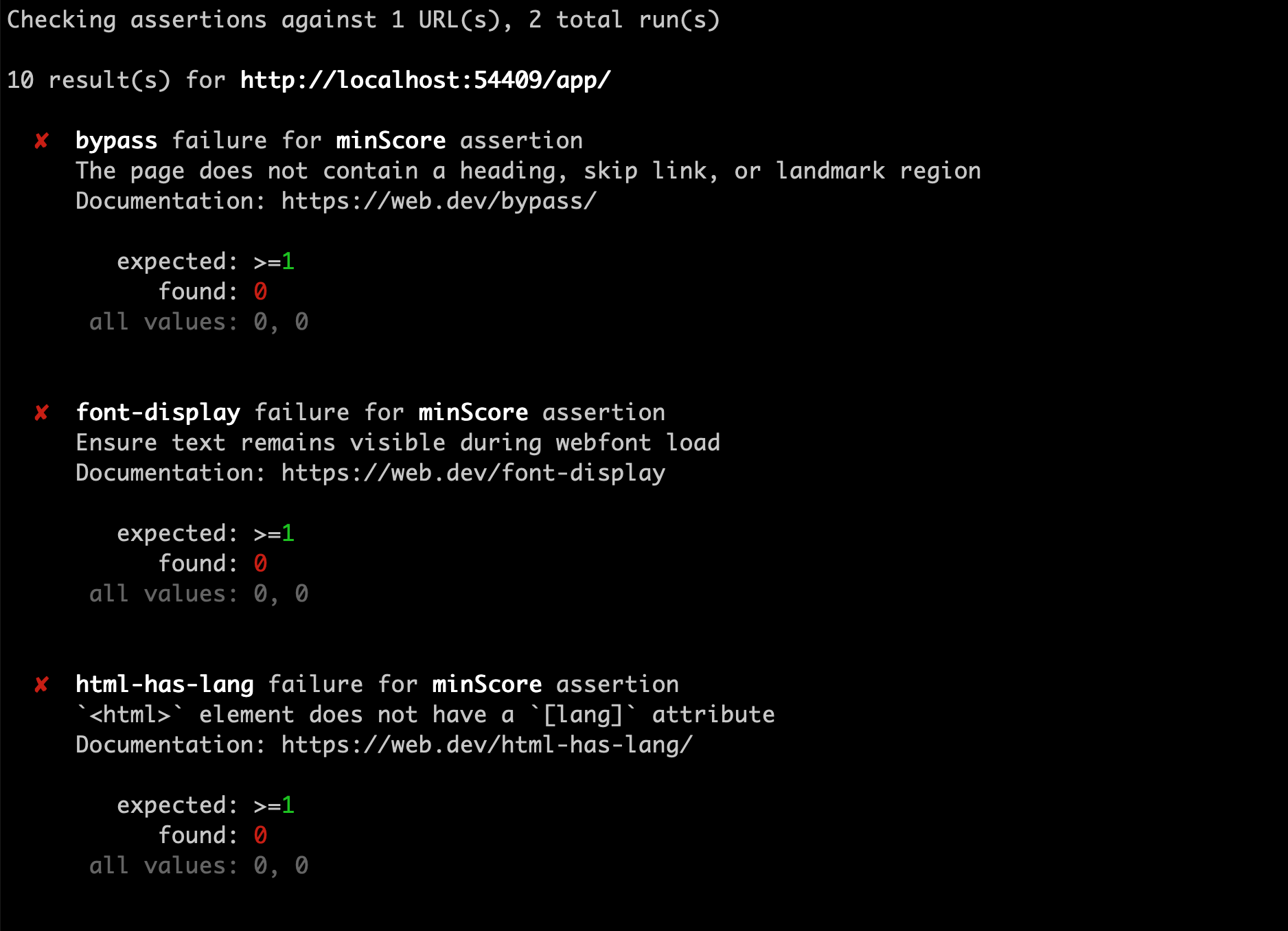

### Documentation
If you're already familiar with continuous integration and have an existing process, start with [Getting Started](./docs/getting-started.md).
If you're _not_ familiar with continuous integration, start with [Introduction to CI](./docs/introduction-to-ci.md).
- [Introduction to CI](./docs/introduction-to-ci.md)
- [Getting Started](./docs/getting-started.md)
- [Architecture](./docs/architecture.md)
- [Troubleshooting / FAQs](./docs/troubleshooting.md)
- [Configuration](./docs/configuration.md)
- [Server](./docs/server.md)
- [Versioning Policy](./docs/version-policy.md)
## Related Community Projects
A collection of projects using Lighthouse CI written by the community. If you're using Lighthouse CI in your open source project, open a PR to add it here!
- [Lighthouse CI GitHub Action](https://github.com/treosh/lighthouse-ci-action) - Automatically run Lighthouse CI on every PR with GitHub Actions, no infrastructure required.
- [Lighthouse CI Starter Example](https://github.com/hchiam/learning-lighthouse-ci) - A minimal example repo that you can use as a template when starting from scratch, offers a beginner-friendly quickstart guide using create-react-app.
- [Lighthouse CI Compare Action](https://github.com/adevinta/actions-lighthouseci-compare) - A Lighthouse CI Github Action that compares the current commit run against the ancestor commit and creates an object with the differences and a Markdown table that you can use for different purposes.
## Community Guides
A collection of unofficial blog posts, tutorials, and guides written by the community on using Lighthouse CI. If you've written up a guide to using Lighthouse CI in your project, open a PR to add it here!
**NOTE:** This is not official documentation. You're encouraged to familiarize yourself with Lighthouse CI and read through [Getting Started](./docs/getting-started.md) before continuing.
- [Integrate Lighthouse CI for static website generator](https://blog.akansh.com/integrate-lighthouse-ci-with-static-site-generators/) - An article on integrating Lighthouse CI with static website generators like Gatsby, Jekyll, etc.
- [Automating Google Lighthouse audits and uploading results to Azure](https://keepinguptodate.com/pages/2021/07/automating-google-lighthouse-upload-to-azure/) - This article covers configuring Lighthouse CI to run against a website and uploading the results to a Lighthouse CI server Docker container running both locally and in Azure.
## Contributing
We welcome contributions to lighthouse-ci! Read our [contributing guide](./CONTRIBUTING.md) to get started.