https://github.com/gordonmurray/teamwork_log_time_on_commits
A Python script to import my Github projects to Teamwork and log time for each commit
https://github.com/gordonmurray/teamwork_log_time_on_commits
github python teamwork
Last synced: 3 months ago
JSON representation
A Python script to import my Github projects to Teamwork and log time for each commit
- Host: GitHub
- URL: https://github.com/gordonmurray/teamwork_log_time_on_commits
- Owner: gordonmurray
- License: mit
- Created: 2023-11-29T23:37:22.000Z (over 2 years ago)
- Default Branch: main
- Last Pushed: 2023-12-02T20:35:41.000Z (over 2 years ago)
- Last Synced: 2025-10-04T10:35:12.360Z (10 months ago)
- Topics: github, python, teamwork
- Language: Python
- Homepage:
- Size: 306 KB
- Stars: 0
- Watchers: 2
- Forks: 0
- Open Issues: 0
-
Metadata Files:
- Readme: README.md
- License: LICENSE
Awesome Lists containing this project
README
# Log time on Commits in Teamwork
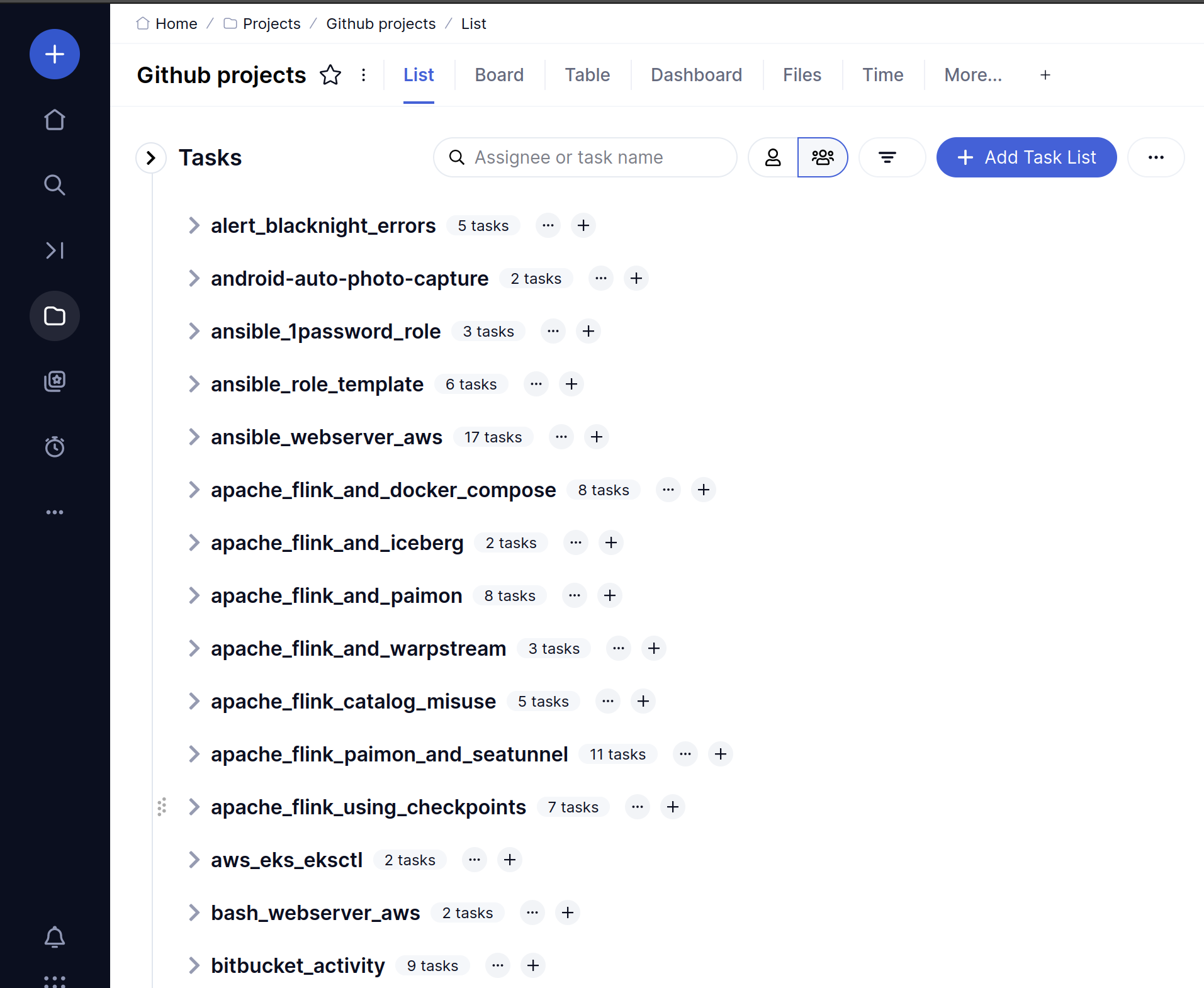
A Python script to import your Github projects in to Teamwork as Task Lists and then log time for each of the commits in the project. This allows you to see how long you spent on open source projects.

Set up
First create a config file with your Githib and Teamwork defaults:
```python
# config.py
teamwork_url = "https://xxxxx.teamwork.com"
teamwork_api_key = "twp_xxxxxx"
github_username = "gordonmurray"
github_personal_access_token = "ghp_xxxxxx"
teamwork_user_id = xxxxxx
teamwork_project_id = "xxxxxx"
default_minutes = 15
api_rate_limit_sleep = 3
```
Then install Python requirements and run the file:
```bash
sudo apt install python3.11-venv -y
python3 -m venv commits
source commits/bin/activate
pip install -r requirements.txt
python3 commits.py
```
This uses the following Teamwork API calls:
Create a Task list in a project
```bash
curl -X POST 'https://[YOUR_ACCOUNT].teamwork.com/projects/10000/tasklists.json' \
-H 'Authorization: Basic YOUR_TOKEN' \
-H 'Content-Type: application/json' \
-d '{"todo-list":{"name":"A task list","description":"Boo!"}}'
```
Create a task in a list:
```bash
curl -X POST 'https://[YOUR_ACCOUNT].teamwork.com/tasklists/10000/tasks.json' \
-H 'Authorization: Basic YOUR_TOKEN' \
-H 'Content-Type: application/json' \
-d '{"todo-item":{"content":"A new task ","tasklistId":10000,"description":""}}'
```
Log time on a task:
```bash
curl -X POST 'https://[YOUR_ACCOUNT].teamwork.com/projects/api/v3/tasks/10000/time.json' \
-H 'Authorization: Basic YOUR_TOKEN' \
-H 'Content-Type: application/json' \
-d '{"timelog":{"hours":0,"minutes":30,"date":"2023-11-29","time":"20:40:00","description":"Some Description","isBillable":false,"taskId":10000,"userId":10000}}'
```