https://github.com/gravitycloudai/matter-ai
Matter is open-source AI Code Reviewer Agent
https://github.com/gravitycloudai/matter-ai
agentic-ai ai codereview
Last synced: 12 months ago
JSON representation
Matter is open-source AI Code Reviewer Agent
- Host: GitHub
- URL: https://github.com/gravitycloudai/matter-ai
- Owner: GravityCloudAI
- License: mit
- Created: 2025-01-10T09:21:41.000Z (about 1 year ago)
- Default Branch: main
- Last Pushed: 2025-02-19T03:02:04.000Z (12 months ago)
- Last Synced: 2025-02-19T04:19:59.633Z (12 months ago)
- Topics: agentic-ai, ai, codereview
- Language: TypeScript
- Homepage: https://gravitycloud.ai
- Size: 118 KB
- Stars: 1
- Watchers: 0
- Forks: 0
- Open Issues: 0
-
Metadata Files:
- Readme: README.md
- Contributing: .github/CONTRIBUTING.md
- License: LICENSE
- Code of conduct: .github/CODE_OF_CONDUCT.md
- Security: .github/SECURITY.md
- Support: .github/SUPPORT.md
Awesome Lists containing this project
README
# Matter
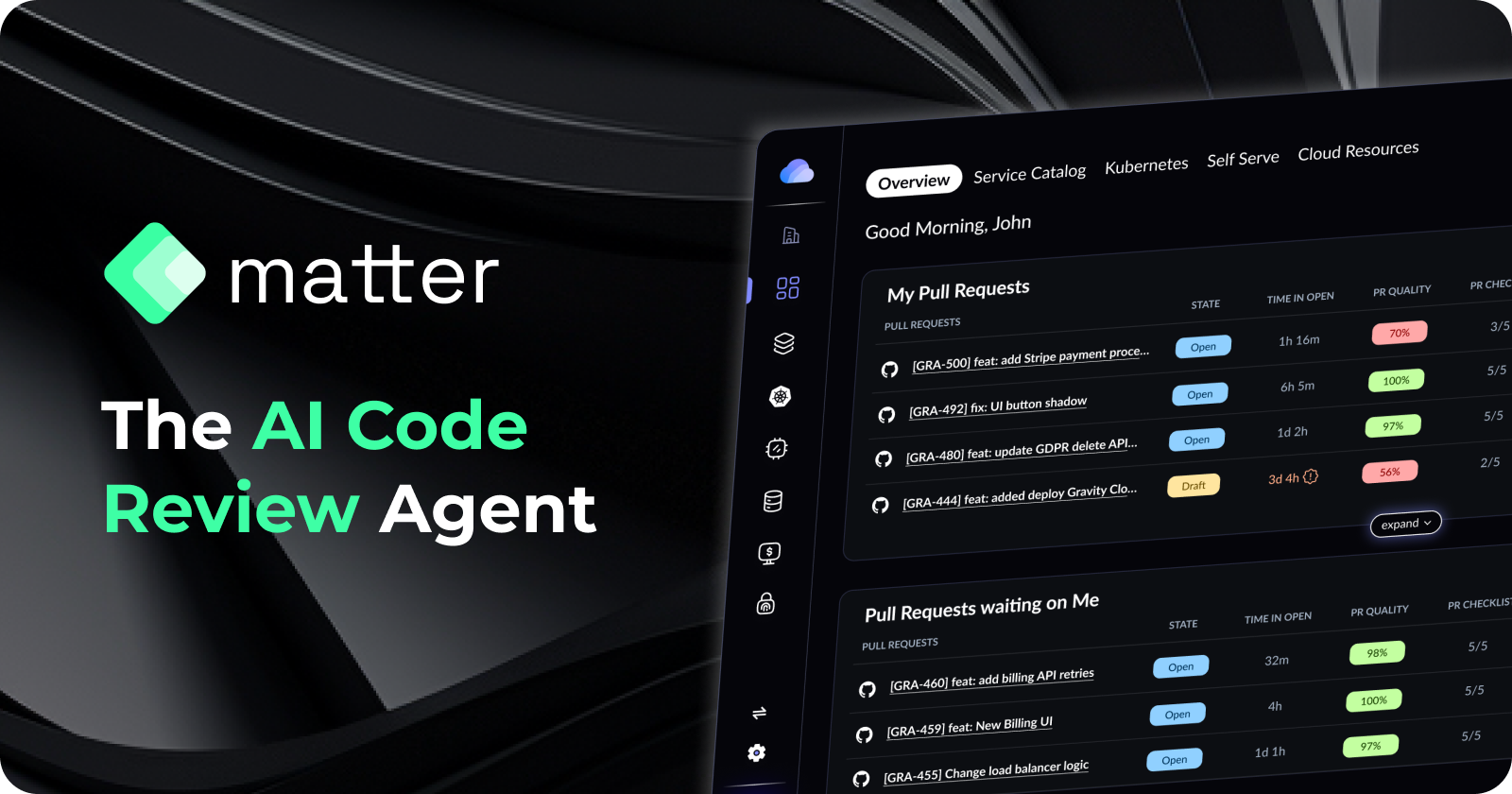
Matter is open-source AI Code Reviewer Agent. This enables developers to review code changes and provide feedback on the code.
### Supported Platforms
[X] Github
[] Gitlab
[] Bitbucket
[] Azure DevOps
### Features
| Feature | Status | Pricing |
|---------|--------|---------|
| AI Pull Request Summary | ✅ | Free / Self Hosted |
| AI Code Review Comments | ✅ | Free / Self Hosted |
| AI Code Suggestions | ✅ | Free / Self Hosted |
| AI Code quality score and Suggestions | ✅ | Free / Self Hosted |
| AI Pull Request Checklist and Suggestions | ✅ | Free / Self Hosted |
| Internal Documentation Support | ✅ | Paid / Enterprise |
## Installation
### Kubernetes
#### Prerequisites
1. Create an internal Github App for your Organization
2. Fill the required values in the `matter-values.yaml` file. You can get the template here: [https://github.com/GravityCloudAI/helm/blob/main/charts/gravity-matter/values.yaml](https://github.com/GravityCloudAI/helm/blob/main/charts/gravity-matter/values.yaml)
#### Helm Chart
1. `helm repo add gravity https://gravitycloudai.github.io/helm`
2. `helm repo update`
3. `helm upgrade --install matter-ai gravity/gravity-matter -f matter-values.yaml -n matter-ai --create-namespace`
### Local Installation
#### Prerequisites
1. Node.js
2. Update .env file with the required values. You can get the template here: [https://github.com/GravityCloudAI/matter/blob/main/.env.example](https://github.com/GravityCloudAI/matter/blob/main/.env.example)
#### Installation
1. `npm install`
2. `npm run dev`
3. Tunnel the local server to the cloud using [ngrok](https://ngrok.com/)
4. Update the webhook url in the Github App settings with the ngrok url