https://github.com/gskeleton/watchdogs
Lightweight Tools for open.mp/SA-MP [web: https://watchdogs.space.z.ai/]
https://github.com/gskeleton/watchdogs
android compiler do-it-yourself docker interactive linux macos podman runner server termux windows
Last synced: 5 months ago
JSON representation
Lightweight Tools for open.mp/SA-MP [web: https://watchdogs.space.z.ai/]
- Host: GitHub
- URL: https://github.com/gskeleton/watchdogs
- Owner: gskeleton
- License: bsd-2-clause
- Created: 2025-10-13T21:12:29.000Z (9 months ago)
- Default Branch: main
- Last Pushed: 2026-01-18T16:00:23.000Z (6 months ago)
- Last Synced: 2026-01-18T17:28:06.929Z (6 months ago)
- Topics: android, compiler, do-it-yourself, docker, interactive, linux, macos, podman, runner, server, termux, windows
- Language: C
- Homepage:
- Size: 10.3 MB
- Stars: 4
- Watchers: 0
- Forks: 3
- Open Issues: 0
-
Metadata Files:
- Readme: README.md
- License: COPYING
Awesome Lists containing this project
README
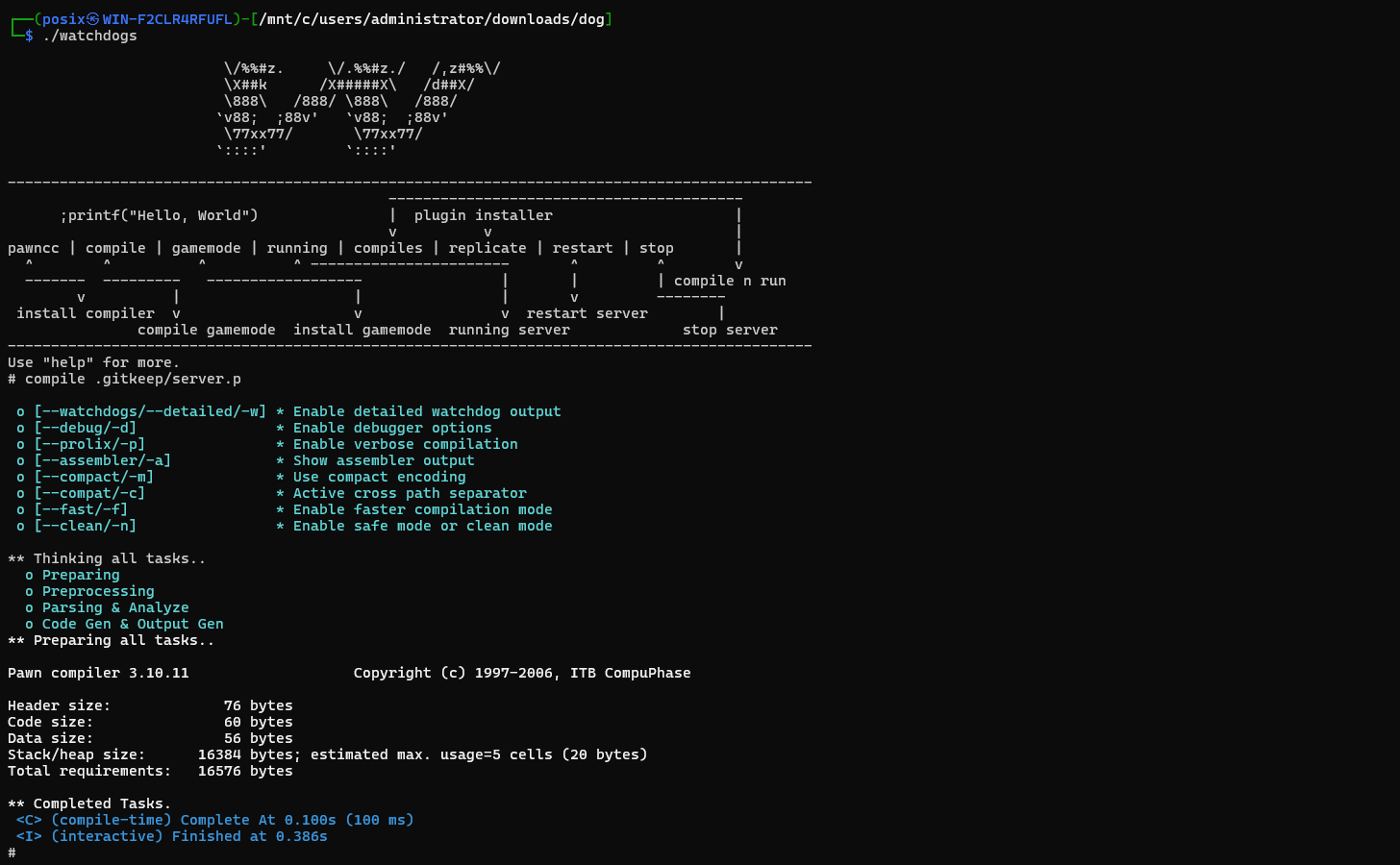
## GNU/Linux
* GNU/wget
```yaml
wget -O install.sh https://github.com/gskeleton/watchdogs/raw/refs/heads/main/__gnu_linux.sh && chmod +x install.sh && ./install.sh
```
* cURL
```yaml
curl -L -o install.sh https://github.com/gskeleton/watchdogs/raw/refs/heads/main/__gnu_linux.sh && chmod +x install.sh && ./install.sh
```
* aria2
```yaml
aria2c -o install.sh https://github.com/gskeleton/watchdogs/raw/refs/heads/main/__gnu_linux.sh && chmod +x install.sh && ./install.sh
```
---
## Termux
1. **Download Termux from GitHub**
* Android 7 and above:
[https://github.com/termux/termux-app/releases/download/v0.119.0-beta.3/termux-app_v0.119.0-beta.3+apt-android-7-github-debug_universal.apk](https://github.com/termux/termux-app/releases/download/v0.119.0-beta.3/termux-app_v0.119.0-beta.3+apt-android-7-github-debug_universal.apk)
* Android 5/6:
[https://github.com/termux/termux-app/releases/download/v0.119.0-beta.3/termux-app_v0.119.0-beta.3+apt-android-5-github-debug_universal.apk](https://github.com/termux/termux-app/releases/download/v0.119.0-beta.3/termux-app_v0.119.0-beta.3+apt-android-5-github-debug_universal.apk)
2. **Install the downloaded .apk file and run Termux.**
3. **First time, run the following command in Termux:**
> Choose one.
* GNU/wget
```yaml
apt update && apt upgrade && apt install wget && wget -O install.sh https://github.com/gskeleton/watchdogs/raw/refs/heads/main/__termux.sh && chmod +x install.sh && ./install.sh
```
* cURL
```yaml
apt update && apt upgrade && apt install curl && curl -L -o install.sh https://github.com/gskeleton/watchdogs/raw/refs/heads/main/__termux.sh && chmod +x install.sh && ./install.sh
```
* aria2
```yaml
apt update && apt upgrade && apt install aria2 && aria2c -o install.sh https://github.com/gskeleton/watchdogs/raw/refs/heads/main/__termux.sh && chmod +x install.sh && ./install.sh
```
> If there are other questions (e.g., Termux mirror selection), choose the top one or **just press Enter**.
4. **Indication that Watchdogs was successfully installed:**
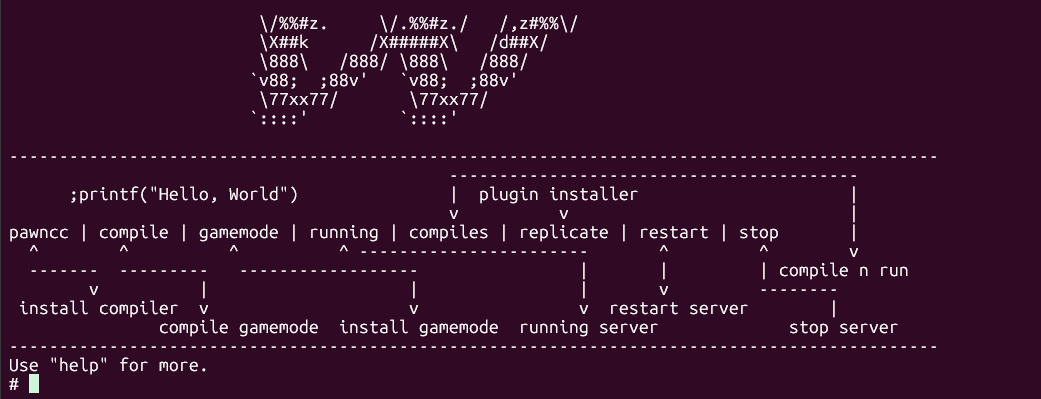
> **Use the command `pawncc` to set up the compiler (simulation):**
```yaml
> pawncc
== Select a Platform ==
[l] Linux
[w] Windows
[t] Termux
==> t # choose t [termux]
== Select PawnCC Version ==
A) Pawncc 3.10.11
B) Pawncc 3.10.10
C) Pawncc 3.10.9
D) Pawncc 3.10.8
E) Pawncc 3.10.7
> a # choose compiler version
* Try Downloading ? * Enable HTTP debugging? (y/n): n
Try Extracting ? archive file...
==> Remove archive ?? (y/n) > n # optional - delete archive later
==> Apply pawncc?
answer (y/n) > y # install pawncc to root (pawno folder)
>> I:moved without sudo: '?' -> '?'
>> I:moved without sudo: '?' -> '?'
>> I:Congratulations! - Done.
```
---

> If you see the `?` symbol (-openssl.cnf (Y/I/N/O/D/Z [default=N] ?), **simply press Enter** unless a specific answer is requested (e.g., apply pawncc = yes).
> For compilation steps, learn: [here](#compilation-commands--with-parent-directory-in-termux)
---
## Windows Native
> **Build for Windows?** Use **MSYS2** (recommended).
1. **Install Visual C++ Redistributable Runtimes (required for pawncc)**
* Visit: [https://www.techpowerup.com/download/visual-c-redistributable-runtime-package-all-in-one/](https://www.techpowerup.com/download/visual-c-redistributable-runtime-package-all-in-one/)
* Click **Download**
* Extract the archive
* Run `install_all.bat`
2. **Open Windows Command Prompt, run:**
```yaml
powershell -Command "Invoke-WebRequest 'https://raw.githubusercontent.com/gskeleton/watchdogs/refs/heads/main/__windows.cmd' -OutFile 'install.cmd'; .\install.cmd"
```
---
## Make Command Reference
```yaml
make # Install library and build
make linux # Build for Linux
make windows # Build for Windows
make termux # Build for Termux
make clean # Clean build results
make debug # Build with debug mode (Linux)
make debug-termux # Build with debug mode (Termux)
make windows-debug # Build with debug mode (Windows)
```
---
## GNU Debugger (GDB)
```yaml
# Step 1 - Run the debugger (GDB) with the program
# Choose the executable according to platform:
gdb ./watchdogs.debug # For Linux
gdb ./watchdogs.debug.tmux # For Termux (Android)
gdb ./watchdogs.debug.win # For Windows (if using GDB)
# Step 2 - Run the program inside GDB
# Program is run under debugger control
run # type 'run' then Enter
# Step 3 - Handling crashes or interruptions
# If the program crashes (e.g., segmentation fault) or is manually stopped (Ctrl+C),
# GDB will stop execution and display a prompt.
# Step 4 - Check program status with backtrace
# Backtrace displays the sequence of function calls at the time of the crash.
bt # Basic backtrace (function names)
bt full # Full backtrace (functions, variables, arguments)
```
---
## Executing with Args
```yaml
./watchdogs command
./watchdogs command args
./watchdogs help compile
```
## Command Alias
**Default (if in the root directory):**
```yaml
echo "alias watchdogs='./watchdogs'" >> ~/.bashrc
source ~/.bashrc
```
**Running the alias:**
```yaml
watchdogs
```
---
## Compilation
> You do not need a specific installation of Watchdogs in the GameMode folder or in the ~/Downloads area. You just need to ensure the folder containing the watchdogs binary such as watchdogs or watchdogs.tmux is within a folder in Downloads, and your project folder is also within a folder in Downloads. (*THIS DOES NOT APPLY TO watchdogs.win)
```yml
# Example structure:
Downloads
├── dog
│ ├── watchdogs
└── myproj
└── gamemodes
└── proj.p
# ^ then you can run the watchdogs located in the dog/ folder
# ^ and you only need to compile it with the parent symbol as follows
# ^ compile ../myproj/gamemodes/proj.p
# ^ this location is just an example.
```
## Compilation Commands – With Parent Directory in Termux
```yaml
compile ../storage/downloads/_GAMEMODE_FOLDER_NAME_/gamemodes/_PAWN_FILE_NAME_.pwn
```
**Example:**
I have a gamemode folder named `parent` in Downloads (via ZArchiver), and the main file `pain.pwn` is inside `gamemodes/`.
Then the path used is:
```yaml
compile ../storage/downloads/parent/pain.pwn
```
---
## Compilation Commands – General
> **Compile `server.pwn`:**
```yaml
# Default compilation
compile .
compile.
```
> **Compile with a specific path**
```yaml
compile server.pwn
compile path/to/server.pwn
```
> **Compile with parent location (include path automatic)**
```yaml
compile ../path/to/project/server.pwn
# automatic: -i/path/to/path/pawno -i/path/to/path/qawno -i/path/to/path/gamemodes
```
---
## Server Management
* **Algorithm**
```
-------------------- -------------------------- -
| | | | -
| ARGS | --> | FILTERING | -
| | | | -
-------------------- -------------------------- -
|
v
--------------------- -------------------------- -
| | | | -
| LOGGING OUTPUT | | EXIST FILE VALIDATE | -
| | | | -
--------------------- -------------------------- -
^ |
| v
-------------------- -------------------------- -
| | | | -
| RUNNING BINARY | <-- | EDITING CONFIG | -
| | | if args is exist | -
-------------------- -------------------------- -
```
**Run the server with the default gamemode:**
```yaml
running .
running.
```
**Run the server with a specific gamemode:**
```yaml
running server
```
**Compile and run simultaneously:**
```yaml
compiles .
compiles.
```
**Compile and run with a specific path:**
```yaml
compiles server
```
---
## Dependency Management
```
-------------------- -------------------------- -
| | | | -
| BASE URL | --> | URL CHECKING | -
| | | | -
-------------------- -------------------------- -
|
v
--------------------- -------------------------- -
| | | | -
| APPLYING | | PATTERNS - FILTERING | -
| | | | -
--------------------- -------------------------- -
^ |
| v
-------------------- -------------------------- -
| | | | -
| FILES CHECKING | <-- | INSTALLING | -
| | | | -
-------------------- -------------------------- -
```
**Install dependency from `watchdogs.toml`:**
```yaml
replicate .
replicate.
```
**Install a specific repository:**
```yaml
replicate repo/user
```
**Install a specific version (tag):**
```yaml
replicate repo/user?v1.1
```
* **Automatic latest version**
```yaml
replicate repo/user?newer
```
**Install a specific branch:**
```yaml
replicate repo/user --branch master
```
**Install to a specific location:**
```yaml
# root
replicate repo/user --save .
# specific location
replicate repo/user --save ../parent/myproj
replicate repo/user --save myfolder/myproj
```