https://github.com/hadihammurabi/nvim-config
Neovim configuration that full features and still fast
https://github.com/hadihammurabi/nvim-config
lua neovim vim
Last synced: 9 months ago
JSON representation
Neovim configuration that full features and still fast
- Host: GitHub
- URL: https://github.com/hadihammurabi/nvim-config
- Owner: hadihammurabi
- Created: 2023-05-15T06:21:30.000Z (about 3 years ago)
- Default Branch: master
- Last Pushed: 2025-02-01T19:04:00.000Z (over 1 year ago)
- Last Synced: 2025-04-11T23:43:03.708Z (over 1 year ago)
- Topics: lua, neovim, vim
- Language: Lua
- Homepage:
- Size: 78.1 KB
- Stars: 2
- Watchers: 2
- Forks: 1
- Open Issues: 0
-
Metadata Files:
- Readme: README.md
Awesome Lists containing this project
README
# Neovim Configuration
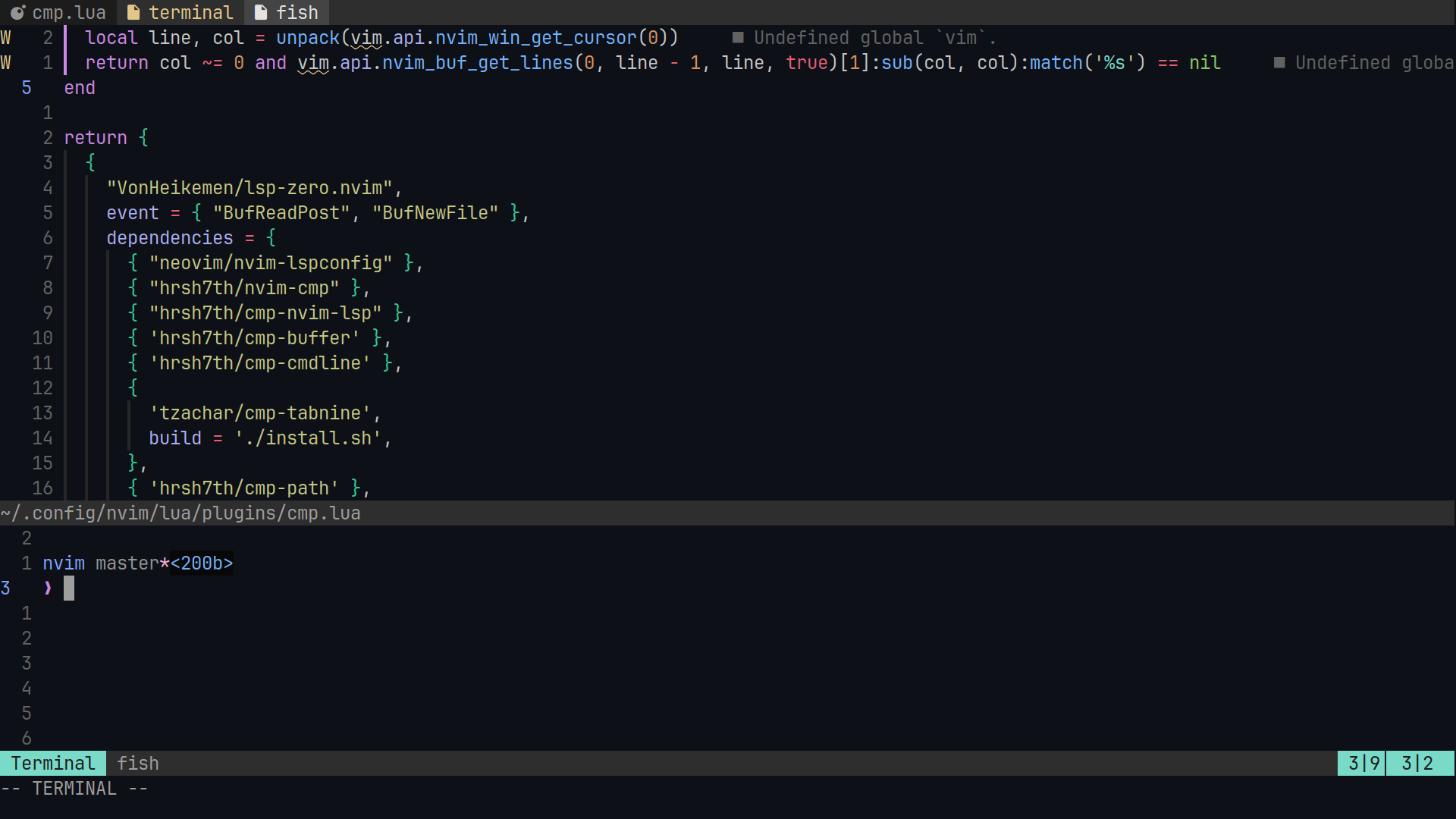
A highly opinionated Neovim setup tailored for GoLang, Rust, TypeScript, SQL, Lua, and general development.
## Goals
This setup provides a familiar editor experience with:
- **Coding Features:**
- Autocomplete
- Smart suggestions
- Signature help
- **Supported Languages:**
- Go
- Rust
- TypeScript
- SQL
- Lua
- Vue
- Dart
- Kotlin
- **Autoformatting:**
- Go (using `goimports`)
- Rust
- TypeScript
- SQL
- Lua
- Vue
- Dart
- Kotlin
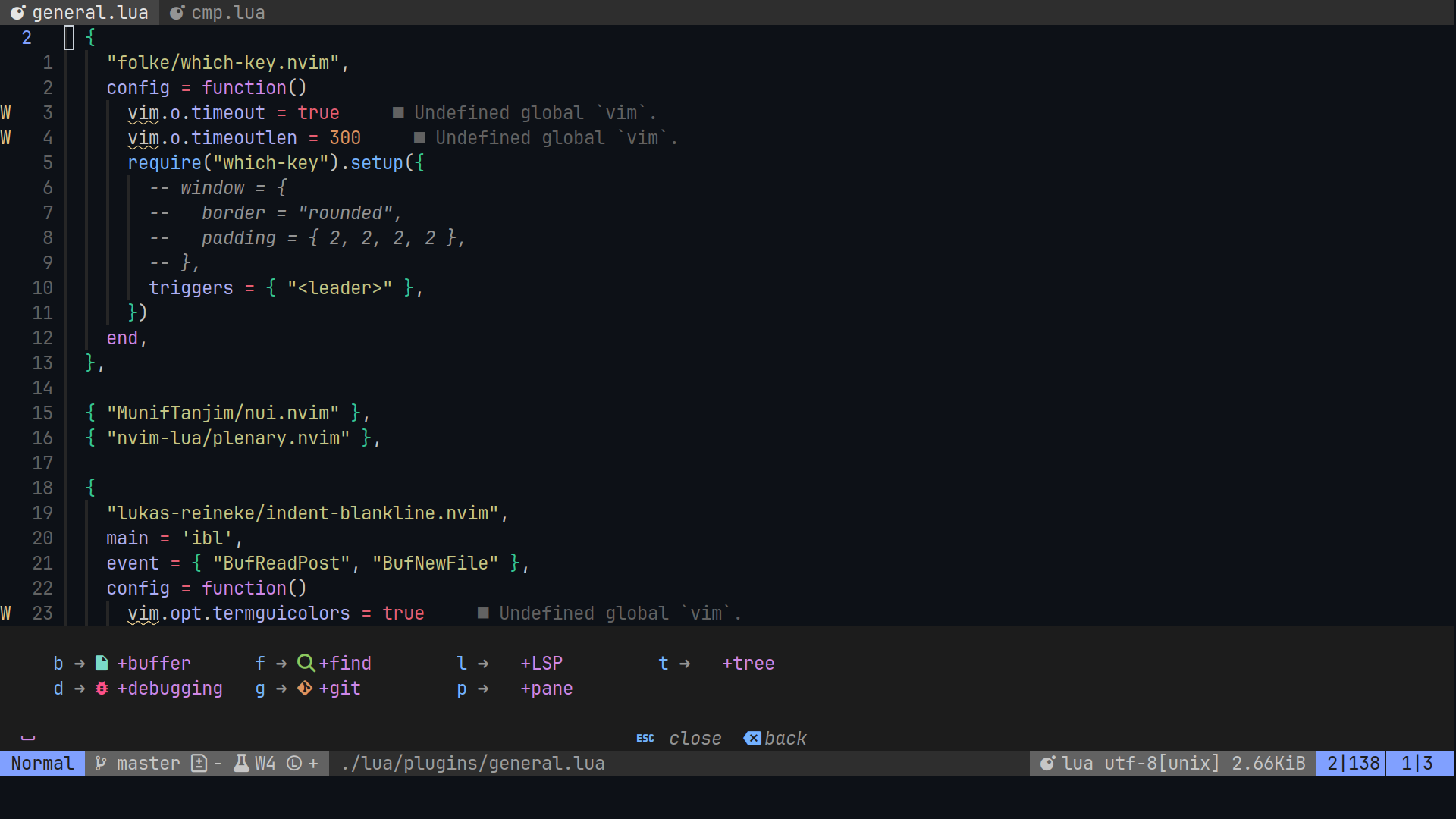
## Mappings
Here are the key mappings I use, organized into groups for ease of reference. `` is set to ``.
```plaintext
-- General
N) -- Save file (Normal mode).
N) -- Save file (Insert mode).
N) -- Insert tab character (Insert mode).
N) jk -- Exit insert mode (Insert mode).
N) kj -- Exit insert mode (Insert mode).
-- Buffers
N) b -- Buffer group.
N) bb -- List buffers.
N) bd -- Close buffer.
N) bn -- Next buffer.
N) bp -- Previous buffer.
nvim-config
-- Debugging
N) d -- Debugging group.
N) dB -- Clear all breakpoints.
N) db -- Toggle breakpoint.
N) dc -- Continue debugging.
N) dr -- Restart current debugging session.
N) dt -- Terminate debugging session.
N) du -- Show debugging UI.
-- Finding
N) f -- Find group.
N) fd -- Search diagnostics.
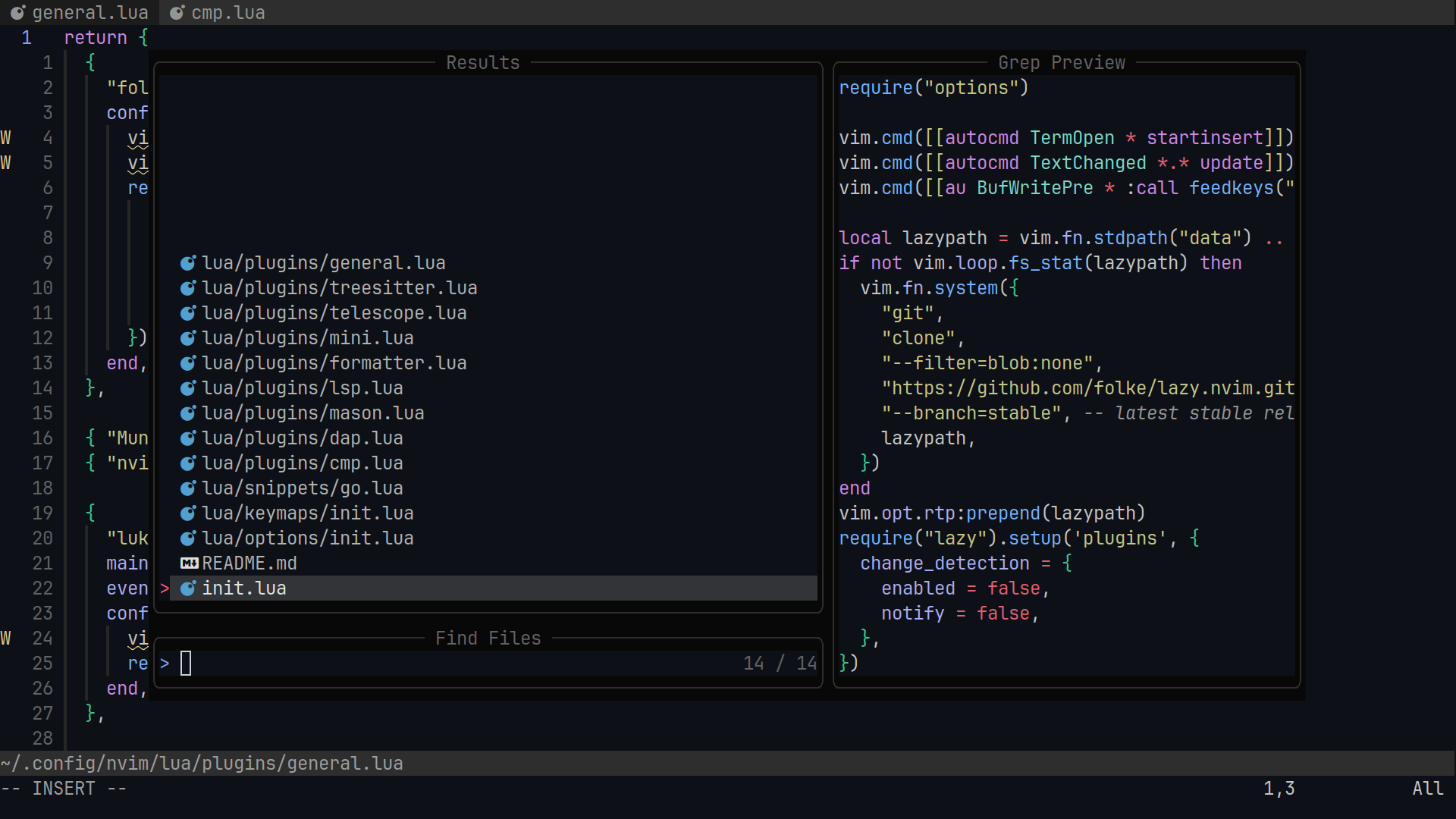
N) ff -- Find files.
N) fg -- Live grep in workspace.
N) fo -- Find symbols (outline).
N) fs -- Search saved session.
N) fz -- Find text in current buffer.
-- Git
N) g -- Git group.
N) gD -- Diff file against HEAD.
N) gb -- Blame line.
N) gd -- Diff line.
N) gl -- Open Lazygit.
N) gr -- Reset hunk.
-- LSP
N) l -- LSP group.
N) lD -- Go to declaration.
N) la -- Code action.
N) ld -- Go to definition.
N) lf -- Format code.
N) lh -- Hover information.
N) lr -- Rename symbol.
N) lt -- Go to type definition.
-- Pane Management
N) p -- Pane group.
N) pd -- Toggle Trouble.
-- Tree
N) t -- Tree group.
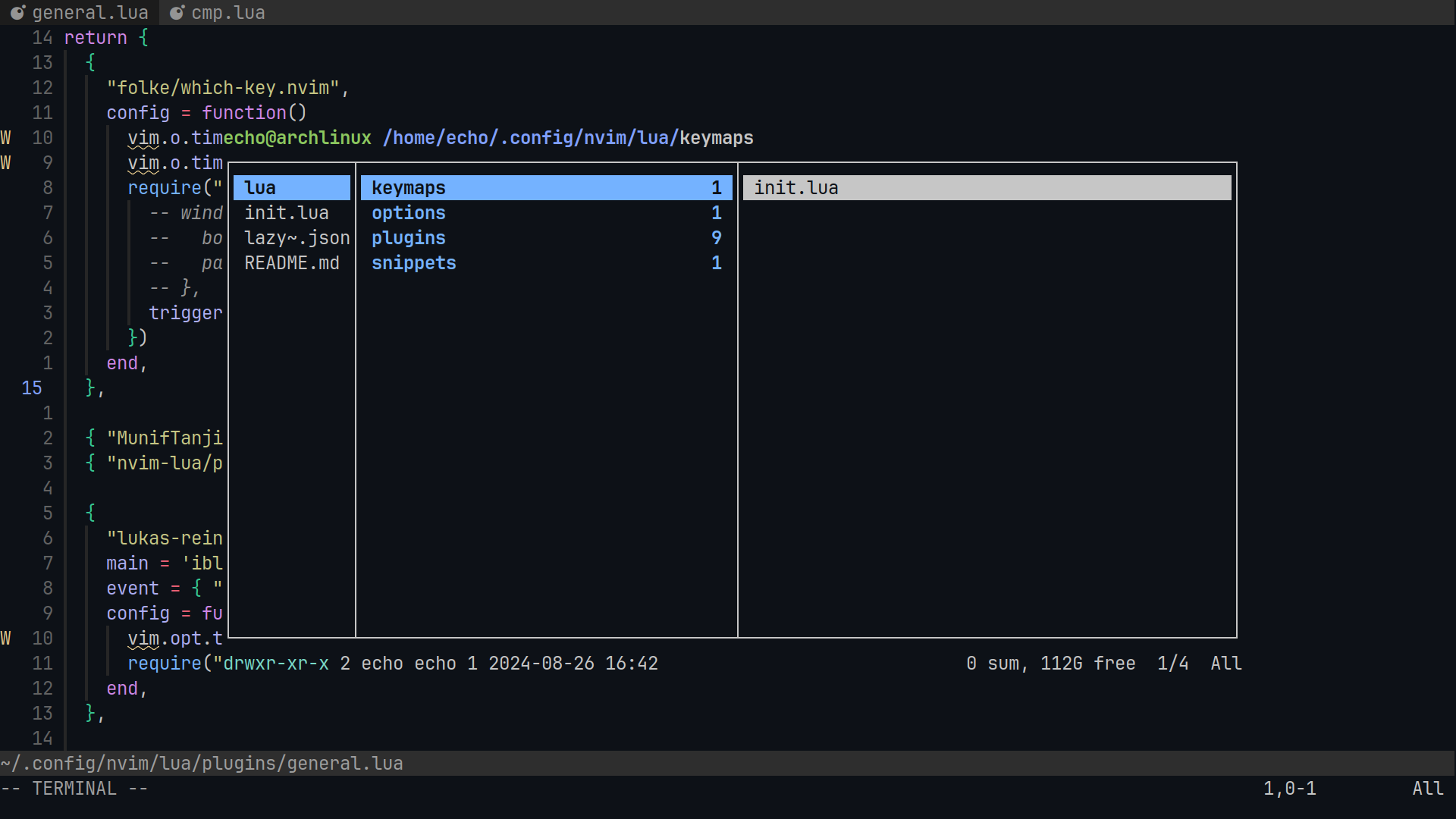
N) tf -- Toggle file explorer.
```
## Installation
Follow these steps to set up Neovim with this configuration:
1. **Backup Your Existing Configuration**
Before proceeding, it's a good idea to back up your current Neovim configuration. Run the following command in your terminal:
```bash
mv ~/.config/nvim ~/.config/nvim.bak
```
2. **Clone the Configuration Repository:**
Clone the repository containing your Neovim configuration to ~/.config/nvim:
```bash
git clone https://github.com/hadihammurabi/nvim-config.git ~/.config/nvim
```
## LSP Configuration
This setup integrates several language servers and tools to enhance development experience:
- **LSP Servers:**
- **Go**: `gopls` - Provides IDE features for Go development.
- **Rust**: `rust-analyzer` - Offers Rust-specific features and commands.
- **TypeScript**: `tsserver` - Supports TypeScript development.
- **SQL**: `sqlls` - Adds SQL language support.
- **Lua**: `lua_ls` - Adds Lua language support.
- **Vue**: `volar` - Provides language features for Vue files.
- **Dart**: `dartls` - Adds Dart language support for Flutter and other Dart projects.
- **Kotlin**: `kotlin_language_server` - Adds Kotlin language support.
- **LSP Features:**
- **Signature Help**: Shows function signatures and documentation.
- **Hover Documentation**: Displays documentation for code under the cursor.
- **Go to Definition**: Navigates to the definition of the symbol under the cursor.
- **Go to Implementation**: Jumps to the implementation of a function or method.
- **Show References**: Lists all references to the symbol under the cursor.
- **Diagnostics**: Displays error and warning diagnostics in the buffer.
- **Dependencies:**
- **lsp_signature.nvim**: Adds signature help to the LSP setup.
- **mason.nvim**: Manages LSP servers and other tools.