https://github.com/hafez-cs/python-handbook
Welcome to my python handbook! This handbook is a complete collection of Python tips and topics in a "learning by example" approach and I hope it is useful.
https://github.com/hafez-cs/python-handbook
handbook python python-handbook reference
Last synced: 2 months ago
JSON representation
Welcome to my python handbook! This handbook is a complete collection of Python tips and topics in a "learning by example" approach and I hope it is useful.
- Host: GitHub
- URL: https://github.com/hafez-cs/python-handbook
- Owner: Hafez-CS
- Created: 2024-03-16T08:46:17.000Z (over 2 years ago)
- Default Branch: main
- Last Pushed: 2024-11-22T09:57:51.000Z (over 1 year ago)
- Last Synced: 2025-10-29T04:26:03.355Z (9 months ago)
- Topics: handbook, python, python-handbook, reference
- Language: Python
- Homepage: https://github.com/Hafez-CS/Python-Handbook
- Size: 1.54 MB
- Stars: 3
- Watchers: 1
- Forks: 0
- Open Issues: 0
-
Metadata Files:
- Readme: README.md
Awesome Lists containing this project
README
Python Handbook
===============================

Introduction
--------
**Welcome to my python handbook!
This handbook is a complete collection of Python tips and topics in a "learning by example" approach and I hope it is useful.**
### What is Python?
**Python is a popular programming language. It was created by Guido van Rossum, and released in 1991.**
**It is used for:
web development (server-side),
software development,
mathematics,
system scripting.**
### What can Python do?
**Python can be used on a server to create web applications.
Python can be used alongside software to create workflows.
Python can connect to database systems. It can also read and modify files.
Python can be used to handle big data and perform complex mathematics.
Python can be used for rapid prototyping, or for production-ready software development.**
### Why Python?
**Python works on different platforms (Windows, Mac, Linux, Raspberry Pi, etc).
Python has a simple syntax similar to the English language.
Python has syntax that allows developers to write programs with fewer lines than some other programming languages.
Python runs on an interpreter system, meaning that code can be executed as soon as it is written. This means that prototyping can be very quick.
Python can be treated in a procedural way, an object-oriented way or a functional way.**
### good to know!
**Python : https://www.python.org/**
**Python packages : https://pypi.org/**
**The Python Standard Library : https://docs.python.org/3/library/index.html**
**VS Code : https://code.visualstudio.com/**
**Learn more about python : https://www.w3schools.com/python/default.asp**
**Learn more about python : https://www.geeksforgeeks.org/python-programming-language/**
**Learn more about python : https://realpython.com/**
Contents
--------
** ** **1. Home :** ** ** **[`Home`](#home)**
** ** **2. Variables :** ** ** **[`Variables`](#variables)**
** ** **3. Data Types :** ** ** **[`Data-Types`](#data-types)**
** ** **4. Numbers :** ** ** **[`Numbers`](#numbers)**
** ** **5. Strings :** ** ** **[`Strings`](#strings)**
** ** **6. Booleans :** ** ** **[`Booleans`](#booleans)**
** ** **7. Operators :** ** ** **[`Operators`](#operators)**
** ** **8. Lists :** ** ** **[`Lists`](#lists)**
** ** **9. Tuples :** ** ** **[`Tuples`](#tuples)**
** ** **10. Sets :** ** ** **[`Sets`](#sets)**
** ** **11. Dictionaries :** ** ** **[`Dictionaries`](#dictionaries)**
** ** **12. if-else :** ** ** **[`if-else`](#if-else)**
** ** **13. While Loops :** ** ** **[`While-Loops`](#while-loops)**
** ** **14. for Loops :** ** ** **[`for-Loops`](#for-loops)**
** ** **15. Functions :** ** ** **[`Functions`](#functions)**
** ** **16. lambda :** ** ** **[`lambda`](#lambda)**
** ** **17. iterators :** ** ** **[`iterators`](#iterators)**
** ** **18. make my library :** ** ** **[`make-my-library`](#make-my-library)**
** ** **19. Datetime :** ** ** **[`Datetime`](#datetime)**
** ** **20. Math :** ** ** **[`Math`](#math)**
** ** **21. JSON :** ** ** **[`JSON`](#json)**
** ** **22. RegEx :** ** ** **[`RegEx`](#regex)**
** ** **23. Try-Except :** ** ** **[`Try-Except`](#try-except)**
** ** **24. Input :** ** ** **[`Input`](#input)**
** ** **25. String Formatting :** ** ** **[`String-Formatting`](#string-formatting)**
** ** **26. File Handling :** ** ** **[`File-Handling`](#file-handling)**
** ** **27. Built In Functions :** ** ** **[`Built-In-Functions`](#built-in-functions)**
** ** **28. Python Error :** ** ** **[`Python-Error`](#python-error)**
** ** **29. Random :** ** ** **[`Random`](#random)**
** ** **30. Enum :** ** ** **[`Enum`](#enum)**
** ** **31. System :** ** ** **[`System`](#system)**
** ** **32. Path :** ** ** **[`Path`](#path)**
** ** **33. Pickle :** ** ** **[`Pickle`](#pickle)**
** ** **34. Collections :** ** ** **[`Collections`](#collections)**
** ** **35. Operator :** ** ** **[`Operator`](#operator)**
** ** **36. Progress Bar :** ** ** **[`Progress-Bar`](#progress-bar)**
** ** **37. Matplotlib(chart) :** ** ** **[`Matplotlib`](#matplotlib)**
** ** **38. Table(tabulate) :** ** ** **[`Table`](#table)**
** ** **39. OOP(Class) :** ** ** **[`Class`](#class)**
** ** **40. CSV :** ** ** **[`CSV`](#csv)**
** ** **41. txt :** ** ** **[`txt`](#txt)**
** ** **42. OS :** ** ** **[`OS`](#os)**
** ** **43. MySQL :** ** ** **[`MySQL`](#mysql)**
** ** **44. Restrictions on Input :** ** ** **[`Restrictions-on-Input`](#restrictions-on-input)**
** ** **45. excel :** ** ** **[`excel`](#excel)**
** ** **46. PDF :** ** ** **[`PDF`](#pdf)**
** ** **47. Word :** ** ** **[`Word`](#word)**
** ** **48. Time :** ** ** **[`Time`](#time)**
** ** **49. Picture :** ** ** **[`Picture`](#picture)**
** ** **50. controlling-the-keyboard-and-mouse-with-GUI-automation :** ** ** **[`controlling-the-keyboard-and-mouse-with-GUI-automation`](#controlling-the-keyboard-and-mouse-with-GUI-automation)**
Home
----
```python
print("Hello, World!")
>> "Hello, World!"
# hello world
```
Variables
----
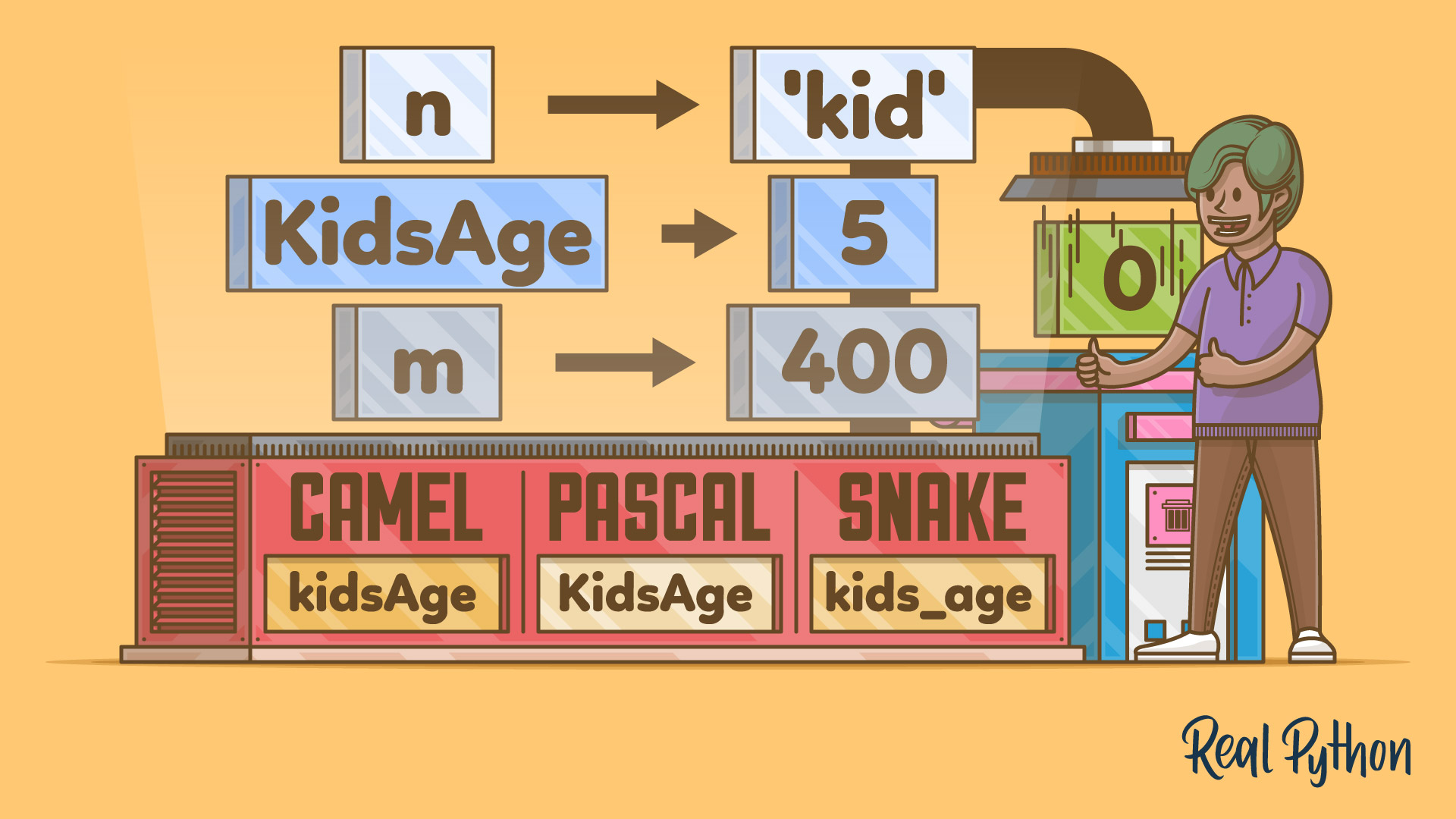
```python
x = 5
y = "John"
print(x)
print(y)
>> 5
>> "John"
```
```python
x = 4 # x is of type int
x = "Sally" # x is now of type str
print(x)
>> "Sally"
```
```python
x = str(3) # x will be '3'
y = int(3) # y will be 3
z = float(3) # z will be 3.0
```
```python
x = 5
y = "John"
print(type(x))
print(type(y))
>>
>>
```
```python
x, y, z = "Orange", "Banana", "Cherry"
print(x)
print(y)
print(z)
>> "Orange"
>> "Banana"
>> "Cherry"
```
```python
x = y = z = "Orange"
print(x)
print(y)
print(z)
>> "Orange"
>> "Orange"
>> "Orange"
```
```python
fruits = ["apple", "banana", "cherry"]
x, y, z = fruits
print(x)
print(y)
print(z)
>> ["apple", "banana", "cherry"]
>> ["apple", "banana", "cherry"]
>> ["apple", "banana", "cherry"]
```
```python
x = "Python is awesome"
print(x)
>> "Python is awesome"
```
```python
x = "Python"
y = "is"
z = "awesome"
print(x, y, z)
>> "Python" , "is" , "awesome"
```
```python
x = "Python "
y = "is "
z = "awesome"
print(x + y + z)
>> "Python is awesome"
```
```python
x = 5
y = 10
print(x + y)
>> 15
```
Data-Types
----------
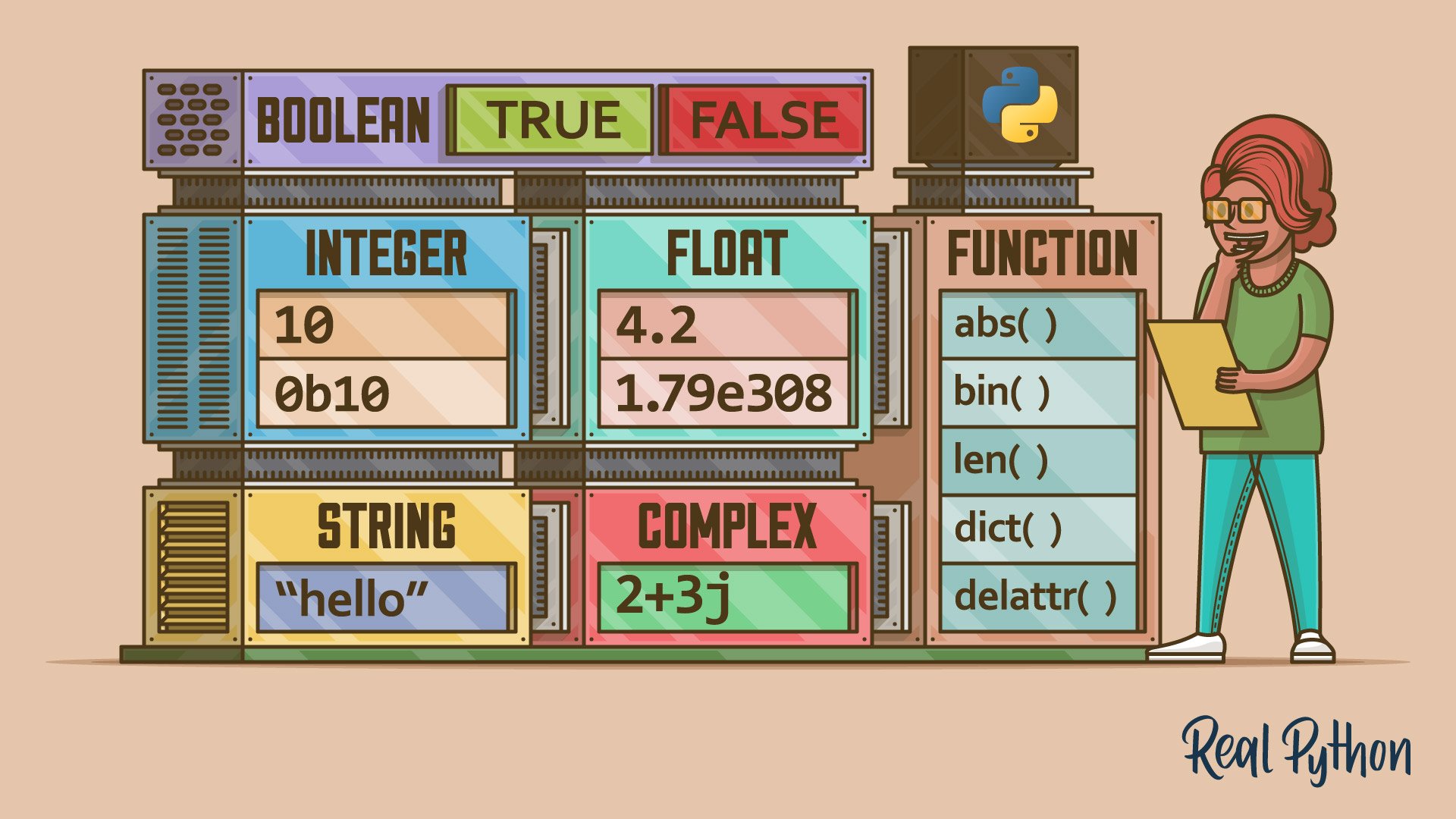
* **Text Type : str**
* **Numeric Types : int, float, complex**
* **Sequence Types : list, tuple, range**
* **Mapping Type : dict**
* **Set Types : set, frozenset**
* **Boolean Type : bool**
* **Binary Types : bytes, bytearray, memoryview**
* **None Type : NoneType**
```python
x = "Hello World" # str
x = 20 # int
x = 20.5 # float
x = 1j # complex
x = ["apple", "banana", "cherry"] # list
x = ("apple", "banana", "cherry") # tuple
x = range(6) # range
x = {"name" : "John", "age" : 36} # dict
x = {"apple", "banana", "cherry"} # set
x = frozenset({"apple", "banana", "cherry"}) # frozenset
x = True # bool
x = b"Hello" # bytes
x = bytearray(5) # bytearray
x = memoryview(bytes(5)) # memoryview
x = None # NoneType
```
```python
x = str("Hello World") # str
x = int(20) # int
x = float(20.5) # float
x = complex(1j) # complex
x = list(("apple", "banana", "cherry")) # list
x = tuple(("apple", "banana", "cherry")) # tuple
x = range(6) # range
x = dict(name="John", age=36) # dict
x = set(("apple", "banana", "cherry")) # set
x = frozenset(("apple", "banana", "cherry")) # frozenset
x = bool(5) # bool
x = bytes(5) # bytes
x = bytearray(5) # bytearray
x = memoryview(bytes(5)) # memoryview
```
Numbers
---
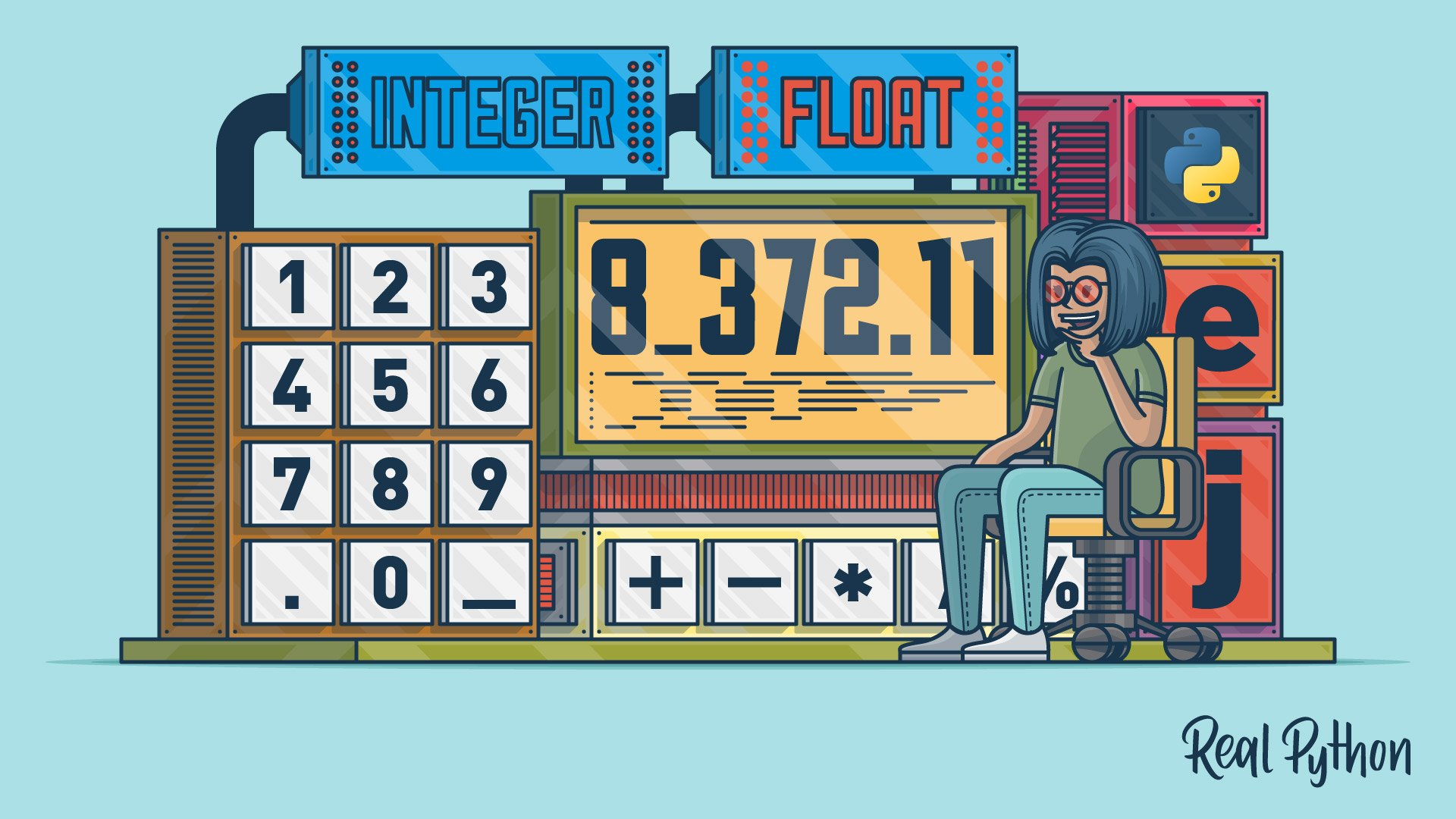
```python
x = 1 # int
y = 2.8 # float
z = 1j # complex
```
```python
x = 1
y = 35656222554887711
z = -3255522
```
```python
x = 1.10
y = 1.0
z = -35.59
```
```python
x = int(1) # x will be 1
y = int(2.8) # y will be 2
z = int("3") # z will be 3
```
```python
x = float(1) # x will be 1.0
y = float(2.8) # y will be 2.8
z = float("3") # z will be 3.0
w = float("4.2") # w will be 4.2
```
```python
x = str("s1") # x will be 's1'
y = str(2) # y will be '2'
z = str(3.0) # z will be '3.0'
```
Strings
-----
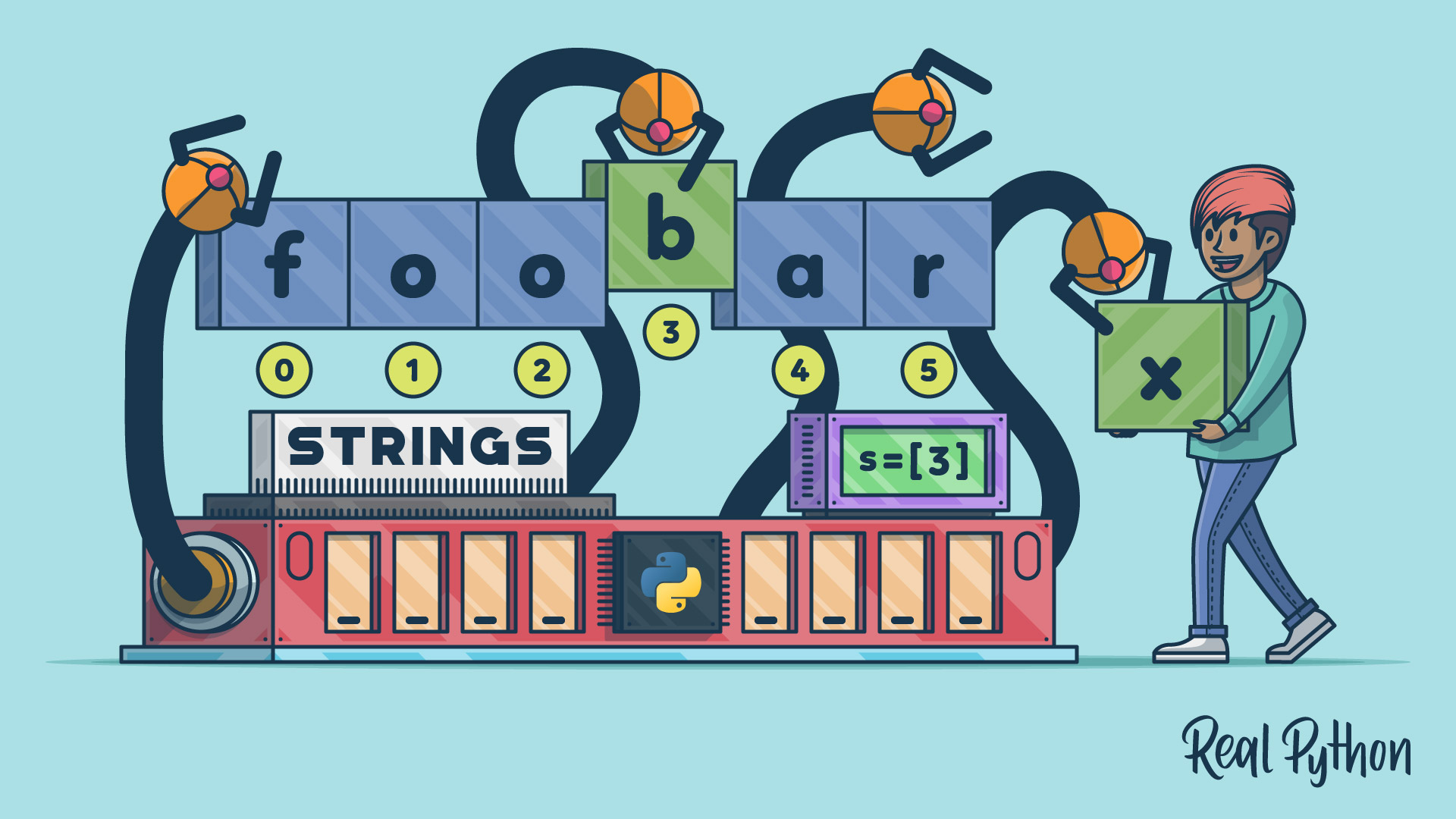
```python
a = "Hello"
print(a)
>> "Hello"
```
```python
a = "Hello, World!"
print(a[1])
>> "e"
```
```python
b = "Hello, World!"
print(b[2:5])
>> "llo"
```
```python
a = "Hello, World!"
print(len(a))
>> 13
```
```python
txt = "The best things in life are free!"
print("free" in txt)
>> True
```
```python
a = "Hello, World!"
print(a.upper())
>> "HELLO, WORLD!"
```
```python
a = "Hello, World!"
print(a.lower())
>> "hello, world!"
```
```python
a = " Hello, World! "
print(a.strip()) # returns "Hello, World!"
>> "Hello, World!"
```
```python
a = "Hello, World!"
print(a.replace("H", "J"))
>> "Jello, World!"
```
```python
a = "Hello, World!"
print(a.split(",")) # returns ['Hello', ' World!']
>> "['Hello', ' World!']"
```
```python
a = "Hello"
b = "World"
c = a + b
print(c)
>> "HelloWorld"
```
```python
a = "Hello"
b = "World"
c = a + " " + b
print(c)
>> "Hello World"
```
```python
age = 36
txt = "My name is John, I am " + age
print(txt)
>> "My name is John, I am 36"
```
```python
age = 36
txt = "My name is John, and I am {}"
print(txt.format(age))
>> "My name is John, I am 36"
```
```python
print('G','F', sep='', end='')
print('G')
>> "GFG"
```
```python
print('09','12','2016', sep='-', end='\n')
>> "09-12-2016"
```
```python
print('Red','Green','Blue', sep=',', end='@')
print('geeksforgeeks')
>> "Red,Green,Blue@geeksforgeeks"
```
```python
print("Geeks : %2d, Portal : %5.2f" % (1, 05.333))
>> "Geeks : 1, Portal : 5.33"
```
```python
print("Total students : %3d, Boys : %2d" % (240, 120)) # print integer value
>> "Total students : 240, Boys : 120"
```
```python
print("%7.3o" % (25)) # print octal value
>> " 031"
```
```python
print("%10.3E" % (356.08977)) # print exponential value
>> "3.561E+02"
```
```python
tab = {'geeks': 4127, 'for': 4098, 'geek': 8637678}
print('Geeks: {0[geeks]:d}; For: {0[for]:d}; '
'Geeks: {0[geek]:d}'.format(tab))
>> "Geeks: 4127; For: 4098; Geeks: 8637678"
```
**`" \' "` Single Quote**
**`" \\ "` Backslash**
**`" \n "` New Line**
**`" \r "` Carriage Return**
**`" \t "` Tab**
**`" \b "` Backspace**
**`" \f "` Form Feed**
**`" \ooo "` Octal value**
**`" \xhh "` Hex value**
### All string methods :
**.capitalize() (Converts the first character to upper case)**
```python
txt = "hello, and welcome to my world."
x = txt.capitalize()
print (x)
>> "Hello, and welcome to my world."
```
**.casefold() (Converts string into lower case)**
```python
txt = "Hello, And Welcome To My World!"
x = txt.casefold()
print(x)
>> "hello, and welcome to my world!"
```
**.center() (Returns a centered string)**
```python
txt = "banana"
x = txt.center(20)
print(x)
>> " banana "
```
**.count() (Returns the number of times a specified value occurs in a string)**
```python
txt = "I love apples, apple are my favorite fruit"
x = txt.count("apple")
print(x)
>> 2
```
**.encode() (Returns an encoded version of the string)**
```python
txt = "My name is Ståle"
x = txt.encode()
print(x)
>> b'My name is St\xc3\xa5le'
```
**.endswith() (Returns true if the string ends with the specified value)**
```python
txt = "Hello, welcome to my world."
x = txt.endswith(".")
print(x)
>> True
```
**.expandtabs() (Sets the tab size of the string)**
```python
txt = "H\te\tl\tl\to"
x = txt.expandtabs(2)
print(x)
>> "H e l l o"
```
**.find() (Searches the string for a specified value and returns the position of where it was found)**
```python
txt = "Hello, welcome to my world."
x = txt.find("welcome")
print(x)
>> 7
```
**.format() (Formats specified values in a string)**
```python
txt = "For only {price:.2f} dollars!"
print(txt.format(price = 49))
>> "For only 49.00 dollars!"
```
**.index() (Searches the string for a specified value and returns the position of where it was found)**
```python
txt = "Hello, welcome to my world."
x = txt.index("welcome")
print(x)
>> 7
```
**.isalnum() (Returns True if all characters in the string are alphanumeric)**
```python
txt = "Company12"
x = txt.isalnum()
print(x)
>> True
```
**.isalpha() (Returns True if all characters in the string are in the alphabet)**
```python
txt = "CompanyX"
x = txt.isalpha()
print(x)
>> True
```
**.isascii() (Returns True if all characters in the string are ascii characters)**
```python
txt = "Company123"
x = txt.isascii()
print(x)
>> True
```
**.isdecimal() (Returns True if all characters in the string are decimals)**
```python
txt = "1234"
x = txt.isdecimal()
print(x)
>> True
```
**.isdigit() (Returns True if all characters in the string are digits)**
```python
txt = "50800"
x = txt.isdigit()
print(x)
>> True
```
**.isidentifier() (Returns True if the string is an identifier)**
```python
txt = "Demo"
x = txt.isidentifier()
print(x)
>> True
```
**.islower() (Returns True if all characters in the string are lower case)**
```python
txt = "hello world!"
x = txt.islower()
print(x)
>> True
```
**.isnumeric() (Returns True if all characters in the string are numeric)**
```python
txt = "565543"
x = txt.isnumeric()
print(x)
>> True
```
**.isprintable() (Returns True if all characters in the string are printable)**
```python
txt = "Hello! Are you #1?"
x = txt.isprintable()
print(x)
>> True
```
**.isspace() (Returns True if all characters in the string are whitespaces)**
```python
txt = " "
x = txt.isspace()
print(x)
>> True
```
**.istitle() (Returns True if the string follows the rules of a title)**
```python
txt = "Hello, And Welcome To My World!"
x = txt.istitle()
print(x)
>> True
```
**.isupper() (Returns True if all characters in the string are upper case)**
```python
txt = "THIS IS NOW!"
x = txt.isupper()
print(x)
>> True
```
**.join() (Joins the elements of an iterable to the end of the string)**
```python
myTuple = ("John", "Peter", "Vicky")
x = "#".join(myTuple)
print(x)
>> "John#Peter#Vicky"
```
**.ljust() (Returns a left justified version of the string)**
```python
txt = "banana"
x = txt.ljust(20)
print(x, "is my favorite fruit.")
>> "banana is my favorite fruit."
```
**.lower() (Converts a string into lower case)**
```python
txt = "Hello my FRIENDS"
x = txt.lower()
print(x)
>> "hello my friends"
```
**.lstrip() (Returns a left trim version of the string)**
```python
txt = " banana "
x = txt.lstrip()
print("of all fruits", x, "is my favorite")
>> "of all fruits banana is my favorite"
```
**.maketrans() (Returns a translation table to be used in translations)**
```python
txt = "Hello Sam!"
mytable = str.maketrans("S", "P")
print(txt.translate(mytable))
>> "Hello Pam!"
```
**.partition() (Returns a tuple where the string is parted into three parts)**
```python
txt = "I could eat bananas all day"
x = txt.partition("bananas")
print(x)
>> ('I could eat ', 'bananas', ' all day')
```
**.replace() (Returns a string where a specified value is replaced with a specified value)**
```python
txt = "I like bananas"
x = txt.replace("bananas", "apples")
print(x)
>> "I like apples"
```
**.rfind() (Searches the string for a specified value and returns the last position of where it was found)**
```python
txt = "Mi casa, su casa."
x = txt.rfind("casa")
print(x)
>> 12
```
**.rindex() (Searches the string for a specified value and returns the last position of where it was found)**
```python
txt = "Mi casa, su casa."
x = txt.rindex("casa")
print(x)
>> 12
```
**.rjust() (Returns a right justified version of the string)**
```python
txt = "banana"
x = txt.rjust(20)
print(x, "is my favorite fruit.")
>> " banana is my favorite fruit."
```
**.rpartition() (Returns a tuple where the string is parted into three parts)**
```python
txt = "I could eat bananas all day, bananas are my favorite fruit"
x = txt.rpartition("bananas")
print(x)
>> ('I could eat bananas all day, ', 'bananas', ' are my favorite fruit')
```
**.rsplit() (Splits the string at the specified separator, and returns a list)**
```python
txt = "apple, banana, cherry"
x = txt.rsplit(", ")
print(x)
>> ['apple', 'banana', 'cherry']
```
**.rstrip() (Returns a right trim version of the string)**
```python
txt = " banana "
x = txt.rstrip()
print("of all fruits", x, "is my favorite")
>> "of all fruits banana is my favorite"
```
**.split() (Splits the string at the specified separator, and returns a list)**
```python
txt = "welcome to the jungle"
x = txt.split()
print(x)
>> ['welcome', 'to', 'the', 'jungle']
```
**.splitlines() (Splits the string at line breaks and returns a list)**
```python
txt = "Thank you for the music\nWelcome to the jungle"
x = txt.splitlines()
print(x)
>> ['Thank you for the music', 'Welcome to the jungle']
```
**.startswith() (Returns true if the string starts with the specified value)**
```python
txt = "Hello, welcome to my world."
x = txt.startswith("Hello")
print(x)
>> True
```
**.strip() (Returns a trimmed version of the string)**
```python
txt = " banana "
x = txt.strip()
print("of all fruits", x, "is my favorite")
>> "of all fruits banana is my favorite"
```
**.swapcase() (Swaps cases, lower case becomes upper case and vice versa)**
```python
txt = "Hello My Name Is PETER"
x = txt.swapcase()
print(x)
>> "hELLO mY nAME iS peter"
```
**.title() (Converts the first character of each word to upper case)**
```python
txt = "Welcome to my world"
x = txt.title()
print(x)
>> "Welcome To My World"
```
**.translate() (Returns a translated string)**
```python
mydict = {83: 80}
txt = "Hello Sam!"
print(txt.translate(mydict))
>> "Hello Pam!"
```
**.upper() (Converts a string into upper case)**
```python
txt = "Hello my friends"
x = txt.upper()
print(x)
>> "HELLO MY FRIENDS"
```
**.zfill() (Fills the string with a specified number of 0 values at the beginning0**
```python
txt = "50"
x = txt.zfill(10)
print(x)
>> 0000000050
```
Booleans
-----

```python
print(10 > 9)
print(10 == 9)
print(10 < 9)
>> True
>> False
>> False
```
```python
print(bool("Hello"))
print(bool(15))
>> True
>> True
```
Operators
---------

**`2 + 2 = 4`**
**`2 - 2 = 0`**
**`2 * 3 = 6`**
**`4 / 2 = 2`**
**`4 % 2 = 0`**
**`2 ** 3 = 8`**
**`8 // 4 = 2`**
**`2 == 2` 2 is equal to 2**
**`2 != 3` 2 is not equal to 3**
**`4 > 2` 4 is greater than 2**
**`2 < 4` 2 smaller than 4**
**`4 >= 4` 4 bigger equals 4**
**`4 <= 4` 4 bigger equals 4**
**`and` Returns True if both statements are true `x < 5 and x < 10`**
**`or` Returns True if one of the statements is true `x < 5 or x < 4`**
**`not` Reverse the result, returns False if the result is true `not(x < 5 and x < 10)`**
**`in` Returns True if a sequence with the specified value is present in the object `x in y`**
**`not in` Returns True if a sequence with the specified value is not present in the object `x not in y`**
**`&` AND Sets each bit to 1 if both bits are 1 `x & y`**
**`|` OR Sets each bit to 1 if one of two bits is 1 `x | y`**
**`^` XOR Sets each bit to 1 if only one of two bits is 1 `x ^ y`**
**`~` NOT Inverts all the bits `~x`**
**`<<` Zero fill left shift Shift left by pushing zeros in from the right and let the leftmost bits fall off `x << 2`**
**`>>` Signed right shift Shift right by pushing copies of the leftmost bit in from the left, and let the rightmost bits fall off `x >> 2`**
**`x = 5` Or `x = 5`**
**`x += 3` Or `x = x + 3`**
**`x -= 3` Or `x = x - 3`**
**`x *= 3` Or `x = x * 3`**
**`x /= 3` Or `x = x / 3`**
**`x %= 3` Or `x = x % 3`**
**`x //= 3` Or `x = x // 3`**
**`x **= 3` Or `x = x ** 3`**
**`x &= 3` Or `x = x & 3`**
**`x |= 3` Or `x = x | 3`**
**`x ^= 3` Or `x = x ^ 3`**
**`x >>= 3` Or `x = x >> 3`**
**`x <<= 3` Or `x = x << 3`**
Lists
--------

**Python's list is a flexible, versatile, powerful, and popular built-in data type. It allows you to create variable-length and mutable sequences of objects. In a list, you can store objects of any type. You can also mix objects of different types within the same list, although list elements often share the same type.**
```python
mylist = ["apple", "banana", "cherry"]
```
```python
thislist = ["apple", "banana", "cherry"]
print(thislist)
>> ['apple', 'banana', 'cherry']
```
```python
thislist = ["apple", "banana", "cherry"]
print(len(thislist))
>> 3
```
```python
thislist = ["apple", "banana", "cherry"]
print(thislist[1])
>> "banana"
```
```python
thislist = ["apple", "banana", "cherry", "orange", "kiwi", "melon", "mango"]
print(thislist[2:5])
>> ['cherry', 'orange', 'kiwi']
```
```python
thislist = ["apple", "banana", "cherry"]
thislist[1:2] = ["blackcurrant", "watermelon"]
print(thislist)
>> ['apple', 'blackcurrant', 'watermelon', 'cherry']
```
```python
thislist = ["apple", "banana", "cherry"]
thislist.insert(2, "watermelon")
print(thislist)
>> ['apple', 'banana', 'watermelon', 'cherry']
```
```python
thislist = ["apple", "banana", "cherry"]
thislist.append("orange")
print(thislist)
>> ['apple', 'banana', 'cherry', 'orange']
```
```python
thislist = ["apple", "banana", "cherry"]
tropical = ["mango", "pineapple", "papaya"]
thislist.extend(tropical)
print(thislist)
>> ['apple', 'banana', 'cherry', 'mango', 'pineapple', 'papaya']
```
```python
thislist = ["apple", "banana", "cherry"]
thislist.remove("banana")
print(thislist)
>> ['apple', 'cherry']
```
```python
thislist = ["apple", "banana", "cherry"]
thislist.pop(1)
print(thislist)
>> ['apple', 'cherry']
```
```python
thislist = ["apple", "banana", "cherry"]
thislist.pop()
print(thislist)
>> ['apple', 'banana']
```
```python
thislist = ["apple", "banana", "cherry"]
del thislist[0]
print(thislist)
>> ['banana', 'cherry']
```
```python
thislist = ["apple", "banana", "cherry"]
del thislist
```
```python
thislist = ["apple", "banana", "cherry"]
thislist.clear()
print(thislist)
>> []
```
```python
thislist = ["orange", "mango", "kiwi", "pineapple", "banana"]
thislist.sort()
print(thislist)
>> ['banana', 'kiwi', 'mango', 'orange', 'pineapple']
```
```python
thislist = ["orange", "mango", "kiwi", "pineapple", "banana"]
thislist.sort(reverse = True)
print(thislist)
>> ['pineapple', 'orange', 'mango', 'kiwi', 'banana']
```
```python
thislist = ["banana", "Orange", "Kiwi", "cherry"]
thislist.sort(key = str.lower)
print(thislist)
>> ['banana', 'cherry', 'Kiwi', 'Orange']
```
```python
thislist = ["apple", "banana", "cherry"]
mylist = thislist.copy()
print(mylist)
>> ['apple', 'banana', 'cherry']
```
```python
thislist = ["apple", "banana", "cherry"]
mylist = list(thislist)
print(mylist)
>> ['apple', 'banana', 'cherry']
```
```python
list1 = ["a", "b", "c"]
list2 = [1, 2, 3]
list3 = list1 + list2
print(list3)
>> ['a', 'b', 'c', 1, 2, 3]
```
```python
a = [0] * 6
print(a)
>> [0, 0, 0, 0, 0, 0]
```
```python
[1] * 7
>> [1, 1, 1, 1, 1, 1, 1]
```
```python
a = [[]] * 10
print(a)
>> [[], [], [], [], [], [], [], [], [], []]
a[5] += [2]
print(a)
>> [[2], [2], [2], [2], [2], [2], [2], [2], [2], [2]]
a[0] = [3]
print(a)
>> [[3], [2], [2], [2], [2], [2], [2], [2], [2], [2]]
a[1] += [3]
print(a)
>> [[3], [2, 3], [2, 3], [2, 3], [2, 3], [2, 3], [2, 3], [2, 3], [2, 3], [2, 3]]
```
```python
b = [[] for i in range(10)]
print(b)
>> [[], [], [], [], [], [], [], [], [], []]
b[5] += [2]
print(b)
>> [[], [], [], [], [], [2], [], [], [], []]
b[5] += [3]
print(b)
>> [[], [], [], [], [], [2, 3], [], [], [], []]
```
```python
b = [
[[1,2,3] , [] , [],
[] , [] , []] ,
[[] , [] , [],
[] , [] , []] ,
[[] , [] , [],
[] , [] , []] ,
[[] , [] , [],
[] , [] , []] ,
[[] , [] , [],
[] , [] , []] ,
[[] , [] , [],
[] , [] , []]
]
print(b)
>> [[[1, 2, 3], [], [], [], [], []], [[], [], [], [], [], []], [[], [], [], [], [], []], [[], [], [], [], [], []], [[], [], [], [], [], []], [[], [], [], [], [], []]]
```
### All List methods :
**.append() (Adds an element at the end of the list)**
```python
fruits = ['apple', 'banana', 'cherry']
fruits.append("orange")
print(fruits)
>> ['apple', 'banana', 'cherry', 'orange']
```
**.clear() (Removes all the elements from the list)**
```python
fruits = ['apple', 'banana', 'cherry', 'orange']
fruits.clear()
print(fruits)
>> []
```
**.copy() (Returns a copy of the list)**
```python
fruits = ['apple', 'banana', 'cherry', 'orange']
x = fruits.copy()
print(x)
>> ['apple', 'banana', 'cherry', 'orange']
```
**.count() (Returns the number of elements with the specified value)**
```python
fruits = ['apple', 'banana', 'cherry']
x = fruits.count("cherry")
print(x)
>> 1
```
**.extend() (Add the elements of a list (or any iterable), to the end of the current list)**
```python
fruits = ['apple', 'banana', 'cherry']
cars = ['Ford', 'BMW', 'Volvo']
fruits.extend(cars)
print(fruits)
>> ['apple', 'banana', 'cherry', 'Ford', 'BMW', 'Volvo']
```
**.index() (Returns the index of the first element with the specified value)**
```python
fruits = ['apple', 'banana', 'cherry']
x = fruits.index("cherry")
print(x)
>> 2
```
**.insert() (Adds an element at the specified position)**
```python
fruits = ['apple', 'banana', 'cherry']
fruits.insert(1, "orange")
print(fruits)
>> ['apple', 'orange', 'banana', 'cherry']
```
**.pop() (Removes the element at the specified position)**
```python
fruits = ['apple', 'banana', 'cherry']
fruits.pop(1)
print(fruits)
>> ['apple', 'cherry']
```
**.remove() (Removes the item with the specified value)**
```python
fruits = ['apple', 'banana', 'cherry']
fruits.remove("banana")
print(fruits)
>> ['apple', 'cherry']
```
**.reverse() (Reverses the order of the list)**
```python
fruits = ['apple', 'banana', 'cherry']
fruits.reverse()
print(fruits)
>> ['cherry', 'banana', 'apple']
```
**.sort() (Sorts the list)**
```python
cars = ['Ford', 'BMW', 'Volvo']
cars.sort()
print(cars)
>> ['BMW', 'Ford', 'Volvo']
```
Tuples
---------

**Python tuples are a type of data structure that is very similar to lists. The main difference between the two is that tuples are immutable, meaning they cannot be changed once they are created. This makes them ideal for storing data that should not be modified, such as database records.**
* **`count()` Returns the number of times a specified value occurs in a tuple.**
* **`index()` Searches the tuple for a specified value and returns the position of where it was found.**
```python
mytuple = ("apple", "banana", "cherry")
```
```python
thistuple = ("apple", "banana", "cherry")
print(thistuple)
>> ('apple', 'banana', 'cherry')
```
```python
thistuple = ("apple", "banana", "cherry")
print(len(thistuple))
>> 3
```
```python
thistuple = ("apple", "banana", "cherry")
print(thistuple[1])
>> "banana"
```
```python
thistuple = ("apple", "banana", "cherry")
y = list(thistuple)
y.remove("apple")
thistuple = tuple(y)
print(thistuple)
>> ('banana', 'cherry')
```
```python
thistuple = ("apple", "banana", "cherry")
del thistuple
print(thistuple)
>> Error
```
```python
tuple1 = ("a", "b" , "c")
tuple2 = (1, 2, 3)
tuple3 = tuple1 + tuple2
print(tuple3)
>> ('a', 'b', 'c', 1, 2, 3)
```
Sets
----
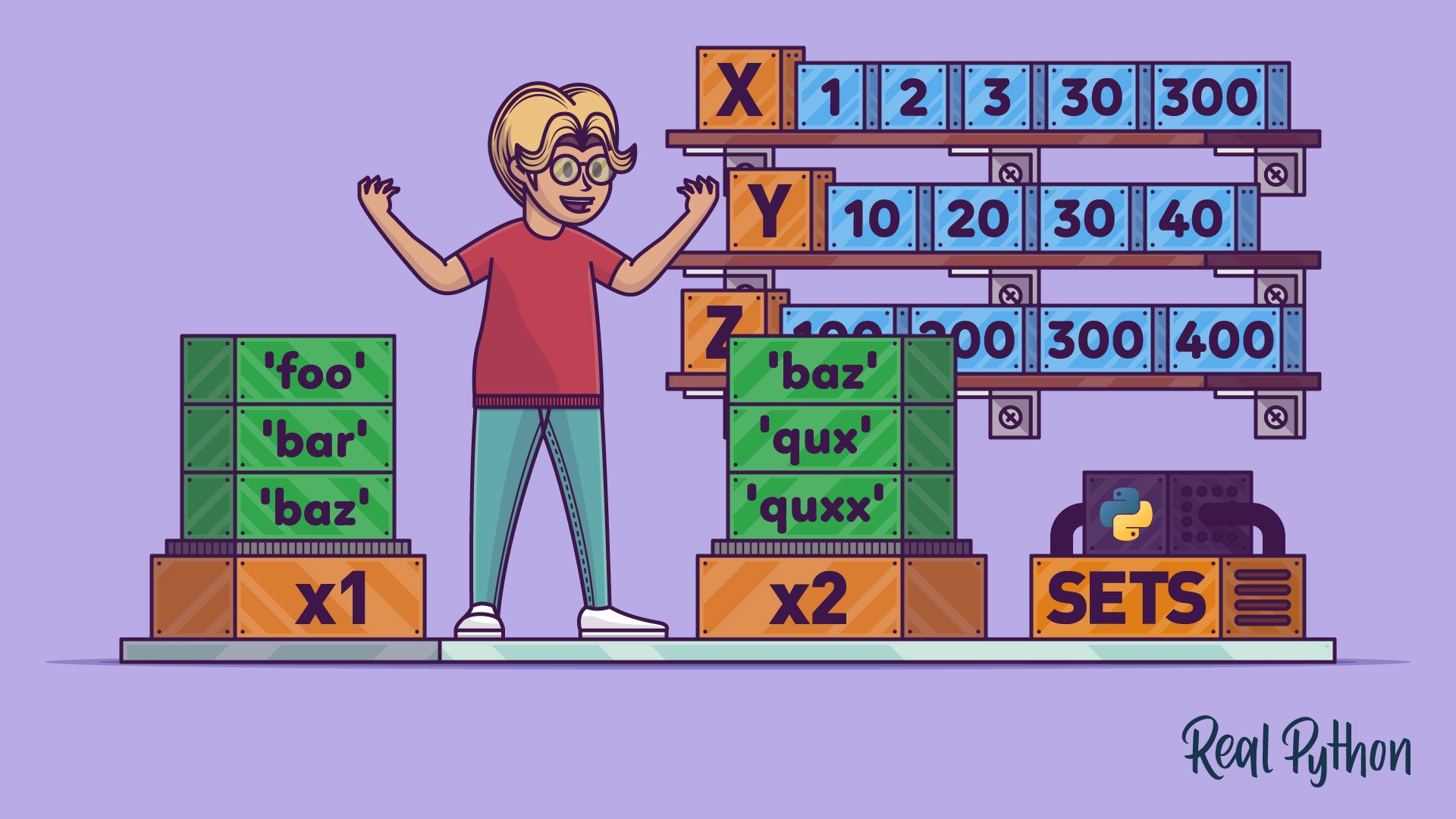
**A set is a data collection type used in Python for storing multiple items in a single variable. Sets in Python are unordered and, as such, are not always consistent in the order they get returned. Furthermore, items in the set are immutable — ie. cannot be changed.**
```python
myset = {"apple", "banana", "cherry"}
```
```python
thisset = {"apple", "banana", "cherry"}
print(thisset)
>> {'cherry', 'banana', 'apple'}
```
```python
thisset = {"apple", "banana", "cherry"}
print(len(thisset))
>> 3
```
```python
thisset = {"apple", "banana", "cherry"}
thisset.add("orange")
print(thisset)
>> {'cherry', 'apple', 'banana', 'orange'}
```
```python
thisset = {"apple", "banana", "cherry"}
tropical = {"pineapple", "mango", "papaya"}
thisset.update(tropical)
print(thisset)
>> {'papaya', 'mango', 'pineapple', 'apple', 'banana', 'cherry'}
```
```python
thisset = {"apple", "banana", "cherry"}
thisset.remove("banana")
print(thisset)
>> {'cherry', 'apple'}
```
```python
thisset = {"apple", "banana", "cherry"}
thisset.discard("banana")
print(thisset)
>> {'cherry', 'apple'}
```
```python
thisset = {"apple", "banana", "cherry"}
x = thisset.pop()
print(x)
>> "cherry"
print(thisset)
>> {'apple', 'banana'}
```
```python
thisset = {"apple", "banana", "cherry"}
x = thisset.pop()
print(x)
>> "cherry"
print(thisset)
>> {'apple', 'banana'}
```
```python
thisset = {"apple", "banana", "cherry"}
thisset.clear()
print(thisset)
>> ()
```
```python
thisset = {"apple", "banana", "cherry"}
del thisset
print(thisset)
>> Error
```
```python
set1 = {"a", "b" , "c"}
set2 = {1, 2, 3}
set3 = set1.union(set2)
print(set3)
>> {1, 'c', 2, 3, 'a', 'b'}
```
```python
set1 = {"a", "b" , "c"}
set2 = {1, 2, 3}
set1.update(set2)
print(set1)
>> {1, 'c', 2, 3, 'a', 'b'}
```
```python
x = {"apple", "banana", "cherry"}
y = {"google", "microsoft", "apple"}
x.intersection_update(y)
print(x)
>> {'apple'}
```
```python
x = {"apple", "banana", "cherry"}
y = {"google", "microsoft", "apple"}
z = x.intersection(y)
print(z)
>> {'apple'}
```
### All Sets methods :
**.add() (Adds an element to the set)**
```python
thisset = {"apple", "banana", "cherry"}
thisset.add("orange")
print(thisset)
>> {'cherry', 'orange', 'apple', 'banana'}
```
**.clear() (Removes all the elements from the set)**
```python
fruits = {"apple", "banana", "cherry"}
fruits.clear()
print(fruits)
>> set()
```
**.copy() (Returns a copy of the set)**
```python
fruits = {"apple", "banana", "cherry"}
x = fruits.copy()
print(x)
>> {'apple', 'cherry', 'banana'}
```
**.difference() (Returns a set containing the difference between two or more sets)**
```python
x = {"apple", "banana", "cherry"}
y = {"google", "microsoft", "apple"}
z = x.difference(y)
print(z)
>> {'cherry', 'banana'}
```
**.difference_update() (Removes the items in this set that are also included in another, specified set)**
```python
x = {"apple", "banana", "cherry"}
y = {"google", "microsoft", "apple"}
x.difference_update(y)
print(x)
>> {'cherry', 'banana'}
```
**.discard()(Remove the specified item)**
```python
thisset = {"apple", "banana", "cherry"}
thisset.discard("banana")
print(thisset)
>> {'apple', 'cherry'}
```
**.intersection() (Returns a set, that is the intersection of two other sets)**
```python
x = {"apple", "banana", "cherry"}
y = {"google", "microsoft", "apple"}
z = x.intersection(y)
print(z)
>> {'apple'}
```
**.intersection_update() (Removes the items in this set that are not present in other, specified set(s))**
```python
x = {"apple", "banana", "cherry"}
y = {"google", "microsoft", "apple"}
x.intersection_update(y)
print(x)
>> {'apple'}
```
**.isdisjoint() (Returns whether two sets have a intersection or not)**
```python
x = {"apple", "banana", "cherry"}
y = {"google", "microsoft", "facebook"}
z = x.isdisjoint(y)
print(z)
>> True
```
**.issubset() (Returns whether another set contains this set or not)**
```python
x = {"a", "b", "c"}
y = {"f", "e", "d", "c", "b", "a"}
z = x.issubset(y)
print(z)
>> True
```
**.issuperset() (Returns whether this set contains another set or not)**
```python
x = {"f", "e", "d", "c", "b", "a"}
y = {"a", "b", "c"}
z = x.issuperset(y)
print(z)
>> True
```
**.pop() (Removes an element from the set)**
```python
fruits = {"apple", "banana", "cherry"}
fruits.pop()
print(fruits)
>> {'banana', 'cherry'}
```
**.remove() (Removes the specified element)**
```python
fruits = {"apple", "banana", "cherry"}
fruits.remove("banana")
print(fruits)
>> {'cherry', 'apple'}
```
**.symmetric_difference() (Returns a set with the symmetric differences of two sets)**
```python
x = {"apple", "banana", "cherry"}
y = {"google", "microsoft", "apple"}
z = x.symmetric_difference(y)
print(z)
>> {'cherry', 'microsoft', 'banana', 'google'}
```
**.symmetric_difference_update() (inserts the symmetric differences from this set and another)**
```python
x = {"apple", "banana", "cherry"}
y = {"google", "microsoft", "apple"}
x.symmetric_difference_update(y)
print(x)
>> {'google', 'microsoft', 'banana', 'cherry'}
```
**.union() (Return a set containing the union of sets)**
```python
x = {"apple", "banana", "cherry"}
y = {"google", "microsoft", "apple"}
z = x.union(y)
print(z)
>> {'apple', 'microsoft', 'cherry', 'banana', 'google'}
```
**.update() (Update the set with the union of this set and others)**
```python
x = {"apple", "banana", "cherry"}
y = {"google", "microsoft", "apple"}
x.update(y)
print(x)
>> {'cherry', 'microsoft', 'banana', 'apple', 'google'}
```
Dictionaries
------

```python
thisdict = {
"brand": "Ford",
"model": "Mustang",
"year": 1964
}
```
```python
thisdict = {
"brand": "Ford",
"model": "Mustang",
"year": 1964
}
print(thisdict)
>> {'brand': 'Ford', 'model': 'Mustang', 'year': 1964}
```
```python
thisdict = {
"brand": "Ford",
"model": "Mustang",
"year": 1964
}
print(thisdict["brand"])
>> "Ford"
```
```python
thisdict = {
"brand": "Ford",
"model": "Mustang",
"year": 1964
}
print(len(thisdict))
>> 3
```
```python
thisdict = {
"brand": "Ford",
"electric": False,
"year": 1964,
"colors": ["red", "white", "blue"]
}
```
```python
thisdict = dict(name = "John", age = 36, country = "Norway")
print(thisdict)
>> {'name': 'John', 'age': 36, 'country': 'Norway'}
```
```python
thisdict = {
"brand": "Ford",
"model": "Mustang",
"year": 1964
}
x = thisdict.get("model")
>> "Mustang"
x = thisdict["model"]
>> "Mustang"
```
```python
thisdict = {
"brand": "Ford",
"model": "Mustang",
"year": 1964
}
print(thisdict.keys())
>> dict_keys(['brand', 'model', 'year'])
```
```python
car = {
"brand": "Ford",
"model": "Mustang",
"year": 1964
}
```
```python
thisdict = {
"brand": "Ford",
"model": "Mustang",
"year": 1964
}
print(thisdict.values())
>> dict_values(['Ford', 'Mustang', 1964])
```
```python
thisdict = {
"brand": "Ford",
"model": "Mustang",
"year": 1964
}
print(thisdict.items())
>> dict_items([('brand', 'Ford'), ('model', 'Mustang'), ('year', 1964)])
```
```python
thisdict = {
"brand": "Ford",
"model": "Mustang",
"year": 1964
}
thisdict["year"] = 2018
# Or
thisdict = {
"brand": "Ford",
"model": "Mustang",
"year": 1964
}
thisdict.update({"year": 2020})
```
```python
thisdict = {
"brand": "Ford",
"model": "Mustang",
"year": 1964
}
thisdict["color"] = "red"
print(thisdict)
>> {'brand': 'Ford', 'model': 'Mustang', 'year': 1964, 'color': 'red'}
# or
thisdict = {
"brand": "Ford",
"model": "Mustang",
"year": 1964
}
thisdict.update({"color": "red"})
```
```python
thisdict = {
"brand": "Ford",
"model": "Mustang",
"year": 1964
}
thisdict.pop("model")
print(thisdict)
>> {'brand': 'Ford', 'year': 1964}
# or
thisdict = {
"brand": "Ford",
"model": "Mustang",
"year": 1964
}
thisdict.popitem()
print(thisdict)
>> {'brand': 'Ford', 'model': 'Mustang'}
# or
thisdict = {
"brand": "Ford",
"model": "Mustang",
"year": 1964
}
del thisdict["model"]
print(thisdict)
>> {'brand': 'Ford', 'year': 1964}
```
```python
thisdict = {
"brand": "Ford",
"model": "Mustang",
"year": 1964
}
thisdict.clear()
print(thisdict)
>> {}
```
```python
thisdict = {
"brand": "Ford",
"model": "Mustang",
"year": 1964
}
for x in thisdict.values():
print(x)
>> "Ford"
"Mustang"
1964
```
```python
thisdict = {
"brand": "Ford",
"model": "Mustang",
"year": 1964
}
for x in thisdict.keys():
print(x)
>> "brand"
"model"
"year"
```
```python
thisdict = {
"brand": "Ford",
"model": "Mustang",
"year": 1964
}
mydict = thisdict.copy()
print(mydict)
>> {'brand': 'Ford', 'model': 'Mustang', 'year': 1964}
```
```python
myfamily = {
"child1" : {
"name" : "Emil",
"year" : 2004
},
"child2" : {
"name" : "Tobias",
"year" : 2007
},
"child3" : {
"name" : "Linus",
"year" : 2011
}
}
```
### All Dictionaries methods :
**.clear() (Removes all the elements from the dictionary)**
```python
car = {
"brand": "Ford",
"model": "Mustang",
"year": 1964
}
car.clear()
print(car)
>> {}
```
**.copy() (Returns a copy of the dictionary)**
```python
car = {
"brand": "Ford",
"model": "Mustang",
"year": 1964
}
x = car.copy()
print(x)
>> {'brand': 'Ford', 'model': 'Mustang', 'year': 1964}
```
**.fromkeys() (Returns a dictionary with the specified keys and value)**
```python
x = ('key1', 'key2', 'key3')
y = 0
thisdict = dict.fromkeys(x, y)
print(thisdict)
>> {'key1': 0, 'key2': 0, 'key3': 0}
```
**.get() (Returns the value of the specified key)**
```python
car = {
"brand": "Ford",
"model": "Mustang",
"year": 1964
}
x = car.get("model")
print(x)
>> "Mustang"
```
**.items() (Returns a list containing a tuple for each key value pair)**
```python
car = {
"brand": "Ford",
"model": "Mustang",
"year": 1964
}
x = car.items()
print(x)
>> dict_items([('brand', 'Ford'), ('model', 'Mustang'), ('year', 1964)])
```
**.keys() (Returns a list containing the dictionary's keys)**
```python
car = {
"brand": "Ford",
"model": "Mustang",
"year": 1964
}
x = car.keys()
print(x)
>> dict_keys(['brand', 'model', 'year'])
```
**.pop() (Removes the element with the specified key)**
```python
car = {
"brand": "Ford",
"model": "Mustang",
"year": 1964
}
car.pop("model")
print(car)
>> {'brand': 'Ford', 'year': 1964}
```
**.popitem() (Removes the last inserted key-value pair)**
```python
car = {
"brand": "Ford",
"model": "Mustang",
"year": 1964
}
car.popitem()
print(car)
>> {'brand': 'Ford', 'model': 'Mustang'}
```
**.setdefault() (Returns the value of the specified key. If the key does not exist: insert the key, with the specified value)**
```python
car = {
"brand": "Ford",
"model": "Mustang",
"year": 1964
}
x = car.setdefault("model", "Bronco")
print(x)
>> "Mustang"
```
**.update() (Updates the dictionary with the specified key-value pairs)**
```python
car = {
"brand": "Ford",
"model": "Mustang",
"year": 1964
}
car.update({"color": "White"})
print(car)
>> {'brand': 'Ford', 'model': 'Mustang', 'year': 1964, 'color': 'White'}
```
**.values() (Returns a list of all the values in the dictionary)**
```python
car = {
"brand": "Ford",
"model": "Mustang",
"year": 1964
}
x = car.values()
print(x)
>> dict_values(['Ford', 'Mustang', 1964])
```
if-else
-----

* **Equals : `a == b`**
* **Not Equals : `a != b`**
* **Less than : `a < b`**
* **Less than or equal to : `a <= b`**
* **Greater than : `a > b`**
* **Greater than or equal to : `a >= b`**
```python
a = 33
b = 200
if b > a:
print("b is greater than a")
>> "b is greater than a"
```
```python
a = 33
b = 33
if b > a:
print("b is greater than a")
elif a == b:
print("a and b are equal")
>> "a and b are equal"
```
```python
a = 200
b = 33
if b > a:
print("b is greater than a")
elif a == b:
print("a and b are equal")
else:
print("a is greater than b")
>> "a is greater than b"
```
```python
a = 200
b = 33
if b > a:
print("b is greater than a")
else:
print("b is not greater than a")
>> "b is not greater than a"
```
```python
a = 200
b = 100
if a > b: print("a is greater than b")
>> "a is greater than b"
```
```python
a = 2
b = 330
print("A") if a > b else print("B")
>> "B"
```
```python
a = 330
b = 330
print("A") if a > b else print("=") if a == b else print("B")
>> "="
```
```python
a = 200
b = 33
c = 500
if a > b and c > a:
print("Both conditions are True")
>> "Both conditions are True"
```
```python
a = 200
b = 33
c = 500
if a > b or a > c:
print("At least one of the conditions is True")
>> "At least one of the conditions is True"
```
```python
a = 33
b = 200
if not a > b:
print("a is NOT greater than b")
>> "a is NOT greater than b"
```
```python
x = 41
if x > 10:
print("Above ten,")
if x > 20:
print("and also above 20!")
else:
print("but not above 20.")
>> "Above ten,"
"and also above 20!"
```
While-Loops
------

```python
i = 1
while i < 6:
print(i)
i += 1
>> 1
2
3
4
5
```
```python
i = 1
while i < 6:
print(i)
if i == 3:
break
i += 1
>> 1
2
3
```
```python
i = 0
while i < 6:
i += 1
if i == 3:
continue
print(i)
>> 1
2
4
5
6
```
```python
i = 1
while i < 6:
print(i)
i += 1
else:
print("i is no longer less than 6")
>> 1
2
3
4
5
"i is no longer less than 6"
```
for-Loops
-------
```python
fruits = ["apple", "banana", "cherry"]
for x in fruits:
print(x)
>> "apple"
"banana"
"cherry"
```
```python
for x in "banana":
print(x)
>> 'b'
'a'
'n'
'a'
'n'
'a'
```
```python
fruits = ["apple", "banana", "cherry"]
for x in fruits:
if x == "banana":
break
print(x)
>> "apple"
```
```python
fruits = ["apple", "banana", "cherry"]
for x in fruits:
if x == "banana":
continue
print(x)
>> "apple"
"cherry"
```
```python
for x in range(6):
print(x)
>> 0
1
2
3
4
5
```
```python
for x in range(2, 6):
print(x)
>> 2
3
4
5
```
```python
for x in range(2, 30, 3):
print(x)
>> 2
5
8
11
14
17
20
23
26
29
```
```python
for x in range(6):
print(x)
else:
print("Finally finished!")
>> 0
1
2
3
4
5
"Finally finished!"
```
```python
for x in range(6):
if x == 3: break
print(x)
else:
print("Finally finished!")
>> 0
1
2
```
```python
adj = ["red", "big", "tasty"]
fruits = ["apple", "banana", "cherry"]
for x in adj:
for y in fruits:
print(x, y)
>> "red apple"
"red banana"
"red cherry"
"big apple"
"big banana"
"big cherry"
"tasty apple"
"tasty banana"
"tasty cherry"
```
Functions
-------------

```python
def my_function():
print("Hello from a function")
my_function()
>> "Hello from a function"
```
```python
def myfunc():
x = 300
print(x)
myfunc()
>> 300
```
```python
def myfunc():
x = 300
def myinnerfunc():
print(x)
myinnerfunc()
myfunc()
>> 300
```
```python
x = 300
def myfunc():
print(x)
myfunc()
print(x)
>> 300
>> 300
```
```python
x = 300
def myfunc():
x = 200
print(x)
myfunc()
print(x)
>> 200
>> 300
```
```python
def myfunc():
global x
x = 300
myfunc()
print(x)
>> 300
```
```python
x = 300
def myfunc():
global x
x = 200
myfunc()
print(x)
>> 200
```
```python
def my_function(fname):
print(fname + " Refsnes")
my_function("Emil")
my_function(fname = "Tobias")
my_function("Linus")
>> "Emil Refsnes"
>> "Tobias Refsnes"
>> "Linus Refsnes"
```
```python
def my_function(fname, lname):
print(fname + " " + lname)
my_function("Emil", "Refsnes")
>> "Emil Refsnes"
```
```python
def my_function(*kids): # * it's for more than one value
print("The youngest child is " + kids[2])
my_function("Emil", "Tobias", "Linus")
>> "The youngest child is Linus"
```
```python
def my_function(child3, child2, child1):
print("The youngest child is " + child3)
my_function(child1 = "Emil", child2 = "Tobias", child3 = "Linus")
>> "The youngest child is Linus"
```
```python
def my_function(**kid): # ** it's mean we don't need call number , just call that word
print("His last name is " + kid["lname"])
my_function(fname = "Tobias", lname = "Refsnes")
>> "His last name is Refsnes"
```
```python
def my_function(country = "Norway"):
print("I am from " + country)
my_function("Sweden")
my_function("India")
my_function()
my_function("Brazil")
>> "I am from Sweden"
>> "I am from India"
>> "I am from Norway"
>> "I am from Brazil"
```
```python
def my_function(food):
for x in food:
print(x)
fruits = ["apple", "banana", "cherry"]
my_function(fruits)
>> "apple"
"banana"
"cherry"
```
```python
def my_function(x):
return 5 * x
print(my_function(3))
print(my_function(5))
print(my_function(9))
>> 15
>> 25
>> 45
```
```python
def my_function(x, /):
print(x)
my_function(3)
>> 3
```
```python
def my_function(*, x):
print(x)
my_function(x = 3)
>> 3
```
```python
def my_function(a, b, /, *, c, d):
print(a + b + c + d)
my_function(5, 6, c = 7, d = 8)
>> 26
```
```python
def tri_recursion(k):
if(k > 0):
result = k + tri_recursion(k - 1)
print(result)
else:
result = 0
return result
print("\n\nRecursion Example Results")
tri_recursion(6)
>> "Recursion Example Results"
1
3
6
10
15
21
```
```python
def shout(text):
return text.upper()
def whisper(text):
return text.lower()
def greet(func):
# storing the function in a variable
greeting = func("""Hi, I am created by a function passed as an argument.""")
print (greeting)
greet(shout)
greet(whisper)
>> "HI, I AM CREATED BY A FUNCTION PASSED AS AN ARGUMENT."
"hi, i am created by a function passed as an argument."
```
```python
def say_hello(name):
return f"Hello {name}"
def be_awesome(name):
return f"Yo {name}, together we're the awesomest!"
def greet_bob(greeter_func):
return greeter_func("Bob")
greet_bob(say_hello)
>> 'Hello Bob'
greet_bob(be_awesome)
>> 'Yo Bob, together were the awesomest!'
```
```python
def parent():
print("Printing from parent()")
def first_child():
print("Printing from first_child()")
def second_child():
print("Printing from second_child()")
second_child()
first_child()
parent()
>> "Printing from parent()"
"Printing from second_child()"
"Printing from first_child()
```
### Decorator :
**decorators are used in Python to modify the behavior of functions or classes.
They are higher-order functions that take a function or class as input and return a new function or class with modified behavior.
Decorators are commonly used to add new functionality to existing code without changing the underlying implementation,
making the code more usable and modular.**
```python
# for first , look at this and undrestand it :
def decorator(func):
def wrapper():
print("Something is happening before the function is called.")
func()
print("Something is happening after the function is called.")
return wrapper
def say_whee():
print("Whee!")
say_whee = decorator(say_whee)
>> "Something is happening before the function is called."
"Whee!"
"Something is happening after the function is called."
# now we can do this with Decorator :
def decorator(func):
def wrapper():
print("Something is happening before the function is called.")
func()
print("Something is happening after the function is called.")
return wrapper
@decorator
def say_whee():
print("Whee!")
>> "Something is happening before the function is called."
"Whee!"
"Something is happening after the function is called."
```
```python
def make_pretty(func):
def inner():
print("I got decorated")
func()
return inner
@make_pretty
def ordinary():
print("I am ordinary")
ordinary()
>> "I got decorated"
"I am ordinary"
```
```python
def star(func):
def inner(*args, **kwargs):
print("*" * 30)
func(*args, **kwargs)
print("*" * 30)
return inner
def percent(func):
def inner(*args, **kwargs):
print("%" * 30)
func(*args, **kwargs)
print("%" * 30)
return inner
@star
@percent
def printer(msg):
print(msg)
printer("Hello")
>> '******************************"
"%%%%%%%%%%%%%%%%%%%%%%%%%%%%%%"
"Hello"
"%%%%%%%%%%%%%%%%%%%%%%%%%%%%%%"
"******************************"
```
### generator :
**Generator in Python is an easy way to generate browsers and with this feature you can easily control one and exit it at any time.
In the case of ordinary functions in Python, the issue of speed and amount of memory is raised.
You have problems in terms of speed and memory in a Python function,
which have been solved to a large extent by using Generator in Python.**
```python
def simpleGeneratorFun():
yield 1
yield 2
yield 3
for value in simpleGeneratorFun():
print(value)
>> 1
2
3
# Or we can do this :
def simpleGeneratorFun():
yield 1
yield 2
yield 3
x = simpleGeneratorFun()
print(next(x))
print(next(x))
print(next(x))
>> 1
2
3
```
```python
def fib(limit):
a, b = 0, 1
while a < limit:
yield a
a, b = b, a + b
x = fib(5)
print(next(x))
print(next(x))
print(next(x))
print(next(x))
print(next(x))
print("\nUsing for in loop")
for i in fib(5):
print(i)
>> 0
1
1
2
3
"Using for in loop"
0
1
1
2
3
```
### Name & Main :
**Management and control function**
```python
from time import sleep
print("This is my file to demonstrate best practices.")
def process_data(data):
print("Beginning data processing...")
modified_data = data + " that has been modified"
sleep(3)
print("Data processing finished.")
return modified_data
def main():
data = "My data read from the Web"
print(data)
modified_data = process_data(data)
print(modified_data)
if __name__ == "__main__":
main()
>> "This is my file to demonstrate best practices."
"My data read from the Web"
"Beginning data processing..."
"Data processing finished."
"My data read from the Web that has been modified"
""" With this method, it is possible to manage which function is executed and in what model the scripts are executed """
```
```python
def echo(text: str, repetitions: int = 3) -> str:
"""Imitate a real-world echo."""
echoed_text = ""
for i in range(repetitions, 0, -1):
echoed_text += f"{text[-i:]}\n"
return f"{echoed_text.lower()}."
if __name__ == "__main__":
text = input("Yell something at a mountain: ")
print(echo(text))
>> Yell something at a mountain: hh
hh
hh
h
.
```
lambda
--------
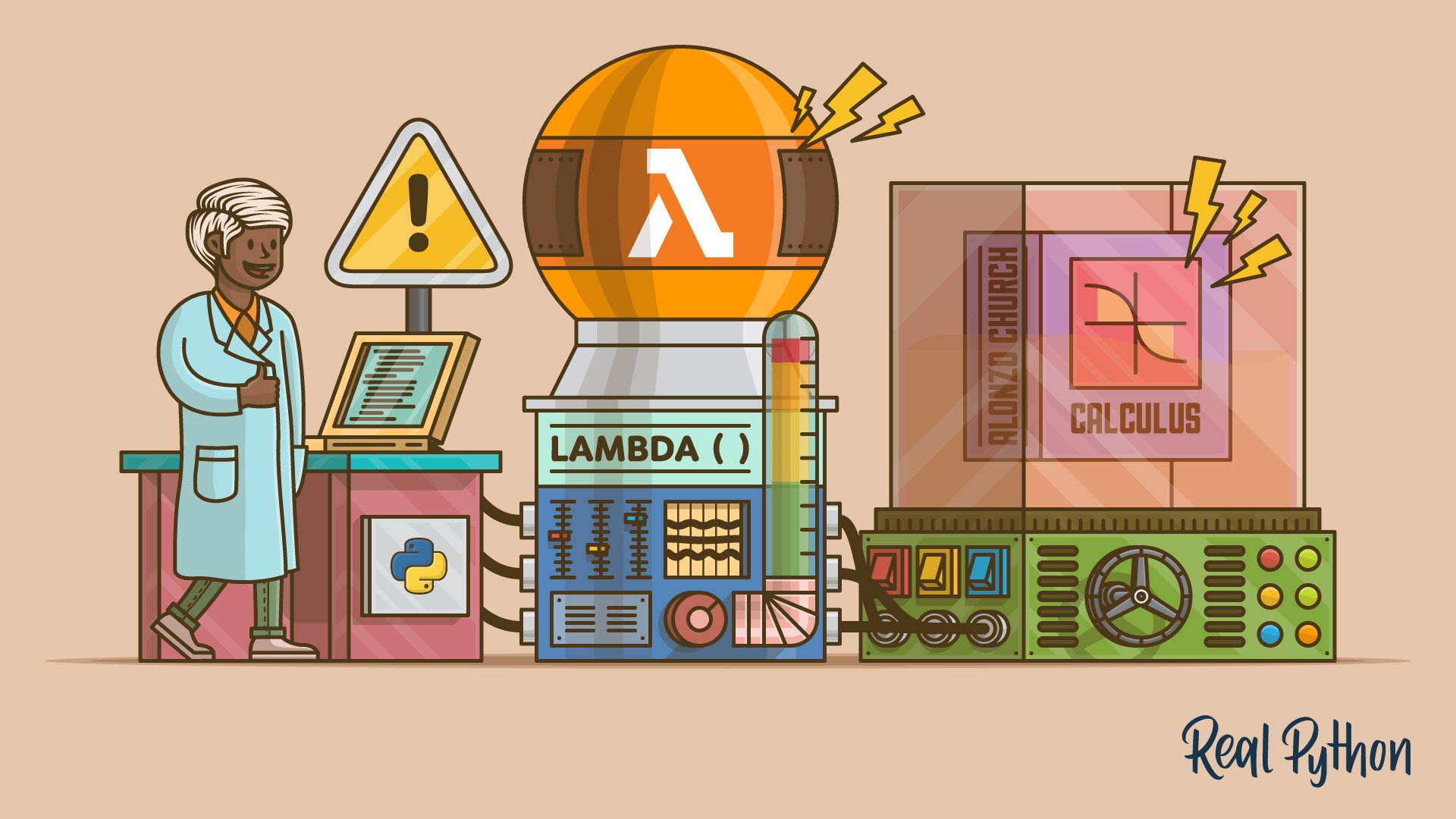
**lambda is a keyword in Python for defining the anonymous function. argument(s) is a placeholder, that is a variable that will be used to hold the value you want to pass into the function expression. A lambda function can have multiple variables depending on what you want to achieve.**
```python
x = lambda a : a + 10
print(x(5))
>> 15
```
```python
x = lambda a, b : a * b
print(x(5, 6))
>> 30
```
```python
x = lambda a, b, c : a + b + c
print(x(5, 6, 2))
>> 13
```
```python
def myfunc(n):
return lambda a : a * n
mydoubler = myfunc(2)
print(mydoubler(11))
>> 22
```
```python
def myfunc(n):
return lambda a : a * n
mytripler = myfunc(3)
print(mytripler(11))
>> 22
```
```python
def myfunc(n):
return lambda a : a * n
mydoubler = myfunc(2)
mytripler = myfunc(3)
print(mydoubler(11))
print(mytripler(11))
>> 22
>> 33
```
iterators
---------

```python
mytuple = ("apple", "banana", "cherry")
myit = iter(mytuple)
print(next(myit))
print(next(myit))
print(next(myit))
>> "apple"
>> "banana"
>> "cherry"
```
```python
mystr = "banana"
myit = iter(mystr)
print(next(myit))
print(next(myit))
print(next(myit))
print(next(myit))
print(next(myit))
print(next(myit))
>> 'b'
>> 'a'
>> 'n'
>> 'a'
>> 'n'
>> 'a'
```
```python
mytuple = ("apple", "banana", "cherry")
for x in mytuple:
print(x)
>> "apple"
"banana"
"cherry"
```
make-my-library
------
**for first make a python file as app.py**
**and write some func or class :**
```python
def greeting(name):
print("Hello, " + name)
```
**and open a nother python file as try.py and wrire this :**
```python
import app
app.greeting("Jonathan")
>> "Hello, Jonathan"
```
**now you have your own library**
### example :
**app.py :**
```python
person1 = {
"name": "John",
"age": 36,
"country": "Norway"
}
```
**try.py :**
```python
import app
a = app.person1["age"]
print(a)
>> 36
# or
import app as mx
a = mx.person1["age"]
print(a)
```
Datetime
------
```python
import datetime
x = datetime.datetime.now()
print(x)
>> 2024-02-21 05:37:25.261486
```
```python
import datetime
x = datetime.datetime.now()
print(x.year)
print(x.strftime("%A"))
>> 2024
>> Wednesday
```
```python
import datetime
x = datetime.datetime(2020, 5, 17)
print(x)
>> 2020-05-17 00:00:00
```
```python
import datetime
x = datetime.datetime(2018, 6, 1)
print(x.strftime("%B"))
>> June
```
**`%a` Weekday, short version Wed.**
**`%A` Weekday, full version Wednesday.**
**`%w` Weekday as a number 0-6, 0 is Sunday 3.**
**`%d` Day of month 01-31 31.**
**`%b` Month name, short version Dec.**
**`%B` Month name, full version December.**
**`%m` Month as a number 01-12 12.**
**`%y` Year, short version, without century 18.**
**`%Y` Year, full version 2018.**
**`%H` Hour 00-23 17.**
**`%I` Hour 00-12 05.**
**`%p` AM/PM PM.**
**`%M` Minute 00-59 41.**
**`%S` Second 00-59 08.**
**`%f` Microsecond 000000-999999 548513.**
**`%z` UTC offset +0100.**
**`%Z` Timezone CST.**
**`%j` Day number of year 001-366 365.**
**`%U` Week number of year, Sunday as the first day of week, 00-53 52.**
**`%W` Week number of year, Monday as the first day of week, 00-53 52.**
**`%c` Local version of date and time Mon Dec 31 17:41:00 2018.**
**`%C` Century 20.**
**`%x` Local version of date 12/31/18.**
**`%X` Local version of time 17:41:00.**
**`%%` A % character %.**
**`%G` ISO 8601 year 2018.**
**`%u` ISO 8601 weekday (1-7) 1.**
**`%V` ISO 8601 weeknumber (01-53) 01.**
Math
------
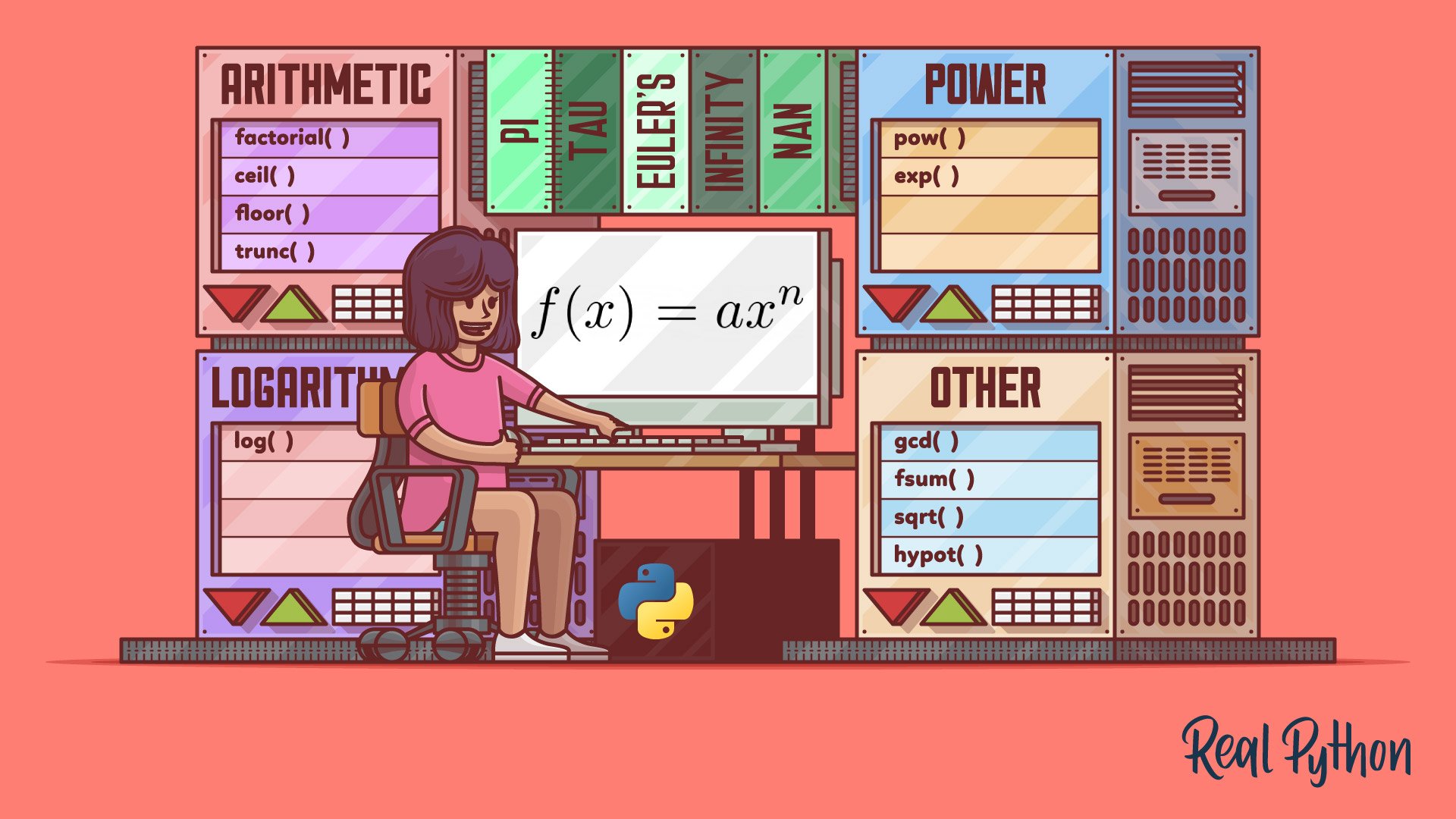
```python
x = min(5, 10, 25)
y = max(5, 10, 25)
print(x)
print(y)
>> 5
>> 25
```
```python
x = abs(-7.25)
print(x)
>> 7.25
```
```python
x = pow(4, 3)
print(x)
>> 64
```
```python
import math
x = math.sqrt(64)
print(x)
>> 8.0
```
```python
import math
x = math.ceil(1.4)
y = math.floor(1.4)
print(x) # returns 2
print(y) # returns 1
>> 2
>> 1
```
```python
import math
x = math.pi
print(x)
>> 3.141592653589793
```
### All math methods :
**.math.ceil() (Rounds a number up to the nearest integer)**
```python
import math
print(math.ceil(1.4))
print(math.ceil(5.3))
print(math.ceil(-5.3))
print(math.ceil(22.6))
print(math.ceil(10.0))
>> 2
>> 6
>> -5
>> 23
>> 10
```
**.math.comb() (Returns the number of ways to choose k items from n items without repetition and order)**
```python
import math
n = 7
k = 5
print (math.comb(n, k))
>> 21
```
**.math.copysign() (Returns a float consisting of the value of the first parameter and the sign of the second parameter)**
```python
import math
print(math.copysign(4, -1))
print(math.copysign(-8, 97.21))
print(math.copysign(-43, -76))
>> -4.0
>> 8.0
>> -43.0
```
**.math.cos() (Returns the cosine of a number)**
```python
import math
print (math.cos(0.00))
print (math.cos(-1.23))
print (math.cos(10))
print (math.cos(3.14159265359))
>> 1.0
>> 0.3342377271245026
>> -0.8390715290764524
>> -1.0
```
**.math.degrees() (Converts an angle from radians to degrees)**
```python
import math
print (math.degrees(8.90))
print (math.degrees(-20))
print (math.degrees(1))
print (math.degrees(90))
>> 509.9324376664327
>> -1145.9155902616465
>> 57.29577951308232
>> 5156.620156177409
```
**.math.dist() (Returns the Euclidean distance between two points (p and q), where p and q are the coordinates of that point)**
```python
import math
p = [3]
q = [1]
print (math.dist(p, q))
>> 2.0
p = [3, 3]
q = [6, 12]
print (math.dist(p, q))
>> 9.486832980505138
```
**.math.fabs() (Returns the absolute value of a number)**
```python
import math
print(math.fabs(-66.43))
print(math.fabs(-7))
>> 66.43
>> 7.0
```
**.math.floor() (Rounds a number down to the nearest integer)**
```python
import math
print(math.floor(0.6))
print(math.floor(1.4))
print(math.floor(5.3))
print(math.floor(-5.3))
print(math.floor(22.6))
print(math.floor(10.0))
>> 0
>> 1
>> 5
>> -6
>> 22
>> 10
```
**.math.fmod() (Returns the remainder of x/y)**
```python
import math
print(math.fmod(20, 4))
print(math.fmod(20, 3))
print(math.fmod(15, 6))
print(math.fmod(-10, 3))
print(math.fmod(0, 0))
>> 0.0
>> 2.0
>> 3.0
>> -1.0
```
**.math.fsum() (Returns the sum of all items in any iterable (tuples, arrays, lists, etc.))**
```python
import math
print(math.fsum([1, 2, 3, 4, 5]))
print(math.fsum([100, 400, 340, 500]))
print(math.fsum([1.7, 0.3, 1.5, 4.5]))
>> 15.0
>> 1340.0
>> 8.0
```
**.math.gcd() (Returns the greatest common divisor of two integers)**
```python
import math
print (math.gcd(3, 6))
print (math.gcd(6, 12))
print (math.gcd(12, 36))
print (math.gcd(-12, -36))
print (math.gcd(5, 12))
print (math.gcd(10, 0))
print (math.gcd(0, 34))
print (math.gcd(0, 0))
>> 3
>> 6
>> 12
>> 12
>> 1
>> 10
>> 34
>> 0
```
**.math.isclose() (Checks whether two values are close to each other, or not)**
```python
import math
print(math.isclose(1.233, 1.4566))
print(math.isclose(1.233, 1.233))
print(math.isclose(1.233, 1.24))
print(math.isclose(1.233, 1.233000001))
>> False
>> True
>> False
>> True
```
JSON
------

**JSON is an open standard file format and data interchange format that uses human-readable text to store and transmit data objects consisting of attribute–value pairs and arrays. It is a commonly used data format with diverse uses in electronic data interchange, including that of web applications with servers.**
**In Python, why should one use JSON scheme instead of a dictionary?It is apples vs. oranges comparison: JSON is a data format (a string), Python dictionary is a data structure (in-memory object).
If you need to exchange data between different (perhaps even non-Python) processes then you could use JSON format to serialize your Python dictionary.**
```python
import json
# some JSON:
x = '{ "name":"John", "age":30, "city":"New York"}'
# parse x:
y = json.loads(x)
# the result is a Python dictionary:
print(y["age"])
>> 30
```
```python
import json
# a Python object (dict):
x = {
"name": "John",
"age": 30,
"city": "New York"
}
# convert into JSON:
y = json.dumps(x)
# the result is a JSON string:
print(y)
>> {"name": "John", "age": 30, "city": "New York"}
```
```python
import json
print(json.dumps({"name": "John", "age": 30}))
print(json.dumps(["apple", "bananas"]))
print(json.dumps(("apple", "bananas")))
print(json.dumps("hello"))
print(json.dumps(42))
print(json.dumps(31.76))
print(json.dumps(True))
print(json.dumps(False))
print(json.dumps(None))
>> {"name": "John", "age": 30}
>> ["apple", "bananas"]
>> ["apple", "bananas"]
>> "hello"
>> 42
>> 31.76
>> True
>> False
>> Null
```
```python
import json
x = {
"name": "John",
"age": 30,
"married": True,
"divorced": False,
"children": ("Ann","Billy"),
"pets": None,
"cars": [
{"model": "BMW 230", "mpg": 27.5},
{"model": "Ford Edge", "mpg": 24.1}
]
}
print(json.dumps(x))
>> {"name": "John", "age": 30, "married": true, "divorced": false, "children": ["Ann", "Billy"], "pets": null, "cars": [{"model": "BMW 230", "mpg": 27.5}, {"model": "Ford Edge", "mpg": 24.1}]}
```
RegEx
------

```python
import re
txt = "The rain in Spain"
x = re.findall("ai", txt)
print(x)
>> ['ai', 'ai']
```
**`findall` Returns a list containing all matches.**
**`search` Returns a Match object if there is a match anywhere in the string.**
**`split` Returns a list where the string has been split at each match.**
**`sub` Replaces one or many matches with a string.**
**`[]` A set of characters.**
**`\` Signals a special sequence (can also be used to escape special characters).**
**`.` Any character (except newline character).**
**`^` Starts with.**
**`$` Ends with.**
**`*` Zero or more occurrences.**
**`+` One or more occurrences.**
**`?` Zero or one occurrences.**
**`{}` Exactly the specified number of occurrences.**
**`|` Either or.**
**`()` Capture and group.**
**Regex online : https://regex101.com/**
Try-Except
------

* **`try` block lets you test a block of code for errors.**
* **`except` block lets you handle the error.**
* **`else` block lets you execute code when there is no error.**
* **`finally` block lets you execute code, regardless of the result of the try- and except blocks.**
```python
def divide(x, y):
try:
# Floor Division : Gives only Fractional Part as Answer
result = x // y
print("Yeah ! Your answer is :", result)
except ZeroDivisionError:
print("Sorry ! You are dividing by zero ")
divide(1, 1)
>> "Yeah ! Your answer is : 1"
divide(1, 0)
>> "Sorry ! You are dividing by zero"
```
```python
def AbyB(a , b):
try:
c = ((a+b) // (a-b))
except ZeroDivisionError:
print ("a/b result in 0")
else:
print (c)
AbyB(2.0, 3.0)
>> -5.0
AbyB(3.0, 3.0)
>> "a/b result in 0"
```
```python
try:
k = 5//0 # raises divide by zero exception.
print(k)
except ZeroDivisionError: # handles zerodivision exception
print("Can't divide by zero")
finally:
# this block is always executed
# regardless of exception generation.
print('This is always executed')
>> "Can't divide by zero"
>> "This is always executed"
```
Input
------

```python
username = input("Enter username:")
print("Username is: " + username)
>> "Username is: iran"
```
```python
num1 = int(input())
num2 = int(input())
print(num1 + num2)
```
```python
num1 = float(input())
num2 = float(input())
print(num1 + num2)
```
```python
# taking two inputs at a time
x, y = input("Enter two values: ").split()
print("Number of boys: ", x)
print("Number of girls: ", y)
```
String Formatting
------
```python
price = 49
txt = "The price is {} dollars"
print(txt.format(price))
>> "The price is 49 dollars"
```
```python
quantity = 3
itemno = 567
price = 49
myorder = "I want {} pieces of item number {} for {:.2f} dollars."
print(myorder.format(quantity, itemno, price))
>> "I want 3 pieces of item number 567 for 49.00 dollars."
```
File-Handling
------

**`close()` Closes the file.**
**`detach()` Returns the separated raw stream from the buffer.**
**`fileno()` Returns a number that represents the stream, from the operating system's perspective.**
**`flush()` Flushes the internal buffer.**
**`isatty()` Returns whether the file stream is interactive or not.**
**`read()` Returns the file content.**
**`readable()` Returns whether the file stream can be read or not.**
**`readline()` Returns one line from the file.**
**`readlines()` Returns a list of lines from the file.**
**`seek()` Change the file position.**
**`seekable()` Returns whether the file allows us to change the file position.**
**`tell()` Returns the current file position.**
**`truncate()` Resizes the file to a specified size.**
**`writable()` Returns whether the file can be written to or not.**
**`write()` Writes the specified string to the file.**
**`writelines()` Writes a list of strings to the file.**
* **`"r"` Read - Default value. Opens a file for reading, error if the file does not exist.**
* **`"a"` Append - Opens a file for appending, creates the file if it does not exist.**
* **`"w"` Write - Opens a file for writing, creates the file if it does not exist.**
* **`"x"` Create - Creates the specified file, returns an error if the file exists.**
* **`"t"` Text - Default value. Text mode.**
* **`"b"` Binary - Binary mode (e.g. images).**
```python
f = open("demofile.txt")
```
```python
f = open("demofile.txt", "rt")
```
```python
f = open("demofile.txt", "r")
print(f.read())
```
```python
f = open("D:\\myfiles\welcome.txt", "r")
print(f.read())
```
```python
f = open("demofile.txt", "r")
print(f.read(5)) # Return the 5 first characters of the file
```
```python
f = open("demofile.txt", "r")
print(f.readline())
```
```python
f = open("demofile.txt", "r")
print(f.readline())
f.close()
```
### Write to an Existing File :
**`"a"` Append - will append to the end of the file.**
**`"w"` Write - will overwrite any existing content.**
```python
f = open("demofile2.txt", "a")
f.write("Now the file has more content!")
f.close()
#open and read the file after the appending:
f = open("demofile2.txt", "r")
print(f.read())
>> "Now the file has more content!"
f = open("demofile3.txt", "w")
f.write("Woops! I have deleted the content!")
f.close()
#open and read the file after the overwriting:
f = open("demofile3.txt", "r")
print(f.read())
>> "Woops! I have deleted the content!"
```
### Create a New File :
**`"x"` Create - will create a file, returns an error if the file exist.**
**`"a"` Append - will create a file if the specified file does not exist.**
**`"w"` Write - will create a file if the specified file does not exist.**
```python
f = open("myfile.txt", "x")
f = open("myfile.txt", "w")
```
### Delete a File :
```python
import os
os.remove("demofile.txt")
```
### Check if File exist :
```python
import os
if os.path.exists("demofile.txt"):
os.remove("demofile.txt")
else:
print("The file does not exist")
```
### Delete Folder :
```python
import os
os.rmdir("myfolder")
```
### Reading an Entire File :
```python
with open('New Text Document.txt') as file_object:
contents = file_object.read()
print(contents)
```
### File Paths :
```python
file_path = 'C:/Users/NAJAFI/Desktop/New Text Document.txt'
with open(file_path) as file_object:
print(file_object)
>> <_io.TextIOWrapper name='C:/Users/NAJAFI/Desktop/New Text Document.txt' mode='r' encoding='cp1252'>
```
### Reading Line by Line :
```python
file_path = 'C:/Users/NAJAFI/Desktop/New Text Document.txt'
with open(file_path) as file_object:
for line in file_object:
print(line)
>> "hello world"
```
### Writing to an Empty File :
```python
file_path = 'C:/Users/NAJAFI/Desktop/New Text Document.txt'
with open(file_path, 'w') as file_object:
file_object.write("I love programming.") # for first it clean the file and write
with open(file_path) as file_object:
for line in file_object:
print(line)
>> "I love programming."
```
### Appending to a File :
```python
file_path = 'C:/Users/NAJAFI/Desktop/New Text Document.txt'
with open(file_path, 'a') as file_object:
file_object.write("\n")
file_object.write("I also love finding meaning in large datasets.\n")
file_object.write("I love creating apps that can run in a browser.\n")
with open(file_path) as file_object:
for line in file_object:
print(line)
>> "I love programming."
"I also love finding meaning in large datasets."
"I love creating apps that can run in a browser."
```
Built-In-Functions
------
### abs() (Returns the absolute value of a number) :
```python
x = abs(-7.25)
print(x)
>> 7.25
```
### all() (Returns True if all items in an iterable object are true) :
```python
mylist = [True, True, True]
x = all(mylist)
print(x)
>> True
```
### any() (Returns True if any item in an iterable object is true) :
```python
mylist = [False, True, False]
x = any(mylist)
print(x)
>> True
```
### ascii() (Returns a readable version of an object. Replaces none-ascii characters with escape character) :
```python
x = ascii("My name is Ståle")
print(x)
>> 'My name is St\xe5le'
```
### bin() (Returns the binary version of a number) :
```python
x = bin(36)
print(x)
>> 0b100100
```
### bool() (Returns the boolean value of the specified object) :
```python
x = bool(1)
print(x)
>> True
```
### bytearray() (Returns an array of bytes) :
```python
x = bytearray(4)
print(x)
>> bytearray(b'\x00\x00\x00\x00')
```
### bytes() (Returns a bytes object) :
```python
x = bytes(4)
print(x)
>> b'\x00\x00\x00\x00'
```
### callable() (Returns True if the specified object is callable, otherwise False) :
```python
x = 5
print(callable(x))
>> False
```
### chr() (Returns a character from the specified Unicode code.) :
```python
x = chr(97)
print(x)
>> 'a'
```
### complex() (Returns a complex number) :
```python
x = complex(3, 5)
print(x)
>> (3+5j)
```
### dir() (Returns a list of the specified object's properties and methods) :
```python
class Person:
name = "John"
age = 36
country = "Norway"
print(dir(Person))
>> ['__class__', '__delattr__', '__dict__', '__dir__', '__doc__', '__eq__', '__format__', '__ge__', '__getattribute__', '__gt__', '__hash__', '__init__', '__init_subclass__', '__le__', '__lt__', '__module__', '__ne__', '__new__', '__reduce__', '__reduce_ex__', '__repr__', '__setattr__', '__sizeof__', '__str__', '__subclasshook__', '__weakref__', 'age', 'country', 'name']
```
### divmod() (Returns the quotient and the remainder when argument1 is divided by argument2) :
```python
x = divmod(5, 2)
print(x)
>> (2, 1)
```
### enumerate() (Takes a collection (e.g. a tuple) and returns it as an enumerate object) :
```python
x = ('apple', 'banana', 'cherry')
y = enumerate(x)
print(y)
>>
```
### eval() (Evaluates and executes an expression) :
```python
x = 'print(55)'
eval(x)
print(x)
>> 55
```
### exec() (Executes the specified code (or object)) :
```python
x = 'name = "John"\nprint(name)'
exec(x)
>> "John"
```
### filter() (Use a filter function to exclude items in an iterable object) :
```python
ages = [5, 12, 17, 18, 24, 32]
def myFunc(x):
if x < 18:
return False
else:
return True
adults = filter(myFunc, ages)
for x in adults:
print(x)
>> 18
24
32
```
### float() (Returns a floating point number) :
```python
x = float(3)
print(x)
>> 3.0
```
### format() (Formats a specified value) :
**`'<'` Left aligns the result (within the available space)**
**`'>'` Right aligns the result (within the available space)**
**`'^'` Center aligns the result (within the available space)**
**`'='` Places the sign to the left most position**
**`'+'` Use a plus sign to indicate if the result is positive or negative**
**`'-'` Use a minus sign for negative values only**
**`' '` Use a leading space for positive numbers**
**`','` Use a comma as a thousand separator**
**`'_'` Use a underscore as a thousand separator**
**`'b'` Binary format**
**`'c'` Converts the value into the corresponding unicode character**
**`'d'` Decimal format**
**`'e'` Scientific format, with a lower case e**
**`'E'` Scientific format, with an upper case E**
**`'f'` Fix point number format**
**`'F'` Fix point number format, upper case**
**`'g'` General format**
**`'G'` General format (using a upper case E for scientific notations)**
**`'o'` Octal format**
**`'x'` Hex format, lower case**
**`'X'` Hex format, upper case**
**`'n'` Number format**
**`'%'` Percentage format**
```python
x = format(0.5, '%')
print(x)
>> 50.000000%
```
### frozenset() (Returns a frozenset object) :
```python
mylist = ['apple', 'banana', 'cherry']
x = frozenset(mylist)
print(x)
>> frozenset({'banana', 'cherry', 'apple'})
```
### hex() (Converts a number into a hexadecimal value) :
```python
x = hex(255)
print(x)
>> 0xff
```
### id() (Returns the id of an object) :
```python
x = ('apple', 'banana', 'cherry')
y = id(x)
print(y)
>> 23082267064192
```
### isinstance() (Returns True if a specified object is an instance of a specified object) :
```python
x = isinstance(5, int)
print(x)
>> True
```
### iter() (Returns an iterator object) :
```python
x = iter(["apple", "banana", "cherry"])
print(next(x))
print(next(x))
print(next(x))
>> "apple"
>> "banana"
>> "cherry"
```
### map() (Returns the specified iterator with the specified function applied to each item) :
```python
def myfunc(n):
return len(n)
x = map(myfunc, ('apple', 'banana', 'cherry'))
print(x)
>>
```
```python
def square(number):
return number ** 2
numbers = [1, 2, 3, 4, 5]
squared = map(square, numbers)
list(squared)
>> [1, 4, 9, 16, 25]
```
```python
str_nums = ["4", "8", "6", "5", "3", "2", "8", "9", "2", "5"]
int_nums = map(int, str_nums)
print(int_nums)
>>
print(list(int_nums))
>> [4, 8, 6, 5, 3, 2, 8, 9, 2, 5]
print(str_nums)
>> ["4", "8", "6", "5", "3", "2", "8", "9", "2", "5"]
```
```python
first_it = [1, 2, 3]
second_it = [4, 5, 6, 7]
print(list(map(pow, first_it, second_it)))
>> [1, 32, 729]
```
```python
string_it = ["processing", "strings", "with", "map"]
list(map(str.capitalize, string_it))
>> ['Processing', 'Strings', 'With', 'Map']
list(map(str.upper, string_it))
>> ['PROCESSING', 'STRINGS', 'WITH', 'MAP']
list(map(str.lower, string_it))
>> ['processing', 'strings', 'with', 'map']
```
```python
import math
numbers = [1, 2, 3, 4, 5, 6, 7]
print(list(map(math.factorial, numbers)))
>> [1, 2, 6, 24, 120, 720, 5040]
```
### max() (Returns the largest item in an iterable) :
```python
x = max(5, 10)
print(x)
>> 10
```
### memoryview() (Returns a memory view object) :
```python
x = memoryview(b"Hello")
print(x)
>>
#return the Unicode of the first character
print(x[0])
>> 72
#return the Unicode of the second character
print(x[1])
>> 101
```
### min() (Returns the smallest item in an iterable) :
```python
x = min(5, 10)
print(x)
>> 5
```
### next() (Returns the next item in an iterable) :
```python
mylist = iter(["apple", "banana", "cherry"])
x = next(mylist)
print(x)
>> "apple"
x = next(mylist)
print(x)
>> "banana"
x = next(mylist)
print(x)
>> "cherry"
```
### object() (Returns a new object) :
```python
x = object()
print(x)
>>
```
### oct() (Converts a number into an octal) :
```python
x = oct(12)
print(x)
>> 0o14
```
### ord() (Convert an integer representing the Unicode of the specified character) :
```python
x = ord("h")
print(x)
>> 104
```
### range() (Returns a sequence of numbers, starting from 0 and increments by 1 (by default)) :
```python
x = range(6)
for n in x:
print(n)
>> 0
1
2
3
4
5
x = range(3, 20, 2)
for n in x:
print(n)
>> 3
5
7
9
11
13
15
17
19
```
### reversed() (Returns a reversed iterator) :
```python
alph = ["a", "b", "c", "d"]
ralph = reversed(alph)
for x in ralph:
print(x)
>> 'd'
'c'
'b'
'a'
```
### round() (Rounds a numbers) :
```python
x = round(5.76543, 2)
print(x)
>> 5.77
```
### slice() (Returns a slice object) :
```python
a = ("a", "b", "c", "d", "e", "f", "g", "h")
x = slice(2)
print(a[x])
>> ('a', 'b')
```
### sorted() (Returns a sorted list) :
```python
a = ("b", "g", "a", "d", "f", "c", "h", "e")
x = sorted(a)
print(x)
>> ['a', 'b', 'c', 'd', 'e', 'f', 'g', 'h']
```
### str() (Returns a string object) :
```python
x = str(3.5)
print(x)
>> "3.5"
```
### sum() (Sums the items of an iterator) :
```python
a = (1, 2, 3, 4, 5)
x = sum(a)
>> 15
```
### type() (Returns the type of an object) :
```python
a = ('apple', 'banana', 'cherry')
b = "Hello World"
c = 33
x = type(a)
y = type(b)
z = type(c)
print(x,y,z)
>>
>>
>>
```
Python-Error
------

**`ArithmeticError` # Raised when an error occurs in numeric calculations**
**`AssertionError` # Raised when an assert statement fails**
**`AttributeError` # Raised when attribute reference or assignment fails**
**`Exception` # Base class for all exceptions**
**`EOFError` # Raised when the input() method hits an "end of file" condition (EOF)**
**`FloatingPointError` # Raised when a floating point calculation fails**
**`GeneratorExit` # Raised when a generator is closed (with the close() method)**
**`ImportError` # Raised when an imported module does not exist**
**`IndentationError` # Raised when indentation is not correct**
**`IndexError` # Raised when an index of a sequence does not exist**
**`KeyError` # Raised when a key does not exist in a dictionary**
**`KeyboardInterrupt` # Raised when the user presses Ctrl+c, Ctrl+z or Delete**
**`LookupError` # Raised when errors raised cant be found**
**`MemoryError` # Raised when a program runs out of memory**
**`NameError` # Raised when a variable does not exist**
**`NotImplementedError` # Raised when an abstract method requires an inherited class to override the method**
**`OSError` # Raised when a system related operation causes an error**
**`OverflowError` # Raised when the result of a numeric calculation is too large**
**`ReferenceError` # Raised when a weak reference object does not exist**
**`RuntimeError` # Raised when an error occurs that do not belong to any specific exceptions**
**`StopIteration` # Raised when the next() method of an iterator has no further values**
**`SyntaxError` # Raised when a syntax error occurs**
**`TabError` # Raised when indentation consists of tabs or spaces**
**`SystemError` # Raised when a system error occurs**
**`SystemExit` # Raised when the sys.exit() function is called**
**`TypeError` # Raised when two different types are combined**
**`UnboundLocalError` # Raised when a local variable is referenced before assignment**
**`UnicodeError` # Raised when a unicode problem occurs**
**`UnicodeEncodeError` # Raised when a unicode encoding problem occurs**
**`UnicodeDecodeError` # Raised when a unicode decoding problem occurs**
**`UnicodeTranslateError` # Raised when a unicode translation problem occurs**
**`ValueError` # Raised when there is a wrong value in a specified data type**
**`ZeroDivisionError` # Raised when the second operator in a division is zero**
Random
------
### randrange() (Returns a random number between the given range) :
```python
import random
print(random.randrange(3, 9))
>> 4
```
### randint() (Returns a random number between the given range) :
```python
import random
print(random.randint(3, 9))
>> 9
```
### choice() (Returns a random element from the given sequence) :
```python
import random
mylist = ["apple", "banana", "cherry"]
print(random.choice(mylist))
>> "cherry"
```
### shuffle() (Takes a sequence and returns the sequence in a random order) :
```python
import random
mylist = ["apple", "banana", "cherry"]
random.shuffle(mylist)
print(mylist)
>> ['cherry', 'apple', 'banana']
```
### sample() (Returns a given sample of a sequence) :
```python
import random
mylist = ["apple", "banana", "cherry"]
print(random.sample(mylist, k=2))
>> ['cherry', 'banana']
```
### uniform() (Returns a random float number between two given parameters) :
```python
import random
print(random.uniform(20, 60))
>> 47.016106134431425
```
Enum
------

**Some programming languages, like Java and C++,
include syntax that supports a data type known as enumerations,
or just enums. This data type allows you to create sets of
semantically related constants that you can access through the enumeration itself.
Python doesn't have a dedicated syntax for enums. However,
the Python standard library has an enum module that supports
enumerations through the Enum class.**
**for first this is a normal calss with normal ability :**
```python
class Season(Enum):
SPRING = 1
SUMMER = 2
AUTUMN = 3
WINTER = 4
print(Season.SPRING)
print(Season.SPRING.name)
print(Season.SPRING.value)
print(type(Season.SPRING))
print(repr(Season.SPRING))
print(list(Season))
>> Season.SPRING
>> SPRING
>> 1
>>
>>
>> [, , , ]
```
**Or**
```python
class Season(Enum):
SPRING = 1
SUMMER = 2
AUTUMN = 3
WINTER = 4
print("The enum member associated with value 2 is : ", Season(2).name)
print("The enum member associated with name AUTUMN is : ", Season['AUTUMN'].value)
>> "The enum member associated with value 2 is : SUMMER"
>> "The enum member associated with name AUTUMN is : 3"
```
**now we use enum :**
```python
import enum
class Animal(enum.Enum):
dog = 1
cat = 2
lion = 3
di = {}
di[Animal.dog] = 'bark'
di[Animal.lion] = 'roar'
if di == {Animal.dog: 'bark', Animal.lion: 'roar'}:
print("Enum is hashed")
else:
print("Enum is not hashed")
>> "Enum is hashed"
```
```python
import enum
class Animal(enum.Enum):
dog = 1
cat = 2
lion = 3
if Animal.dog is Animal.cat:
print("Dog and cat are same animals")
else:
print("Dog and cat are different animals")
if Animal.lion != Animal.cat:
print("Lions and cat are different")
else:
print("Lions and cat are same")
>> "Dog and cat are different animals"
>> "Lions and cat are different"
```
```python
from enum import Enum
class Day(Enum):
MONDAY = 1
TUESDAY = 2
WEDNESDAY = 3
THURSDAY = 4
FRIDAY = 5
SATURDAY = 6
SUNDAY = 7
list(Day)
>> [
,
,
,
,
,
,
]
type(Day.MONDAY)
>>
```
```python
from enum import Enum
class Season(Enum):
WINTER, SPRING, SUMMER, FALL = range(1, 5)
list(Season)
>> [
,
,
,
]
```
```python
from enum import Enum
HTTPStatusCode = Enum(
value="HTTPStatusCode",
names=[
("OK", 200),
("CREATED", 201),
("BAD_REQUEST", 400),
("NOT_FOUND", 404),
("SERVER_ERROR", 500),],
)
list(HTTPStatusCode)
>> [
,
,
,
,
]
```
```python
from enum import auto, Enum
class Day(Enum):
MONDAY = auto()
TUESDAY = auto()
WEDNESDAY = 3
THURSDAY = auto()
FRIDAY = auto()
SATURDAY = auto()
SUNDAY = 7
list(Day)
>> [
,
,
,
,
,
,
]
```
System
----
```python
import sys
print(sys.version)
>> 3.11.4 (tags/v3.11.4:d2340ef, Jun 7 2023, 05:45:37) [MSC v.1934 64 bit (AMD64)]
import sys
age = 17
if age < 18:
sys.exit("Age less than 18")
else:
print("Age is not less than 18")
```
```python
import sys
print(sys.modules)
```
```python
"""
sys.argv returns a list of command line arguments passed to a Python script.
The item at index 0 in this list is always the name of the script.
The rest of the arguments are stored at the subsequent indices.
"""
import sys
print("You entered: ",sys.argv[1], sys.argv[2], sys.argv[3])
>>> C:\python36> python test.py Python C# Java
>> "You entered: Python C# Java"
```
```python
"""
This is an environment variable that is a search path for all Python modules.
"""
import sys
print(sys.path)
```
```python
"""
This attribute displays a string containing the version number of the current Python interpreter.
"""
import sys
print(sys.version)
```
```python
"""
windows
"""
import sys
print(sys.platform)
```
Path
------

### python path :
```python
from pathlib import Path
print(Path.cwd())
>> "C:\Users\Name\AppData\Local\Programs\Python\Python311"
```
### user path
```python
# user path :
from pathlib import Path
print(Path.home())
>> "C:\Users\Name"
```
### special path :
```python
from pathlib import Path
print(Path("C:\\Users\\Name\\Desktop\\Pic"))
>> WindowsPath('C:\\Users\\Name\\Desktop\\Pic')
```
### Picking Out Components of a Path :
```python
from pathlib import Path
path = Path("C:\\Users\\Name\\realpython\\test.md")
print(path)
>> WindowsPath('C:/Users/Name/realpython/test.md')
print(path.name)
>> 'test.md'
print(path.stem)
>> 'test'
print(path.suffix)
>> '.md'
print(path.anchor)
>> 'C:\\'
print(path.parent)
>> WindowsPath('C:/Users/Name/realpython")
print(path.parent.parent)
>> WindowsPath('C:/Users/Name')
```
### Reading and Writing Files :
```python
from pathlib import Path
path = Path("C:\\Users\\NAJAFI\\Desktop\\Pic.txt")
with path.open(mode="r", encoding="utf-8") as md_file:
content = md_file.read()
print(content)
>> "hello"
```
* **`.read_text()` opens the path in text mode and returns the contents as a string.**
* **`.read_bytes()` opens the path in binary mode and returns the contents as a byte string.**
* **`.write_text()` opens the path and writes string data to it.**
* **`.write_bytes()` opens the path in binary mode and writes data to it.**
### Renaming Files :
```python
from pathlib import Path
txt_path = Path("/home/gahjelle/realpython/hello.txt")
Print(txt_path)
>> PosixPath("/home/gahjelle/realpython/hello.txt")
md_path = txt_path.with_suffix(".md")
>> PosixPath('/home/gahjelle/realpython/hello.md')
txt_path.replace(md_path)
```
### Copying Files :
```python
from pathlib import Path
source = Path("shopping_list.md")
destination = source.with_stem("shopping_list_02")
destination.write_bytes(source.read_bytes()) # .read_bytes() to read the content of source and then write this content to destination using .write_bytes().
```
### Moving Files :
```python
from pathlib import Path
source = Path("hello.py")
destination = Path("goodbye.py")
if not destination.exists():
source.replace(destination)
```
### Create Files :
```python
from pathlib import Path
filename = Path("C:\\Users\\Name\\Desktop\\h.txt")
filename.exists()
>> False
filename.touch()
filename.exists()
>> True
```
### copy and insert the file :
```python
import shutil, os
from pathlib import Path
print(p)
shutil.copy('C:\\Users\\Name\\Desktop\\h.txt','C:\\Users\\Name\\Desktop\\0')
```
### move file :
```python
import shutil
shutil.move('C:\\Users\\Name\\Desktop\\h.txt','C:\\Users\\Name\\Desktop\\0')
```
Pickle
------

**Python pickle module is used for serializing and de-serializing a Python object structure.
Any object in Python can be pickled so that it can be saved on disk.
What Pickle does is it “serializes” the object first before writing it to a file.
Pickling is a way to convert a Python object (list, dictionary, etc.) into a character stream.
The idea is that this character stream contains all the information necessary to reconstruct the object in another Python script.
It provides a facility to convert any Python object to a byte stream.
This Byte stream contains all essential information about the object so that it can be reconstructed, or “unpickled” and get back into its original form in any Python.**
**this is a normal pickle in this file :**
```python
import pickle
Omkar = {'key' : 'Omkar', 'name' : 'Omkar Pathak',
'age' : 21, 'pay' : 40000}
Jagdish = {'key' : 'Jagdish', 'name' : 'Jagdish Pathak',
'age' : 50, 'pay' : 50000}
db = {}
db['Omkar'] = Omkar
db['Jagdish'] = Jagdish
b = pickle.dumps(db)
myEntry = pickle.loads(b)
print(myEntry)
>> {'Omkar': {'key': 'Omkar', 'name': 'Omkar Pathak', 'age': 21, 'pay': 40000}, 'Jagdish': {'key': 'Jagdish', 'name': 'Jagdish Pathak', 'age': 50, 'pay': 50000}}
```
**now we want insert Python objects in an Independent file :**
```python
import pickle
def storeData():
# initializing data to be stored in db
Omkar = {'key' : 'Omkar', 'name' : 'Omkar Pathak',
'age' : 21, 'pay' : 40000}
Jagdish = {'key' : 'Jagdish', 'name' : 'Jagdish Pathak',
'age' : 50, 'pay' : 50000}
# database
db = {}
db['Omkar'] = Omkar
db['Jagdish'] = Jagdish
# Its important to use binary mode
dbfile = open('examplePickle', 'ab')
# source, destination
pickle.dump(db, dbfile)
dbfile.close()
def loadData():
# for reading also binary mode is important
dbfile = open('examplePickle', 'rb')
db = pickle.load(dbfile)
for keys in db:
print(keys, '=>', db[keys])
dbfile.close()
if __name__ == '__main__':
storeData()
loadData()
>> Omkar => {'key': 'Omkar', 'name': 'Omkar Pathak', 'age': 21, 'pay': 40000}
Jagdish => {'key': 'Jagdish', 'name': 'Jagdish Pathak', 'age': 50, 'pay': 50000}
```
**now we can see :**
```python
import pickle
# for reading also binary mode is important
dbfile = open('examplePickle', 'rb')
db = pickle.load(dbfile)
for keys in db:
print(keys, '=>', db[keys])
dbfile.close()
>> Omkar => {'key': 'Omkar', 'name': 'Omkar Pathak', 'age': 21, 'pay': 40000}
Jagdish => {'key': 'Jagdish', 'name': 'Jagdish Pathak', 'age': 50, 'pay': 50000}
```
Collections
------
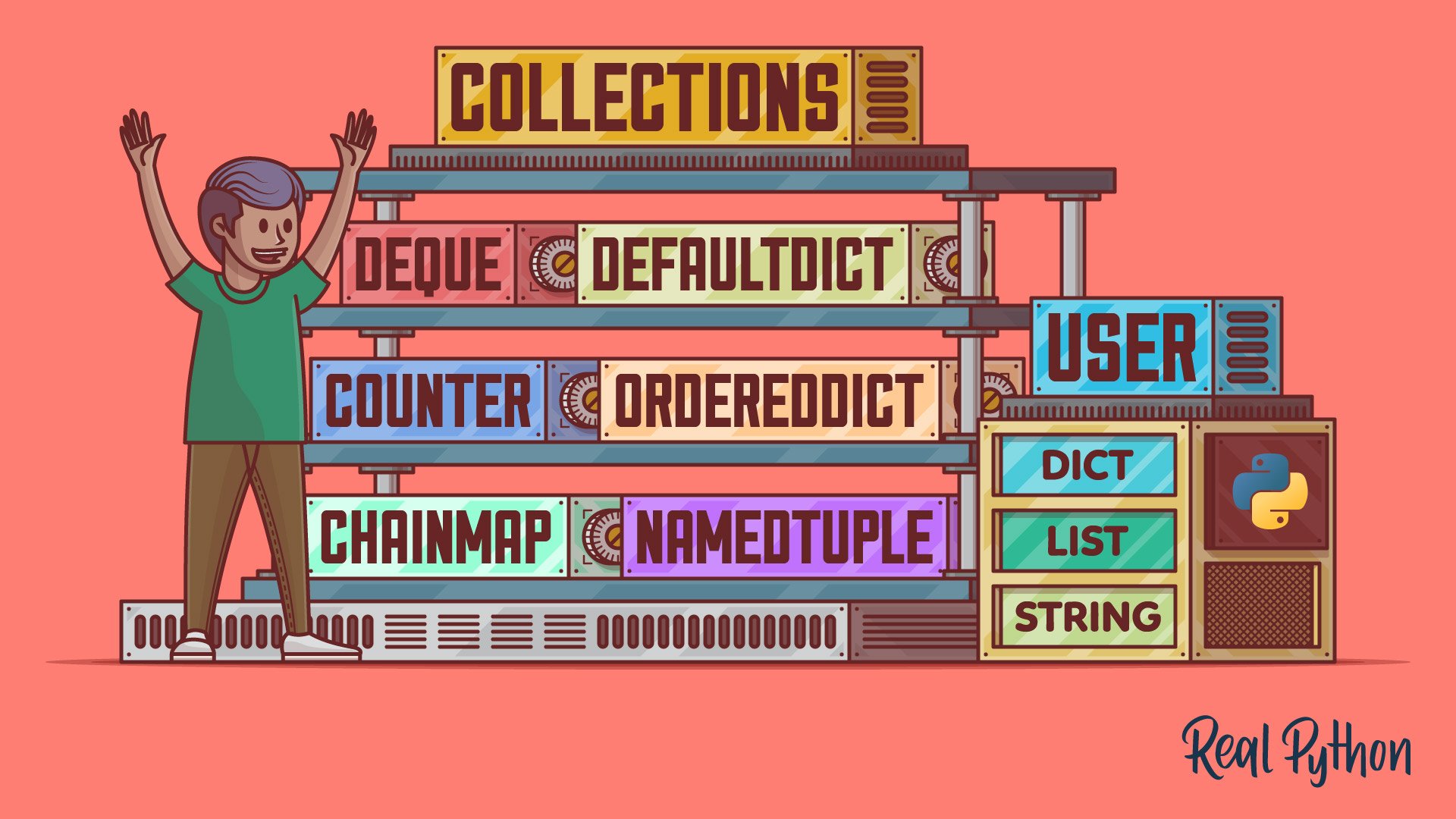
**The collection Module in Python provides different types of containers. A Container is an object that is used to store different objects and provide a way to access the contained objects and iterate over them. Some of the built-in containers are Tuple, List, Dictionary, etc.**
**Counter :**
```python
from collections import Counter
# With sequence of items
print(Counter(['B','B','A','B','C','A','B','B','A','C']))
>> Counter({'B': 5, 'A': 3, 'C': 2})
# with dictionary
print(Counter({'A':3, 'B':5, 'C':2}))
>> Counter({'B': 5, 'A': 3, 'C': 2})
# with keyword arguments
print(Counter(A=3, B=5, C=2))
>> Counter({'B': 5, 'A': 3, 'C': 2})
```
```python
from collections import Counter
Counter("mississippi")
>> Counter({'i': 4, 's': 4, 'p': 2, 'm': 1})
```
```python
from collections import Counter
letters = Counter("mississippi")
letters
>> Counter({'i': 4, 's': 4, 'p': 2, 'm': 1})
# Update the counts of m and i
letters.update(m=3, i=4)
letters
>> Counter({'i': 8, 'm': 4, 's': 4, 'p': 2})
# Add a new key-count pair
letters.update({"a": 2})
letters
>> Counter({'i': 8, 'm': 4, 's': 4, 'p': 2, 'a': 2})
# Update with another counter
letters.update(Counter(["s", "s", "p"]))
letters
>> Counter({'i': 8, 's': 6, 'm': 4, 'p': 3, 'a': 2})
```
```python
from collections import Counter
letters = Counter("mississippi")
letters["a"]
>> 0
```
```python
from collections import Counter
Counter([1, 1, 2, 3, 3, 3, 4])
>> Counter({3: 3, 1: 2, 2: 1, 4: 1})
```
**namedtuple :**
```python
from collections import namedtuple
# Declaring namedtuple()
Student = namedtuple('Student',['name','age','DOB'])
# Adding values
S = Student('Nandini','19','2541997')
# Access using index
print ("The Student age using index is : ",end ="")
print (S[1])
>> "The Student age using index is :" 19
# Access using name
print ("The Student name using keyname is : ",end ="")
print (S.name)
>> "The Student name using keyname is :" "Nandini"
```
```python
from collections import namedtuple
# Use a list of strings as field names
Point = namedtuple("Point", ["x", "y"])
point = Point(2, 4)
point
>> Point(x=2, y=4)
# Access the coordinates
point.x
>> 2
point.y
>> 4
point[0]
>> 2
# Use a generator expression as field names
Point = namedtuple("Point", (field for field in "xy"))
Point(2, 4)
>> Point(x=2, y=4)
# Use a string with comma-separated field names
Point = namedtuple("Point", "x, y")
Point(2, 4)
>> Point(x=2, y=4)
# Use a string with space-separated field names
Point = namedtuple("Point", "x y")
Point(2, 4)
>> Point(x=2, y=4)
```
```python
from collections import namedtuple
# Define default values for fields
Person = namedtuple("Person", "name job", defaults=["Python Developer"])
person = Person("Jane")
person
>> Person(name='Jane', job='Python Developer')
# Create a dictionary from a named tuple
person._asdict()
>> {'name': 'Jane', 'job': 'Python Developer'}
# Replace the value of a field
person = person._replace(job="Web Developer")
person
>> Person(name='Jane', job='Web Developer')
```
**deque :**
```python
from collections import deque
# Declaring deque
queue = deque(['name','age','DOB'])
print(queue)
>> deque(['name', 'age', 'DOB'])
```
```python
from collections import deque
# initializing deque
de = deque([1,2,3])
# using append() to insert element at right end
# inserts 4 at the end of deque
de.append(4)
# printing modified deque
print ("The deque after appending at right is : ")
print (de)
>> "The deque after appending at right is :"
deque([1, 2, 3, 4])
# using appendleft() to insert element at left end
# inserts 6 at the beginning of deque
de.appendleft(6)
# printing modified deque
print ("The deque after appending at left is : ")
print (de)
>> "The deque after appending at left is :"
deque([6, 1, 2, 3, 4])
```
```python
from collections import deque
# initializing deque
de = deque([6, 1, 2, 3, 4])
# using pop() to delete element from right end
# deletes 4 from the right end of deque
de.pop()
# printing modified deque
print ("The deque after deleting from right is : ")
print (de)
>> "The deque after deleting from right is : "
deque([6, 1, 2, 3])
# using popleft() to delete element from left end
# deletes 6 from the left end of deque
de.popleft()
# printing modified deque
print ("The deque after deleting from left is : ")
print (de)
>> "The deque after deleting from left is : "
deque([1, 2, 3])
```
**OrderedDict :**
```python
from collections import OrderedDict
print("This is a Dict:\n")
d = {}
d['a'] = 1
d['b'] = 2
d['c'] = 3
d['d'] = 4
for key, value in d.items():
print(key, value)
>> "This is a Dict:"
>> a 1
b 2
c 3
d 4
```
```python
from collections import OrderedDict
print("\nThis is an Ordered Dict:\n")
od = OrderedDict()
od['b'] = 1
od['d'] = 2
od['c'] = 3
od['a'] = 4
for key, value in od.items():
print(key, value)
print(od)
>> "This is an Ordered Dict:"
>> a 1
b 2
c 3
d 4
```
```python
from collections import OrderedDict
life_stages = OrderedDict()
life_stages["childhood"] = "0-9"
life_stages["adolescence"] = "9-18"
life_stages["adulthood"] = "18-65"
life_stages["old"] = "+65"
for stage, years in life_stages.items():
print(stage, "->", years)
>> childhood -> 0-9
>> adolescence -> 9-18
>> adulthood -> 18-65
>> old -> +65
```
**defaultdict :**
```python
from collections import defaultdict
# Defining the dict
d = defaultdict(int)
L = [1, 2, 3, 4, 2, 4, 1, 2]
# Iterate through the list
# for keeping the count
for i in L:
# The default value is 0
# so there is no need to
# enter the key first
d[i] += 1
print(d)
>> defaultdict(, {1: 2, 2: 3, 3: 1, 4: 2})
```
```python
from collections import defaultdict
# Defining a dict
d = defaultdict(list)
for i in range(5):
d[i].append(i)
print("Dictionary with values as list:")
print(d)
>> "Dictionary with values as list:"
>> defaultdict(, {0: [0], 1: [1], 2: [2], 3: [3], 4: [4]})
```
```python
from collections import defaultdict
counter = defaultdict(int)
counter
>> defaultdict(, {})
counter["dogs"]
>> 0
counter
>> defaultdict(, {'dogs': 0})
counter["dogs"] += 1
counter["dogs"] += 1
counter["dogs"] += 1
counter["cats"] += 1
counter["cats"] += 1
counter
>> defaultdict(, {'dogs': 3, 'cats': 2})
```
**ChainMap :**
```python
from collections import ChainMap
d1 = {'a': 1, 'b': 2}
d2 = {'c': 3, 'd': 4}
d3 = {'e': 5, 'f': 6}
# Defining the chainmap
c = ChainMap(d1, d2, d3)
print(c)
>> ChainMap({'a': 1, 'b': 2}, {'c': 3, 'd': 4}, {'e': 5, 'f': 6})
```
```python
from collections import ChainMap
d1 = {