https://github.com/hai-27/store-miniprogram
仿小米商城微信小程序
https://github.com/hai-27/store-miniprogram
miniprogram wechat wechat-mini-program
Last synced: about 1 year ago
JSON representation
仿小米商城微信小程序
- Host: GitHub
- URL: https://github.com/hai-27/store-miniprogram
- Owner: hai-27
- License: mit
- Created: 2020-03-16T12:41:57.000Z (over 6 years ago)
- Default Branch: master
- Last Pushed: 2022-04-08T16:53:58.000Z (about 4 years ago)
- Last Synced: 2025-03-18T22:23:45.549Z (over 1 year ago)
- Topics: miniprogram, wechat, wechat-mini-program
- Language: JavaScript
- Homepage:
- Size: 3.64 MB
- Stars: 39
- Watchers: 2
- Forks: 18
- Open Issues: 2
-
Metadata Files:
- Readme: README.md
- License: LICENSE
Awesome Lists containing this project
README
# 小小米(vue-store 微信小程序版)
## 前言
前段时间模仿小米商城做了一个PC端的商城网站[vue-store]( https://github.com/hai-27/vue-store ),最近看了下微信小程序的文档,所以就动手做了个微信小程序版的。
## 说明
> 本项目复用了 [vue-store]( https://github.com/hai-27/vue-store ) 的后端,在 [store-server](https://github.com/hai-27/store-server) 原来的基础上添加了微信小程序的登录api。
> 利用网课的空余时间边学边做,略为粗糙,有问题或者有好的建议欢迎提Issues。
> 由于是用测试号做的,没有线上预览版。
> PC端Web版:[vue-store]( https://github.com/hai-27/vue-store )。
> 后端: [store-server](https://github.com/hai-27/store-server) 。
> 如果觉得这个项目还不错,您可以点右上角 `Star`支持一下, 谢谢! ^_^
## 项目简介
为区分小米商城官方小程序,该项目我命名为小小米。该项目与小米官方没有关系,纯属个人瞎搞,若需要购买小米产品请到小米官方商城。
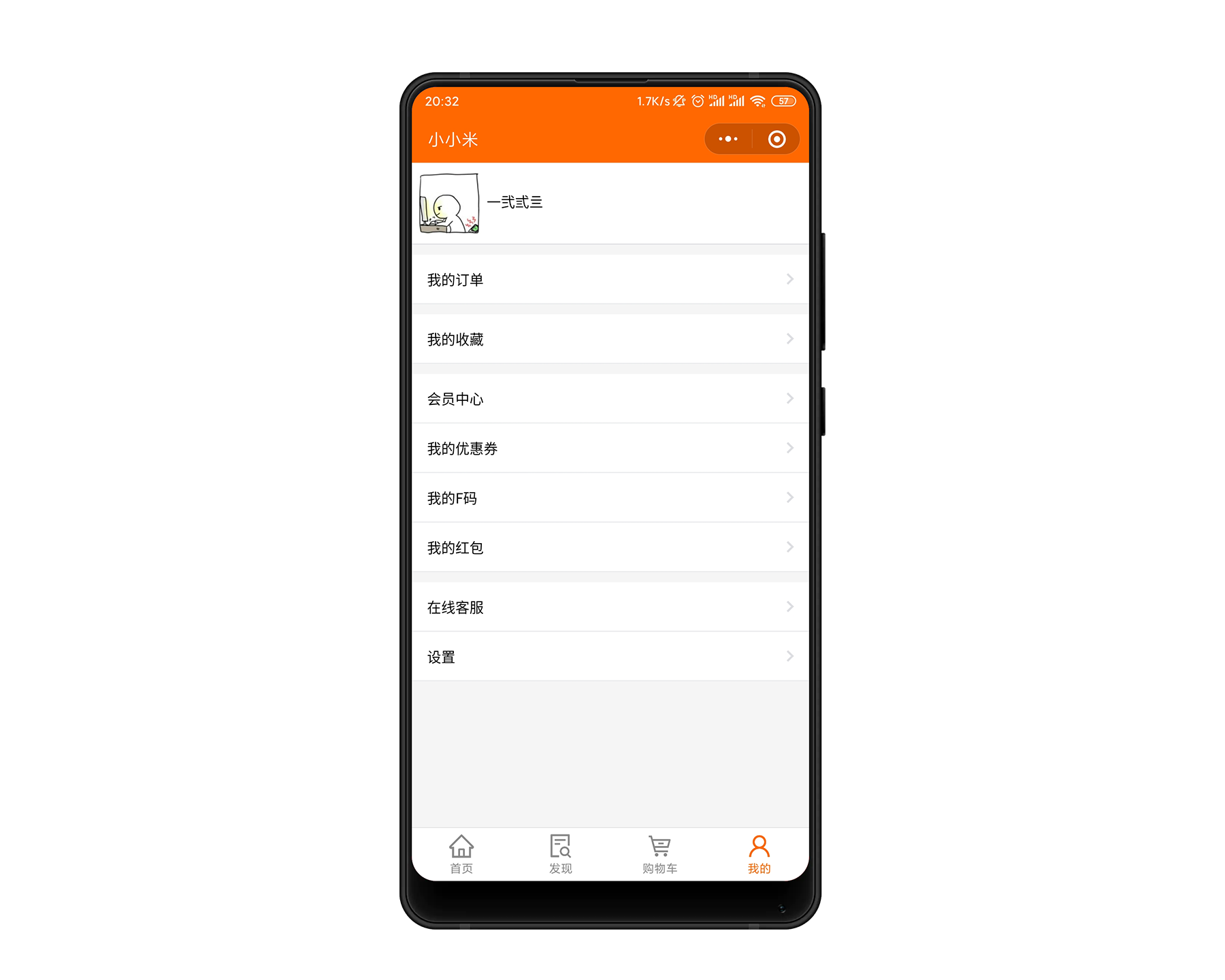
项目包含4个tabBar:首页、发现页(即商品展示页)、购物车、我的。另有商品详情页、我的收藏、订单结算页面、我的订单。
实现了商品的展示、商品分类查询、关键字搜索商品、商品详细信息展示、用户购物车、订单结算、用户订单、用户收藏列表。
该项目整体参考了 [vue-store]( https://github.com/hai-27/vue-store ) 实现,基本实现了其所有功能,可以说是其的微信小程序版。
后端复用了 [vue-store]( https://github.com/hai-27/vue-store ) 的后端,在 [store-server](https://github.com/hai-27/store-server) 原来的基础上添加了微信小程序的登录api。
## 技术栈
- **前端:** 原生微信小程序
- **后端:**`Node.js`、`Koa框架`
- **数据库:**`Mysql`
## 功能模块
### 登录
小程序在启动的时候调用 **wx.login** 获取登录凭证(**code**),然后把code回传到项目的后端服务器 ,调用**auth.code2Session**接口,换取用户唯一标识 **OpenID** 和 会话密钥 **session_key**。 然后把 **OpenID** 注册到项目数据库生成本系统的唯一 **user_id** ,用于在本项目的业务验证。
### 首页
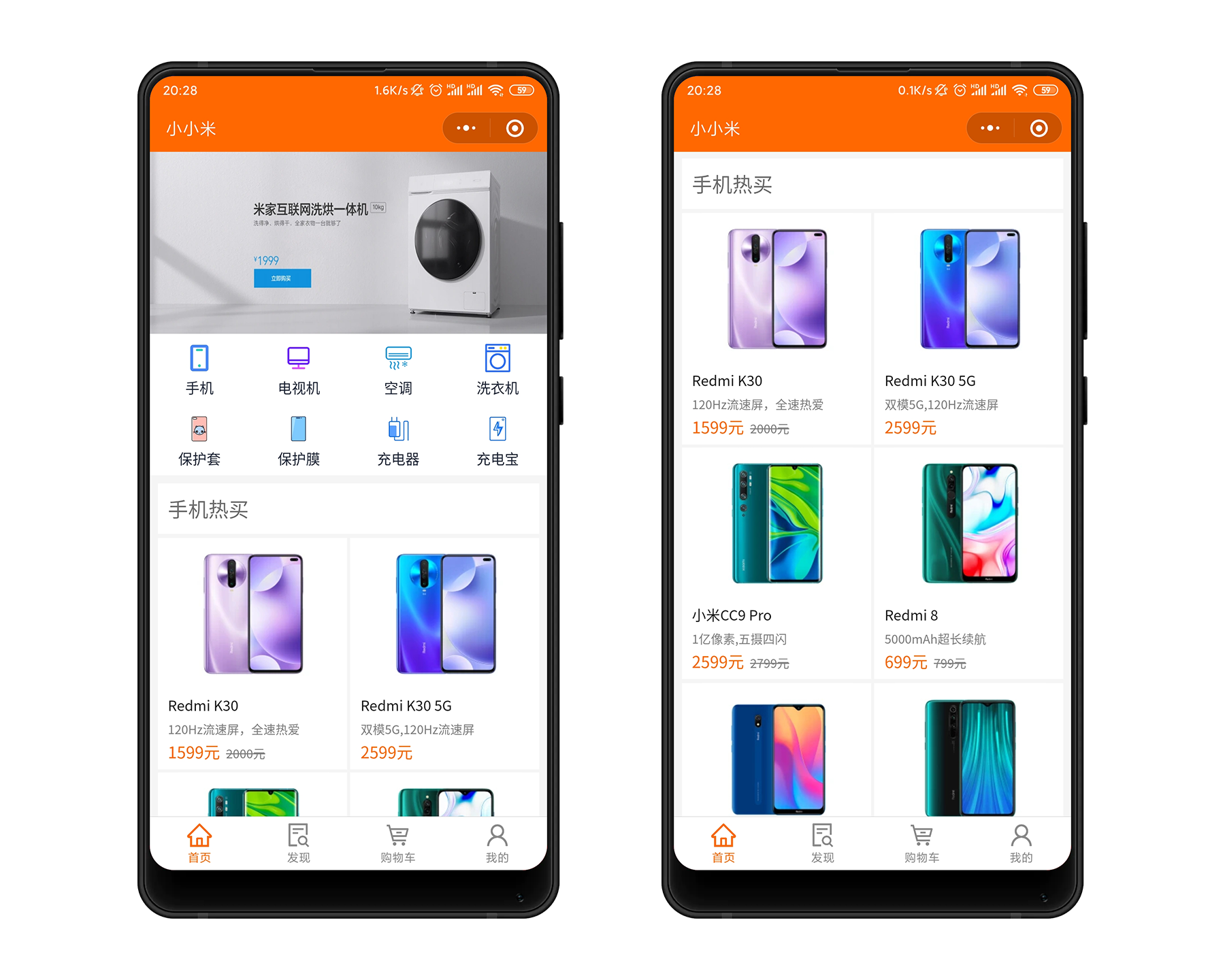
首页主要是对商品的展示,有轮播图展示推荐的商品,热门商品分类九宫格、分类别对热门商品进行展示。
### 发现(即全部商品)
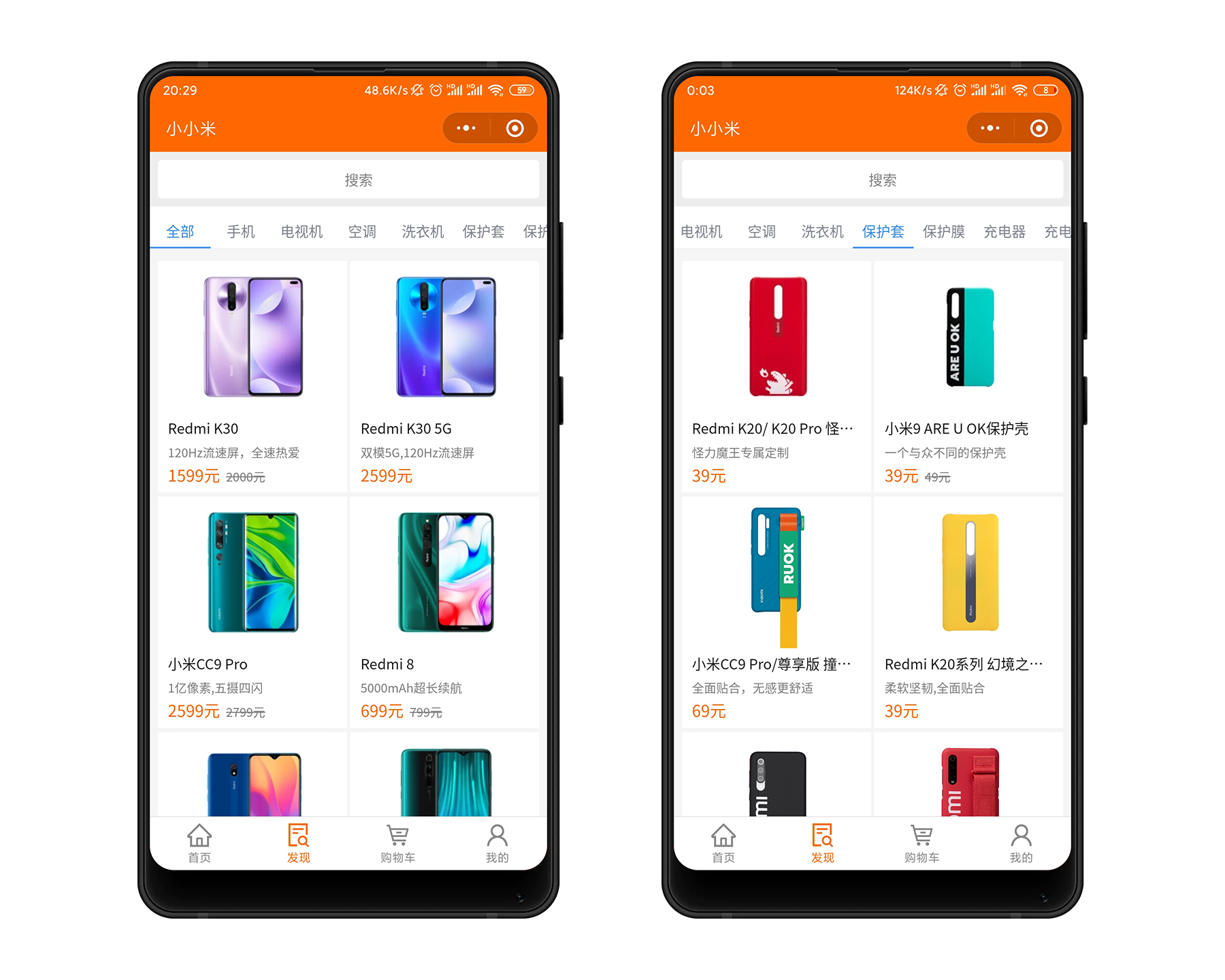
全部商品页面集成了全部商品展示、商品分类查询,以及根据关键字搜索商品结果展示。
### 商品详情页
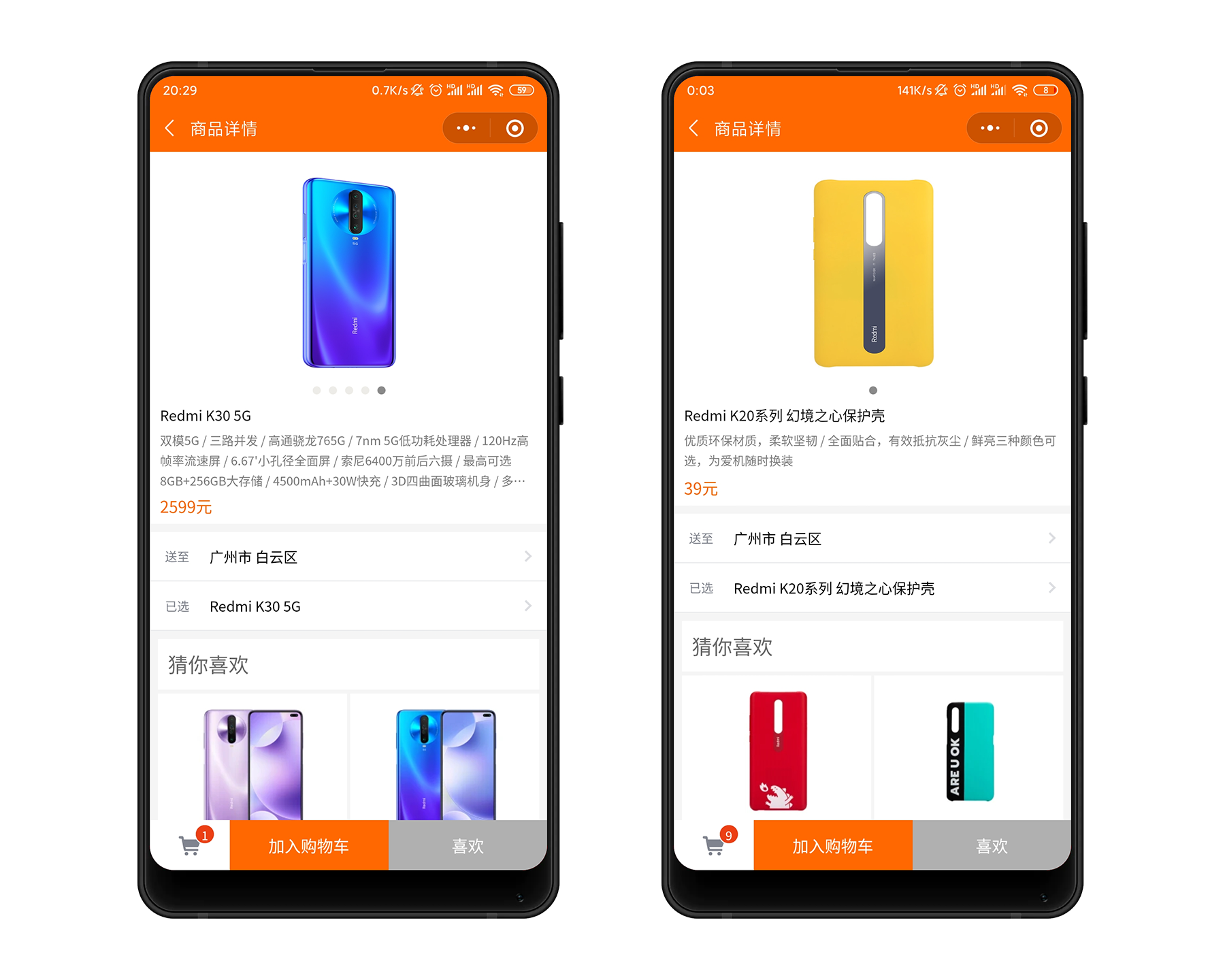
商品详情页主要是对某个商品的详细信息进行展示,用户可以在这里把喜欢的商品加入购物车或收藏列表。
### 我的购物车
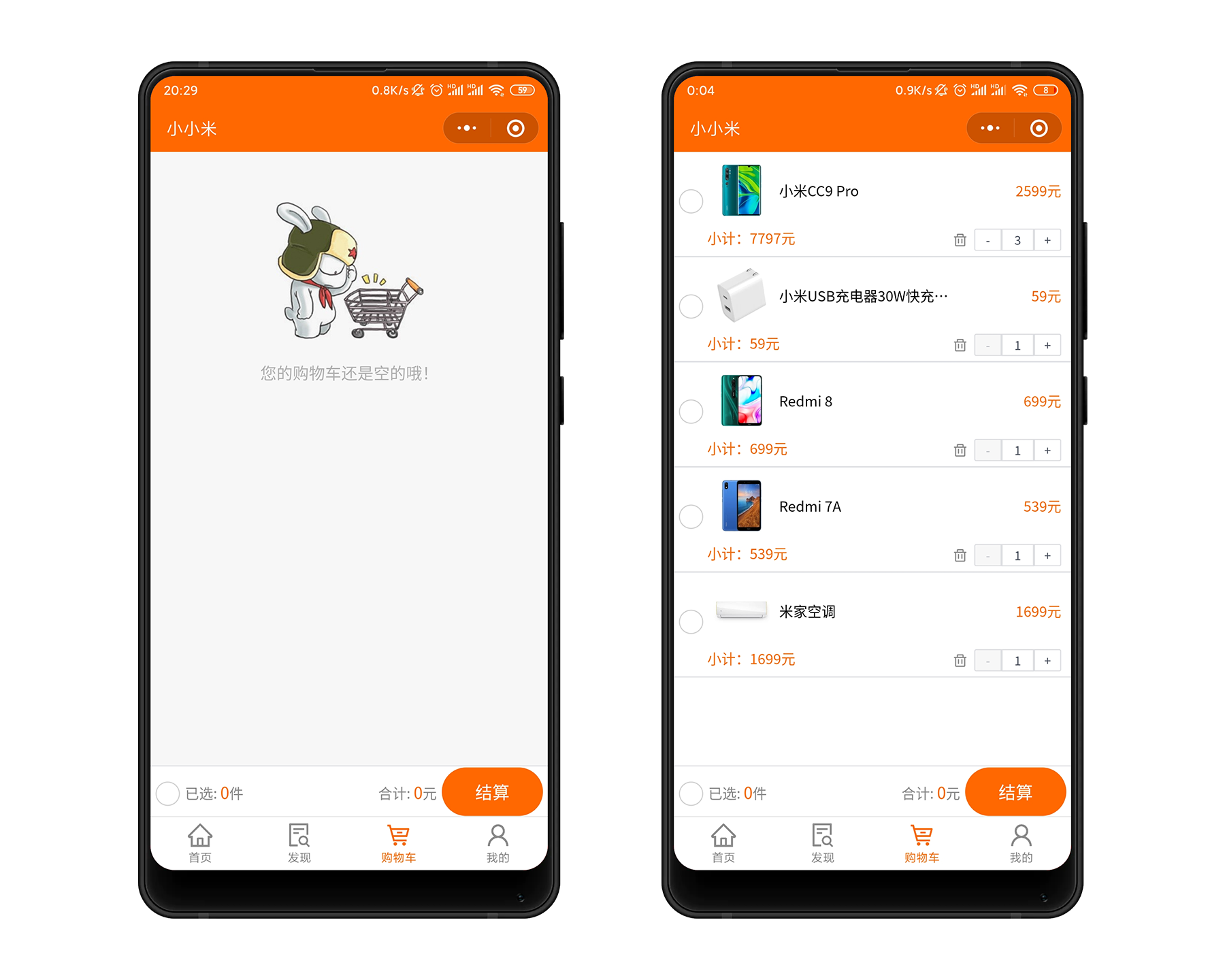
购物车采用[omix](https://github.com/Tencent/omi)进行全局状态管理,实现了购物车商品的添加、删除、增加商品数量、选择结算商品、全选购物车商品结算等功能。
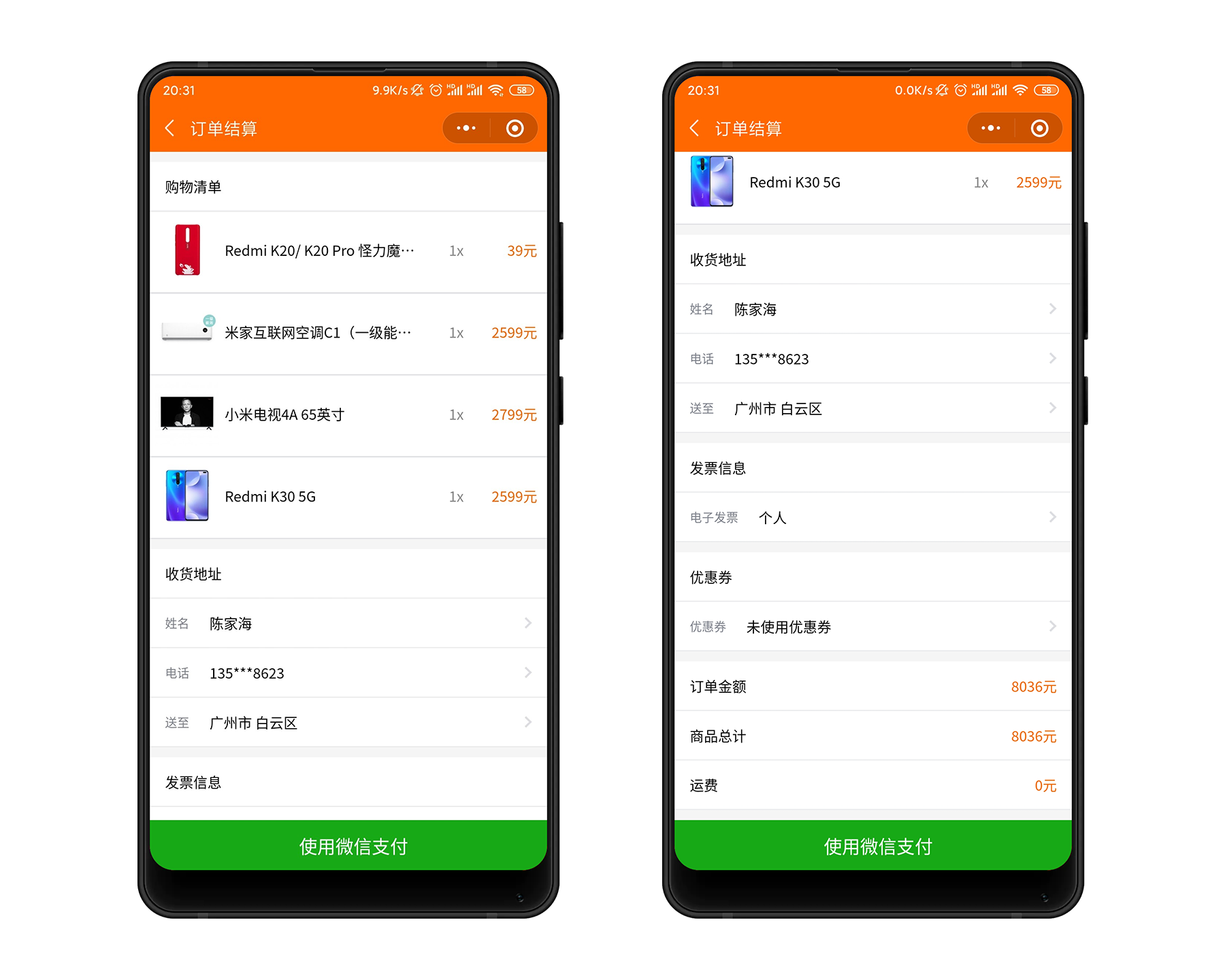
### 订单结算
用户在购物车选择了准备购买的商品后,点击“去结算”按钮,会来到该页面。
用户在这里选择收货地址,确认订单的相关信息,然后确认购买。
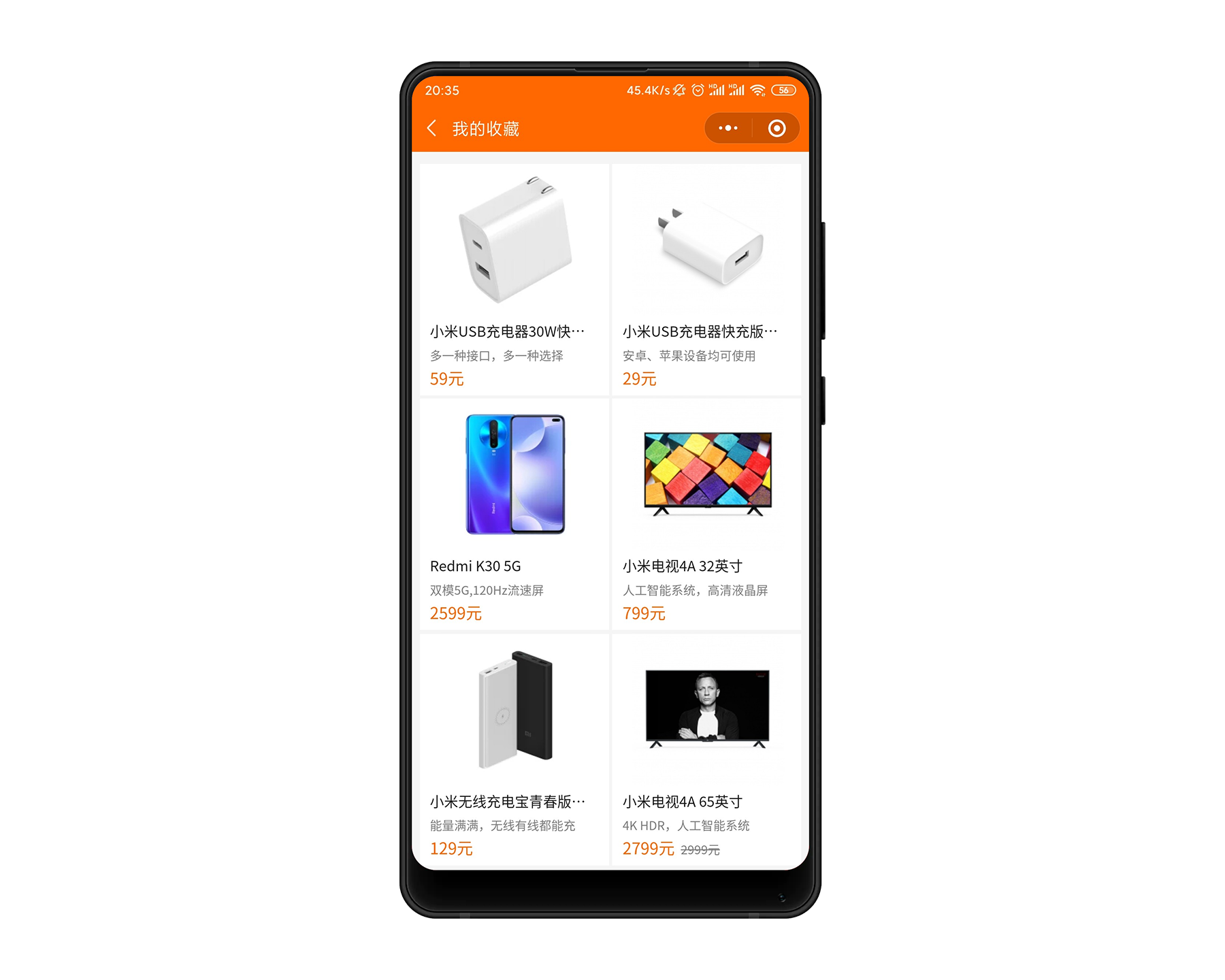
### 我的收藏
用户在商品的详情页,可以通过点击加入 喜欢 按钮,把喜欢的商品加入到收藏列表。
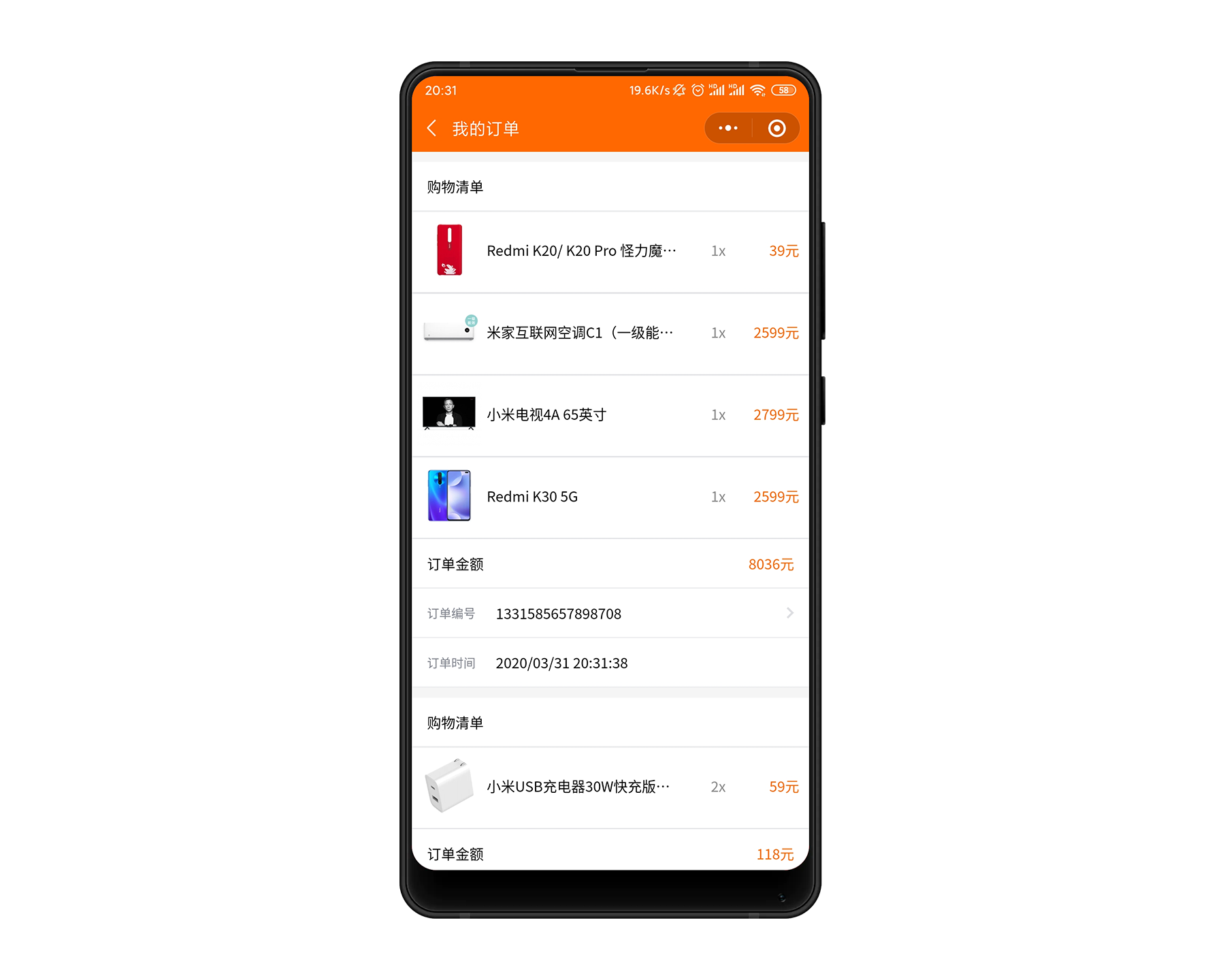
### 我的订单
对用户的所有订单进行展示。
### 我的
## 运行项目
```
请clone项目到本地
git clone https://github.com/hai-27/store-miniprogram.git
导入项目到微信开发者工具即可
```
**作者** [hai-27](https://github.com/hai-27)
2020年3月31日