https://github.com/halo-dev/halo-theme-story
https://github.com/halo-dev/halo-theme-story
halo halo-theme
Last synced: 6 months ago
JSON representation
- Host: GitHub
- URL: https://github.com/halo-dev/halo-theme-story
- Owner: halo-dev
- Created: 2018-08-14T09:26:27.000Z (almost 8 years ago)
- Default Branch: master
- Last Pushed: 2021-02-04T14:37:31.000Z (over 5 years ago)
- Last Synced: 2025-11-13T08:41:29.289Z (9 months ago)
- Topics: halo, halo-theme
- Language: FreeMarker
- Homepage:
- Size: 298 KB
- Stars: 10
- Watchers: 1
- Forks: 8
- Open Issues: 2
-
Metadata Files:
- Readme: README.md
Awesome Lists containing this project
README
halo-theme-story
## 说明
该主题的原作者为 [Trii Hsia](https://github.com/txperl),非常感谢做出这么优秀的主题。
原主题地址:[https://github.com/txperl/Story-for-Typecho](https://github.com/txperl/Story-for-Typecho)
## 预览截图
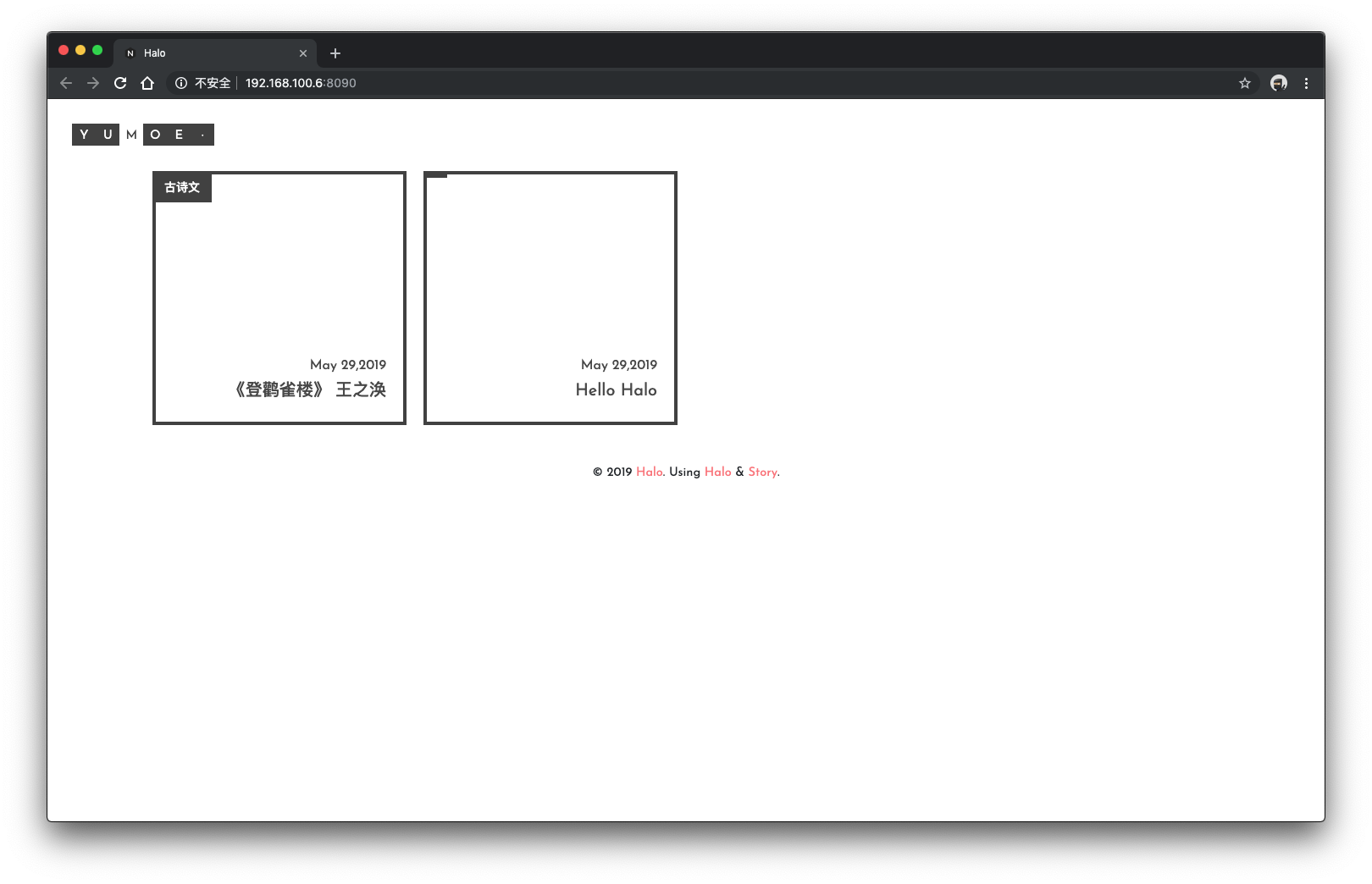
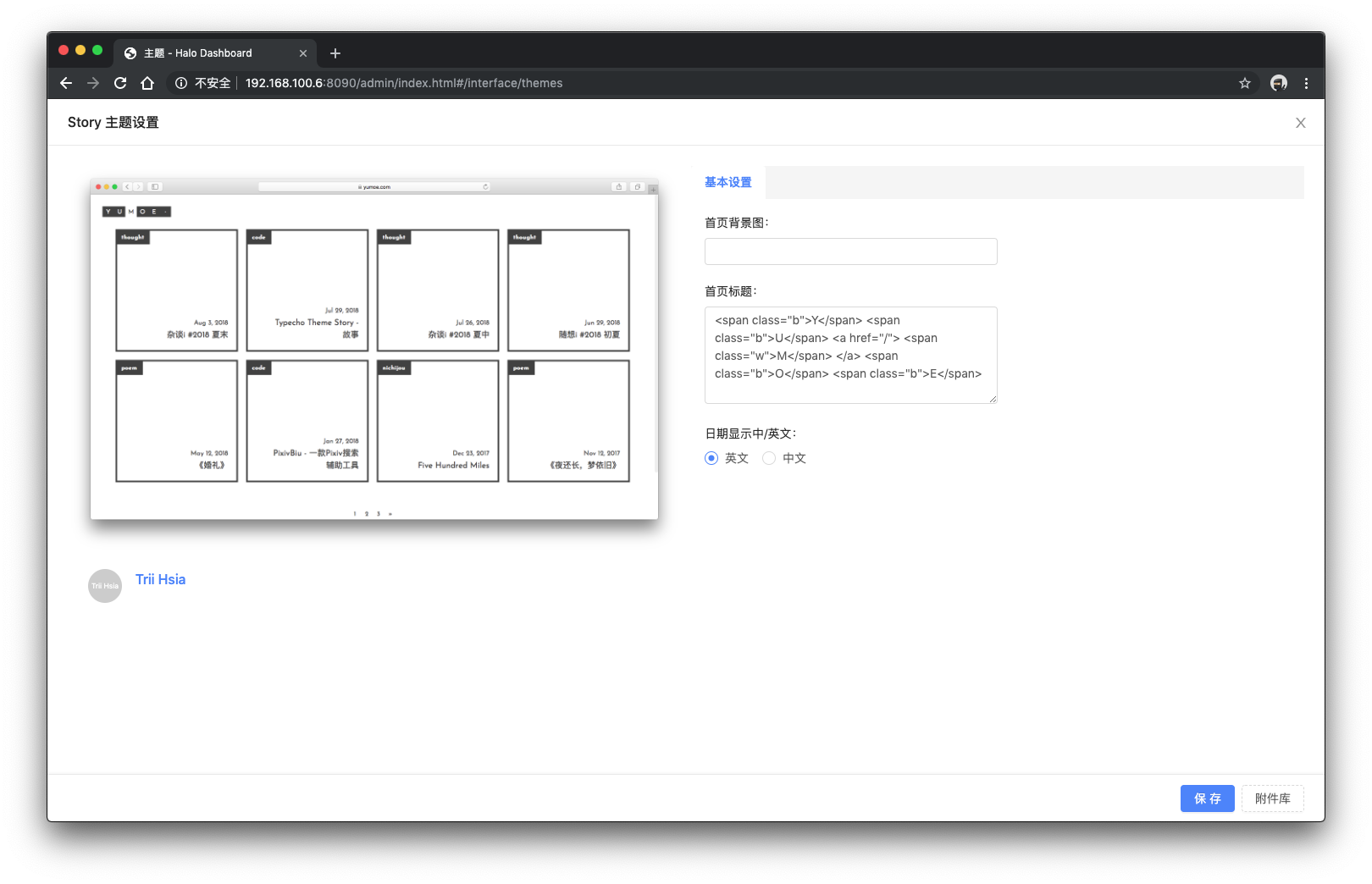
## 预览地址
[森の色](https://yumoe.com/)
## 安装方法
### 方法一
1. [点击](https://github.com/halo-dev/halo-theme-story/archive/master.zip)下载。
2. 进入后台 -> 外观 -> 主题。
3. 点击右下方按钮选择安装主题,随后选择 `本地上传`。
4. 选择下载好的主题包(zip)即可。
### 方法二
1. 复制 `https://github.com/halo-dev/halo-theme-story`。
2. 进入后台 -> 外观 -> 主题。
3. 点击右下方按钮选择安装主题,随后选择 `远程拉取`。
4. 粘贴复制的链接到远程地址,点击下载即可。
## 更新方法
### 方法一
1. 进入后台 -> 外观 -> 主题。
2. 找到需要更新的主题,点击主题下方的 `更多` 按钮。
3. 点击 `在线更新`。
### 方法二
1. [点击](https://github.com/halo-dev/halo-theme-story/archive/master.zip)下载最新的版本。
2. 进入后台 -> 外观 -> 主题。
3. 找到需要更新的主题,点击主题下方的 `更多` 按钮。
4. 点击 `从主题包更新`,选择下载好的主题包(zip)即可。