https://github.com/hardmax71/log-file-analyzer
Log analyzer via Shiny & Plotly
https://github.com/hardmax71/log-file-analyzer
dashboard logs plotly r shiny
Last synced: 7 months ago
JSON representation
Log analyzer via Shiny & Plotly
- Host: GitHub
- URL: https://github.com/hardmax71/log-file-analyzer
- Owner: HardMax71
- Created: 2024-07-05T14:38:32.000Z (almost 2 years ago)
- Default Branch: main
- Last Pushed: 2024-11-13T20:08:52.000Z (over 1 year ago)
- Last Synced: 2024-12-28T14:19:52.459Z (over 1 year ago)
- Topics: dashboard, logs, plotly, r, shiny
- Language: R
- Homepage: https://fcwhpn-max0azatian.shinyapps.io/log-file-analyzer/
- Size: 301 KB
- Stars: 0
- Watchers: 1
- Forks: 0
- Open Issues: 0
-
Metadata Files:
- Readme: README.md
Awesome Lists containing this project
README

# Log File Analyzer
A powerful Shiny application designed to parse, visualize, and analyze log files. It provides an intuitive interface for data exploration and visualization, making it easier to gain insights from complex log data.
## Features
- Parse various log file formats
- Interactive data visualization with multiple plot types
- Dynamic filtering and column selection
- Recent files quick access
- Responsive design with modern UI elements
## Screenshots
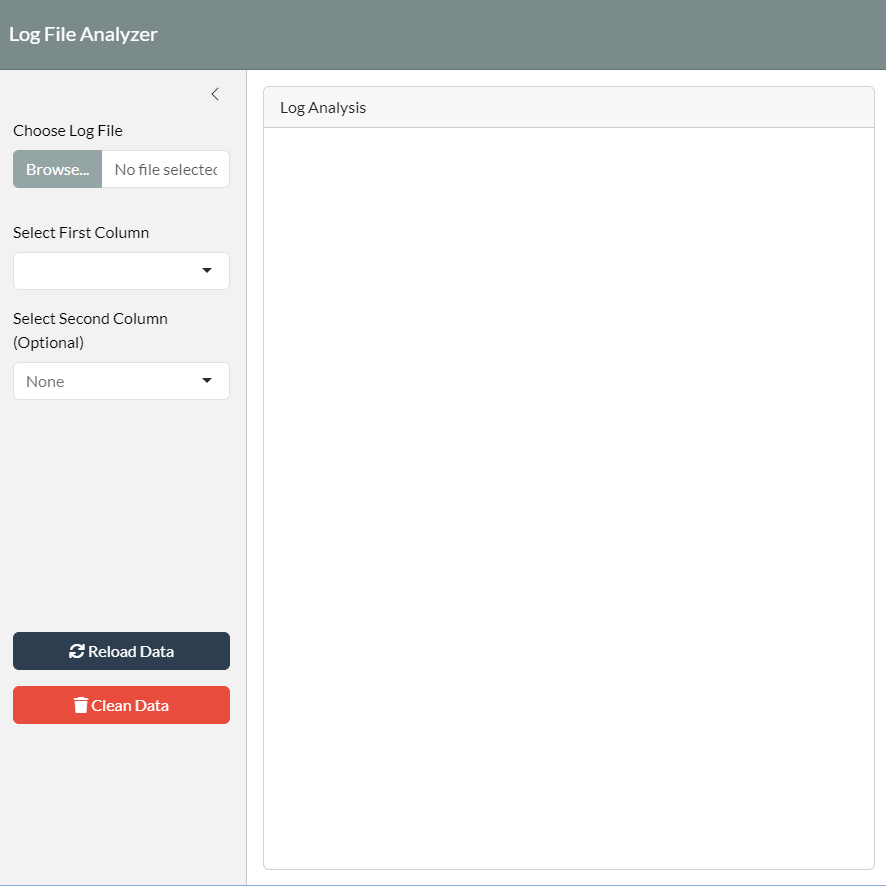
Main Interface
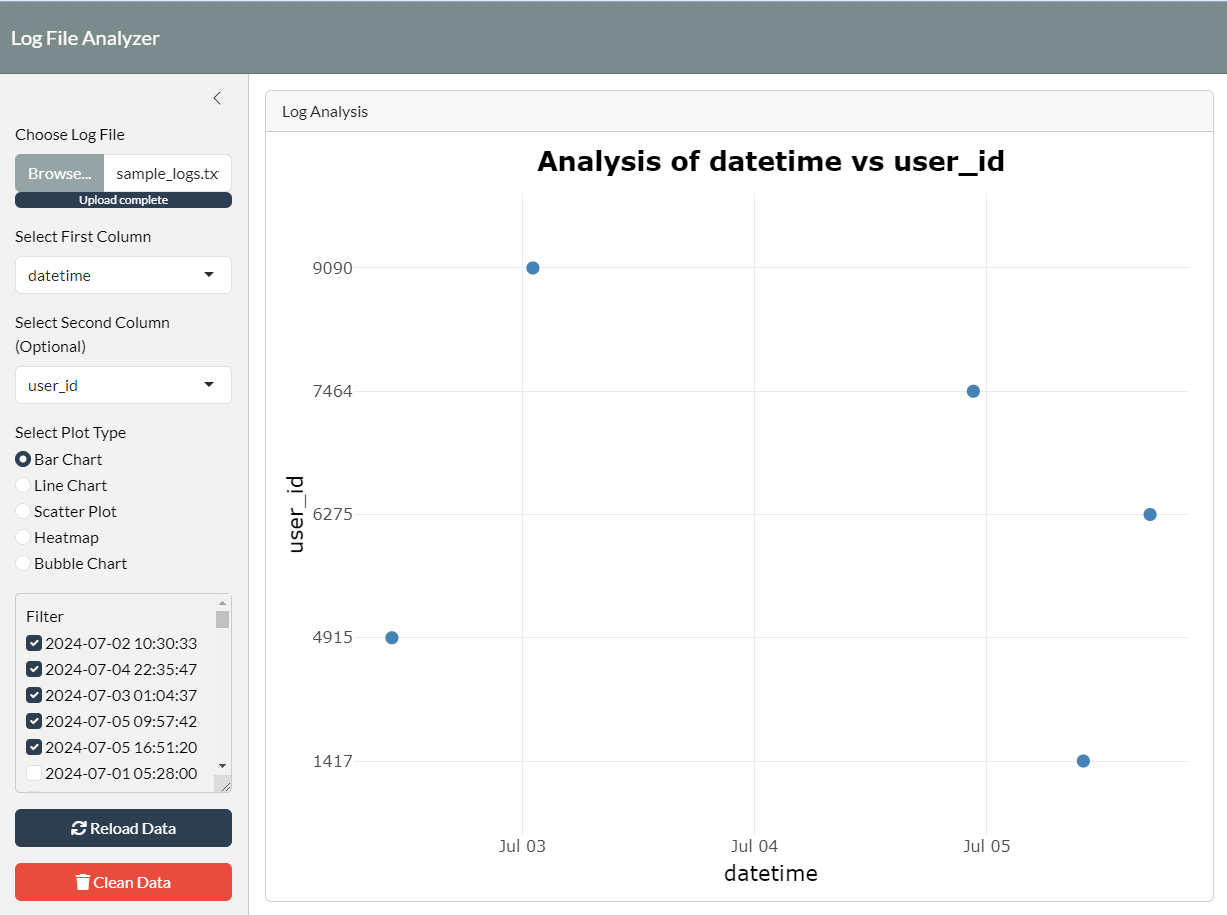
Plot Example
## Installation
1. Clone this repository:
```
git clone https://github.com/HardMax71/log-file-analyzer.git
```
2. Install the required R packages:
``` r
install.packages(c("shiny", "ggplot2", "dplyr", "lubridate", "shinydashboard", "shinyjs", "bslib", "plotly", "shinyWidgets", "readr"))
```
3. Navigate to project directory:
```
cd log-file-analyzer
```
4. Run the Shiny app:
``` r
shiny::runApp()
```