https://github.com/harilvfs/nvim
Neovim configuration with Kickstart. @ChrisTitusTech
https://github.com/harilvfs/nvim
config kickstart neovim
Last synced: about 1 year ago
JSON representation
Neovim configuration with Kickstart. @ChrisTitusTech
- Host: GitHub
- URL: https://github.com/harilvfs/nvim
- Owner: harilvfs
- License: mit
- Created: 2024-10-01T08:36:49.000Z (almost 2 years ago)
- Default Branch: main
- Last Pushed: 2025-04-28T08:27:55.000Z (about 1 year ago)
- Last Synced: 2025-04-28T09:51:05.924Z (about 1 year ago)
- Topics: config, kickstart, neovim
- Language: Lua
- Homepage: https://github.com/nvim-lua/kickstart.nvim
- Size: 840 KB
- Stars: 4
- Watchers: 1
- Forks: 1
- Open Issues: 0
-
Metadata Files:
- Readme: README.md
- License: LICENSE
Awesome Lists containing this project
README
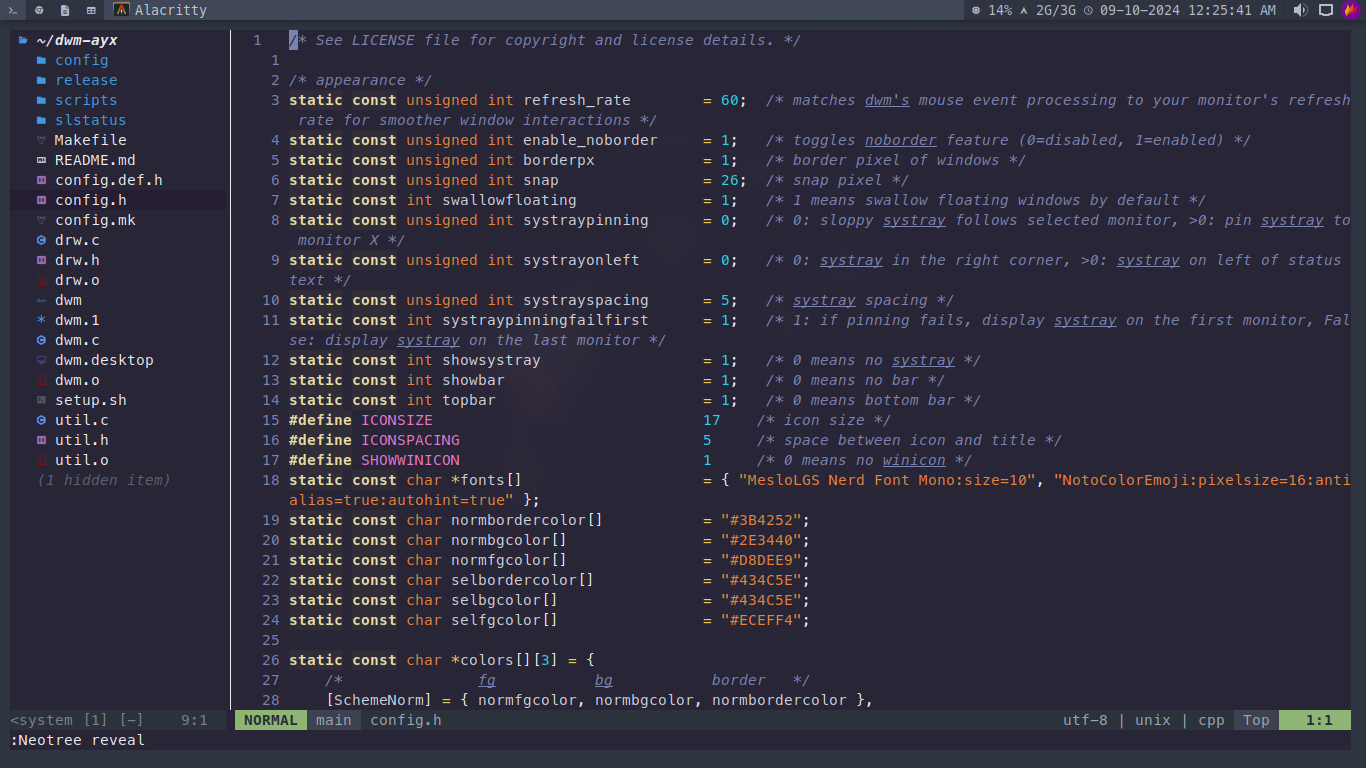
My Neovim Config (based on Kickstart)
This is basically a customized version of ChrisTitusTech's Neovim config (link), tweaked for my personal workflow and preferences.
## Features
- **Preconfigured plugins for a better dev experience**
- **Kickstart setup for quick and easy installation**
- **Tuned for speed and a clean look**
- **Custom keymaps to boost productivity**
## Installation
**Clone this repo into your Neovim config folder:**
```bash
git clone https://github.com/harilvfs/nvim ~/.config/nvim
```
## Usage
**1. Open Neovim**
```bash
nvim
```
**2. Install plugins with Lazy.nvim**
```bash
:Lazy sync
```
## Customization
**Feel free to tweak anything you like! Most of the settings and plugins live inside the `lua/` folder and `init.lua`.**
Here's a quick look at the folder structure:
```shell
neovim
├── doc/
│ ├── kickstart.txt
│ └── tags
├── lua/
│ ├── custom/
│ │ └── plugins/
│ │ ├── themes/
│ │ │ ├── nord.lua
│ │ │ └── onedark.lua
│ │ ├── init.lua
│ │ └── neo-tree.lua
│ ├── kickstart/
│ │ └── plugins/
│ │ ├── autoformat.lua
│ │ └── debug.lua
│ └── keymaps.lua
├── init.lua
├── lazy-lock.json
├── LICENSE
├── preview.webp
└── README.md
```