https://github.com/haust-lyb/html2pdf
利用wkhtmltopdf,提供PDF生成的解决方案
https://github.com/haust-lyb/html2pdf
html2pdf
Last synced: 5 months ago
JSON representation
利用wkhtmltopdf,提供PDF生成的解决方案
- Host: GitHub
- URL: https://github.com/haust-lyb/html2pdf
- Owner: haust-lyb
- License: apache-2.0
- Created: 2021-01-06T10:28:04.000Z (over 5 years ago)
- Default Branch: master
- Last Pushed: 2024-07-24T10:16:57.000Z (almost 2 years ago)
- Last Synced: 2024-07-25T10:00:20.276Z (almost 2 years ago)
- Topics: html2pdf
- Language: JavaScript
- Homepage:
- Size: 17.2 MB
- Stars: 1
- Watchers: 1
- Forks: 1
- Open Issues: 2
-
Metadata Files:
- Readme: README.md
- License: LICENSE
Awesome Lists containing this project
README
# html2pdf文档
## 一、how to use
### 1、run with docker
```shell
docker run --name html2pdf -p 16666:16666 -v /Users/makabaka/html2pdf:/app/html2pdf -d liyibo888/html2pdf:v1
```
open browser http://localhost:16666/html2pdf
add template

then send rest request to generate pdf
## rest api to generate a pdf
GET http://localhost:16666/html2pdf/generatePDFAndDownload
> Request Body 请求参数
```json
{
"templateId": "string",
"jsonData": "string"
}
```
### 请求参数
|名称|位置|类型|必选|说明|
|---|---|---|---|---|
|body|body|object| 否 |none|
|» templateId|body|string| 是 |none|
|» jsonData|body|string| 是 |none|
> Request Body Example
```json
{
"templateId": "1791005091357134848",
"jsonData": "{\"applyHospitalName\":\"市人民医院\"}"
}
```
### 返回结果
PDF file

### 2、run with local [有点难,不推荐]
#### 1.1 安装使用步骤概览

#### 1.2 详细安装教程(其实也非常简单,对于学过springboot的同学来说看1.1足够了)
待补充。。。。
##### 1.2.1 安装htmltopdf
这里我们以centos7为例
首先去htmltopdf官网(https://wkhtmltopdf.org/downloads.html) ,下载centos7版本的rmp包。
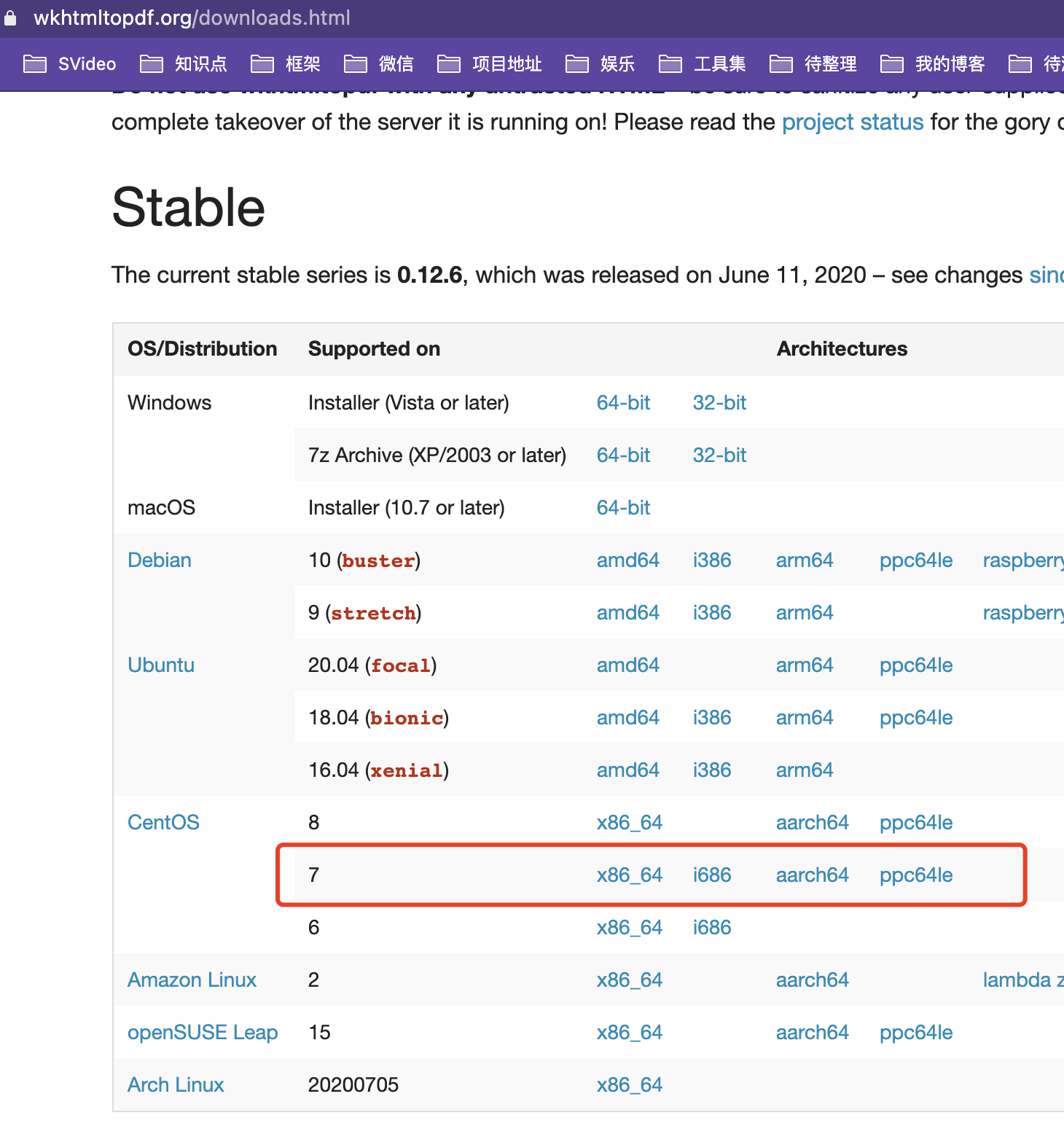
将下载的rmp包上传到服务器的/usr/local/html2pdf/source目录中,您也可以选择其他目录
```
[root@telemedicine-srv02 source]# ls
wkhtmltox-0.12.6-1.centos7.x86_64.rpm
[root@telemedicine-srv02 source]# pwd
/usr/local/html2pdf/source
```
进入到source目录执行命令
```
rpm -ivh wkhtmltox-0.12.6-1.centos7.x86_64.rpm
```
发现缺少一些依赖,直接使用yum安装即可

```
yum install xorg-x11-fonts-Type1
yum install xorg-x11-fonts-75dpi
```
之后再次执行安装命令即可安装成功
```
rpm -ivh wkhtmltox-0.12.6-1.centos7.x86_64.rpm
```

查看安装位置
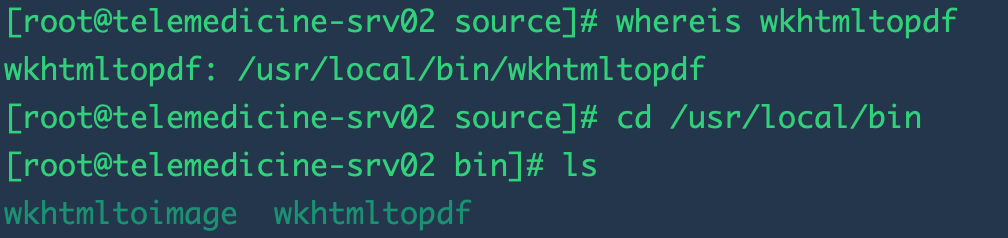
配置环境变量
以.bash_profile为例`vim ~/.bash_profile`
追加`PATH=$PATH:/usr/local/bin`
别忘了保存后`source ~/.bash_profile`
测试wkhtmltopdf的可用性,此处以百度首页为例
`wkhtmltopdf https://www.baidu.com ./baidu.pdf`

如果你打开这个图片大概率会看到中文是无法显示的,因为centos7里面没有相关的字体
解决方案:
复制windows计算机中C:\Windows\Fonts\simsun.ttc(宋体),上传到服务器 /usr/share/fonts/chinese/TrueType/simsun.ttc
对于找不到simsun.ttc的同学,可以点击这里的链接直接下载:simsun.ttc快速下载链接:https://github.com/haust-lyb/html2pdf/files/6438836/SIMSUN.TTC.zip 下载后需要解压使用
再试试`wkhtmltopdf https://www.baidu.com ./baidu.pdf`发现成功显示了中文
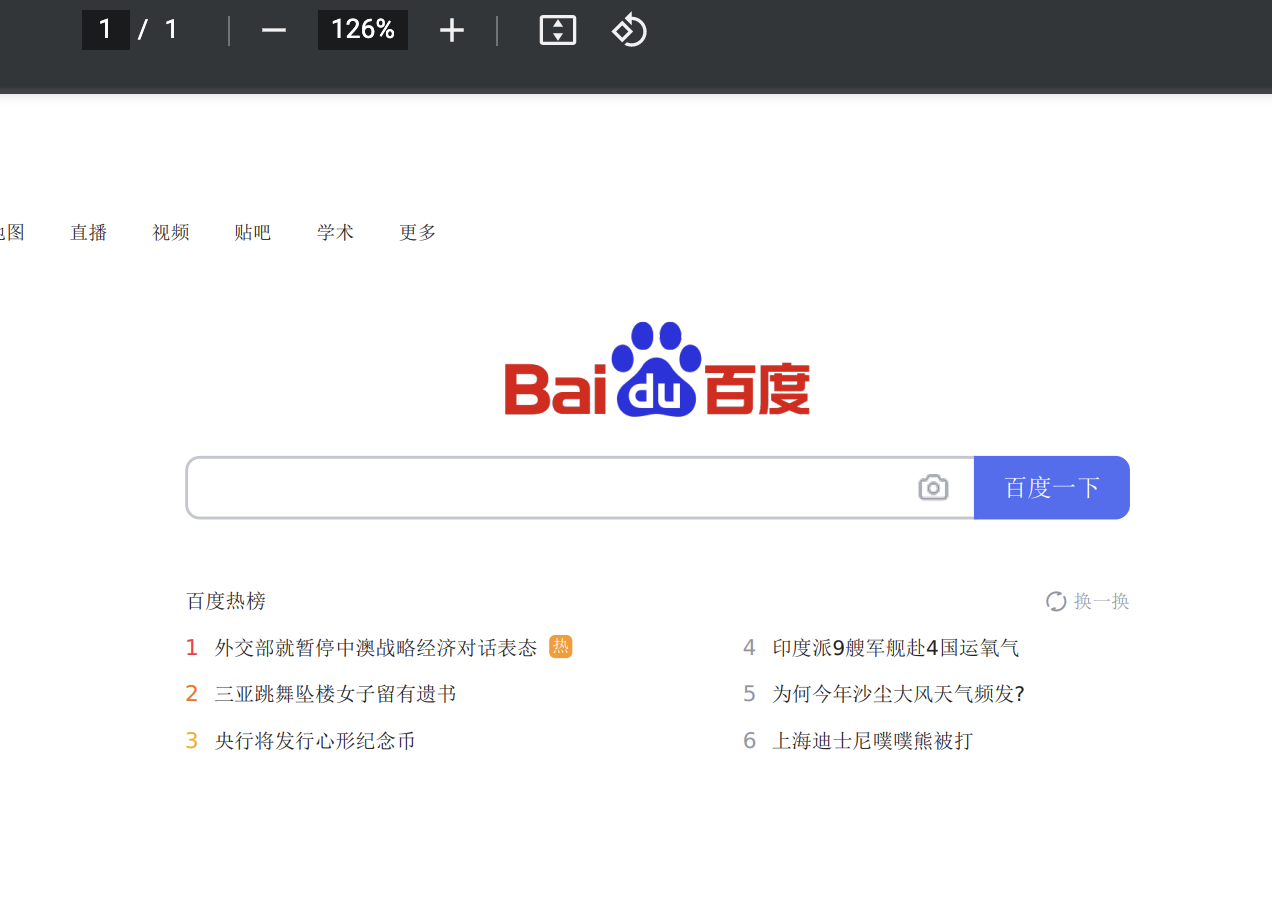
到此wkhtmltopdf安装完毕
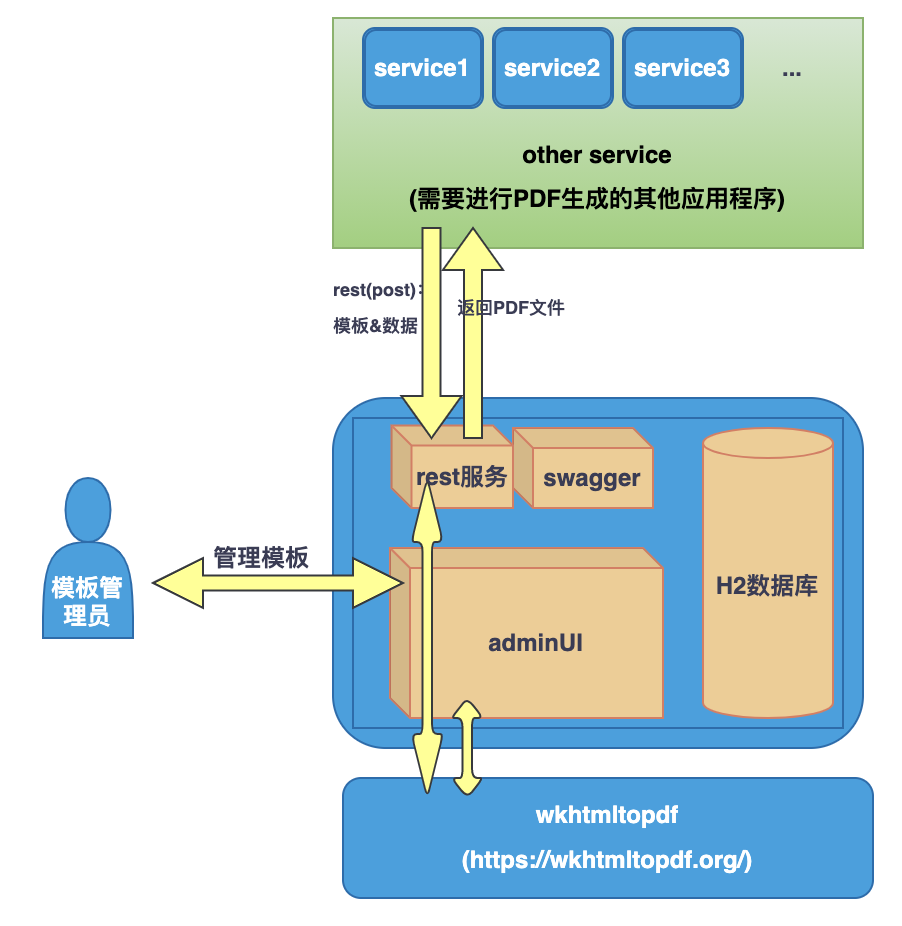
## 二、架构图
beetl模板渲染,wkhtml2pdf根据模板和数据的渲染结果生成pdf文件
## 三、扩展或更改
待补充