https://github.com/healscodes/statustimers
Statustimers for Ashita v4
https://github.com/healscodes/statustimers
addon ashita ffxi
Last synced: 5 months ago
JSON representation
Statustimers for Ashita v4
- Host: GitHub
- URL: https://github.com/healscodes/statustimers
- Owner: HealsCodes
- License: gpl-3.0
- Created: 2022-01-18T11:54:58.000Z (over 4 years ago)
- Default Branch: main
- Last Pushed: 2024-12-21T10:35:41.000Z (over 1 year ago)
- Last Synced: 2025-05-26T18:50:53.175Z (about 1 year ago)
- Topics: addon, ashita, ffxi
- Language: Lua
- Homepage:
- Size: 38 MB
- Stars: 13
- Watchers: 4
- Forks: 2
- Open Issues: 2
-
Metadata Files:
- Readme: README.md
- License: LICENSE
Awesome Lists containing this project
README
# # Statustimers for Ashita v4
This addon provides a configurable replacement for the in-game status icons in FFXI for use with Ashita v4.
### Current Features:
- full replacement for XI's status effects UI with free placement

- see your own status effects as well as targeted party members and sub-targets
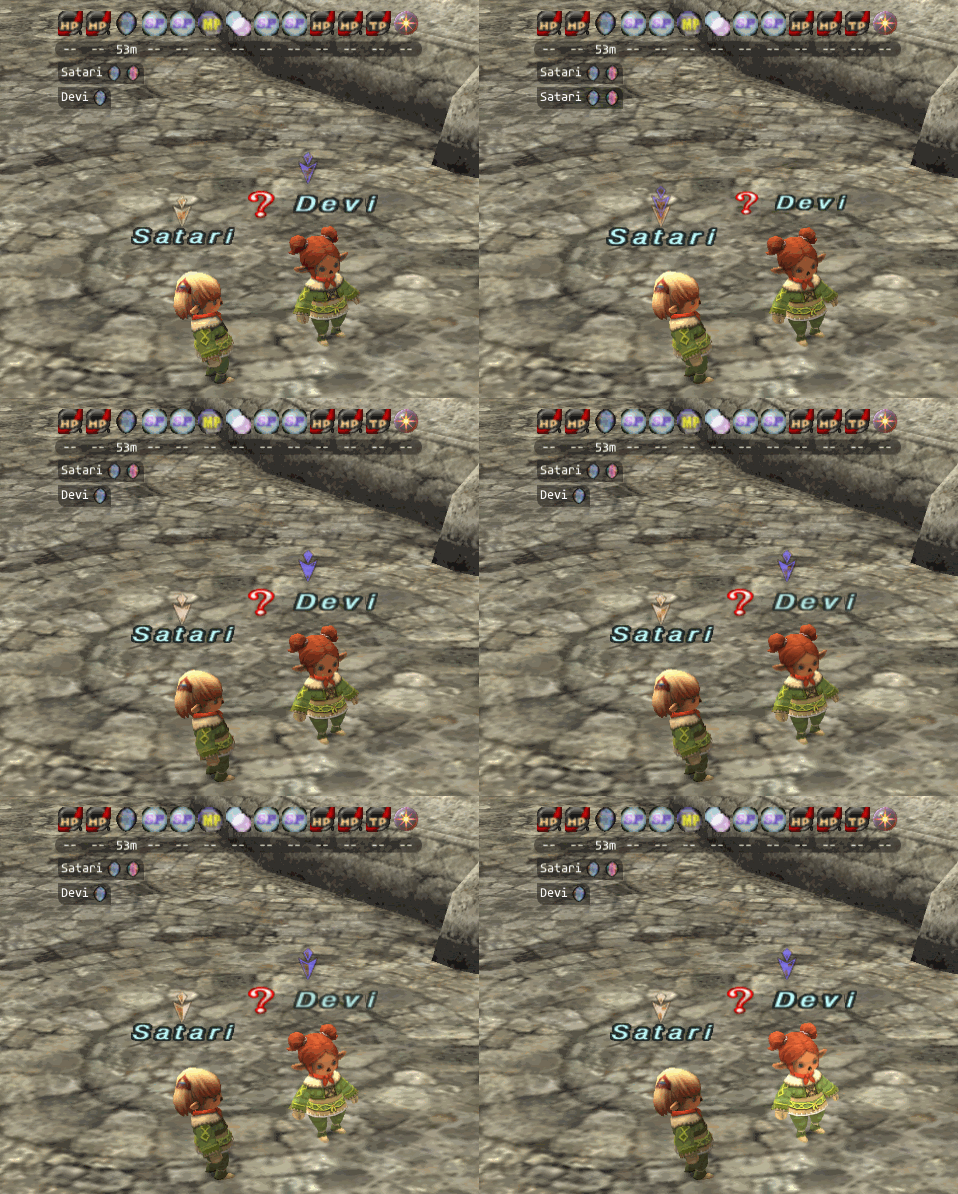
- lock to a specific target member to always see their status regardless of target / sub-target

- show target, subtarget and locked target as part of the main window or in separate, movable windows

- tooltips for all status effects

- easily clear any cancellable effect with a mouse click

- complete in-game configuration UI

- support for custom icon sizes from 14x14 to 256x256

- support for custom icon themes as png, jpg or bmp files

- configurable text and background colours

- visual aid swatches for the remaining effect duration

- black- or whitelist filter mode to control which effects show swatches

### Commands:
- `/statustimers` or `/stt` - open the configuration UI
- `/lockstatus name` - set party member 'name' as locked status target
- `/unlockstatus` - clear the current locked status target
### NOTE:
> The configuration files for statustimers operate per-character and are not meant to be edited manually.
> Use the settings icon on the main timers window or the `/statustimers` command to open the settings ui.
## # Theming Support
statustimers supports custom (non DAT) themes, for details see _addons\statustimers\themes\README.md_