https://github.com/hect1k/cpig
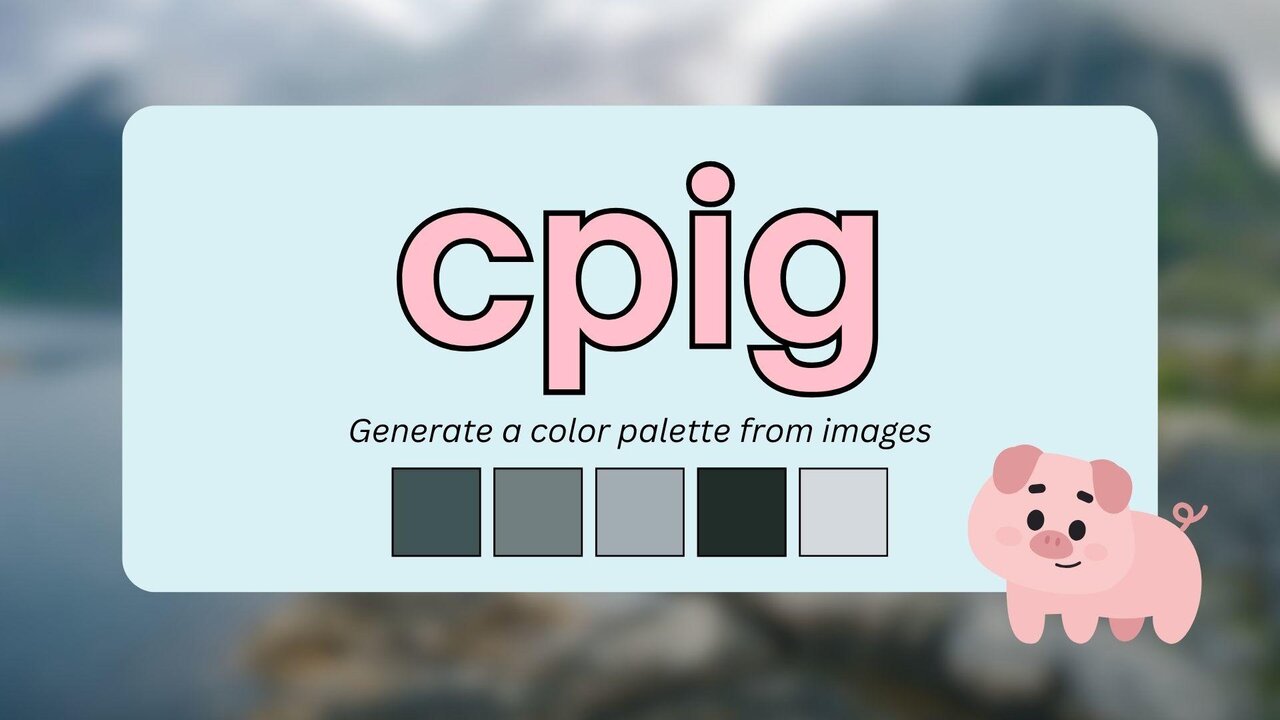
CPIG is a simple C-based program designed to generate a color palette from an image file.
https://github.com/hect1k/cpig
c image-processing open-source
Last synced: 9 months ago
JSON representation
CPIG is a simple C-based program designed to generate a color palette from an image file.
- Host: GitHub
- URL: https://github.com/hect1k/cpig
- Owner: hect1k
- License: gpl-3.0
- Created: 2024-12-08T09:24:56.000Z (over 1 year ago)
- Default Branch: master
- Last Pushed: 2025-03-25T04:52:40.000Z (about 1 year ago)
- Last Synced: 2025-07-19T18:24:25.547Z (11 months ago)
- Topics: c, image-processing, open-source
- Language: C++
- Homepage:
- Size: 108 KB
- Stars: 0
- Watchers: 1
- Forks: 1
- Open Issues: 0
-
Metadata Files:
- Readme: README.md
- Contributing: CONTRIBUTING.md
- License: LICENSE
- Code of conduct: CODE_OF_CONDUCT.md
Awesome Lists containing this project
README
# CPIG - Color Palette Inference Generator
`cpig` is a simple C-based program designed to generate a color palette from an image file. It uses the K-means clustering algorithm to extract dominant colors from an image and saves them in a specified format. This tool can be useful for designers, developers, and anyone who wants to create a color palette based on an image.
## Table of Contents
- [Features](#features)
- [Getting Started](#getting-started)
- [Prerequisites](#prerequisites)
- [Installation](#installation)
- [Building](#building)
- [Running the Program](#running-the-program)
- [Usage](#usage)
- [Command-Line Arguments](#command-line-arguments)
- [Example Usage](#example-usage)
- [To-Do](#todo)
- [License](#license)
- [Contributing](#contributing)
## Features
- Extracts a user-defined number of dominant colors from an image.
- Outputs the extracted palette in hexadecimal color format.
- Supports various image formats (JPEG, PNG, etc.).
- Can save the generated palette to a text file.
## Getting Started
### Prerequisites
- C Compiler (GCC or compatible)
- [STB Image](https://github.com/nothings/stb) library to load images
- `make` for building the project
### Installation
1. Clone the repository to your local machine:
```bash
git clone https://github.com/hect1k/cpig.git
cd cpig
```
2. Install the necessary dependencies (STB Image library is included with the project):
No external dependencies are required aside from a C compiler.
### Building
To build the project, run the following command in the terminal:
```bash
make clean install
```
This will compile the project and generate the `cpig` binary.
### Running the Program
After building the program, you can run it using the following command:
```bash
./cpig image_path [options]
Options:
-c, --colors Number of colors in the palette (default: 5)
-v, --verbose Enable verbose output
-h, --help Print this help message
```
## Usage
### Command-Line Arguments
- `image_file`: The path to the image file from which you want to extract the color palette.
- `--colors ` or `-c `: Specify the number of colors to extract (default: 5).
- `--verbose` or `-v`: Enable verbose output.
- `--help` or `-h`: Print this help message.
### Example Usage
1. **Generate a palette with the default settings (5 colors) and print it to the console:**
```bash
./cpig input.jpg
```
2. **Generate a palette with 6 colors:**
```bash
./cpig input.jpg --colors 6
```
3. **Generate a palette with 10 colors and enable verbose output:**
```bash
./cpig input.jpg -c 10 -v
```
The generated palette will be in hexadecimal format, like:
```txt
#A1B2C3
#D4E5F6
#F1F2F3
...
```
### Notes
- The program uses the K-means clustering algorithm to determine the most prominent colors in the image. The number of colors specified is the number of clusters in the K-means algorithm.
- The program automatically uses the `stb_image` library to load various image formats, including `.jpg`, `.png`, and `.bmp`.
## TODO
- [ ] Optimize color generation.
- [ ] Add support for multiple output formats.
- [ ] Add support for image types.
## License
This project is licensed under the GNU General Public License v3 - see the [LICENSE](LICENSE.md) file for details.
## Contributing
We welcome contributions from the community! Please read our [Contribution Guidelines](CONTRIBUTING.md) for details on how to get started.
## Code of Conduct
We maintain a [Code of Conduct](CODE_OF_CONDUCT.md) to ensure a welcoming and inclusive environment for all contributors and users.