https://github.com/hkm5558/kmcornershadow
设置圆角和阴影同时显示
https://github.com/hkm5558/kmcornershadow
cocoapods corner cornerradius ios shadow swift
Last synced: 9 months ago
JSON representation
设置圆角和阴影同时显示
- Host: GitHub
- URL: https://github.com/hkm5558/kmcornershadow
- Owner: hkm5558
- License: mit
- Created: 2019-05-10T07:42:41.000Z (about 7 years ago)
- Default Branch: master
- Last Pushed: 2020-12-07T03:34:17.000Z (over 5 years ago)
- Last Synced: 2025-09-03T08:49:16.715Z (10 months ago)
- Topics: cocoapods, corner, cornerradius, ios, shadow, swift
- Language: Swift
- Homepage:
- Size: 2.57 MB
- Stars: 6
- Watchers: 1
- Forks: 1
- Open Issues: 0
-
Metadata Files:
- Readme: README.md
- License: LICENSE
Awesome Lists containing this project
README
# KMCornerShadow
 [](https://travis-ci.org/km/KMCornerShadow) [](https://cocoapods.org/pods/KMCornerShadow) [](https://cocoapods.org/pods/KMCornerShadow) [](https://cocoapods.org/pods/KMCornerShadow)
[](https://travis-ci.org/km/KMCornerShadow) [](https://cocoapods.org/pods/KMCornerShadow) [](https://cocoapods.org/pods/KMCornerShadow) [](https://cocoapods.org/pods/KMCornerShadow)
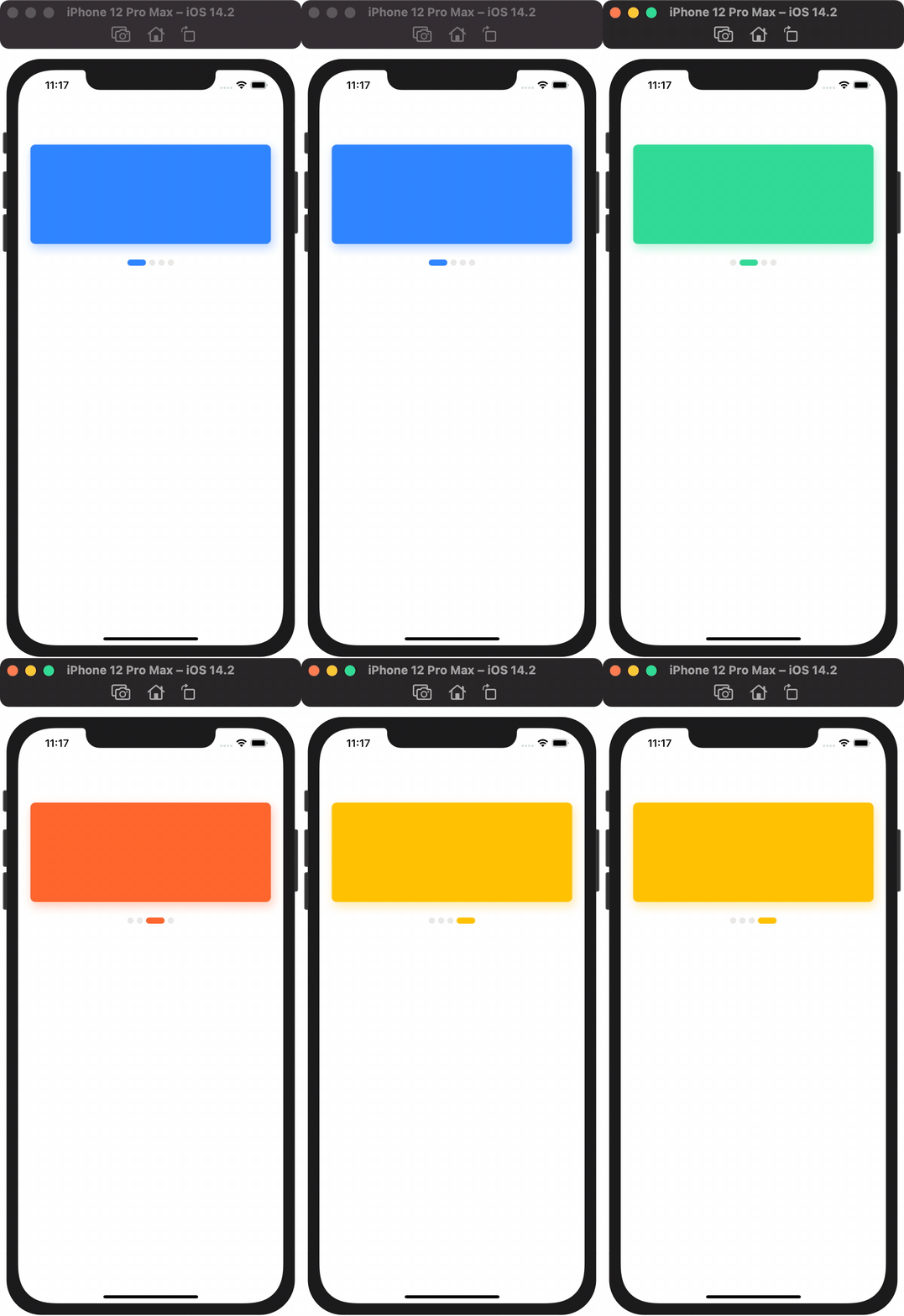
设置圆角和阴影同时显示
## Gif
## Installation with CocoaPods
[CocoaPods](http://cocoapods.org) is a dependency manager for Swift and Objective-C Cocoa projects, which automates and simplifies the process of using 3rd-party libraries. You can install it with the following command:
```bash
$ gem install cocoapods
```
#### Podfile
To integrate KMCornerShadow into your Xcode project using CocoaPods, specify it in your `Podfile`:
In your Podfile
>`pod 'KMCornerShadow', '~> 0.0.2'`
Then, run the following command:
```bash
$ pod install
```
## Example
To run the example project, clone the repo, and run `pod install` from the Example directory first.
## Requirements
This library requires `iOS 9.0+`
## Author
hkm5558, szhuangkm@163.com
## License
KMCornerShadow is available under the MIT license. See the LICENSE file for more info.