https://github.com/hlysine/readable-regexp
Regular Expressions - quick and concise, readable and composable.
https://github.com/hlysine/readable-regexp
readable regex regexp regular-expression regular-expressions typescript
Last synced: 2 months ago
JSON representation
Regular Expressions - quick and concise, readable and composable.
- Host: GitHub
- URL: https://github.com/hlysine/readable-regexp
- Owner: hlysine
- License: mit
- Created: 2022-07-19T07:54:47.000Z (almost 4 years ago)
- Default Branch: main
- Last Pushed: 2023-09-10T02:44:14.000Z (almost 3 years ago)
- Last Synced: 2025-01-19T23:23:28.552Z (over 1 year ago)
- Topics: readable, regex, regexp, regular-expression, regular-expressions, typescript
- Language: TypeScript
- Homepage: https://hlysine.gitbook.io/readable-regexp/
- Size: 732 KB
- Stars: 2
- Watchers: 1
- Forks: 0
- Open Issues: 0
-
Metadata Files:
- Readme: README.md
- Changelog: CHANGELOG.md
- License: LICENSE
Awesome Lists containing this project
README
readable-regexp
[](https://github.com/hlysine/readable-regexp/actions/workflows/main.yml)
[](https://coveralls.io/github/hlysine/readable-regexp?branch=main)
[](https://www.typescriptlang.org/)
[](https://www.npmjs.com/package/readable-regexp)
[](https://www.npmjs.com/package/readable-regexp)
[](https://www.npmjs.com/package/readable-regexp)
Regular Expressions - quick and concise, readable and composable.
[](https://hlysine.gitbook.io/readable-regexp/)
Features • Installation • Quick Start / Documentation
## Features
### 📖 Readable
Be explicit and extract common pieces
Click to see examples
--------------------------------
Compare a readable-regexp expression:
```js
const num = capture.oneOf(
oneOrMore.digit, // integer
zeroOrMore.digit.exactly`.`.oneOrMore.digit // decimal
);
const regExp = match(num).exactly`,`.maybe` `.match(num).toRegExp(Flag.Global); // num is used twice here
```
With normal JS RegExp:
```js
const regExp = /(\d+|\d*\.\d+), ?(\d+|\d*\.\d+)/g; // we have to copy-paste the capture group
```
In a more complex use case, we can destructure the expression into manageable small parts:
```js
const allowedChar = notCharIn`<>()[]\\\\` `.,;:@"` (whitespace);
const username =
oneOrMore.match(allowedChar)
.zeroOrMore(
exactly`.`
.oneOrMore.match(allowedChar)
);
const quotedString =
exactly`"`
.oneOrMore.char
.exactly`"`;
const ipv4Address =
exactly`[`
.repeat(1, 3).digit
.exactly`.`
.repeat(1, 3).digit
.exactly`.`
.repeat(1, 3).digit
.exactly`.`
.repeat(1, 3).digit
.exactly`]`;
const domainName =
oneOrMore(
oneOrMore.charIn`a-z` `A-Z` `0-9` `-`
.exactly`.`
)
.atLeast(2).charIn`a-z` `A-Z`;
const email =
lineStart
.capture.oneOf(username, quotedString)
.exactly`@`
.capture.oneOf(ipv4Address, domainName)
.lineEnd
.toRegExp();
```
This is far more readable and debuggable than the equivalent RegExp:
```js
const email =
/^([^<>()[\]\\.,;:@"\s]+(?:\.[^<>()[\]\\.,;:@"\s]+)*|".+")@(\[\d{1,3}\.\d{1,3}\.\d{1,3}\.\d{1,3}\]|(?:[a-zA-Z0-9\-]+\.)+[a-zA-Z]{2,})$/;
```
--------------------------------
### 📐 Flexible and Concise
Multiple shorthands and syntax options
Click to see examples
--------------------------------
Without all the shorthands, an expression looks like this:
```js
const regExp = exactly('[')
.captureAs('timestamp')(oneOrMore(not(charIn(']'))))
.exactly('] ')
.captureAs('category')(oneOrMore(word).exactly('-').oneOrMore(word))
.exactly(': ')
.captureAs('message')(oneOrMore(char))
.toRegExp('gm');
```
Whenever a function takes a single string literal, you can use a tagged template literal to remove the brackets:
```js
const regExp = exactly`[`
.captureAs`timestamp`(oneOrMore(not(charIn`]`)))
.exactly`] `
.captureAs`category`(oneOrMore(word).exactly`-`.oneOrMore(word))
.exactly`: `
.captureAs`message`(oneOrMore(char))
.toRegExp`gm`;
```
When there is only one token in a quantifier or group, you can chain it with `.` instead of using a bracket:
```js
const regExp = exactly`[`
.captureAs`timestamp`.oneOrMore.not.charIn`]`
.exactly`] `
.captureAs`category`(oneOrMore.word.exactly`-`.oneOrMore.word)
.exactly`: `
.captureAs`message`.oneOrMore.char
.toRegExp`gm`;
```
There are shorthands for negating a character class or a lookaround:
```js
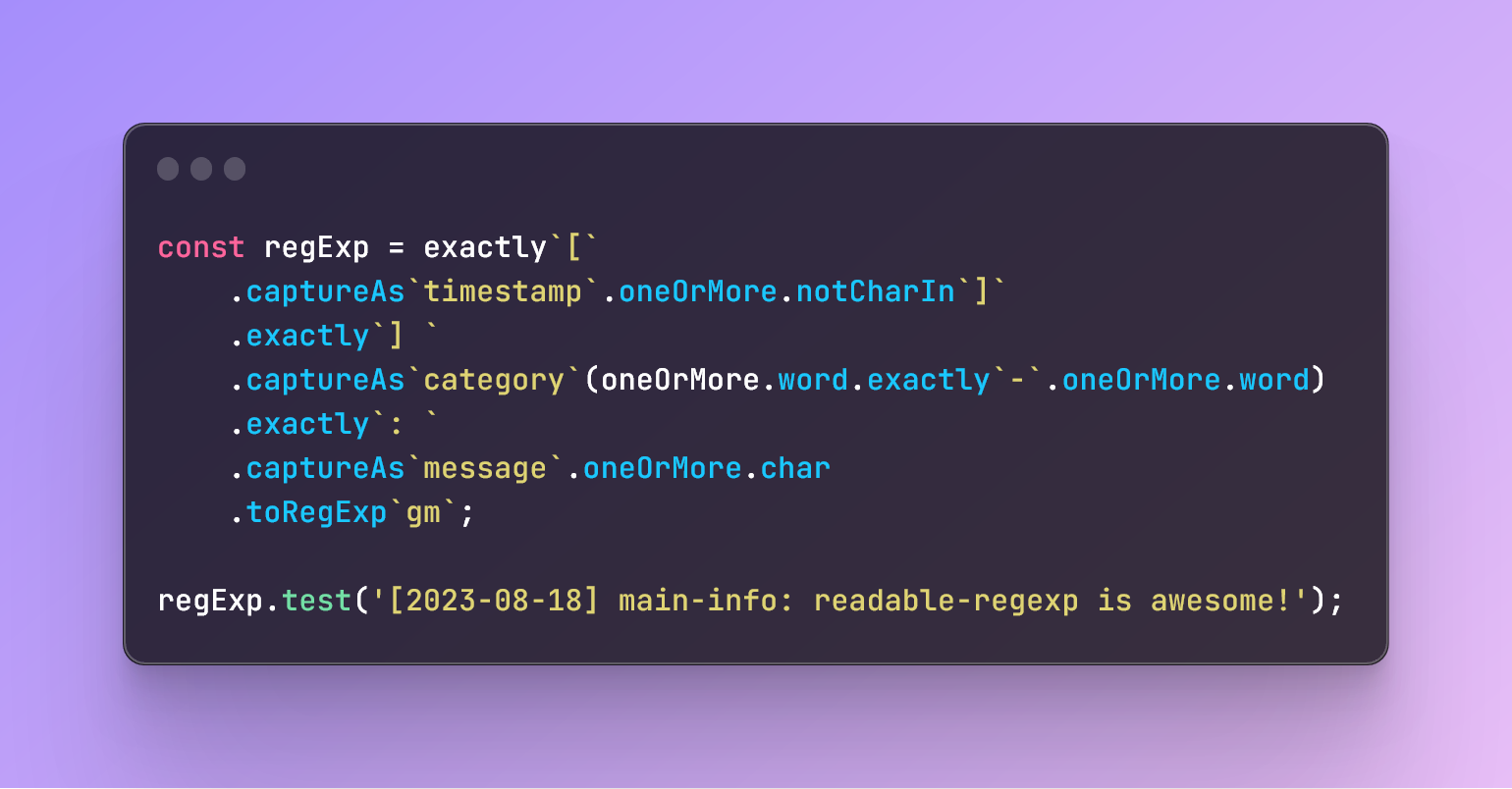
const regExp = exactly`[`
.captureAs`timestamp`.oneOrMore.notCharIn`]`
.exactly`] `
.captureAs`category`(oneOrMore.word.exactly`-`.oneOrMore.word)
.exactly`: `
.captureAs`message`.oneOrMore.char
.toRegExp`gm`;
```
As you can see, most of the distracting brackets are gone, and you are left with a clean and concise expression.
--------------------------------
### 🛟 Safe
Type check, auto-complete, and runtime safeguards
Click to see examples
--------------------------------
Some errors can be avoided just by writing in readable-regexp:
```js
const o = 'Ȯ'; // 0x022e
const result1 = /\u22e/.test(n);
// false
const result2 = unicode`22e`.toRegExp().test(n);
// true
// '22e' is automatically fixed to be '\u022e'
```
Some errors can be caught by TypeScript at compile time:
**(Not working at the moment. These errors will either be thrown at runtime or be handled by readable-regexp to produce reasonable RegExp.)**
```js
// @ts-expect-error - You cannot use two quantifiers on one token
const regExp = oneOrMore.zeroOrMore`foo`;
```
```js
// @ts-expect-error - char is not negatable, because it matches nothing
const regExp = oneOrMore.not.char;
```
```js
// @ts-expect-error - k is not a valid flag
const regExp = char.toRegExp('gki');
```
Some can be caught at run time:
```js
const result1 = /(foo)\2/.test('foofoo');
// false
const result2 = capture`foo`.ref(2).toRegExp().test('foofoo');
// Error: The following backreferences are not defined: 2
```
--------------------------------
## Installation
### With a package manager
```bash
npm install readable-regexp
yarn add readable-regexp
```
```js
import { oneOrMore, exactly } from 'readable-regexp';
const { oneOrMore, exactly } = require('readable-regexp');
```
### With a CDN
```html
```
```js
const { oneOrMore, exactly } = readableRegExp;
```
## Quick Start / Documentation
| [**Quick Start**](https://hlysine.gitbook.io/readable-regexp/getting-started/installation) |
|:------------------------------------------------------------------------------------------:|
| [**Documentation**](https://hlysine.gitbook.io/readable-regexp/) |
| [**TypeDoc**](https://hlysine.github.io/readable-regexp/) |